> ## Documentation Index
> Fetch the complete documentation index at: https://docs.scrapegraphai.com/llms.txt
> Use this file to discover all available pages before exploring further.
# User Settings
> Manage your account settings and preferences
## Account Settings
Manage your ScrapeGraphAI account settings, billing, and security from a single place. The settings page is organized into four sections, accessible from the left-hand menu:
* **Profile** — your account details
* **Billing** — subscription, credits, and invoices
* **Security** — password and authentication
* **Danger Zone** — irreversible account actions
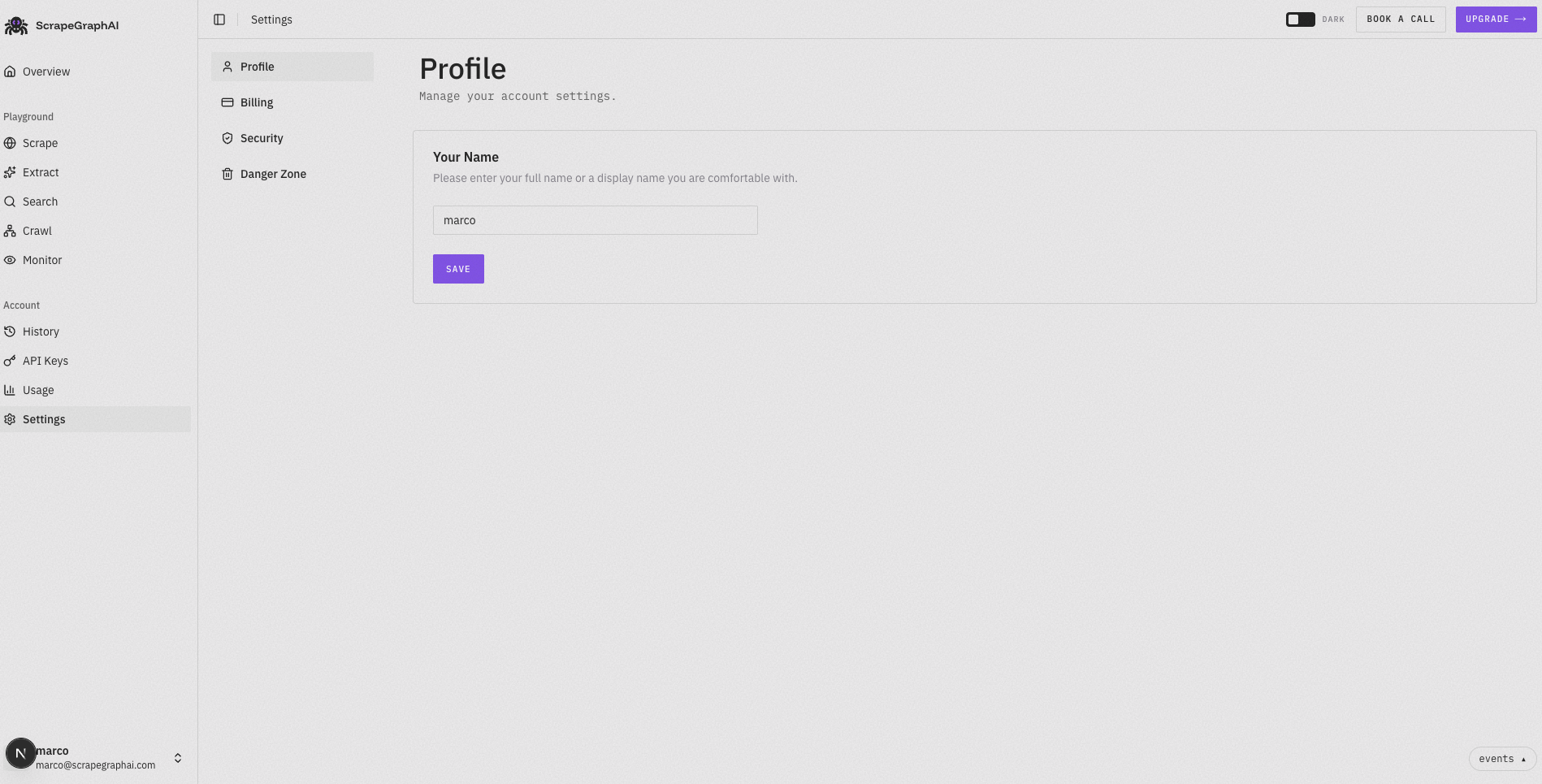 ### Profile
Manage your account details:
* **Your Name** — the display name shown across your account. Update it and click **Save** to apply changes.
### Billing
Manage your subscription and payment methods:
* **Current Plan**
* View your active plan (e.g. **Pro Plan**) and the credits remaining in your balance
* **Upgrade** — move to a higher plan with more features and credits
* **Buy Credits** — purchase additional credits on top of your current plan
* **Auto Top-up**
* When your balance falls below a set threshold (20%), credits are automatically purchased using your saved payment card so your workloads never pause
* Toggle this on or off at any time
* **Invoice History**
* View and download your past payments and invoices
Billing management options are available after purchasing a plan. Free tier users can upgrade at any time to access these features.
Looking for more features? Check out our pricing plans to find the perfect fit for your needs!
### Security
Manage your password and authentication:
* **Password** — change your password to keep your account secure. Click **Change Password** and we'll send a reset link to your inbox.
### Danger Zone
Irreversible actions for your account:
* **Delete Account** — permanently delete your account and all associated data. This action cannot be undone. Your API keys, subscription, and usage history will be permanently removed.
Deleting your account is permanent and cannot be reversed. Make sure to download any invoices or export any data you need before proceeding.
### Profile
Manage your account details:
* **Your Name** — the display name shown across your account. Update it and click **Save** to apply changes.
### Billing
Manage your subscription and payment methods:
* **Current Plan**
* View your active plan (e.g. **Pro Plan**) and the credits remaining in your balance
* **Upgrade** — move to a higher plan with more features and credits
* **Buy Credits** — purchase additional credits on top of your current plan
* **Auto Top-up**
* When your balance falls below a set threshold (20%), credits are automatically purchased using your saved payment card so your workloads never pause
* Toggle this on or off at any time
* **Invoice History**
* View and download your past payments and invoices
Billing management options are available after purchasing a plan. Free tier users can upgrade at any time to access these features.
Looking for more features? Check out our pricing plans to find the perfect fit for your needs!
### Security
Manage your password and authentication:
* **Password** — change your password to keep your account secure. Click **Change Password** and we'll send a reset link to your inbox.
### Danger Zone
Irreversible actions for your account:
* **Delete Account** — permanently delete your account and all associated data. This action cannot be undone. Your API keys, subscription, and usage history will be permanently removed.
Deleting your account is permanent and cannot be reversed. Make sure to download any invoices or export any data you need before proceeding.