# Get crawl status
Source: https://docs.scrapegraphai.com/api-reference/endpoint/crawl/get-status
Poll a running or finished crawl job.
```http theme={null}
GET https://v2-api.scrapegraphai.com/api/crawl/:id
```
Returns progress and lightweight per-page metadata for a crawl job started with [`POST /api/crawl`](/api-reference/endpoint/crawl/start). Use [`GET /api/crawl/:id/pages`](/api-reference/endpoint/crawl/pages) to fetch paginated pages with resolved scrape results.
## Path parameters
The crawl job UUID returned by `POST /api/crawl`.
## Example request
```bash theme={null}
curl -X GET https://v2-api.scrapegraphai.com/api/crawl/79694e03-f2ea-43f2-93cc-7c6fc26f999a \
-H "SGAI-APIKEY: $SGAI_API_KEY"
```
## Example response
```json theme={null}
{
"id": "79694e03-f2ea-43f2-93cc-7c6fc26f999a",
"status": "completed",
"total": 3,
"finished": 1,
"pages": [
{
"url": "https://example.com",
"depth": 0,
"title": "",
"status": "completed",
"parentUrl": null,
"contentType": "text/html",
"links": ["https://iana.org/domains/example"],
"scrapeRefId": "83a911ed-c0bc-4a8c-ad62-8efeeb93f33a"
}
]
}
```
| Field | Description |
| --------------------- | ------------------------------------------------------- |
| `status` | `"running"`, `"completed"`, `"failed"`, or `"stopped"`. |
| `total` / `finished` | Progress counters. |
| `pages[]` | Lightweight per-page metadata, ordered by crawl time. |
| `pages[].scrapeRefId` | UUID of the underlying Scrape call. |
Poll at a reasonable cadence (every 1–5 seconds) until `status` is `"completed"`, `"failed"`, or `"stopped"`. Or use [Monitor](/services/monitor) with a webhook to avoid polling entirely.
## Fetching page content
The status response intentionally stays lightweight for polling. Use [`GET /api/crawl/:id/pages`](/api-reference/endpoint/crawl/pages) to fetch crawl pages with the underlying scrape result resolved into each page:
```bash theme={null}
curl -X GET "https://v2-api.scrapegraphai.com/api/crawl/79694e03-f2ea-43f2-93cc-7c6fc26f999a/pages?limit=50&cursor=0" \
-H "SGAI-APIKEY: $SGAI_API_KEY"
```
The response is `{ data, pagination }`, where each `data[]` item includes crawl metadata and a `scrape` payload when available.
## Related
* Start a job: [`POST /api/crawl`](/api-reference/endpoint/crawl/start)
* Fetch pages: [`GET /api/crawl/:id/pages`](/api-reference/endpoint/crawl/pages)
* Stop / resume / delete: [Manage crawl jobs](/api-reference/endpoint/crawl/manage)
# Manage crawl jobs
Source: https://docs.scrapegraphai.com/api-reference/endpoint/crawl/manage
Stop, resume, and delete running crawl jobs.
Every management endpoint takes the crawl job `id` returned by [`POST /api/crawl`](/api-reference/endpoint/crawl/start). All three return `{ "ok": true }` on success.
## Stop
```http theme={null}
POST https://v2-api.scrapegraphai.com/api/crawl/:id/stop
```
Stops an in-flight crawl. Already-fetched pages remain available; no further URLs will be expanded.
```bash theme={null}
curl -X POST https://v2-api.scrapegraphai.com/api/crawl/79694e03-.../stop \
-H "SGAI-APIKEY: $SGAI_API_KEY"
```
## Resume
```http theme={null}
POST https://v2-api.scrapegraphai.com/api/crawl/:id/resume
```
Resumes a stopped job from its last frontier.
```bash theme={null}
curl -X POST https://v2-api.scrapegraphai.com/api/crawl/79694e03-.../resume \
-H "SGAI-APIKEY: $SGAI_API_KEY"
```
## Delete
```http theme={null}
DELETE https://v2-api.scrapegraphai.com/api/crawl/:id
```
Permanently removes the crawl record and its stored pages. Cannot be undone.
```bash theme={null}
curl -X DELETE https://v2-api.scrapegraphai.com/api/crawl/79694e03-... \
-H "SGAI-APIKEY: $SGAI_API_KEY"
```
## Related
* Start a job: [`POST /api/crawl`](/api-reference/endpoint/crawl/start)
* Poll progress: [`GET /api/crawl/:id`](/api-reference/endpoint/crawl/get-status)
* Service overview: [Crawl](/services/crawl)
# Get crawl pages
Source: https://docs.scrapegraphai.com/api-reference/endpoint/crawl/pages
Fetch paginated crawl pages with resolved scrape results.
```http theme={null}
GET https://v2-api.scrapegraphai.com/api/crawl/:id/pages
```
Returns a cursor-paginated slice of crawl pages for a job started with [`POST /api/crawl`](/api-reference/endpoint/crawl/start). Each returned page includes its lightweight crawl metadata and, when available, the resolved `scrape` result for that page.
Use this endpoint for page content. Keep [`GET /api/crawl/:id`](/api-reference/endpoint/crawl/get-status) for lightweight status polling.
## Path parameters
The crawl job UUID returned by `POST /api/crawl`.
## Query parameters
Number of crawl pages to return in this response. Minimum `1`, maximum `100`.
Zero-based index cursor. `0` starts at the first crawl page. Use the `pagination.nextCursor` value from the previous response to fetch the next slice.
### Pagination behavior
`limit` controls the page size. If you omit it, the API returns up to `50` crawl pages. `cursor` is an index into the ordered crawl page list, not an opaque token. For example:
```bash theme={null}
# First 50 crawl pages
curl -X GET "https://v2-api.scrapegraphai.com/api/crawl/:id/pages?limit=50&cursor=0" \
-H "SGAI-APIKEY: $SGAI_API_KEY"
# If the response returns "nextCursor": "50", fetch the next 50
curl -X GET "https://v2-api.scrapegraphai.com/api/crawl/:id/pages?limit=50&cursor=50" \
-H "SGAI-APIKEY: $SGAI_API_KEY"
```
When `pagination.nextCursor` is `null`, there are no more crawl pages to fetch.
## Example request
```bash theme={null}
curl -X GET "https://v2-api.scrapegraphai.com/api/crawl/79694e03-f2ea-43f2-93cc-7c6fc26f999a/pages?limit=50&cursor=0" \
-H "SGAI-APIKEY: $SGAI_API_KEY"
```
## Example response
```json theme={null}
{
"data": [
{
"url": "https://example.com",
"depth": 0,
"title": "",
"status": "completed",
"parentUrl": null,
"contentType": "text/html",
"links": ["https://iana.org/domains/example"],
"scrapeRefId": "83a911ed-c0bc-4a8c-ad62-8efeeb93f33a",
"scrape": {
"results": {
"markdown": {
"data": ["# Example Domain\n\nThis domain is for use in illustrative examples..."]
}
},
"metadata": {
"contentType": "text/html"
}
}
}
],
"pagination": {
"limit": 50,
"nextCursor": null
}
}
```
| Field | Description |
| ----------------------- | ----------------------------------------------------------------------------------------------------- |
| `data[]` | Ordered crawl pages for this slice. |
| `data[].scrapeRefId` | UUID of the underlying Scrape request. |
| `data[].scrape` | Resolved Scrape response for the page, when the page has a `scrapeRefId` and the result is available. |
| `pagination.limit` | Echo of the requested page size. |
| `pagination.nextCursor` | Cursor for the next request, or `null` when there are no more pages. |
`scrape` is resolved by default. There is no `expand` or `populate` query parameter. If you only need one page's underlying Scrape request, you can also fetch `data[].scrapeRefId` with [`GET /api/history/:id`](/api-reference/endpoint/history).
## Related
* Start a job: [`POST /api/crawl`](/api-reference/endpoint/crawl/start)
* Poll status: [`GET /api/crawl/:id`](/api-reference/endpoint/crawl/get-status)
* Fetch one underlying scrape: [`GET /api/history/:id`](/api-reference/endpoint/history)
* Stop / resume / delete: [Manage crawl jobs](/api-reference/endpoint/crawl/manage)
# Start crawl
Source: https://docs.scrapegraphai.com/api-reference/endpoint/crawl/start
Kick off an async multi-page crawl and return a job id.
```http theme={null}
POST https://v2-api.scrapegraphai.com/api/crawl
```
Starts an asynchronous crawl. The response returns a job `id` immediately; poll [`GET /api/crawl/:id`](/api-reference/endpoint/crawl/get-status), fetch page content with [`GET /api/crawl/:id/pages`](/api-reference/endpoint/crawl/pages), or manage the job via the [control endpoints](/api-reference/endpoint/crawl/manage).
## Request body
Starting URL to crawl.
Output formats captured for each crawled page. Same shape as the [Scrape `formats` array](/api-reference/endpoint/scrape#request-body).
Maximum number of pages to crawl.
How many levels of links to follow from the starting URL.
Cap on links expanded per page.
Glob-style URL patterns to include, e.g. `["/blog/*"]`.
Glob-style URL patterns to exclude, e.g. `["/admin/*"]`.
Fetch-time options applied to every page. See the [Scrape endpoint](/api-reference/endpoint/scrape#request-body).
## Example request
```bash theme={null}
curl -X POST https://v2-api.scrapegraphai.com/api/crawl \
-H "SGAI-APIKEY: $SGAI_API_KEY" \
-H "Content-Type: application/json" \
-d '{
"url": "https://scrapegraphai.com/",
"formats": [{ "type": "markdown" }],
"maxPages": 5,
"maxDepth": 2,
"includePatterns": ["/blog/*"],
"excludePatterns": ["/admin/*"]
}'
```
## Example response
```json theme={null}
{
"id": "79694e03-f2ea-43f2-93cc-7c6fc26f999a",
"status": "running",
"total": 3,
"finished": 0,
"pages": []
}
```
| Field | Description |
| ---------- | ------------------------------------------------------------------------ |
| `id` | Crawl job identifier used on every follow-up endpoint. |
| `status` | Lifecycle state: `"running"`, `"completed"`, `"failed"`, or `"stopped"`. |
| `total` | Total pages the crawler expects to process so far. |
| `finished` | Pages completed. |
| `pages` | Per-page results (empty until the job makes progress). |
## Related
* Poll progress: [`GET /api/crawl/:id`](/api-reference/endpoint/crawl/get-status)
* Fetch pages: [`GET /api/crawl/:id/pages`](/api-reference/endpoint/crawl/pages)
* Stop, resume, or delete: [Manage crawl jobs](/api-reference/endpoint/crawl/manage)
* Service overview: [Crawl](/services/crawl)
# Credits
Source: https://docs.scrapegraphai.com/api-reference/endpoint/credits
Check remaining credits, plan, and job quotas.
```http theme={null}
GET https://v2-api.scrapegraphai.com/api/credits
```
Returns the current account balance, active plan, and per-job-type quotas (crawl, monitor).
## Example request
```bash theme={null}
curl -X GET https://v2-api.scrapegraphai.com/api/credits \
-H "SGAI-APIKEY: $SGAI_API_KEY"
```
## Example response
```json theme={null}
{
"remaining": 750000,
"used": 287,
"plan": "Pro Plan",
"jobs": {
"crawl": { "used": 0, "limit": 50 },
"monitor": { "used": 0, "limit": 100 }
}
}
```
| Field | Description |
| ------------------------------ | ------------------------------------------------------------------------------------------- |
| `remaining` | Credits available for request-based endpoints (`scrape`, `extract`, `search`, crawl pages). |
| `used` | Credits consumed in the current billing cycle. |
| `plan` | Active subscription plan name. |
| `jobs.crawl.used` / `.limit` | Concurrent crawl jobs active vs. plan cap. |
| `jobs.monitor.used` / `.limit` | Active monitors vs. plan cap. |
This is the quickest way to verify your API key is healthy — the call costs no credits and returns `200` on success.
## Credit costs
| Endpoint | Cost |
| --------- | --------------------------------------------------------------------------------------------- |
| `scrape` | Per-format base cost + `+5` with `stealth` |
| `extract` | `5` + `+5` with `stealth` |
| `search` | `2/result` (no prompt) or `5/result` (with prompt), times `numResults`, + `+5` with `stealth` |
| `crawl` | `2` startup + per-page scrape cost |
| `monitor` | Per-format base cost + `+5` on change detected |
See [pricing](https://scrapegraphai.com/pricing) for the full breakdown.
# Extract
Source: https://docs.scrapegraphai.com/api-reference/endpoint/extract
Natural-language structured extraction from a URL, HTML, or markdown.
```http theme={null}
POST https://v2-api.scrapegraphai.com/api/extract
```
Replaces the v1 `smartscraper` endpoint. Provide a prompt (and optionally a JSON schema) and get typed JSON back — no selectors or post-processing needed.
## Request body
Exactly one of `url`, `html`, or `markdown` must be supplied as the source.
URL of the page to extract from.
Raw HTML content to extract from (max 2 MB).
Markdown content to extract from (max 2 MB).
Natural-language description of what to extract.
JSON schema describing the desired output shape. When provided, the LLM is constrained to match it.
HTML pre-processing mode: `"normal"`, `"reader"`, or `"prune"`.
Optional non-empty MIME allowlist for URL input. Omit it to allow every supported type; `"all"` and `"*"` are not accepted.
Optional processing configuration for URL input. Omit this field to use the 25-page PDF cap. You
may also send `{"type":"pdf"}` and omit `maxPages`; it defaults to `25`. Set `maxPages` only to
override the default, using `1`–`500`, or `-1` for no page limit. PDF processing costs 1 credit
per page actually processed. See [Configure PDF page
limits](/services/scrape#configure-pdf-page-limits) for examples.
Fetch-time options. See the [Scrape endpoint](/api-reference/endpoint/scrape#request-body) for the full field list (`mode`, `stealth`, `headers`, `cookies`, `scrolls`, `wait`, `timeout`, `country`). Ignored when `html` or `markdown` is supplied.
## Example request
```bash theme={null}
curl -X POST https://v2-api.scrapegraphai.com/api/extract \
-H "SGAI-APIKEY: $SGAI_API_KEY" \
-H "Content-Type: application/json" \
-d '{
"url": "https://example.com",
"prompt": "What is the title of this page?"
}'
```
## Example response
```json theme={null}
{
"id": "8c34fc03-17be-4fcc-a7ce-6ebcab23ad43",
"raw": null,
"json": {
"title": "Example Domain"
},
"usage": {
"promptTokens": 361,
"completionTokens": 92
},
"metadata": {
"chunker": { "chunks": [{ "size": 33 }] },
"fetch": {}
}
}
```
| Field | Description |
| ----------------------------------------------- | ------------------------------------------------------------------------------------- |
| `id` | UUID for this extract call. |
| `json` | Structured output matching the schema (or free-form JSON when no schema is supplied). |
| `raw` | Raw model output before JSON parsing, when available. |
| `usage.promptTokens` / `usage.completionTokens` | LLM token accounting. |
| `metadata.chunker` | How the source content was split before extraction. |
| `metadata.fetch` | Fetch diagnostics (populated when the page was fetched by the API). |
## With a schema
```bash theme={null}
curl -X POST https://v2-api.scrapegraphai.com/api/extract \
-H "SGAI-APIKEY: $SGAI_API_KEY" \
-H "Content-Type: application/json" \
-d '{
"url": "https://example.com",
"prompt": "Extract the page title and description",
"schema": {
"type": "object",
"properties": {
"title": { "type": "string" },
"description": { "type": "string" }
},
"required": ["title"]
}
}'
```
## Extract from HTML or markdown
```bash theme={null}
curl -X POST https://v2-api.scrapegraphai.com/api/extract \
-H "SGAI-APIKEY: $SGAI_API_KEY" \
-H "Content-Type: application/json" \
-d '{
"html": "Widget
$9.99
",
"prompt": "Extract product name and price"
}'
```
## Related
* Service overview: [Extract](/services/extract)
* SDK wrappers: [Python](/sdks/python) · [JavaScript](/sdks/javascript)
# History
Source: https://docs.scrapegraphai.com/api-reference/endpoint/history
Look up past requests by ID, or list recent requests with optional filters.
```http theme={null}
GET https://v2-api.scrapegraphai.com/api/history
GET https://v2-api.scrapegraphai.com/api/history/:id
```
History stores every API call your account makes (scrape, extract, search, monitor ticks, crawl jobs, schema generations) and lets you fetch them back later by ID. For crawl page content, use [`GET /api/crawl/:id/pages`](/api-reference/endpoint/crawl/pages) first; it returns paginated crawl pages with the underlying scrape result resolved into each page. Use History when you need to inspect an individual underlying request by its `scrapeRefId`.
## List history
```http theme={null}
GET https://v2-api.scrapegraphai.com/api/history
```
Returns a paginated list of recent entries, newest first.
### Query parameters
Page number to fetch (1-indexed).
Entries per page.
Filter by service. One of `"scrape"`, `"extract"`, `"search"`, `"monitor"`, `"crawl"`, `"schema"`.
Filter by session ID using a case-insensitive partial match. For example, `sessionId=import` matches `import-2026-09-15`.
### Example request
```bash theme={null}
curl -X GET "https://v2-api.scrapegraphai.com/api/history?service=scrape&sessionId=import&limit=5" \
-H "SGAI-APIKEY: $SGAI_API_KEY"
```
### Example response
```json theme={null}
{
"data": [
{
"id": "9701fc04-23de-4684-a48f-7e8fa287550b",
"userId": "4406e370-2405-4927-b7b3-b85c0a769b63",
"sessionId": "import-2026-09-15",
"service": "scrape",
"status": "completed",
"params": {
"url": "https://scrapegraphai.com/",
"formats": [{ "mode": "normal", "type": "markdown" }]
},
"result": {
"results": { "markdown": { "data": ["# ScrapeGraphAI..."] } },
"metadata": { "contentType": "text/html" }
},
"error": null,
"elapsedMs": 533,
"requestParentId": "06aa21dd-9a3a-417b-b2dd-0cd0943b7ded",
"createdAt": "2026-04-28T09:00:02.907Z"
}
],
"pagination": { "page": 1, "limit": 5, "total": 178 }
}
```
| Field | Description |
| ---------------------------- | -------------------------------------------------------------------------------- |
| `data[]` | Ordered list of history entries (newest first). See [Entry shape](#entry-shape). |
| `pagination.page` / `.limit` | Echo of the request's `page` and `limit`. |
| `pagination.total` | Total entry count matching the filter (across all pages). |
## Get one entry
```http theme={null}
GET https://v2-api.scrapegraphai.com/api/history/:id
```
Returns the full record for a single request — including the full `result` payload (markdown, HTML, JSON extraction, screenshots, etc.).
### Path parameters
The UUID of a request. This is the same UUID returned by the originating endpoint:
* From `POST /api/scrape` → top-level `id`
* From `POST /api/extract` → top-level `id`
* From `POST /api/search` → top-level `id`
* From `GET /api/crawl/:id` → each `pages[].scrapeRefId`
* From `GET /api/monitor/:cronId/activity` → each `ticks[].id`
### Example request
```bash theme={null}
curl -X GET https://v2-api.scrapegraphai.com/api/history/9701fc04-23de-4684-a48f-7e8fa287550b \
-H "SGAI-APIKEY: $SGAI_API_KEY"
```
### Example response
```json theme={null}
{
"id": "9701fc04-23de-4684-a48f-7e8fa287550b",
"userId": "4406e370-2405-4927-b7b3-b85c0a769b63",
"sessionId": "import-2026-09-15",
"service": "scrape",
"status": "completed",
"params": {
"url": "https://scrapegraphai.com/",
"formats": [{ "mode": "normal", "type": "markdown" }]
},
"result": {
"results": {
"markdown": {
"data": ["# ScrapeGraphAI\n\nThe scraper for the AI Era..."]
}
},
"metadata": { "contentType": "text/html" }
},
"error": null,
"elapsedMs": 533,
"requestParentId": "06aa21dd-9a3a-417b-b2dd-0cd0943b7ded",
"createdAt": "2026-04-28T09:00:02.907Z"
}
```
## Entry shape
Every entry — both in `GET /history` and `GET /history/:id` — has the same shape:
| Field | Description |
| ----------------- | --------------------------------------------------------------------------------------------------------------------------------- |
| `id` | Entry UUID. Same UUID as the originating endpoint returned. |
| `userId` | The account that issued the request. |
| `sessionId` | Optional request session from the `SGAI-Session-Id` header. `null` when the request did not include one. |
| `service` | `"scrape"` \| `"extract"` \| `"search"` \| `"monitor"` \| `"crawl"` \| `"schema"`. |
| `status` | Lifecycle: `"running"` \| `"completed"` \| `"failed"`. |
| `params` | The request body that produced this entry (URL, prompt, formats, etc.). |
| `result` | The full response payload, shaped per the originating endpoint. `null` while running, populated on completion. |
| `error` | Error object if `status === "failed"`, otherwise `null`. |
| `elapsedMs` | How long the request took, in milliseconds. |
| `requestParentId` | If this entry was created as a child of another (e.g. a scrape run by a crawl), the parent's UUID. `null` for top-level requests. |
| `createdAt` | ISO-8601 timestamp. |
## Fetching crawled page content
The canonical pattern: start a crawl, poll until completed, then for each page fetch its scrape result.
```bash theme={null}
# 1. Start the crawl
curl -X POST https://v2-api.scrapegraphai.com/api/crawl \
-H "SGAI-APIKEY: $SGAI_API_KEY" \
-H "SGAI-Session-Id: docs-crawl-1" \
-H "Content-Type: application/json" \
-d '{ "url": "https://example.com", "formats": [{ "type": "markdown" }], "maxPages": 5 }'
# → { "id": "crawl-uuid", "status": "running", ... }
# 2. Poll status until completed
curl -X GET https://v2-api.scrapegraphai.com/api/crawl/crawl-uuid \
-H "SGAI-APIKEY: $SGAI_API_KEY"
# → { "status": "completed", "pages": [{ "url": "...", "scrapeRefId": "page-uuid", ... }] }
# 3. Fetch each page's content via history
curl -X GET https://v2-api.scrapegraphai.com/api/history/page-uuid \
-H "SGAI-APIKEY: $SGAI_API_KEY"
# → { "service": "scrape", "result": { "results": { "markdown": { "data": ["# ..."] } } }, ... }
```
The `requestParentId` on each child scrape entry equals the parent crawl's `id`. Child entries also inherit the crawl request's session ID, so you can list the workflow with:
```bash theme={null}
curl -X GET "https://v2-api.scrapegraphai.com/api/history?service=scrape&sessionId=docs-crawl-1&limit=100" \
-H "SGAI-APIKEY: $SGAI_API_KEY"
```
## Errors
| HTTP | `error.type` | When |
| ----- | ------------------ | ------------------------------------------------------------------------------- |
| `400` | `validation` | Malformed `id`, invalid `service`, or a `sessionId` longer than 128 characters. |
| `404` | `not_found` | The `id` is well-formed but no matching entry exists for this account. |
| `403` | `auth_invalid_key` | The API key is invalid or revoked. |
See [Error handling](/api-reference/errors) for the full envelope.
## Related
* Crawl jobs that produce `scrapeRefId`s: [Get crawl status](/api-reference/endpoint/crawl/get-status)
* Originating endpoints whose `id` you can pass to `GET /history/:id`: [Scrape](/api-reference/endpoint/scrape), [Extract](/api-reference/endpoint/extract), [Search](/api-reference/endpoint/search)
* SDK wrappers: `sgai.history.list()` and `sgai.history.get(id)` — see [JavaScript SDK](/sdks/javascript) and [Python SDK](/sdks/python)
# Create monitor
Source: https://docs.scrapegraphai.com/api-reference/endpoint/monitor/create
Schedule a recurring fetch with change detection.
```http theme={null}
POST https://v2-api.scrapegraphai.com/api/monitor
```
Watches a page on a cron schedule, captures it in the formats you specify, and records change diffs between runs. Optionally ships each tick to a webhook.
## Request body
The URL to monitor.
Human-readable monitor name.
5-field cron expression (e.g. `"*/10 * * * *"`, `"0 9 * * 1"`).
Formats to capture on each tick. Same shape as the [Scrape `formats` array](/api-reference/endpoint/scrape#request-body).
URL that will receive the payload on every tick (POST).
Fetch-time options. See the [Scrape endpoint](/api-reference/endpoint/scrape#request-body).
## Example request
```bash theme={null}
curl -X POST https://v2-api.scrapegraphai.com/api/monitor \
-H "SGAI-APIKEY: $SGAI_API_KEY" \
-H "Content-Type: application/json" \
-d '{
"url": "https://example.com",
"name": "Homepage watch",
"interval": "*/30 * * * *",
"formats": [{ "type": "markdown" }]
}'
```
## Example response
```json theme={null}
{
"cronId": "f0b171db-b288-4380-9cad-1bcac916348e",
"scheduleId": "scd_4u8PPLytsJ2niWBVEAPkLHkfjVge",
"interval": "*/30 * * * *",
"status": "active",
"config": {
"url": "https://example.com",
"name": "Doc test monitor",
"formats": [{ "mode": "normal", "type": "markdown" }],
"interval": "*/30 * * * *"
},
"createdAt": "2026-04-23T11:11:37.487Z",
"updatedAt": "2026-04-23T11:11:37.487Z"
}
```
`config.fetchConfig` appears only when you pass `fetchConfig` in the request — otherwise the server uses its defaults and omits the field from the response.
| Field | Description |
| ------------ | ----------------------------------------------------------------------- |
| `cronId` | Monitor identifier — use it on all management endpoints. |
| `scheduleId` | Internal schedule reference. |
| `status` | `"active"` \| `"paused"`. |
| `config` | Normalized copy of the request body, including defaulted fetch options. |
## Common cron expressions
| Expression | Schedule |
| -------------- | ------------------------- |
| `*/10 * * * *` | Every 10 minutes |
| `*/30 * * * *` | Every 30 minutes |
| `0 */6 * * *` | Every 6 hours |
| `0 9 * * *` | Daily at 09:00 UTC |
| `0 9 * * 1` | Every Monday at 09:00 UTC |
| `0 0 1 * *` | First day of every month |
## Related
* List, update, pause, resume, delete, fetch activity: [Manage monitors](/api-reference/endpoint/monitor/manage)
* Service overview: [Monitor](/services/monitor)
# Manage monitors
Source: https://docs.scrapegraphai.com/api-reference/endpoint/monitor/manage
List, inspect, update, pause, resume, delete monitors and fetch tick activity.
All endpoints take the monitor `cronId` returned by [`POST /api/monitor`](/api-reference/endpoint/monitor/create).
## List monitors
```http theme={null}
GET https://v2-api.scrapegraphai.com/api/monitor
```
```bash theme={null}
curl -X GET https://v2-api.scrapegraphai.com/api/monitor \
-H "SGAI-APIKEY: $SGAI_API_KEY"
```
Returns an array of monitor summaries (`cronId`, `status`, `config`, timestamps).
## Get one monitor
```http theme={null}
GET https://v2-api.scrapegraphai.com/api/monitor/:cronId
```
```bash theme={null}
curl -X GET https://v2-api.scrapegraphai.com/api/monitor/d9a09a07-... \
-H "SGAI-APIKEY: $SGAI_API_KEY"
```
Returns the full monitor record, including the resolved `config`.
## Update
```http theme={null}
PATCH https://v2-api.scrapegraphai.com/api/monitor/:cronId
```
Body accepts any subset of the [create parameters](/api-reference/endpoint/monitor/create#request-body) — commonly `interval`, `formats`, `webhookUrl`, or `fetchConfig`.
```bash theme={null}
curl -X PATCH https://v2-api.scrapegraphai.com/api/monitor/d9a09a07-... \
-H "SGAI-APIKEY: $SGAI_API_KEY" \
-H "Content-Type: application/json" \
-d '{ "interval": "0 */6 * * *" }'
```
## Pause / resume
```http theme={null}
POST https://v2-api.scrapegraphai.com/api/monitor/:cronId/pause
POST https://v2-api.scrapegraphai.com/api/monitor/:cronId/resume
```
Pausing halts future ticks but preserves the monitor record. Resuming puts it back on schedule immediately.
```bash theme={null}
curl -X POST https://v2-api.scrapegraphai.com/api/monitor/d9a09a07-.../pause \
-H "SGAI-APIKEY: $SGAI_API_KEY"
curl -X POST https://v2-api.scrapegraphai.com/api/monitor/d9a09a07-.../resume \
-H "SGAI-APIKEY: $SGAI_API_KEY"
```
## Delete
```http theme={null}
DELETE https://v2-api.scrapegraphai.com/api/monitor/:cronId
```
Permanently removes the monitor and its tick history.
```bash theme={null}
curl -X DELETE https://v2-api.scrapegraphai.com/api/monitor/d9a09a07-... \
-H "SGAI-APIKEY: $SGAI_API_KEY"
```
## Activity (tick history)
```http theme={null}
GET https://v2-api.scrapegraphai.com/api/monitor/:cronId/activity
```
Returns recent ticks with captured data and change flags.
```bash theme={null}
curl -X GET https://v2-api.scrapegraphai.com/api/monitor/d9a09a07-.../activity \
-H "SGAI-APIKEY: $SGAI_API_KEY"
```
Response (shape):
```json theme={null}
{
"ticks": [
{
"id": "fb7ada6e-97d2-4e66-9fee-ebf598a5d16a",
"status": "completed",
"createdAt": "2026-04-23T11:11:37.619Z",
"elapsedMs": 14,
"changed": true,
"diffs": {}
}
],
"nextCursor": null
}
```
| Field | Description |
| ------------------- | ---------------------------------------------------------------------------------------------------------- |
| `ticks[].id` | UUID of the tick — use it to fetch the captured payload via the underlying Scrape reference. |
| `ticks[].status` | `"completed"`, `"failed"`, or `"running"`. |
| `ticks[].elapsedMs` | How long the fetch took, in milliseconds. |
| `ticks[].changed` | Whether the capture differs from the previous tick. |
| `ticks[].diffs` | Per-format diffs vs. the previous tick (empty on the first tick). |
| `nextCursor` | Pagination cursor — pass it back on a follow-up request to get older ticks. `null` when there are no more. |
## Related
* Create a monitor: [`POST /api/monitor`](/api-reference/endpoint/monitor/create)
* Service overview: [Monitor](/services/monitor)
# Scrape
Source: https://docs.scrapegraphai.com/api-reference/endpoint/scrape
Fetch a URL and return its content in one or more formats.
```http theme={null}
POST https://v2-api.scrapegraphai.com/api/scrape
```
Returns markdown, HTML, links, images, summary, JSON extraction, branding, or screenshots — any combination in a single call. Replaces the v1 `markdownify` endpoint.
## Request body
The URL of the page to fetch. Public URLs only — private and internal addresses are rejected.
One or more output formats. Each element is an object with a `type` and optional per-format options.
| `type` | Options | Description |
| ------------ | --------------------------------------------- | ------------------------------------ |
| `markdown` | `mode`: `"normal"` \| `"reader"` \| `"prune"` | Clean markdown conversion. |
| `html` | `mode`: `"normal"` \| `"reader"` \| `"prune"` | Raw or processed HTML. |
| `links` | — | All outgoing links. |
| `images` | — | All image URLs. |
| `summary` | — | AI-generated short summary. |
| `json` | `prompt`, `schema` | Structured JSON extraction. |
| `branding` | — | Brand colors, typography, and logos. |
| `screenshot` | `fullPage`, `width`, `height`, `quality` | Screenshot image URL. |
Override auto-detected content type. Common values: `"text/html"`, `"application/pdf"`.
Optional non-empty MIME allowlist. Omit it to allow every supported type; `"all"` and `"*"` are not accepted.
Optional processing configuration. Omit this field to use the 25-page PDF cap. You may also send
`{"type":"pdf"}` and omit `maxPages`; it defaults to `25`. Set `maxPages` only to override the
default, using `1`–`500`, or `-1` for no page limit. PDF processing costs 1 credit per page
actually processed. See [Configure PDF page limits](/services/scrape#configure-pdf-page-limits)
for examples.
Fetch-time options. All fields are optional.
| Field | Type | Description |
| --------- | ------ | ------------------------------------------------------- |
| `mode` | string | `"auto"` (default), `"fast"`, or `"js"`. |
| `stealth` | bool | Residential proxy + anti-bot headers. |
| `headers` | object | Custom HTTP headers. |
| `cookies` | object | Cookies to send with the request. |
| `scrolls` | int | Number of scrolls for infinite-scroll pages (0–100). |
| `wait` | int | Milliseconds to wait after load (0–30000). |
| `timeout` | int | Request timeout in milliseconds (1000–60000). |
| `country` | string | ISO 3166-1 alpha-2 country code for geo-targeted proxy. |
## Example request
```bash theme={null}
curl -X POST https://v2-api.scrapegraphai.com/api/scrape \
-H "SGAI-APIKEY: $SGAI_API_KEY" \
-H "Content-Type: application/json" \
-d '{
"url": "https://example.com",
"formats": [{ "type": "markdown" }]
}'
```
## Example response
```json theme={null}
{
"id": "7bc67b9e-e539-4d7f-b378-ceb4d86910bc",
"results": {
"markdown": {
"data": [
"# Example Domain\n\nThis domain is for use in documentation examples without needing permission. Avoid use in operations.\n\n[Learn more](https://iana.org/domains/example)\n"
]
}
},
"metadata": {
"contentType": "text/html"
}
}
```
| Field | Description |
| ---------------------- | ----------------------------------------------------------------------------- |
| `id` | UUID for this scrape call. |
| `results` | Object keyed by format type; each value has a `data` field shaped per format. |
| `metadata.contentType` | The detected (or overridden) content type. |
## Multi-format request
Request any combination of formats in one call:
```bash theme={null}
curl -X POST https://v2-api.scrapegraphai.com/api/scrape \
-H "SGAI-APIKEY: $SGAI_API_KEY" \
-H "Content-Type: application/json" \
-d '{
"url": "https://example.com",
"formats": [
{ "type": "markdown" },
{ "type": "links" },
{ "type": "screenshot", "width": 1280, "height": 720 }
]
}'
```
```json theme={null}
{
"id": "201a5efb-398f-474b-9d58-9639f98b43c9",
"results": {
"markdown": { "data": ["# Example Domain\n..."] },
"links": { "data": ["https://iana.org/domains/example"], "metadata": { "count": 1 } },
"screenshot": { "data": { "url": "https://sgai-api-prod.../screenshots/....jpg?X-Amz-..." } }
},
"metadata": { "contentType": "text/html" }
}
```
Screenshot URLs are pre-signed and expire after 1 hour — download the image if you need to keep it.
## Structured extraction during scrape
Use the `json` format to run an LLM extraction on the same fetched page:
```bash theme={null}
curl -X POST https://v2-api.scrapegraphai.com/api/scrape \
-H "SGAI-APIKEY: $SGAI_API_KEY" \
-H "Content-Type: application/json" \
-d '{
"url": "https://scrapegraphai.com",
"formats": [{
"type": "json",
"prompt": "Extract the company name and tagline",
"schema": {
"type": "object",
"properties": {
"companyName": { "type": "string" },
"tagline": { "type": "string" }
},
"required": ["companyName"]
}
}]
}'
```
The response exposes the typed output under `results.json.data`.
## Related
* Service overview: [Scrape](/services/scrape)
* Run the same call from Python or JS: [SDKs](/sdks/python)
# Search
Source: https://docs.scrapegraphai.com/api-reference/endpoint/search
Run a web search and fetch the top results in one call.
```http theme={null}
POST https://v2-api.scrapegraphai.com/api/search
```
Replaces the v1 `searchscraper` endpoint. Returns the top pages with their content inline, and optionally runs an AI extraction across all results.
## Request body
The search query.
Number of results to return and fetch (1–20). Default: `3`.
Optional prompt for AI extraction across the fetched results. When provided, the response also includes a `json` field.
JSON schema for the extracted output. Requires `prompt`.
Format used for each result's inline content: `"markdown"` (default) or `"html"`.
Recency filter: `"past_hour"`, `"past_24_hours"`, `"past_week"`, `"past_month"`, `"past_year"`.
ISO 3166-1 alpha-2 country code for localized results (e.g. `"us"`, `"it"`).
Optional MIME allowlist for fetched results. Omit this field to allow every supported type, including `application/pdf`. There is no `"all"` or `"*"` keyword. When provided, it must be a non-empty array of exact supported MIME types, such as `["text/html", "application/pdf"]`. Rejected types are reported as failed pages and do not appear in `results`.
Optional processing configuration. Omit this field to use the 25-page PDF cap. You may also send
`{"type":"pdf"}` and omit `maxPages`; it defaults to `25`. Set `maxPages` only to override the
default, using `1`–`500`, or `-1` for no page limit. PDF processing costs 1 credit per page
actually processed. See [Configure PDF page limits](/services/scrape#configure-pdf-page-limits)
for examples. This does not change `allowedTypes`.
Fetch-time options applied when crawling each result. See the [Scrape endpoint](/api-reference/endpoint/scrape#request-body) for the full field list.
## Example request
```bash theme={null}
curl -X POST https://v2-api.scrapegraphai.com/api/search \
-H "SGAI-APIKEY: $SGAI_API_KEY" \
-H "Content-Type: application/json" \
-d '{
"query": "scrapegraphai pricing",
"numResults": 3,
"allowedTypes": ["text/html", "application/pdf"],
"processors": [{"type": "pdf", "maxPages": 10}]
}'
```
## Example response
```json theme={null}
{
"id": "27783ace-462a-45d2-9ff1-cdf3a22adf87",
"results": [
{
"url": "https://scrapegraphai.com/pricing",
"title": "Pricing - ScrapeGraphAI",
"content": "// Choose the plan that fits your needs\n\n## Simple, transparent pricing ..."
}
],
"metadata": {
"search": {},
"pages": {
"requested": 3,
"scraped": 3
}
}
}
```
| Field | Description |
| --------------------------------------- | --------------------------------------------------------------------- |
| `id` | UUID for this search call. |
| `results[]` | Ordered list of fetched results. |
| `results[].url` / `.title` / `.content` | Result URL, title, and inline page content in the requested `format`. |
| `metadata.pages.requested` / `.scraped` | Requested vs. successfully fetched count. |
## Search + extraction
Add `prompt` (and optionally `schema`) to roll all results into one structured payload:
```bash theme={null}
curl -X POST https://v2-api.scrapegraphai.com/api/search \
-H "SGAI-APIKEY: $SGAI_API_KEY" \
-H "Content-Type: application/json" \
-d '{
"query": "typescript best practices",
"numResults": 5,
"prompt": "Extract the main tips and recommendations",
"schema": {
"type": "object",
"properties": {
"tips": { "type": "array", "items": { "type": "string" } }
}
}
}'
```
When a `prompt` is supplied, the response includes three extra fields alongside `results`:
```json theme={null}
{
"id": "74fb4595-1a77-4d6a-8c93-60894913fb41",
"results": [ /* fetched pages as above */ ],
"json": { "tips": ["..."] },
"raw": null,
"usage": { "promptTokens": 8421, "completionTokens": 310 },
"metadata": {
"search": {},
"pages": { "requested": 5, "scraped": 5 }
}
}
```
| Field | Description |
| ------------------------------------------ | ---------------------------------------------------------------------------------- |
| `json` | Structured output matching the schema (free-form JSON when no schema is supplied). |
| `raw` | Raw model output before JSON parsing, when available. |
| `usage.promptTokens` / `.completionTokens` | LLM token accounting. |
## Related
* Service overview: [Search](/services/search)
* SDK wrappers: [Python](/sdks/python) · [JavaScript](/sdks/javascript)
# Error handling
Source: https://docs.scrapegraphai.com/api-reference/errors
Error payload shape and HTTP status codes returned by the v2 API
## Error payload
Every error response is a JSON object with an `error` field containing a typed error object:
```json theme={null}
{
"error": {
"type": "validation",
"message": "Validation failed",
"details": [
{
"code": "invalid_format",
"format": "url",
"path": ["url"],
"message": "Invalid URL"
}
]
}
}
```
| Field | Description |
| --------- | ----------------------------------------------------------------------------------- |
| `type` | Machine-readable error code (see table below). |
| `message` | Human-readable summary. |
| `details` | Optional array of field-level validation issues (present for `type: "validation"`). |
## Authentication errors
```json theme={null}
{
"error": {
"type": "auth_missing_key",
"message": "API key required"
}
}
```
The `SGAI-APIKEY` header was not sent. Add it to every request.
```json theme={null}
{
"error": {
"type": "auth_invalid_key",
"message": "Invalid or deprecated API key"
}
}
```
The key was recognized as malformed, revoked, or issued against the legacy v1 surface. Rotate it from the [dashboard](https://scrapegraphai.com/dashboard).
## Validation errors (400)
Returned when the request body fails schema validation. The `details` array names each offending field.
```json theme={null}
{
"error": {
"type": "validation",
"message": "Validation failed",
"details": [
{
"code": "invalid_format",
"format": "url",
"path": ["url"],
"message": "Invalid URL"
},
{
"code": "custom",
"path": ["url"],
"message": "Private or internal URLs are not allowed"
}
]
}
}
```
Common `code` values: `invalid_format`, `invalid_type`, `too_small`, `too_big`, `invalid_value`, `custom`.
## Not found (404)
```json theme={null}
{
"error": {
"type": "not_found",
"message": "Request not found"
}
}
```
The resource ID is well-formed but does not exist for this account. Returned by lookup endpoints such as `GET /api/history/:id`, `GET /api/crawl/:id`, and `GET /api/monitor/:cronId` when the UUID does not correspond to a record on your account.
## Quota and rate limit errors
```json theme={null}
{
"error": {
"type": "insufficient_credits",
"message": "Not enough credits to complete this request"
}
}
```
Top up or upgrade your plan. Check balance with `GET /api/credits`.
```json theme={null}
{
"error": {
"type": "rate_limited",
"message": "Too many requests"
}
}
```
Back off and retry with exponential delay. Per-minute request limits depend on your plan.
## Server errors (5xx)
```json theme={null}
{
"error": {
"type": "internal_error",
"message": "An error occurred while processing your request"
}
}
```
Transient — retry with exponential backoff. If errors persist, check the [status page](https://status.scrapegraphai.com) or contact support.
## Retry strategy
| Error | Retryable? | Recommended action |
| ------------------------------------------------- | ---------- | ----------------------------------------------------- |
| `validation` (400) | No | Fix the request body. |
| `not_found` (404) | No | Verify the ID is correct and belongs to this account. |
| `auth_missing_key` / `auth_invalid_key` (401/403) | No | Fix the header or rotate the key. |
| `insufficient_credits` (402) | No | Top up credits. |
| `rate_limited` (429) | Yes | Exponential backoff, honor any `Retry-After` header. |
| `internal_error` (5xx) | Yes | Exponential backoff; 3–5 attempts max. |
The [Python](/sdks/python) and [JavaScript](/sdks/javascript) SDKs implement retries and typed error classes out of the box.
# Introduction
Source: https://docs.scrapegraphai.com/api-reference/introduction
REST API reference for ScrapeGraphAI v2
## Overview
The ScrapeGraphAI v2 API exposes five core services behind a single host. All endpoints accept JSON, return JSON, and are authenticated with an API key header.
* **Scrape** — fetch a URL in one or more formats (markdown, HTML, screenshot, JSON extraction, …) in a single call.
* **Extract** — structured data extraction from a URL, raw HTML, or markdown using a natural-language prompt.
* **Search** — web search with page content returned inline and optional AI extraction across results.
* **Crawl** — async multi-page traversal with URL patterns, depth limits, and per-page formats.
* **Monitor** — cron-scheduled watches with change detection and optional webhooks.
* **History** — look up past requests by ID, including the formatted content of crawled pages via each `scrapeRefId`.
Prefer using an SDK? See the [Python SDK](/sdks/python) or [JavaScript SDK](/sdks/javascript) — both wrap this same API.
## Base URL
```bash theme={null}
https://v2-api.scrapegraphai.com
```
All endpoints are prefixed with `/api/`, e.g. `POST https://v2-api.scrapegraphai.com/api/scrape`.
The v1 host (`https://api.scrapegraphai.com/v1`) and its endpoint names (`smartscraper`, `searchscraper`, `markdownify`, `smartcrawler`) are deprecated. See the [v1 → v2 transition guide](/transition-from-v1-to-v2) for the endpoint mapping.
## Authentication
All requests require an API key in the `SGAI-APIKEY` header. Get yours from the [dashboard](https://scrapegraphai.com/dashboard).
```bash theme={null}
SGAI-APIKEY: sgai-xxxxxxxx-xxxx-xxxx-xxxx-xxxxxxxxxxxx
```
Keep your API key secret. Never ship it in client-side code — load it from an environment variable or a server-side secret store.
## Group requests by session
Add the optional `SGAI-Session-Id` header to requests that belong to the same workflow, agent run, or batch:
```bash theme={null}
curl -X POST https://v2-api.scrapegraphai.com/api/scrape \
-H "SGAI-APIKEY: $SGAI_API_KEY" \
-H "SGAI-Session-Id: import-2026-09-15" \
-H "Content-Type: application/json" \
-d '{"url":"https://example.com","formats":[{"type":"markdown"}]}'
```
The value is trimmed, must contain 1–128 characters, and is stored as request metadata. It does not change request parameters or cache keys. Requests without the header have no session ID.
Use the same value across related calls, then filter them in the dashboard or with [`GET /api/history?sessionId=import`](/api-reference/endpoint/history). Session filtering is case-insensitive and supports partial matches. Crawl child requests inherit the session ID from the request that started the crawl.
## Endpoints
`POST /api/scrape` — multi-format page fetch.
`POST /api/extract` — structured data with an LLM prompt.
`POST /api/search` — web search + content fetch.
`POST /api/crawl` — start an async crawl job.
`GET /api/crawl/:id` — poll a crawl job.
`POST /api/monitor` — schedule a recurring fetch.
List, pause, resume, update, delete monitors; fetch activity.
`GET /api/history[/:id]` — list past requests or fetch a single result by ID (including content for crawled pages).
`GET /api/credits` — remaining balance and job quotas.
## HTTP status codes
| Code | Meaning |
| ----- | -------------------------------------------------------------- |
| `200` | Success |
| `400` | Validation error — the request body didn't pass schema checks. |
| `401` | Missing `SGAI-APIKEY` header. |
| `402` | Insufficient credits. |
| `403` | Invalid or deprecated API key. |
| `404` | Not found — the resource ID does not exist for this account. |
| `429` | Rate limit exceeded. |
| `500` | Server error. |
See [Error handling](/api-reference/errors) for the full response shape and examples.
# Open Source
Source: https://docs.scrapegraphai.com/contribute/opensource
ScrapeGraphAI open-source ecosystem
## Our Open Source Projects
ScrapeGraphAI is committed to the open-source community. We maintain several projects to help developers integrate and extend our services.
### Core Project
Our main open-source repository containing the core AI-powered web scraping engine. This is the foundation of our API service.
#### Features
* Advanced AI extraction engine
* Smart content processing
* Intelligent schema handling
* Modular architecture
### Integration Tools
Official Python and JavaScript SDKs for easy API integration.
Official LangChain integration for LLM workflows.
## Installation
```bash Core Package theme={null}
pip install scrapegraphai
```
```bash Python SDK theme={null}
pip install scrapegraph-py
```
```bash JavaScript SDK theme={null}
npm install scrapegraph-js
```
```bash LangChain Integration theme={null}
pip install langchain-scrapegraph
```
The `scrapegraphai` package is our core library that powers the API service. For most use cases, we recommend using our SDKs (`scrapegraph-py` or `scrapegraph-js`) which provide a convenient interface to the API.
## Resources
Comprehensive guides and API reference
Real-world usage examples and tutorials
Join our developer community
Browse all our open-source projects
## Support
Need help with our open-source projects? We're here to assist:
Report bugs and request features
Get help from our community
# 🏢 Company Information
Source: https://docs.scrapegraphai.com/cookbook/examples/company-info
Extract structured company data from websites
![]() [](https://github.com/ScrapeGraphAI/scrapegraph-py/blob/main/cookbook/company-info/scrapegraph_sdk.ipynb)
Learn how to extract structured company information from websites using ScrapeGraphAI's Extract service. This example demonstrates how to gather company details, contact information, and social media presence.
## The Goal
We'll extract the following company information:
| Field | Description |
| -------------- | ------------------------------------------------------- |
| Company Name | Name of the company |
| Description | Brief description of the company |
| Founders | List of founders with their roles and LinkedIn profiles |
| Logo | Company logo URL |
| Partners | List of company partners |
| Pricing Plans | Details of available pricing tiers |
| Contact Emails | Company contact information |
| Social Links | LinkedIn, Twitter, and GitHub profiles |
| Legal | Privacy policy and terms of service URLs |
| API Status | Status page URL |
## Code Example
```python theme={null}
from pydantic import BaseModel, Field
from typing import List
from scrapegraph_py import ScrapeGraphAI
# Schema for founder information
class FounderSchema(BaseModel):
name: str = Field(description="Name of the founder")
role: str = Field(description="Role of the founder in the company")
linkedin: str = Field(description="LinkedIn profile of the founder")
# Schema for pricing plans
class PricingPlanSchema(BaseModel):
tier: str = Field(description="Name of the pricing tier")
price: str = Field(description="Price of the plan")
credits: int = Field(description="Number of credits included in the plan")
# Schema for social links
class SocialLinksSchema(BaseModel):
linkedin: str = Field(description="LinkedIn page of the company")
twitter: str = Field(description="Twitter page of the company")
github: str = Field(description="GitHub page of the company")
# Schema for company information
class CompanyInfoSchema(BaseModel):
company_name: str = Field(description="Name of the company")
description: str = Field(description="Brief description of the company")
founders: List[FounderSchema] = Field(description="List of company founders")
logo: str = Field(description="Logo URL of the company")
partners: List[str] = Field(description="List of company partners")
pricing_plans: List[PricingPlanSchema] = Field(description="Details of pricing plans")
contact_emails: List[str] = Field(description="Contact emails of the company")
social_links: SocialLinksSchema = Field(description="Social links of the company")
privacy_policy: str = Field(description="URL to the privacy policy")
terms_of_service: str = Field(description="URL to the terms of service")
api_status: str = Field(description="API status page URL")
sgai = ScrapeGraphAI(api_key="your-api-key")
res = sgai.extract(
"Extract info about the company",
url="https://scrapegraphai.com/",
schema=CompanyInfoSchema.model_json_schema(),
)
if res.status == "success":
print(res.data.json_data)
else:
print("Failed:", res.error)
```
## Example Output
```json theme={null}
{
"company_name": "ScrapeGraphAI",
"description": "AI-powered web scraping API for structured data extraction",
"founders": [
{
"name": "John Doe",
"role": "CEO",
"linkedin": "https://linkedin.com/in/johndoe"
}
],
"logo": "https://scrapegraphai.com/logo.png",
"partners": ["OpenAI", "Anthropic"],
"pricing_plans": [
{
"tier": "Starter",
"price": "$49/month",
"credits": 1000
}
],
"contact_emails": ["contact@scrapegraphai.com"],
"social_links": {
"linkedin": "https://linkedin.com/company/scrapegraphai",
"twitter": "https://twitter.com/scrapegraphai",
"github": "https://github.com/ScrapeGraphAI"
},
"privacy_policy": "https://scrapegraphai.com/privacy",
"terms_of_service": "https://scrapegraphai.com/terms",
"api_status": "https://status.scrapegraphai.com"
}
```
Learn more about our AI-powered extraction service
Explore our Python SDK documentation
***
Have a suggestion for a new example? [Contact us](mailto:contact@scrapegraphai.com) with your use case or contribute directly on [GitHub](https://github.com/ScrapeGraphAI/scrapegraph-sdk).
# 🌟 GitHub Trending
Source: https://docs.scrapegraphai.com/cookbook/examples/github-trending
Monitor trending repositories and developers
[](https://github.com/ScrapeGraphAI/scrapegraph-py/blob/main/cookbook/company-info/scrapegraph_sdk.ipynb)
Learn how to extract structured company information from websites using ScrapeGraphAI's Extract service. This example demonstrates how to gather company details, contact information, and social media presence.
## The Goal
We'll extract the following company information:
| Field | Description |
| -------------- | ------------------------------------------------------- |
| Company Name | Name of the company |
| Description | Brief description of the company |
| Founders | List of founders with their roles and LinkedIn profiles |
| Logo | Company logo URL |
| Partners | List of company partners |
| Pricing Plans | Details of available pricing tiers |
| Contact Emails | Company contact information |
| Social Links | LinkedIn, Twitter, and GitHub profiles |
| Legal | Privacy policy and terms of service URLs |
| API Status | Status page URL |
## Code Example
```python theme={null}
from pydantic import BaseModel, Field
from typing import List
from scrapegraph_py import ScrapeGraphAI
# Schema for founder information
class FounderSchema(BaseModel):
name: str = Field(description="Name of the founder")
role: str = Field(description="Role of the founder in the company")
linkedin: str = Field(description="LinkedIn profile of the founder")
# Schema for pricing plans
class PricingPlanSchema(BaseModel):
tier: str = Field(description="Name of the pricing tier")
price: str = Field(description="Price of the plan")
credits: int = Field(description="Number of credits included in the plan")
# Schema for social links
class SocialLinksSchema(BaseModel):
linkedin: str = Field(description="LinkedIn page of the company")
twitter: str = Field(description="Twitter page of the company")
github: str = Field(description="GitHub page of the company")
# Schema for company information
class CompanyInfoSchema(BaseModel):
company_name: str = Field(description="Name of the company")
description: str = Field(description="Brief description of the company")
founders: List[FounderSchema] = Field(description="List of company founders")
logo: str = Field(description="Logo URL of the company")
partners: List[str] = Field(description="List of company partners")
pricing_plans: List[PricingPlanSchema] = Field(description="Details of pricing plans")
contact_emails: List[str] = Field(description="Contact emails of the company")
social_links: SocialLinksSchema = Field(description="Social links of the company")
privacy_policy: str = Field(description="URL to the privacy policy")
terms_of_service: str = Field(description="URL to the terms of service")
api_status: str = Field(description="API status page URL")
sgai = ScrapeGraphAI(api_key="your-api-key")
res = sgai.extract(
"Extract info about the company",
url="https://scrapegraphai.com/",
schema=CompanyInfoSchema.model_json_schema(),
)
if res.status == "success":
print(res.data.json_data)
else:
print("Failed:", res.error)
```
## Example Output
```json theme={null}
{
"company_name": "ScrapeGraphAI",
"description": "AI-powered web scraping API for structured data extraction",
"founders": [
{
"name": "John Doe",
"role": "CEO",
"linkedin": "https://linkedin.com/in/johndoe"
}
],
"logo": "https://scrapegraphai.com/logo.png",
"partners": ["OpenAI", "Anthropic"],
"pricing_plans": [
{
"tier": "Starter",
"price": "$49/month",
"credits": 1000
}
],
"contact_emails": ["contact@scrapegraphai.com"],
"social_links": {
"linkedin": "https://linkedin.com/company/scrapegraphai",
"twitter": "https://twitter.com/scrapegraphai",
"github": "https://github.com/ScrapeGraphAI"
},
"privacy_policy": "https://scrapegraphai.com/privacy",
"terms_of_service": "https://scrapegraphai.com/terms",
"api_status": "https://status.scrapegraphai.com"
}
```
Learn more about our AI-powered extraction service
Explore our Python SDK documentation
***
Have a suggestion for a new example? [Contact us](mailto:contact@scrapegraphai.com) with your use case or contribute directly on [GitHub](https://github.com/ScrapeGraphAI/scrapegraph-sdk).
# 🌟 GitHub Trending
Source: https://docs.scrapegraphai.com/cookbook/examples/github-trending
Monitor trending repositories and developers
![]() [](https://github.com/ScrapeGraphAI/scrapegraph-py/blob/main/cookbook/github-trending/scrapegraph_sdk.ipynb)
Learn how to extract trending repository information from GitHub using ScrapeGraphAI's Extract service. This example demonstrates how to gather repository statistics, descriptions, and popularity metrics.
## The Goal
We'll extract the following repository information:
| Field | Description |
| ----------- | ----------------------------------- |
| Name | Repository name (owner/repo format) |
| Description | Repository description |
| Stars | Total star count |
| Forks | Total fork count |
| Today Stars | Stars gained today |
| Language | Primary programming language |
## Code Example
```python theme={null}
from pydantic import BaseModel, Field
from typing import List
from scrapegraph_py import ScrapeGraphAI
# Schema for Trending Repositories
class RepositorySchema(BaseModel):
name: str = Field(description="Name of the repository (e.g., 'owner/repo')")
description: str = Field(description="Description of the repository")
stars: int = Field(description="Star count of the repository")
forks: int = Field(description="Fork count of the repository")
today_stars: int = Field(description="Stars gained today")
language: str = Field(description="Programming language used")
# Schema that contains a list of repositories
class ListRepositoriesSchema(BaseModel):
repositories: List[RepositorySchema] = Field(description="List of github trending repositories")
sgai = ScrapeGraphAI() # reads SGAI_API_KEY from env
res = sgai.extract(
"Extract trending repository information",
url="https://github.com/trending",
schema=ListRepositoriesSchema.model_json_schema(),
)
if res.status == "success":
print(res.data.json_data)
```
## Example Output
```json theme={null}
{
"repositories": [
{
"name": "microsoft/copilot-cli",
"description": "CLI tool for GitHub Copilot",
"stars": 2891,
"forks": 147,
"today_stars": 523,
"language": "TypeScript"
},
{
"name": "openai/whisper",
"description": "Robust Speech Recognition via Large-Scale Weak Supervision",
"stars": 54321,
"forks": 5432,
"today_stars": 321,
"language": "Python"
},
{
"name": "langchain-ai/langchain",
"description": "Building applications with LLMs through composability",
"stars": 12345,
"forks": 1234,
"today_stars": 234,
"language": "Python"
}
]
}
```
Learn more about our AI-powered extraction service
Explore our Python SDK documentation
***
Have a suggestion for a new example? [Contact us](mailto:contact@scrapegraphai.com) with your use case or contribute directly on [GitHub](https://github.com/ScrapeGraphAI/scrapegraph-sdk).
# 🏠 Homes Listings
Source: https://docs.scrapegraphai.com/cookbook/examples/homes
How to extract real estate data from Homes.com
[](https://github.com/ScrapeGraphAI/scrapegraph-py/blob/main/cookbook/github-trending/scrapegraph_sdk.ipynb)
Learn how to extract trending repository information from GitHub using ScrapeGraphAI's Extract service. This example demonstrates how to gather repository statistics, descriptions, and popularity metrics.
## The Goal
We'll extract the following repository information:
| Field | Description |
| ----------- | ----------------------------------- |
| Name | Repository name (owner/repo format) |
| Description | Repository description |
| Stars | Total star count |
| Forks | Total fork count |
| Today Stars | Stars gained today |
| Language | Primary programming language |
## Code Example
```python theme={null}
from pydantic import BaseModel, Field
from typing import List
from scrapegraph_py import ScrapeGraphAI
# Schema for Trending Repositories
class RepositorySchema(BaseModel):
name: str = Field(description="Name of the repository (e.g., 'owner/repo')")
description: str = Field(description="Description of the repository")
stars: int = Field(description="Star count of the repository")
forks: int = Field(description="Fork count of the repository")
today_stars: int = Field(description="Stars gained today")
language: str = Field(description="Programming language used")
# Schema that contains a list of repositories
class ListRepositoriesSchema(BaseModel):
repositories: List[RepositorySchema] = Field(description="List of github trending repositories")
sgai = ScrapeGraphAI() # reads SGAI_API_KEY from env
res = sgai.extract(
"Extract trending repository information",
url="https://github.com/trending",
schema=ListRepositoriesSchema.model_json_schema(),
)
if res.status == "success":
print(res.data.json_data)
```
## Example Output
```json theme={null}
{
"repositories": [
{
"name": "microsoft/copilot-cli",
"description": "CLI tool for GitHub Copilot",
"stars": 2891,
"forks": 147,
"today_stars": 523,
"language": "TypeScript"
},
{
"name": "openai/whisper",
"description": "Robust Speech Recognition via Large-Scale Weak Supervision",
"stars": 54321,
"forks": 5432,
"today_stars": 321,
"language": "Python"
},
{
"name": "langchain-ai/langchain",
"description": "Building applications with LLMs through composability",
"stars": 12345,
"forks": 1234,
"today_stars": 234,
"language": "Python"
}
]
}
```
Learn more about our AI-powered extraction service
Explore our Python SDK documentation
***
Have a suggestion for a new example? [Contact us](mailto:contact@scrapegraphai.com) with your use case or contribute directly on [GitHub](https://github.com/ScrapeGraphAI/scrapegraph-sdk).
# 🏠 Homes Listings
Source: https://docs.scrapegraphai.com/cookbook/examples/homes
How to extract real estate data from Homes.com
![]() [](https://github.com/ScrapeGraphAI/scrapegraph-py/blob/main/cookbook/homes-forsale/scrapegraph_sdk.ipynb)
Learn how to extract property listings from Homes.com using ScrapeGraphAI's Extract service. This example demonstrates how to gather detailed property information, pricing, and agent details.
## The Goal
We'll extract the following property information:
| Field | Description |
| ----------- | --------------------- |
| Price | Property price in USD |
| Bedrooms | Number of bedrooms |
| Bathrooms | Number of bathrooms |
| Square Feet | Total square footage |
| Address | Property address |
| City | Property city |
| State | Property state |
| ZIP Code | Location ZIP code |
| Tags | Property features |
| Agent | Listing agent name |
| Agency | Listing agency |
## Code Example
```python theme={null}
from pydantic import BaseModel, Field
from typing import List, Optional
from scrapegraph_py import ScrapeGraphAI, FetchConfig
# Schema for a single house listing
class HouseSchema(BaseModel):
price: int = Field(description="Price of the house in USD")
bedrooms: int = Field(description="Number of bedrooms")
bathrooms: int = Field(description="Number of bathrooms")
square_feet: int = Field(description="Total square footage of the house")
address: str = Field(description="Address of the house")
city: str = Field(description="City where the house is located")
state: str = Field(description="State where the house is located")
zip_code: str = Field(description="ZIP code of the house location")
tags: List[str] = Field(description="Tags like 'New construction' or 'Large garage'")
agent_name: str = Field(description="Name of the listing agent")
agency: str = Field(description="Agency listing the house")
# Schema containing a list of house listings
class HouseListingsSchema(BaseModel):
houses: List[HouseSchema] = Field(description="List of house listings on Homes.com or similar platforms")
sgai = ScrapeGraphAI() # reads SGAI_API_KEY from env
res = sgai.extract(
"Extract property listings information",
url="https://www.homes.com/san-francisco-ca/?bb=nzpwspy0mS749snkvsb",
schema=HouseListingsSchema.model_json_schema(),
fetch_config=FetchConfig(stealth=True), # homes.com has anti-bot defenses
)
if res.status == "success":
print(res.data.json_data)
```
## Example Output
```json theme={null}
{
"houses": [
{
"price": 750000,
"bedrooms": 4,
"bathrooms": 3,
"square_feet": 2500,
"address": "123 Main Street",
"city": "San Francisco",
"state": "CA",
"zip_code": "94105",
"tags": ["New Construction", "Smart Home", "Mountain View"],
"agent_name": "Jane Smith",
"agency": "Bay Area Realty"
},
{
"price": 525000,
"bedrooms": 3,
"bathrooms": 2,
"square_feet": 1800,
"address": "456 Oak Avenue",
"city": "San Francisco",
"state": "CA",
"zip_code": "94110",
"tags": ["Recently Renovated", "Garage", "Garden"],
"agent_name": "John Davis",
"agency": "Golden Gate Properties"
}
]
}
```
Learn more about our AI-powered extraction service
Explore our Python SDK documentation
***
Have a suggestion for a new example? [Contact us](mailto:contact@scrapegraphai.com) with your use case or contribute directly on [GitHub](https://github.com/ScrapeGraphAI/scrapegraph-sdk).
# 📄 Pagination Examples
Source: https://docs.scrapegraphai.com/cookbook/examples/pagination
Walk through paginated listings with the Extract service
[](https://github.com/ScrapeGraphAI/scrapegraph-py/blob/main/cookbook/homes-forsale/scrapegraph_sdk.ipynb)
Learn how to extract property listings from Homes.com using ScrapeGraphAI's Extract service. This example demonstrates how to gather detailed property information, pricing, and agent details.
## The Goal
We'll extract the following property information:
| Field | Description |
| ----------- | --------------------- |
| Price | Property price in USD |
| Bedrooms | Number of bedrooms |
| Bathrooms | Number of bathrooms |
| Square Feet | Total square footage |
| Address | Property address |
| City | Property city |
| State | Property state |
| ZIP Code | Location ZIP code |
| Tags | Property features |
| Agent | Listing agent name |
| Agency | Listing agency |
## Code Example
```python theme={null}
from pydantic import BaseModel, Field
from typing import List, Optional
from scrapegraph_py import ScrapeGraphAI, FetchConfig
# Schema for a single house listing
class HouseSchema(BaseModel):
price: int = Field(description="Price of the house in USD")
bedrooms: int = Field(description="Number of bedrooms")
bathrooms: int = Field(description="Number of bathrooms")
square_feet: int = Field(description="Total square footage of the house")
address: str = Field(description="Address of the house")
city: str = Field(description="City where the house is located")
state: str = Field(description="State where the house is located")
zip_code: str = Field(description="ZIP code of the house location")
tags: List[str] = Field(description="Tags like 'New construction' or 'Large garage'")
agent_name: str = Field(description="Name of the listing agent")
agency: str = Field(description="Agency listing the house")
# Schema containing a list of house listings
class HouseListingsSchema(BaseModel):
houses: List[HouseSchema] = Field(description="List of house listings on Homes.com or similar platforms")
sgai = ScrapeGraphAI() # reads SGAI_API_KEY from env
res = sgai.extract(
"Extract property listings information",
url="https://www.homes.com/san-francisco-ca/?bb=nzpwspy0mS749snkvsb",
schema=HouseListingsSchema.model_json_schema(),
fetch_config=FetchConfig(stealth=True), # homes.com has anti-bot defenses
)
if res.status == "success":
print(res.data.json_data)
```
## Example Output
```json theme={null}
{
"houses": [
{
"price": 750000,
"bedrooms": 4,
"bathrooms": 3,
"square_feet": 2500,
"address": "123 Main Street",
"city": "San Francisco",
"state": "CA",
"zip_code": "94105",
"tags": ["New Construction", "Smart Home", "Mountain View"],
"agent_name": "Jane Smith",
"agency": "Bay Area Realty"
},
{
"price": 525000,
"bedrooms": 3,
"bathrooms": 2,
"square_feet": 1800,
"address": "456 Oak Avenue",
"city": "San Francisco",
"state": "CA",
"zip_code": "94110",
"tags": ["Recently Renovated", "Garage", "Garden"],
"agent_name": "John Davis",
"agency": "Golden Gate Properties"
}
]
}
```
Learn more about our AI-powered extraction service
Explore our Python SDK documentation
***
Have a suggestion for a new example? [Contact us](mailto:contact@scrapegraphai.com) with your use case or contribute directly on [GitHub](https://github.com/ScrapeGraphAI/scrapegraph-sdk).
# 📄 Pagination Examples
Source: https://docs.scrapegraphai.com/cookbook/examples/pagination
Walk through paginated listings with the Extract service
![]() Learn how to walk through paginated listings with ScrapeGraphAI's Extract service. v2 does not ship a built-in `total_pages` parameter — instead, you iterate through each page URL yourself and merge the results. This example demonstrates how to scrape e-commerce products, news articles, or any paginated content across multiple pages.
## The Goal
We'll extract product information from an e-commerce website across multiple pages, including:
| Field | Description |
| ------------ | ------------------- |
| Product Name | Name of the product |
| Price | Product price |
| Rating | Customer rating |
| Image URL | Product image |
| Description | Product description |
## Python SDK - Synchronous Example
```python theme={null}
#!/usr/bin/env python3
"""
Extract Pagination Example (Sync)
Iterate through paginated listings and merge the extracted items.
"""
import json
import os
import time
from typing import List, Optional
from dotenv import load_dotenv
from pydantic import BaseModel
from scrapegraph_py import ScrapeGraphAI
load_dotenv()
class ProductInfo(BaseModel):
name: str
price: Optional[str] = None
rating: Optional[str] = None
image_url: Optional[str] = None
description: Optional[str] = None
class ProductList(BaseModel):
products: List[ProductInfo]
def page_urls(base: str, pages: int) -> list[str]:
# Adapt this to your target site's pagination scheme.
return [f"{base}&page={i}" for i in range(1, pages + 1)]
def main():
sgai = ScrapeGraphAI() # reads SGAI_API_KEY from env
base_url = "https://www.amazon.in/s?k=tv"
prompt = "Extract all product info including name, price, rating, image_url, and description"
schema = ProductList.model_json_schema()
all_products: list[dict] = []
start = time.time()
for url in page_urls(base_url, pages=3):
res = sgai.extract(prompt, url=url, schema=schema)
if res.status != "success":
print(f"Page failed: {url} - {res.error}")
continue
products = (res.data.json_data or {}).get("products", [])
print(f"{url} -> {len(products)} products ({res.elapsed_ms}ms)")
all_products.extend(products)
print(f"\nDone in {time.time() - start:.1f}s. Total: {len(all_products)} products")
print(json.dumps(all_products[:3], indent=2, ensure_ascii=False))
if __name__ == "__main__":
main()
```
## Python SDK - Asynchronous Example
```python theme={null}
#!/usr/bin/env python3
"""
Extract Pagination Example (Async)
Fetch every page in parallel with AsyncScrapeGraphAI.
"""
import asyncio
import json
import time
from typing import List, Optional
from dotenv import load_dotenv
from pydantic import BaseModel
from scrapegraph_py import AsyncScrapeGraphAI
load_dotenv()
class ProductInfo(BaseModel):
name: str
price: Optional[str] = None
rating: Optional[str] = None
image_url: Optional[str] = None
description: Optional[str] = None
class ProductList(BaseModel):
products: List[ProductInfo]
async def main():
base_url = "https://www.amazon.in/s?k=tv"
prompt = "Extract all product info including name, price, rating, image_url, and description"
schema = ProductList.model_json_schema()
urls = [f"{base_url}&page={i}" for i in range(1, 4)]
start = time.time()
async with AsyncScrapeGraphAI() as sgai:
tasks = [sgai.extract(prompt, url=u, schema=schema) for u in urls]
results = await asyncio.gather(*tasks)
all_products: list[dict] = []
for url, res in zip(urls, results):
if res.status != "success":
print(f"Page failed: {url} - {res.error}")
continue
products = (res.data.json_data or {}).get("products", [])
print(f"{url} -> {len(products)} products ({res.elapsed_ms}ms)")
all_products.extend(products)
print(f"\nDone in {time.time() - start:.1f}s. Total: {len(all_products)} products")
print(json.dumps(all_products[:3], indent=2, ensure_ascii=False))
if __name__ == "__main__":
asyncio.run(main())
```
## JavaScript SDK Example
```javascript theme={null}
import { ScrapeGraphAI } from 'scrapegraph-js';
import 'dotenv/config';
const sgai = ScrapeGraphAI(); // reads SGAI_API_KEY from env
const res = await sgai.extract({
url: 'https://www.amazon.in/s?k=tv&crid=1TEF1ZFVLU8R8&sprefix=t%2Caps%2C390&ref=nb_sb_noss_2',
prompt: 'Extract all product info including name, price, rating, and image_url',
});
if (res.status === 'success') {
console.log('Response:', JSON.stringify(res.data?.json, null, 2));
}
```
## Example Output
```json theme={null}
{
"products": [
{
"name": "Samsung 55-inch QLED 4K Smart TV",
"price": "₹45,999",
"rating": "4.5 out of 5 stars",
"image_url": "https://example.com/samsung-tv.jpg",
"description": "Experience stunning 4K resolution with Quantum Dot technology"
},
{
"name": "LG 65-inch OLED 4K Smart TV",
"price": "₹89,999",
"rating": "4.7 out of 5 stars",
"image_url": "https://example.com/lg-tv.jpg",
"description": "Perfect blacks and infinite contrast with OLED technology"
},
{
"name": "Sony 50-inch Bravia 4K Smart TV",
"price": "₹52,999",
"rating": "4.6 out of 5 stars",
"image_url": "https://example.com/sony-tv.jpg",
"description": "Crystal clear picture with X1 4K HDR processor"
}
]
}
```
## Pagination in v2
v2 does not have a built-in `total_pages` parameter. Instead, build the list of page URLs yourself and call `extract` once per page — either sequentially (shown in the sync example) or concurrently via `AsyncScrapeGraphAI` and `asyncio.gather`.
For JS-rendered pagination, combine `extract` with `FetchConfig`:
```python theme={null}
from scrapegraph_py import FetchConfig
res = sgai.extract(
prompt,
url=url,
schema=schema,
fetch_config=FetchConfig(mode="js", scrolls=2, wait=1500),
)
```
## Best Practices
### 1. **Start Small**
* Begin with 1-2 pages for testing
* Gradually increase to your target number
* Monitor API usage and rate limits
### 2. **Optimize Prompts**
* Be specific about what data you want
* Include pagination context in your prompt
* Use structured output schemas
### 3. **Handle Errors Gracefully**
* Implement proper error handling
* Use try-catch blocks
* Log errors for debugging
### 4. **Consider Rate Limiting**
* Respect API rate limits
* Use delays between requests if needed
* Implement exponential backoff
### 5. **Monitor Performance**
* Track request duration
* Monitor success rates
* Log pagination results
## Common Use Cases
### E-commerce Product Scraping
```python theme={null}
# Extract products from multiple category pages
urls = [f"https://example-store.com/electronics?page={i}" for i in range(1, 6)]
for url in urls:
res = sgai.extract(
"Extract all product information including name, price, rating, and availability",
url=url,
schema=ProductList.model_json_schema(),
)
```
### News Article Collection
```python theme={null}
# Collect articles from multiple news pages
urls = [f"https://example-news.com/technology?page={i}" for i in range(1, 4)]
for url in urls:
res = sgai.extract(
"Extract article titles, summaries, publication dates, and author names",
url=url,
schema=ArticleList.model_json_schema(),
)
```
### Job Listing Aggregation
```python theme={null}
# Gather job listings from multiple pages
urls = [f"https://example-jobs.com/search?q=python&page={i}" for i in range(1, 5)]
for url in urls:
res = sgai.extract(
"Extract job titles, companies, locations, salaries, and requirements",
url=url,
schema=JobList.model_json_schema(),
)
```
## Troubleshooting
### Common Issues
1. **Pagination Not Working**
* Check if the website supports pagination
* Verify the URL structure includes page parameters
* Double-check that your URL builder produces reachable pages
2. **Rate Limiting**
* Reduce the number of concurrent requests
* Implement delays between requests
* Check your API usage limits
3. **Incomplete Data**
* Increase `FetchConfig(scrolls=...)` for dynamic content
* Add `FetchConfig(wait=...)` (milliseconds) for slow-loading pages
* Refine your prompt for better extraction
4. **API Errors**
* Verify your API key is valid
* Check the website URL is accessible
* Review error messages for specific issues
Learn more about our AI-powered extraction service
Explore our Python SDK documentation
***
Have a suggestion for a new example? [Contact us](mailto:contact@scrapegraphai.com) with your use case or contribute directly on [GitHub](https://github.com/ScrapeGraphAI/scrapegraph-sdk).
# 📰 Wired Articles
Source: https://docs.scrapegraphai.com/cookbook/examples/wired
How to extract articles from Wired.com
Learn how to walk through paginated listings with ScrapeGraphAI's Extract service. v2 does not ship a built-in `total_pages` parameter — instead, you iterate through each page URL yourself and merge the results. This example demonstrates how to scrape e-commerce products, news articles, or any paginated content across multiple pages.
## The Goal
We'll extract product information from an e-commerce website across multiple pages, including:
| Field | Description |
| ------------ | ------------------- |
| Product Name | Name of the product |
| Price | Product price |
| Rating | Customer rating |
| Image URL | Product image |
| Description | Product description |
## Python SDK - Synchronous Example
```python theme={null}
#!/usr/bin/env python3
"""
Extract Pagination Example (Sync)
Iterate through paginated listings and merge the extracted items.
"""
import json
import os
import time
from typing import List, Optional
from dotenv import load_dotenv
from pydantic import BaseModel
from scrapegraph_py import ScrapeGraphAI
load_dotenv()
class ProductInfo(BaseModel):
name: str
price: Optional[str] = None
rating: Optional[str] = None
image_url: Optional[str] = None
description: Optional[str] = None
class ProductList(BaseModel):
products: List[ProductInfo]
def page_urls(base: str, pages: int) -> list[str]:
# Adapt this to your target site's pagination scheme.
return [f"{base}&page={i}" for i in range(1, pages + 1)]
def main():
sgai = ScrapeGraphAI() # reads SGAI_API_KEY from env
base_url = "https://www.amazon.in/s?k=tv"
prompt = "Extract all product info including name, price, rating, image_url, and description"
schema = ProductList.model_json_schema()
all_products: list[dict] = []
start = time.time()
for url in page_urls(base_url, pages=3):
res = sgai.extract(prompt, url=url, schema=schema)
if res.status != "success":
print(f"Page failed: {url} - {res.error}")
continue
products = (res.data.json_data or {}).get("products", [])
print(f"{url} -> {len(products)} products ({res.elapsed_ms}ms)")
all_products.extend(products)
print(f"\nDone in {time.time() - start:.1f}s. Total: {len(all_products)} products")
print(json.dumps(all_products[:3], indent=2, ensure_ascii=False))
if __name__ == "__main__":
main()
```
## Python SDK - Asynchronous Example
```python theme={null}
#!/usr/bin/env python3
"""
Extract Pagination Example (Async)
Fetch every page in parallel with AsyncScrapeGraphAI.
"""
import asyncio
import json
import time
from typing import List, Optional
from dotenv import load_dotenv
from pydantic import BaseModel
from scrapegraph_py import AsyncScrapeGraphAI
load_dotenv()
class ProductInfo(BaseModel):
name: str
price: Optional[str] = None
rating: Optional[str] = None
image_url: Optional[str] = None
description: Optional[str] = None
class ProductList(BaseModel):
products: List[ProductInfo]
async def main():
base_url = "https://www.amazon.in/s?k=tv"
prompt = "Extract all product info including name, price, rating, image_url, and description"
schema = ProductList.model_json_schema()
urls = [f"{base_url}&page={i}" for i in range(1, 4)]
start = time.time()
async with AsyncScrapeGraphAI() as sgai:
tasks = [sgai.extract(prompt, url=u, schema=schema) for u in urls]
results = await asyncio.gather(*tasks)
all_products: list[dict] = []
for url, res in zip(urls, results):
if res.status != "success":
print(f"Page failed: {url} - {res.error}")
continue
products = (res.data.json_data or {}).get("products", [])
print(f"{url} -> {len(products)} products ({res.elapsed_ms}ms)")
all_products.extend(products)
print(f"\nDone in {time.time() - start:.1f}s. Total: {len(all_products)} products")
print(json.dumps(all_products[:3], indent=2, ensure_ascii=False))
if __name__ == "__main__":
asyncio.run(main())
```
## JavaScript SDK Example
```javascript theme={null}
import { ScrapeGraphAI } from 'scrapegraph-js';
import 'dotenv/config';
const sgai = ScrapeGraphAI(); // reads SGAI_API_KEY from env
const res = await sgai.extract({
url: 'https://www.amazon.in/s?k=tv&crid=1TEF1ZFVLU8R8&sprefix=t%2Caps%2C390&ref=nb_sb_noss_2',
prompt: 'Extract all product info including name, price, rating, and image_url',
});
if (res.status === 'success') {
console.log('Response:', JSON.stringify(res.data?.json, null, 2));
}
```
## Example Output
```json theme={null}
{
"products": [
{
"name": "Samsung 55-inch QLED 4K Smart TV",
"price": "₹45,999",
"rating": "4.5 out of 5 stars",
"image_url": "https://example.com/samsung-tv.jpg",
"description": "Experience stunning 4K resolution with Quantum Dot technology"
},
{
"name": "LG 65-inch OLED 4K Smart TV",
"price": "₹89,999",
"rating": "4.7 out of 5 stars",
"image_url": "https://example.com/lg-tv.jpg",
"description": "Perfect blacks and infinite contrast with OLED technology"
},
{
"name": "Sony 50-inch Bravia 4K Smart TV",
"price": "₹52,999",
"rating": "4.6 out of 5 stars",
"image_url": "https://example.com/sony-tv.jpg",
"description": "Crystal clear picture with X1 4K HDR processor"
}
]
}
```
## Pagination in v2
v2 does not have a built-in `total_pages` parameter. Instead, build the list of page URLs yourself and call `extract` once per page — either sequentially (shown in the sync example) or concurrently via `AsyncScrapeGraphAI` and `asyncio.gather`.
For JS-rendered pagination, combine `extract` with `FetchConfig`:
```python theme={null}
from scrapegraph_py import FetchConfig
res = sgai.extract(
prompt,
url=url,
schema=schema,
fetch_config=FetchConfig(mode="js", scrolls=2, wait=1500),
)
```
## Best Practices
### 1. **Start Small**
* Begin with 1-2 pages for testing
* Gradually increase to your target number
* Monitor API usage and rate limits
### 2. **Optimize Prompts**
* Be specific about what data you want
* Include pagination context in your prompt
* Use structured output schemas
### 3. **Handle Errors Gracefully**
* Implement proper error handling
* Use try-catch blocks
* Log errors for debugging
### 4. **Consider Rate Limiting**
* Respect API rate limits
* Use delays between requests if needed
* Implement exponential backoff
### 5. **Monitor Performance**
* Track request duration
* Monitor success rates
* Log pagination results
## Common Use Cases
### E-commerce Product Scraping
```python theme={null}
# Extract products from multiple category pages
urls = [f"https://example-store.com/electronics?page={i}" for i in range(1, 6)]
for url in urls:
res = sgai.extract(
"Extract all product information including name, price, rating, and availability",
url=url,
schema=ProductList.model_json_schema(),
)
```
### News Article Collection
```python theme={null}
# Collect articles from multiple news pages
urls = [f"https://example-news.com/technology?page={i}" for i in range(1, 4)]
for url in urls:
res = sgai.extract(
"Extract article titles, summaries, publication dates, and author names",
url=url,
schema=ArticleList.model_json_schema(),
)
```
### Job Listing Aggregation
```python theme={null}
# Gather job listings from multiple pages
urls = [f"https://example-jobs.com/search?q=python&page={i}" for i in range(1, 5)]
for url in urls:
res = sgai.extract(
"Extract job titles, companies, locations, salaries, and requirements",
url=url,
schema=JobList.model_json_schema(),
)
```
## Troubleshooting
### Common Issues
1. **Pagination Not Working**
* Check if the website supports pagination
* Verify the URL structure includes page parameters
* Double-check that your URL builder produces reachable pages
2. **Rate Limiting**
* Reduce the number of concurrent requests
* Implement delays between requests
* Check your API usage limits
3. **Incomplete Data**
* Increase `FetchConfig(scrolls=...)` for dynamic content
* Add `FetchConfig(wait=...)` (milliseconds) for slow-loading pages
* Refine your prompt for better extraction
4. **API Errors**
* Verify your API key is valid
* Check the website URL is accessible
* Review error messages for specific issues
Learn more about our AI-powered extraction service
Explore our Python SDK documentation
***
Have a suggestion for a new example? [Contact us](mailto:contact@scrapegraphai.com) with your use case or contribute directly on [GitHub](https://github.com/ScrapeGraphAI/scrapegraph-sdk).
# 📰 Wired Articles
Source: https://docs.scrapegraphai.com/cookbook/examples/wired
How to extract articles from Wired.com
![]() [](https://github.com/ScrapeGraphAI/scrapegraph-py/blob/main/cookbook/wired-news/scrapegraph_sdk.ipynb)
Learn how to extract article information from Wired.com using ScrapeGraphAI's Extract service. This example demonstrates how to gather article details, categories, and author information.
## The Goal
We'll extract the following article information:
| Field | Description |
| -------- | ------------------------------------------------ |
| Category | Article category (e.g., 'Health', 'Environment') |
| Title | Article headline |
| Link | URL to the full article |
| Author | Writer's name |
## Code Example
```python theme={null}
from pydantic import BaseModel, Field
from typing import List
from scrapegraph_py import ScrapeGraphAI
# Schema for a single news item
class NewsItemSchema(BaseModel):
category: str = Field(description="Category of the news (e.g., 'Health', 'Environment')")
title: str = Field(description="Title of the news article")
link: str = Field(description="URL to the news article")
author: str = Field(description="Author of the news article")
# Schema that contains a list of news items
class ListNewsSchema(BaseModel):
news: List[NewsItemSchema] = Field(description="List of news articles with their details")
sgai = ScrapeGraphAI() # reads SGAI_API_KEY from env
res = sgai.extract(
"Extract latest news articles",
url="https://www.wired.com/",
schema=ListNewsSchema.model_json_schema(),
)
if res.status == "success":
print(res.data.json_data)
```
## Example Output
```json theme={null}
{
"news": [
{
"category": "Artificial Intelligence",
"title": "The Race to Build Better Large Language Models",
"link": "https://www.wired.com/story/the-race-to-build-better-llms",
"author": "Will Knight"
},
{
"category": "Security",
"title": "The Latest Cybersecurity Threats You Need to Know About",
"link": "https://www.wired.com/story/latest-cybersecurity-threats",
"author": "Lily Hay Newman"
},
{
"category": "Science",
"title": "New Discoveries in Quantum Computing",
"link": "https://www.wired.com/story/quantum-computing-discoveries",
"author": "Steven Levy"
}
]
}
```
Learn more about our AI-powered extraction service
Explore our Python SDK documentation
***
Have a suggestion for a new example? [Contact us](mailto:contact@scrapegraphai.com) with your use case or contribute directly on [GitHub](https://github.com/ScrapeGraphAI/scrapegraph-sdk).
# Introduction
Source: https://docs.scrapegraphai.com/cookbook/introduction
Learn from practical examples using ScrapeGraphAPI
## Overview
Welcome to the ScrapeGraphAPI cookbook! Here you'll find practical examples implemented as interactive Google Colab notebooks. Each example demonstrates different integration methods and use cases.
All examples are available as ready-to-use Google Colab notebooks - just click and start experimenting!
## Implementation Methods
Each example is available in multiple implementations:
Basic implementation using our official SDKs
Integration with LangChain for LLM workflows
Using ScrapeGraph with LlamaIndex tools
## Example Projects
Extract structured company data from websites
Monitor trending repositories and developers
Extract news articles and content
Scrape real estate property data
## Getting Started
1. Choose an example that matches your use case
2. Open the Colab notebook for your preferred implementation method
3. Follow the step-by-step instructions
4. Experiment and adapt the code for your needs
Make sure to have your ScrapeGraphAI API key ready. Get one from the [dashboard](https://scrapegraphai.com/dashboard) if you haven't already.
## Additional Resources
For comprehensive guidance on writing effective prompts for the Extract and Search services, check out our [Prompt Engineering Guide](https://scrapegraphai.com/blog/prompt-engineering-guide). This detailed tutorial covers best practices, common pitfalls, advanced techniques, and real-world examples to help you master the art of crafting prompts that deliver precise, structured results every time.
For more code examples and implementations, visit our [GitHub SDK Examples Repository](https://github.com/ScrapeGraphAI/scrapegraph-sdk/tree/main/scrapegraph-py/examples) where you'll find additional Python examples and use cases.
# Dashboard
Source: https://docs.scrapegraphai.com/dashboard/overview
Overview of your ScrapeGraphAI dashboard
## Dashboard Overview
The ScrapeGraphAI dashboard is your central hub for managing all your web scraping operations. Here you can monitor your usage, start new jobs, and manage your account settings.
[](https://github.com/ScrapeGraphAI/scrapegraph-py/blob/main/cookbook/wired-news/scrapegraph_sdk.ipynb)
Learn how to extract article information from Wired.com using ScrapeGraphAI's Extract service. This example demonstrates how to gather article details, categories, and author information.
## The Goal
We'll extract the following article information:
| Field | Description |
| -------- | ------------------------------------------------ |
| Category | Article category (e.g., 'Health', 'Environment') |
| Title | Article headline |
| Link | URL to the full article |
| Author | Writer's name |
## Code Example
```python theme={null}
from pydantic import BaseModel, Field
from typing import List
from scrapegraph_py import ScrapeGraphAI
# Schema for a single news item
class NewsItemSchema(BaseModel):
category: str = Field(description="Category of the news (e.g., 'Health', 'Environment')")
title: str = Field(description="Title of the news article")
link: str = Field(description="URL to the news article")
author: str = Field(description="Author of the news article")
# Schema that contains a list of news items
class ListNewsSchema(BaseModel):
news: List[NewsItemSchema] = Field(description="List of news articles with their details")
sgai = ScrapeGraphAI() # reads SGAI_API_KEY from env
res = sgai.extract(
"Extract latest news articles",
url="https://www.wired.com/",
schema=ListNewsSchema.model_json_schema(),
)
if res.status == "success":
print(res.data.json_data)
```
## Example Output
```json theme={null}
{
"news": [
{
"category": "Artificial Intelligence",
"title": "The Race to Build Better Large Language Models",
"link": "https://www.wired.com/story/the-race-to-build-better-llms",
"author": "Will Knight"
},
{
"category": "Security",
"title": "The Latest Cybersecurity Threats You Need to Know About",
"link": "https://www.wired.com/story/latest-cybersecurity-threats",
"author": "Lily Hay Newman"
},
{
"category": "Science",
"title": "New Discoveries in Quantum Computing",
"link": "https://www.wired.com/story/quantum-computing-discoveries",
"author": "Steven Levy"
}
]
}
```
Learn more about our AI-powered extraction service
Explore our Python SDK documentation
***
Have a suggestion for a new example? [Contact us](mailto:contact@scrapegraphai.com) with your use case or contribute directly on [GitHub](https://github.com/ScrapeGraphAI/scrapegraph-sdk).
# Introduction
Source: https://docs.scrapegraphai.com/cookbook/introduction
Learn from practical examples using ScrapeGraphAPI
## Overview
Welcome to the ScrapeGraphAPI cookbook! Here you'll find practical examples implemented as interactive Google Colab notebooks. Each example demonstrates different integration methods and use cases.
All examples are available as ready-to-use Google Colab notebooks - just click and start experimenting!
## Implementation Methods
Each example is available in multiple implementations:
Basic implementation using our official SDKs
Integration with LangChain for LLM workflows
Using ScrapeGraph with LlamaIndex tools
## Example Projects
Extract structured company data from websites
Monitor trending repositories and developers
Extract news articles and content
Scrape real estate property data
## Getting Started
1. Choose an example that matches your use case
2. Open the Colab notebook for your preferred implementation method
3. Follow the step-by-step instructions
4. Experiment and adapt the code for your needs
Make sure to have your ScrapeGraphAI API key ready. Get one from the [dashboard](https://scrapegraphai.com/dashboard) if you haven't already.
## Additional Resources
For comprehensive guidance on writing effective prompts for the Extract and Search services, check out our [Prompt Engineering Guide](https://scrapegraphai.com/blog/prompt-engineering-guide). This detailed tutorial covers best practices, common pitfalls, advanced techniques, and real-world examples to help you master the art of crafting prompts that deliver precise, structured results every time.
For more code examples and implementations, visit our [GitHub SDK Examples Repository](https://github.com/ScrapeGraphAI/scrapegraph-sdk/tree/main/scrapegraph-py/examples) where you'll find additional Python examples and use cases.
# Dashboard
Source: https://docs.scrapegraphai.com/dashboard/overview
Overview of your ScrapeGraphAI dashboard
## Dashboard Overview
The ScrapeGraphAI dashboard is your central hub for managing all your web scraping operations. Here you can monitor your usage, start new jobs, and manage your account settings.
![Dashboard Main View]() ### Main Dashboard Elements
* **API Key**: Your personal authentication key required for accessing all services
* **Total Requests**: Counter showing your total API calls across all services
* **Last Used**: Timestamp of your most recent API request
* **Quick Actions**: Buttons to start new scraping jobs or access common features
## Key Features
* **Usage Statistics**: Monitor your API usage and remaining credits
* **Recent Jobs**: View and manage your recent scraping jobs
* **Quick Actions**: Start new scraping jobs with just a few clicks
## Getting Started
1. Log in to your [dashboard](https://scrapegraphai.com/dashboard)
2. View your API key in the settings section
3. Check your available credits
4. Start your first scraping job
Check out our [quickstart guide](/introduction) or [contact support](mailto:contact@scrapegraphai.com)
# User Settings
Source: https://docs.scrapegraphai.com/dashboard/settings
Manage your account settings and preferences
## Account Settings
Manage your ScrapeGraphAI account settings, billing, and security from a single place. The settings page is organized into four sections, accessible from the left-hand menu:
* **Profile** — your account details
* **Billing** — subscription, credits, and invoices
* **Security** — password and authentication
* **Danger Zone** — irreversible account actions
### Main Dashboard Elements
* **API Key**: Your personal authentication key required for accessing all services
* **Total Requests**: Counter showing your total API calls across all services
* **Last Used**: Timestamp of your most recent API request
* **Quick Actions**: Buttons to start new scraping jobs or access common features
## Key Features
* **Usage Statistics**: Monitor your API usage and remaining credits
* **Recent Jobs**: View and manage your recent scraping jobs
* **Quick Actions**: Start new scraping jobs with just a few clicks
## Getting Started
1. Log in to your [dashboard](https://scrapegraphai.com/dashboard)
2. View your API key in the settings section
3. Check your available credits
4. Start your first scraping job
Check out our [quickstart guide](/introduction) or [contact support](mailto:contact@scrapegraphai.com)
# User Settings
Source: https://docs.scrapegraphai.com/dashboard/settings
Manage your account settings and preferences
## Account Settings
Manage your ScrapeGraphAI account settings, billing, and security from a single place. The settings page is organized into four sections, accessible from the left-hand menu:
* **Profile** — your account details
* **Billing** — subscription, credits, and invoices
* **Security** — password and authentication
* **Danger Zone** — irreversible account actions
![User Settings Interface]() ### Profile
Manage your account details:
* **Your Name** — the display name shown across your account. Update it and click **Save** to apply changes.
### Billing
Manage your subscription and payment methods:
* **Current Plan**
* View your active plan (e.g. **Pro Plan**) and the credits remaining in your balance
* **Upgrade** — move to a higher plan with more features and credits
* **Buy Credits** — purchase additional credits on top of your current plan
* **Auto Top-up**
* When your balance falls below a set threshold (20%), credits are automatically purchased using your saved payment card so your workloads never pause
* Toggle this on or off at any time
* **Invoice History**
* View and download your past payments and invoices
Billing management options are available after purchasing a plan. Free tier users can upgrade at any time to access these features.
Looking for more features? Check out our pricing plans to find the perfect fit for your needs!
### Security
Manage your password and authentication:
* **Password** — change your password to keep your account secure. Click **Change Password** and we'll send a reset link to your inbox.
### Danger Zone
Irreversible actions for your account:
* **Delete Account** — permanently delete your account and all associated data. This action cannot be undone. Your API keys, subscription, and usage history will be permanently removed.
Deleting your account is permanent and cannot be reversed. Make sure to download any invoices or export any data you need before proceeding.
# Anthropic
Source: https://docs.scrapegraphai.com/developer-guides/llm-sdks-and-frameworks/anthropic
Use ScrapeGraphAI with Claude for web scraping + AI workflows
> Integrate ScrapeGraphAI with Claude to build AI applications powered by web data.
## Setup
```bash theme={null}
npm install scrapegraph-js @anthropic-ai/sdk zod
```
Create `.env` file:
```bash theme={null}
SGAI_APIKEY=your_scrapegraph_key
ANTHROPIC_API_KEY=your_anthropic_key
```
If using Node \< 20, install `dotenv` and add `import 'dotenv/config'` to your code.
## Scrape + Summarize
This example demonstrates a simple workflow: scrape a website and summarize the content using Claude.
```typescript theme={null}
import { extract } from 'scrapegraph-js';
import Anthropic from '@anthropic-ai/sdk';
const anthropic = new Anthropic({ apiKey: process.env.ANTHROPIC_API_KEY });
const result = await extract(process.env.SGAI_APIKEY!, {
url: 'https://scrapegraphai.com',
prompt: 'Extract all content from this page',
});
const data = result.data?.json;
console.log('Scraped content length:', JSON.stringify(data).length);
const message = await anthropic.messages.create({
model: 'claude-haiku-4-5',
max_tokens: 1024,
messages: [
{ role: 'user', content: `Summarize in 100 words: ${JSON.stringify(data)}` }
]
});
console.log('Response:', message);
```
## Tool Use
This example shows how to use Claude's tool use feature to let the model decide when to scrape websites based on user requests.
```typescript theme={null}
import { extract } from 'scrapegraph-js';
import { Anthropic } from '@anthropic-ai/sdk';
const anthropic = new Anthropic({
apiKey: process.env.ANTHROPIC_API_KEY
});
console.log("Sending user message to Claude and requesting tool use if necessary...");
const response = await anthropic.messages.create({
model: 'claude-haiku-4-5',
max_tokens: 1024,
tools: [{
name: 'scrape_website',
description: 'Scrape and extract structured data from a website URL',
input_schema: {
type: 'object',
properties: {
url: { type: 'string', description: 'The URL to scrape' }
},
required: ['url']
}
}],
messages: [{
role: 'user',
content: 'What is ScrapeGraphAI? Check scrapegraphai.com'
}]
});
const toolUse = response.content.find(block => block.type === 'tool_use');
if (toolUse && toolUse.type === 'tool_use') {
const input = toolUse.input as { url: string };
console.log(`Calling tool: ${toolUse.name} | URL: ${input.url}`);
const result = await extract(process.env.SGAI_APIKEY!, {
url: input.url,
prompt: 'Extract all content from this page',
});
const data = result.data?.json;
console.log(`Scraped content preview: ${JSON.stringify(data)?.substring(0, 300)}...`);
// Continue with the conversation or process the scraped content as needed
}
```
## Structured Extraction
This example demonstrates how to use Claude to extract structured data from scraped website content.
```typescript theme={null}
import { extract } from 'scrapegraph-js';
import Anthropic from '@anthropic-ai/sdk';
import { z } from 'zod';
const anthropic = new Anthropic({ apiKey: process.env.ANTHROPIC_API_KEY });
const CompanyInfoSchema = z.object({
name: z.string(),
industry: z.string().optional(),
description: z.string().optional()
});
const result = await extract(process.env.SGAI_APIKEY!, {
url: 'https://stripe.com',
prompt: 'Extract all content from this page',
});
const data = result.data?.json;
const prompt = `Extract company information from this website content.
Output ONLY valid JSON in this exact format (no markdown, no explanation):
{
"name": "Company Name",
"industry": "Industry",
"description": "One sentence description"
}
Website content:
${JSON.stringify(data)}`;
const message = await anthropic.messages.create({
model: 'claude-haiku-4-5',
max_tokens: 1024,
messages: [
{ role: 'user', content: prompt },
{ role: 'assistant', content: '{' }
]
});
const textBlock = message.content.find(block => block.type === 'text');
if (textBlock && textBlock.type === 'text') {
const jsonText = '{' + textBlock.text;
const companyInfo = CompanyInfoSchema.parse(JSON.parse(jsonText));
console.log(companyInfo);
}
```
For more examples, check the [Claude documentation](https://docs.anthropic.com/claude/docs).
# Gemini
Source: https://docs.scrapegraphai.com/developer-guides/llm-sdks-and-frameworks/gemini
Use ScrapeGraphAI with Google Gemini AI for web scraping + AI workflows
> Integrate ScrapeGraphAI with Google's Gemini for AI applications powered by web data.
## Setup
```bash theme={null}
npm install scrapegraph-js @google/genai
```
Create `.env` file:
```bash theme={null}
SGAI_APIKEY=your_scrapegraph_key
GEMINI_API_KEY=your_gemini_key
```
If using Node \< 20, install `dotenv` and add `import 'dotenv/config'` to your code.
## Scrape + Summarize
This example demonstrates a simple workflow: scrape a website and summarize the content using Gemini.
```typescript theme={null}
import { extract } from 'scrapegraph-js';
import { GoogleGenAI } from '@google/genai';
const ai = new GoogleGenAI({ apiKey: process.env.GEMINI_API_KEY });
const result = await extract(process.env.SGAI_APIKEY!, {
url: 'https://scrapegraphai.com',
prompt: 'Extract all content from this page',
});
const data = result.data?.json;
console.log('Scraped content length:', JSON.stringify(data).length);
const response = await ai.models.generateContent({
model: 'gemini-2.5-flash',
contents: `Summarize: ${JSON.stringify(data)}`,
});
console.log('Summary:', response.text);
```
## Content Analysis
This example shows how to analyze website content using Gemini's multi-turn conversation capabilities.
```typescript theme={null}
import { extract } from 'scrapegraph-js';
import { GoogleGenAI } from '@google/genai';
const ai = new GoogleGenAI({ apiKey: process.env.GEMINI_API_KEY });
const result = await extract(process.env.SGAI_APIKEY!, {
url: 'https://news.ycombinator.com/',
prompt: 'Extract all content from this page',
});
const data = result.data?.json;
console.log('Scraped content length:', JSON.stringify(data).length);
const chat = ai.chats.create({
model: 'gemini-2.5-flash'
});
// Ask for the top 3 stories on Hacker News
const result1 = await chat.sendMessage({
message: `Based on this website content from Hacker News, what are the top 3 stories right now?\n\n${JSON.stringify(data)}`
});
console.log('Top 3 Stories:', result1.text);
// Ask for the 4th and 5th stories on Hacker News
const result2 = await chat.sendMessage({
message: `Now, what are the 4th and 5th top stories on Hacker News from the same content?`
});
console.log('4th and 5th Stories:', result2.text);
```
## Structured Extraction
This example demonstrates how to extract structured data using Gemini's JSON mode from scraped website content.
```typescript theme={null}
import { extract } from 'scrapegraph-js';
import { GoogleGenAI, Type } from '@google/genai';
const ai = new GoogleGenAI({ apiKey: process.env.GEMINI_API_KEY });
const result = await extract(process.env.SGAI_APIKEY!, {
url: 'https://stripe.com',
prompt: 'Extract all content from this page',
});
const data = result.data?.json;
console.log('Scraped content length:', JSON.stringify(data).length);
const response = await ai.models.generateContent({
model: 'gemini-2.5-flash',
contents: `Extract company information: ${JSON.stringify(data)}`,
config: {
responseMimeType: 'application/json',
responseSchema: {
type: Type.OBJECT,
properties: {
name: { type: Type.STRING },
industry: { type: Type.STRING },
description: { type: Type.STRING },
products: {
type: Type.ARRAY,
items: { type: Type.STRING }
}
},
propertyOrdering: ['name', 'industry', 'description', 'products']
}
}
});
console.log('Extracted company info:', response?.text);
```
For more examples, check the [Gemini documentation](https://ai.google.dev/docs).
# OpenAI
Source: https://docs.scrapegraphai.com/developer-guides/llm-sdks-and-frameworks/openai
Use ScrapeGraphAI with OpenAI for web scraping + AI workflows
> Integrate ScrapeGraphAI with OpenAI to build AI applications powered by web data.
## Setup
```bash theme={null}
npm install scrapegraph-js openai
```
Create `.env` file:
```bash theme={null}
SGAI_APIKEY=your_scrapegraph_key
OPENAI_API_KEY=your_openai_key
```
If using Node \< 20, install `dotenv` and add `import 'dotenv/config'` to your code.
## Scrape + Summarize
This example demonstrates a simple workflow: scrape a website and summarize the content using OpenAI.
```typescript theme={null}
import { extract } from 'scrapegraph-js';
import OpenAI from 'openai';
const openai = new OpenAI({ apiKey: process.env.OPENAI_API_KEY });
const result = await extract(process.env.SGAI_APIKEY!, {
url: 'https://scrapegraphai.com',
prompt: 'Extract all content from this page',
});
const data = result.data?.json;
console.log('Scraped content length:', JSON.stringify(data).length);
const completion = await openai.chat.completions.create({
model: 'gpt-4o-mini',
messages: [
{ role: 'user', content: `Summarize in 100 words: ${JSON.stringify(data)}` }
]
});
console.log('Response:', completion.choices[0].message.content);
```
## Tool Use
This example shows how to use OpenAI's function calling to let the model decide when to scrape websites based on user requests.
```typescript theme={null}
import { extract } from 'scrapegraph-js';
import OpenAI from 'openai';
const openai = new OpenAI({ apiKey: process.env.OPENAI_API_KEY });
console.log("Sending user message to OpenAI and requesting tool use if necessary...");
const response = await openai.chat.completions.create({
model: 'gpt-4o-mini',
messages: [{
role: 'user',
content: 'What is ScrapeGraphAI? Check scrapegraphai.com'
}],
tools: [{
type: 'function',
function: {
name: 'scrape_website',
description: 'Scrape and extract structured data from a website URL',
parameters: {
type: 'object',
properties: {
url: { type: 'string', description: 'The URL to scrape' }
},
required: ['url']
}
}
}]
});
const toolCall = response.choices[0].message.tool_calls?.[0];
if (toolCall) {
const { url } = JSON.parse(toolCall.function.arguments);
console.log(`Calling tool: ${toolCall.function.name} | URL: ${url}`);
const result = await extract(process.env.SGAI_APIKEY!, {
url,
prompt: 'Extract all content from this page',
});
const data = result.data?.json;
console.log(`Scraped content preview: ${JSON.stringify(data)?.substring(0, 300)}...`);
// Continue with the conversation or process the scraped content as needed
}
```
## Structured Extraction
This example demonstrates how to use OpenAI's JSON mode to extract structured data from scraped website content.
```typescript theme={null}
import { extract } from 'scrapegraph-js';
import OpenAI from 'openai';
import { z } from 'zod';
const openai = new OpenAI({ apiKey: process.env.OPENAI_API_KEY });
const CompanyInfoSchema = z.object({
name: z.string(),
industry: z.string().optional(),
description: z.string().optional()
});
const result = await extract(process.env.SGAI_APIKEY!, {
url: 'https://stripe.com',
prompt: 'Extract all content from this page',
});
const data = result.data?.json;
const completion = await openai.chat.completions.create({
model: 'gpt-4o-mini',
response_format: { type: 'json_object' },
messages: [
{
role: 'system',
content: `Extract company information from the website content. Respond ONLY with valid JSON in this exact format:
{ "name": "Company Name", "industry": "Industry", "description": "One sentence description" }`
},
{ role: 'user', content: JSON.stringify(data) }
]
});
const companyInfo = CompanyInfoSchema.parse(
JSON.parse(completion.choices[0].message.content!)
);
console.log(companyInfo);
```
For more examples, check the [OpenAI documentation](https://platform.openai.com/docs).
# Installation
Source: https://docs.scrapegraphai.com/install
Install and get started with ScrapeGraphAI v2 SDKs
## Prerequisites
* Obtain your **API key** by signing up on the [ScrapeGraphAI Dashboard](https://scrapegraphai.com/dashboard) Python SDK
Requires **Python ≥ 3.12**.
```bash theme={null}
pip install "scrapegraph-py>=2.1.0"
```
**Usage:**
```python theme={null}
from scrapegraph_py import ScrapeGraphAI
sgai = ScrapeGraphAI(api_key="your-api-key-here")
# Extract data from a website
res = sgai.extract(
"Extract information about the company",
url="https://scrapegraphai.com",
)
print(res.data.json_data if res.status == "success" else res.error)
```
You can also set the `SGAI_API_KEY` environment variable and initialize the client without parameters: `sgai = ScrapeGraphAI()`.
For more advanced usage, see the [Python SDK documentation](/sdks/python).
***
## JavaScript SDK
Requires **Node.js >= 22**.
Install using npm, pnpm, yarn, or bun:
```bash theme={null}
# Using npm
npm i scrapegraph-js
# Using pnpm
pnpm i scrapegraph-js
# Using yarn
yarn add scrapegraph-js
# Using bun
bun add scrapegraph-js
```
**Usage:**
```javascript theme={null}
import scrapegraphai from "scrapegraph-js";
const sgai = scrapegraphai({ apiKey: "your-api-key-here" });
const { data } = await sgai.extract(
"https://scrapegraphai.com",
{ prompt: "What does the company do?" }
);
console.log(data);
```
Store your API keys securely in environment variables. Use `.env` files and libraries like `dotenv` to load them into your app.
For more advanced usage, see the [JavaScript SDK documentation](/sdks/javascript).
***
## Key Concepts
### Scrape (formerly Markdownify)
Convert any webpage into markdown, HTML, screenshot, or branding format. [Learn more](/services/scrape)
### Extract (formerly SmartScraper)
Extract specific information from any webpage using AI. Provide a URL and a prompt describing what you want to extract. [Learn more](/services/extract)
### Search (formerly SearchScraper)
Search and extract information from multiple web sources using AI. Start with just a query - Search will find relevant websites and extract the information you need. [Learn more](/services/search)
### Crawl (formerly SmartCrawler)
Multi-page website crawling with flexible output formats. Traverse multiple pages, follow links, and return content in your preferred format. [Learn more](/services/crawl)
### Monitor
Scheduled web monitoring with AI-powered extraction. Set up recurring scraping jobs that automatically extract data on a cron schedule. [Learn more](/services/monitor)
### Structured Output with Schemas
Both SDKs support structured output using schemas:
* **Python**: Use Pydantic models
* **JavaScript**: Use Zod schemas
***
## Example: Extract Structured Data with Schema
### Python Example
```python theme={null}
from scrapegraph_py import ScrapeGraphAI
sgai = ScrapeGraphAI(api_key="your-api-key")
res = sgai.extract(
"Extract company information",
url="https://scrapegraphai.com",
schema={
"type": "object",
"properties": {
"company_name": {"type": "string", "description": "The company name"},
"description": {"type": "string", "description": "Company description"},
"website": {"type": "string", "description": "Company website URL"},
"industry": {"type": "string", "description": "Industry sector"},
},
"required": ["company_name"],
},
)
print(res.data.json_data if res.status == "success" else res.error)
```
### JavaScript Example
```javascript theme={null}
import scrapegraphai from "scrapegraph-js";
import { z } from "zod";
const sgai = scrapegraphai({ apiKey: "your-api-key" });
const CompanySchema = z.object({
companyName: z.string().describe("The company name"),
description: z.string().describe("Company description"),
website: z.string().url().describe("Company website URL"),
industry: z.string().describe("Industry sector"),
});
const { data } = await sgai.extract(
"https://scrapegraphai.com",
{
prompt: "Extract company information",
schema: CompanySchema,
}
);
console.log(data);
```
***
## Next Steps
* Explore our [use cases](/use-cases/overview) to see how ScrapeGraphAI can help your projects
* Check out the [Cookbook](/cookbook/introduction) for real-world examples
* Read the [API Reference](/api-reference/introduction) for detailed endpoint documentation
* Join our [Discord community](https://discord.gg/uJN7TYcpNa) for support and updates
# Agno
Source: https://docs.scrapegraphai.com/integrations/agno
Wire ScrapeGraph into Agno agents with the first-party ScrapeGraphTools toolkit
## Overview
Agno ships a first-party `ScrapeGraphTools` toolkit at `agno.tools.scrapegraph`. One import, pass it to `Agent(tools=[...])`, and every ScrapeGraph endpoint is available to the model — no wrappers required.
Official Agno documentation
The toolkit on GitHub
## Installation
```bash theme={null}
pip install -U "agno @ git+https://github.com/agno-agi/agno.git#subdirectory=libs/agno" openai scrapegraph-py
```
Set your keys:
```bash theme={null}
export SGAI_API_KEY="your-scrapegraph-key"
export OPENAI_API_KEY="your-openai-key"
```
Until the next Agno release ships the ScrapeGraph v2 rewrite, install Agno from `main` (as shown above). Agno is model-agnostic — swap `OpenAIChat` for `Claude`, `Gemini`, or any other [supported model](https://docs.agno.com/models).
## Quickstart
Enable every tool with `all=True` and let the model pick the right one per turn:
```python theme={null}
from agno.agent import Agent
from agno.models.openai import OpenAIChat
from agno.tools.scrapegraph import ScrapeGraphTools
agent = Agent(
model=OpenAIChat(id="gpt-4o"),
tools=[ScrapeGraphTools(all=True)],
markdown=True,
)
agent.print_response(
"Use smartscraper on https://example.com to extract the page title and main heading. Return them as JSON.",
stream=True,
)
```
## Tools exposed
| Tool | Signature | ScrapeGraph endpoint |
| --------------- | -------------------------------------------------------- | ------------------------------------ |
| `smartscraper` | `(url, prompt) -> str` | `POST /extract` |
| `markdownify` | `(url) -> str` | `POST /scrape` (markdown format) |
| `searchscraper` | `(query) -> str` | `POST /search` |
| `crawl` | `(url, prompt, schema, max_depth=2, max_pages=2) -> str` | `POST /crawl` (polls until complete) |
| `scrape` | `(url) -> str` | `POST /scrape` (HTML format) |
Each method returns a JSON string (or plain markdown for `markdownify`), which is what Agno hands back to the model.
## Configuration
All knobs live on `ScrapeGraphTools.__init__`:
| Argument | Default | Purpose |
| ---------------------- | --------------- | --------------------------------------------------------------------------------- |
| `api_key` | `$SGAI_API_KEY` | Your ScrapeGraph API key |
| `enable_smartscraper` | `True` | Register `smartscraper` |
| `enable_markdownify` | `False` | Register `markdownify` |
| `enable_searchscraper` | `False` | Register `searchscraper` |
| `enable_crawl` | `False` | Register `crawl` |
| `enable_scrape` | `False` | Register `scrape` |
| `all` | `False` | Shortcut: enable every tool |
| `render_heavy_js` | `False` | Request JavaScript rendering on every call |
| `headers` | `None` | Custom HTTP headers (User-Agent, Cookie, Authorization, …) applied to every fetch |
| `crawl_poll_interval` | `3` | Seconds between crawl status polls |
| `crawl_max_wait` | `180` | Max seconds to wait for a crawl to complete |
Only enable what the agent needs — a tighter tool surface gives the model a smaller decision space and usually better routing.
```python theme={null}
tools = ScrapeGraphTools(
enable_smartscraper=True,
enable_markdownify=True,
enable_scrape=True,
render_heavy_js=True,
headers={"User-Agent": "MyBot/1.0"},
)
```
## Examples
### Structured extraction with `smartscraper`
```python theme={null}
agent = Agent(
model=OpenAIChat(id="gpt-4o"),
tools=[ScrapeGraphTools(enable_smartscraper=True)],
markdown=True,
)
agent.print_response(
"Extract the product name and price from "
"https://books.toscrape.com/catalogue/a-light-in-the-attic_1000/ as JSON.",
stream=True,
)
```
### Markdown conversion with `markdownify`
```python theme={null}
agent = Agent(
model=OpenAIChat(id="gpt-4o"),
tools=[ScrapeGraphTools(enable_markdownify=True)],
markdown=True,
)
agent.print_response(
"Fetch https://scrapegraphai.com and summarize the top three product features from the markdown.",
stream=True,
)
```
### Multi-page extraction with `crawl`
`crawl` requires a JSON schema so every page contributes to the same shape. The toolkit polls until completion (bounded by `crawl_max_wait`).
```python theme={null}
agent = Agent(
model=OpenAIChat(id="gpt-4o"),
tools=[ScrapeGraphTools(enable_crawl=True, crawl_max_wait=600)],
markdown=True,
)
agent.print_response(
"""Crawl https://books.toscrape.com with max_depth=2, max_pages=5.
Use this schema: {"type": "object", "properties": {"books": {"type": "array", "items": {"type": "object", "properties": {"title": {"type": "string"}, "price": {"type": "string"}}}}}}.
Prompt: 'Extract every book title and price on the page'. Return the merged JSON.""",
stream=True,
)
```
## Support
Source and issues for scrapegraph-py
Get help from our community
# CrewAI
Source: https://docs.scrapegraphai.com/integrations/crewai
Wrap ScrapeGraph endpoints as native CrewAI tools
## Overview
[CrewAI](https://docs.crewai.com) orchestrates role-playing agents around tasks. Every ScrapeGraph v2 endpoint is one method on the official [`scrapegraph-py`](https://pypi.org/project/scrapegraph-py/) SDK — wrap each one with CrewAI's `@tool` decorator and you get a full ScrapeGraph toolkit for your crew, no extra dependency required.
The legacy `ScrapegraphScrapeTool` in `crewai-tools` still targets ScrapeGraph v1 (`smartscraper` / `website_url` / `user_prompt`) and its repository was archived on 2025-11-10. The wrappers below hit v2 directly through `scrapegraph-py` and cover every endpoint — scrape, extract, search, crawl, monitor, history, credits.
How CrewAI's `@tool` decorator and `BaseTool` work
The official Python SDK for ScrapeGraph v2
## Installation
```bash theme={null}
pip install crewai scrapegraph-py
```
Set your keys:
```bash theme={null}
export SGAI_API_KEY="your-scrapegraph-key"
export OPENAI_API_KEY="your-openai-key"
```
Get your ScrapeGraph API key from the [dashboard](https://scrapegraphai.com/dashboard). CrewAI uses OpenAI models by default — swap in any [supported provider](https://docs.crewai.com/en/concepts/llms) by passing `llm=` to `Agent`.
## Build the toolkit
Save this once as `sgai_tools.py` — every example below imports from it.
```python sgai_tools.py theme={null}
from typing import Optional
from crewai.tools import tool
from scrapegraph_py import ScrapeGraphAI, MarkdownFormatConfig, JsonFormatConfig
sgai = ScrapeGraphAI() # reads SGAI_API_KEY from env
def _unwrap(result):
"""Return the SDK response payload as a plain dict."""
if result.error:
raise RuntimeError(f"ScrapeGraph error: {result.error}")
data = result.data
return data.model_dump() if hasattr(data, "model_dump") else data
# --- content endpoints -------------------------------------------------------
@tool("scrape")
def scrape(url: str) -> dict:
"""Fetch a web page and return its content as markdown."""
return _unwrap(sgai.scrape(url=url, formats=[MarkdownFormatConfig()]))
@tool("extract")
def extract(url: str, prompt: str) -> dict:
"""Extract structured data from a web page using a natural-language prompt."""
return _unwrap(sgai.extract(prompt=prompt, url=url))
@tool("search")
def search(query: str, num_results: int = 3) -> dict:
"""Run an AI web search; returns ranked results with fetched content."""
return _unwrap(sgai.search(query=query, num_results=num_results))
# --- crawl (async job) -------------------------------------------------------
@tool("crawl_start")
def crawl_start(url: str, max_depth: int = 2, max_pages: int = 10) -> dict:
"""Start a multi-page crawl job. Returns a dict including the crawl `id`."""
return _unwrap(sgai.crawl.start(
url=url, max_depth=max_depth, max_pages=max_pages,
formats=[MarkdownFormatConfig()],
))
@tool("crawl_get")
def crawl_get(crawl_id: str) -> dict:
"""Fetch the status and result of a crawl job."""
return _unwrap(sgai.crawl.get(crawl_id))
@tool("crawl_stop")
def crawl_stop(crawl_id: str) -> dict:
"""Stop a running crawl."""
return _unwrap(sgai.crawl.stop(crawl_id))
@tool("crawl_resume")
def crawl_resume(crawl_id: str) -> dict:
"""Resume a stopped crawl."""
return _unwrap(sgai.crawl.resume(crawl_id))
@tool("crawl_delete")
def crawl_delete(crawl_id: str) -> dict:
"""Delete a crawl job."""
return _unwrap(sgai.crawl.delete(crawl_id))
# --- monitor (scheduled jobs) ------------------------------------------------
@tool("monitor_create")
def monitor_create(url: str, interval: str, name: Optional[str] = None, prompt: Optional[str] = None) -> dict:
"""Create a scheduled monitor. If `prompt` is given each tick stores JSON
extraction; otherwise it stores markdown. `interval` is cron syntax,
e.g. "0 9 * * *" for daily at 9am."""
formats = [JsonFormatConfig(prompt=prompt)] if prompt else [MarkdownFormatConfig()]
return _unwrap(sgai.monitor.create(url=url, interval=interval, name=name, formats=formats))
@tool("monitor_list")
def monitor_list() -> list:
"""List all monitors."""
return _unwrap(sgai.monitor.list())
@tool("monitor_get")
def monitor_get(monitor_id: str) -> dict:
"""Get one monitor by id."""
return _unwrap(sgai.monitor.get(monitor_id))
@tool("monitor_pause")
def monitor_pause(monitor_id: str) -> dict:
"""Pause a monitor."""
return _unwrap(sgai.monitor.pause(monitor_id))
@tool("monitor_resume")
def monitor_resume(monitor_id: str) -> dict:
"""Resume a paused monitor."""
return _unwrap(sgai.monitor.resume(monitor_id))
@tool("monitor_delete")
def monitor_delete(monitor_id: str) -> dict:
"""Delete a monitor."""
_unwrap(sgai.monitor.delete(monitor_id))
return {"deleted": monitor_id}
@tool("monitor_activity")
def monitor_activity(monitor_id: str) -> dict:
"""Get the recent runs of a monitor."""
return _unwrap(sgai.monitor.activity(monitor_id))
# --- account / history -------------------------------------------------------
@tool("history_list")
def history_list(service: Optional[str] = None, page: int = 1, limit: int = 20) -> dict:
"""List recent API request history, optionally filtered by service."""
return _unwrap(sgai.history.list(service=service, page=page, limit=limit))
@tool("history_get")
def history_get(request_id: str) -> dict:
"""Get a single history entry by request id."""
return _unwrap(sgai.history.get(request_id))
@tool("credits")
def credits() -> dict:
"""Check remaining ScrapeGraph API credits."""
return _unwrap(sgai.credits())
ALL_TOOLS = [
scrape, extract, search,
crawl_start, crawl_get, crawl_stop, crawl_resume, crawl_delete,
monitor_create, monitor_list, monitor_get,
monitor_pause, monitor_resume, monitor_delete, monitor_activity,
history_list, history_get, credits,
]
```
## Endpoint → tool reference
| ScrapeGraph endpoint | SDK call | CrewAI tool |
| ---------------------------- | -------------------------------------------- | ------------------ |
| `POST /scrape` | `sgai.scrape(url=...)` | `scrape` |
| `POST /extract` | `sgai.extract(prompt=..., url=...)` | `extract` |
| `POST /search` | `sgai.search(query=...)` | `search` |
| `POST /crawl` | `sgai.crawl.start(url=...)` | `crawl_start` |
| `GET /crawl/{id}` | `sgai.crawl.get(id)` | `crawl_get` |
| `POST /crawl/{id}/stop` | `sgai.crawl.stop(id)` | `crawl_stop` |
| `POST /crawl/{id}/resume` | `sgai.crawl.resume(id)` | `crawl_resume` |
| `DELETE /crawl/{id}` | `sgai.crawl.delete(id)` | `crawl_delete` |
| `POST /monitor` | `sgai.monitor.create(url=..., interval=...)` | `monitor_create` |
| `GET /monitor` | `sgai.monitor.list()` | `monitor_list` |
| `GET /monitor/{id}` | `sgai.monitor.get(id)` | `monitor_get` |
| `POST /monitor/{id}/pause` | `sgai.monitor.pause(id)` | `monitor_pause` |
| `POST /monitor/{id}/resume` | `sgai.monitor.resume(id)` | `monitor_resume` |
| `DELETE /monitor/{id}` | `sgai.monitor.delete(id)` | `monitor_delete` |
| `GET /monitor/{id}/activity` | `sgai.monitor.activity(id)` | `monitor_activity` |
| `GET /history` | `sgai.history.list(...)` | `history_list` |
| `GET /history/{id}` | `sgai.history.get(id)` | `history_get` |
| `GET /credits` | `sgai.credits()` | `credits` |
***
## Direct invocation
CrewAI tools are callable outside an agent via `.run(**kwargs)` — useful for scripts, tests, or as a building block inside a custom task.
```python theme={null}
from sgai_tools import scrape, extract, search, credits, crawl_start, crawl_get
print(credits.run())
print(scrape.run(url="https://example.com"))
print(extract.run(
url="https://scrapegraphai.com",
prompt="Extract the company name and a short description",
))
print(search.run(query="best AI scraping tools 2026", num_results=3))
job = crawl_start.run(url="https://scrapegraphai.com", max_depth=1, max_pages=5)
print(crawl_get.run(crawl_id=job["id"]))
```
## Crew pattern
Give an agent the whole toolkit and let it pick the right tool per task. CrewAI drives execution through `Crew.kickoff()`.
```python theme={null}
from crewai import Agent, Crew, Task
from sgai_tools import ALL_TOOLS
researcher = Agent(
role="Web Researcher",
goal="Gather and extract accurate information from websites",
backstory="You are an expert web researcher with deep experience in "
"extracting structured data from the open web.",
tools=ALL_TOOLS,
verbose=True,
)
task = Task(
description=(
"Visit https://scrapegraphai.com and extract the company name, "
"tagline, and the top three product features. Return the result as JSON."
),
expected_output="A JSON object with keys: name, tagline, features (list of 3 strings).",
agent=researcher,
)
crew = Crew(agents=[researcher], tasks=[task], verbose=True)
result = crew.kickoff()
print(result)
```
Prefer a focused toolset: if the agent only needs `extract` and `search`, pass `tools=[extract, search]` instead of `ALL_TOOLS`. A tighter surface gives the model a smaller decision space and better routing.
## Structured output with Pydantic
`extract` already returns structured JSON under the `json_data` key. Ask CrewAI to validate the task output against a Pydantic model with `output_pydantic`.
```python theme={null}
from pydantic import BaseModel, Field
from crewai import Agent, Crew, Task
from sgai_tools import extract
class Company(BaseModel):
name: str = Field(description="Company name")
tagline: str = Field(description="One-line description of what they do")
agent = Agent(
role="Web Researcher",
goal="Extract company facts from homepages",
backstory="You extract clean, structured company info.",
tools=[extract],
)
task = Task(
description=(
"Call the extract tool on https://scrapegraphai.com with prompt "
"'Return an object with name and tagline describing the company'. "
"Return the final answer as a JSON object with `name` and `tagline`."
),
expected_output="JSON object matching the Company schema.",
agent=agent,
output_pydantic=Company,
)
crew = Crew(agents=[agent], tasks=[task])
result = crew.kickoff()
company: Company = result.pydantic
print(company)
```
## Multi-agent pipeline
A classic CrewAI pattern: one agent searches, a second extracts structured data from the top hit. Tasks run sequentially and the second task receives the first's output as context.
```python theme={null}
from crewai import Agent, Crew, Task, Process
from sgai_tools import search, extract
finder = Agent(
role="Search Specialist",
goal="Find the single most relevant URL for a query",
backstory="You triage search results and return only the best URL.",
tools=[search],
)
analyst = Agent(
role="Data Analyst",
goal="Extract concise summaries from a given URL",
backstory="You turn raw pages into 3-bullet summaries.",
tools=[extract],
)
find_task = Task(
description="Search for 'scrapegraphai documentation' and return only the top URL.",
expected_output="A single URL string.",
agent=finder,
)
summarise_task = Task(
description="Extract a 3-bullet summary of the page at the URL from the previous task.",
expected_output="Three bullet points summarising the page.",
agent=analyst,
context=[find_task],
)
crew = Crew(
agents=[finder, analyst],
tasks=[find_task, summarise_task],
process=Process.sequential,
)
print(crew.kickoff())
```
## Support
Source and issues for scrapegraph-py
Get help from our community
# Hermes Agent
Source: https://docs.scrapegraphai.com/integrations/hermes
Give Nous Research's Hermes Agent the power of web scraping with schema-validated JSON
## Overview
[Hermes Agent](https://hermes-agent.nousresearch.com) is Nous Research's local-first, autonomous agent that gets sharper over time by turning completed tasks into reusable skills. The one thing it cannot do out of the box is read the live web reliably with structured output.
The ScrapeGraphAI [just-scrape](https://github.com/ScrapeGraphAI/just-scrape) skill fixes that. One install gives Hermes a clean scraping toolkit that returns schema-enforced JSON instead of markdown soup. Combined with Hermes' built-in cron scheduler, any scrape becomes a recurring agent that runs while you sleep.
Browse the CLI and skill source
## Prerequisites
| Requirement | Where to get it |
| ----------------------- | -------------------------------------------------------------------------------------------------------- |
| Hermes Agent installed | [hermes-agent.nousresearch.com](https://hermes-agent.nousresearch.com/docs/getting-started/installation) |
| Node.js 18+ | Used by the `just-scrape` CLI under the hood |
| A ScrapeGraphAI API key | [scrapegraphai.com/dashboard](https://scrapegraphai.com/dashboard) |
If you have not installed Hermes yet, this one-liner handles it on macOS, Linux, or WSL2:
```bash theme={null}
curl -fsSL https://raw.githubusercontent.com/NousResearch/hermes-agent/main/scripts/install.sh | bash
```
Reload your shell and type `hermes`. If it drops you into a chat prompt, you are ready.
## Setup
Grab your API key from the [dashboard](https://scrapegraphai.com/dashboard) and export it. Add it to your shell profile so Hermes inherits it on every launch:
```bash theme={null}
export SGAI_API_KEY=sgai-xxxxxxxxxxxxxxxxxxxx
```
The `just-scrape` skill is published on [skills.sh](https://www.skills.sh/scrapegraphai/just-scrape/just-scrape). Hermes has native skills.sh registry support, so one command pulls it down — and Hermes takes care of any tooling it needs on first use:
```bash theme={null}
hermes skills install skills-sh/scrapegraphai/just-scrape/just-scrape
```
Alternatively, install via the skills.sh CLI (requires Node.js 18+):
```bash theme={null}
npx skills add https://github.com/scrapegraphai/just-scrape --skill just-scrape
```
Either way, the skill lands in `~/.hermes/skills/` and is available the moment you start a new session.
```bash theme={null}
hermes skills list | grep just-scrape
```
You can audit any skill before installing it with `hermes skills inspect skills-sh/scrapegraphai/just-scrape/just-scrape`.
Hermes uses progressive disclosure for skills, so `just-scrape` only consumes tokens when the agent decides to use it.
## Run your first scrape
Start a fresh Hermes session and paste a URL. Hermes will read the skill, pick the right `just-scrape` subcommand, and return structured data:
```text theme={null}
> https://www.ebay.com/sch/i.html?_nkw=consoles
I want details of all the console products. Use the just-scrape skill.
```
Hermes calls `just-scrape extract` with a schema for title, price, condition, shipping, seller rating, and listing URL, then streams back a clean summary.
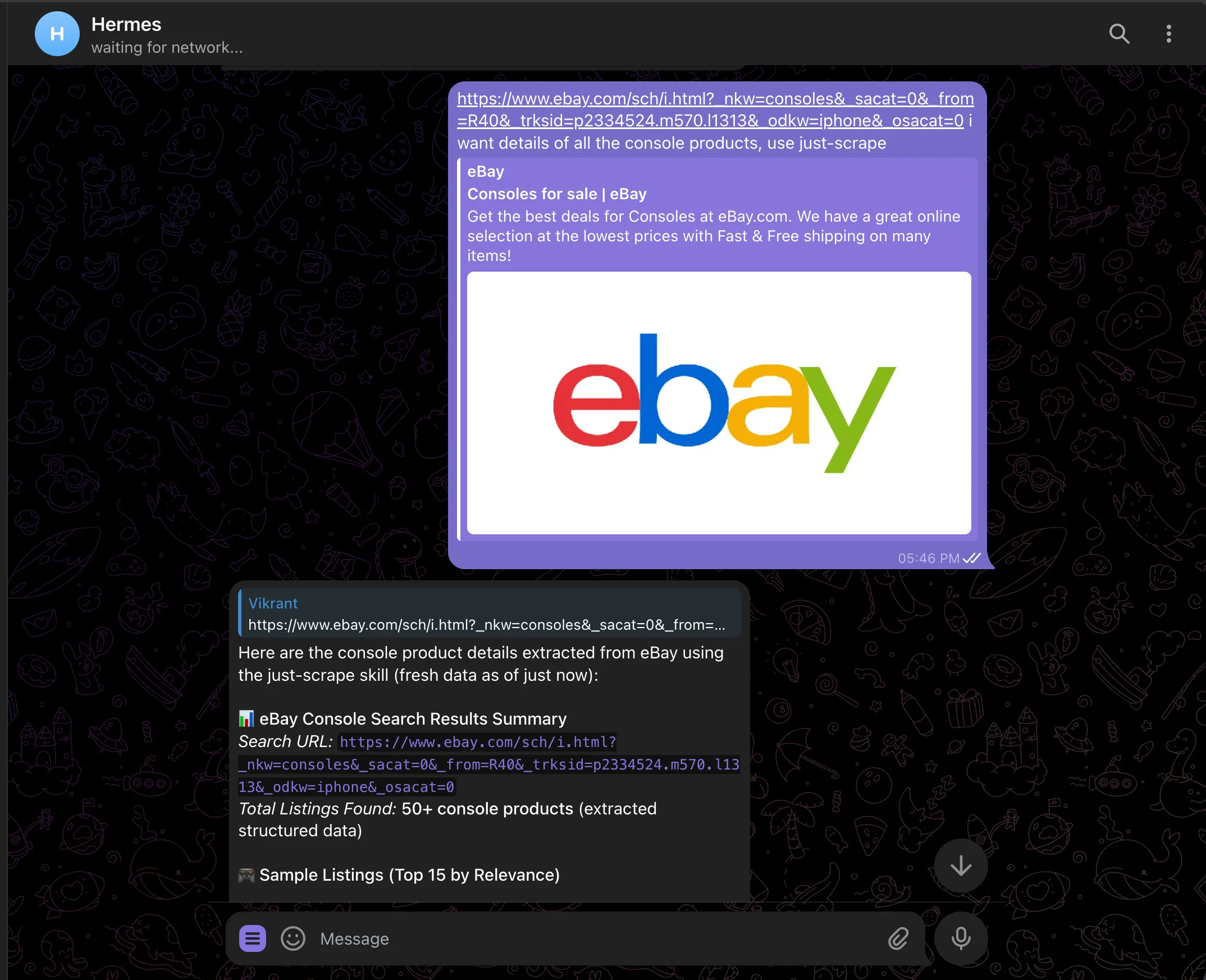
Because `just-scrape` returns schema-validated JSON, every listing comes back with the same fields in the same shape. No regex parsing, no markdown wrangling:
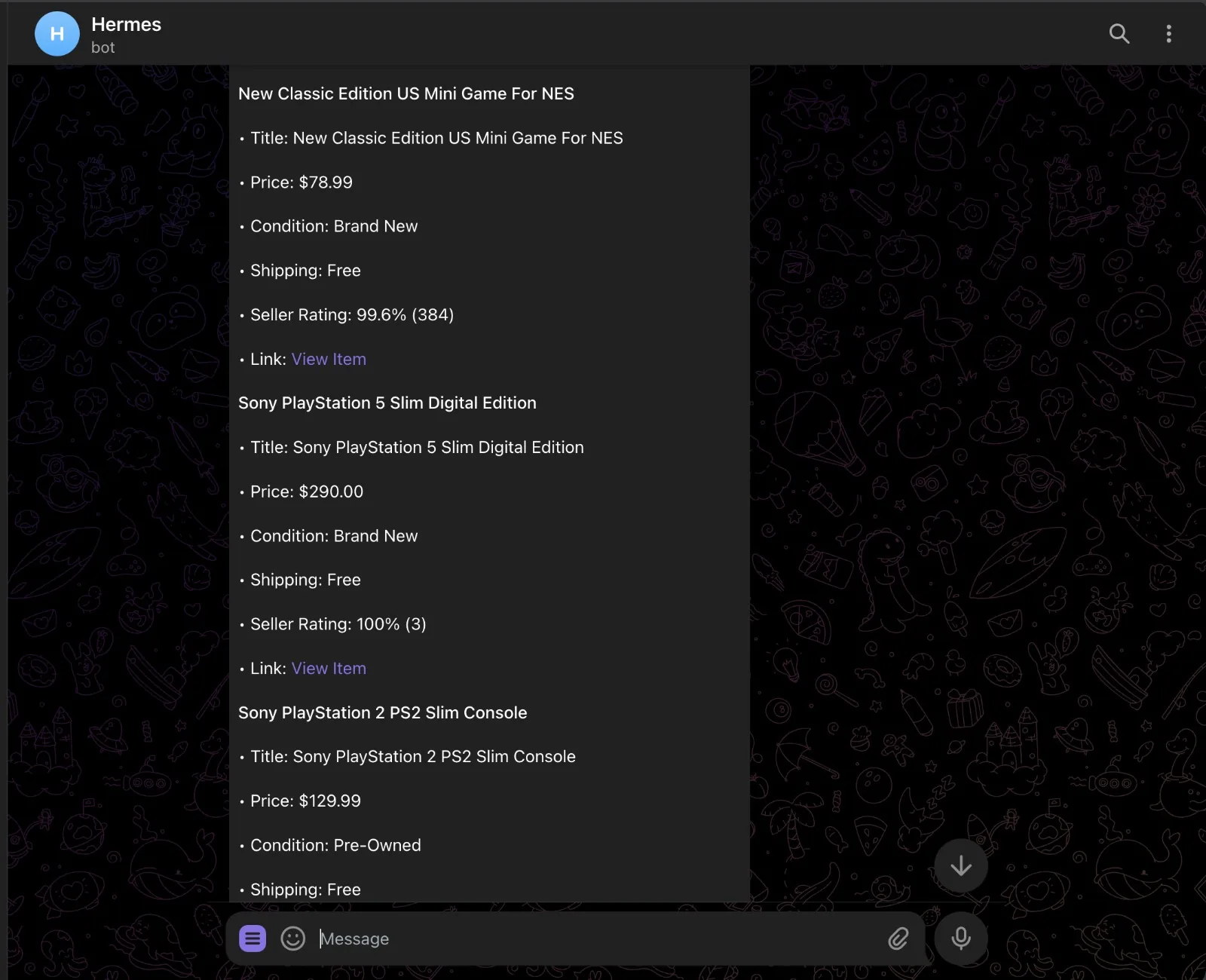
## Schedule recurring scrapes
Hermes has a built-in cron scheduler. Hand it a job in natural language and it figures out the schedule, prompt, and delivery target. Stay in the same chat session so Hermes has the context fresh, then send:
```text theme={null}
> Now set a cron for this to run every 3 hours and update me about new
listings or price changes.
```
Hermes calls its `cronjob` tool, writes the job, and confirms back:
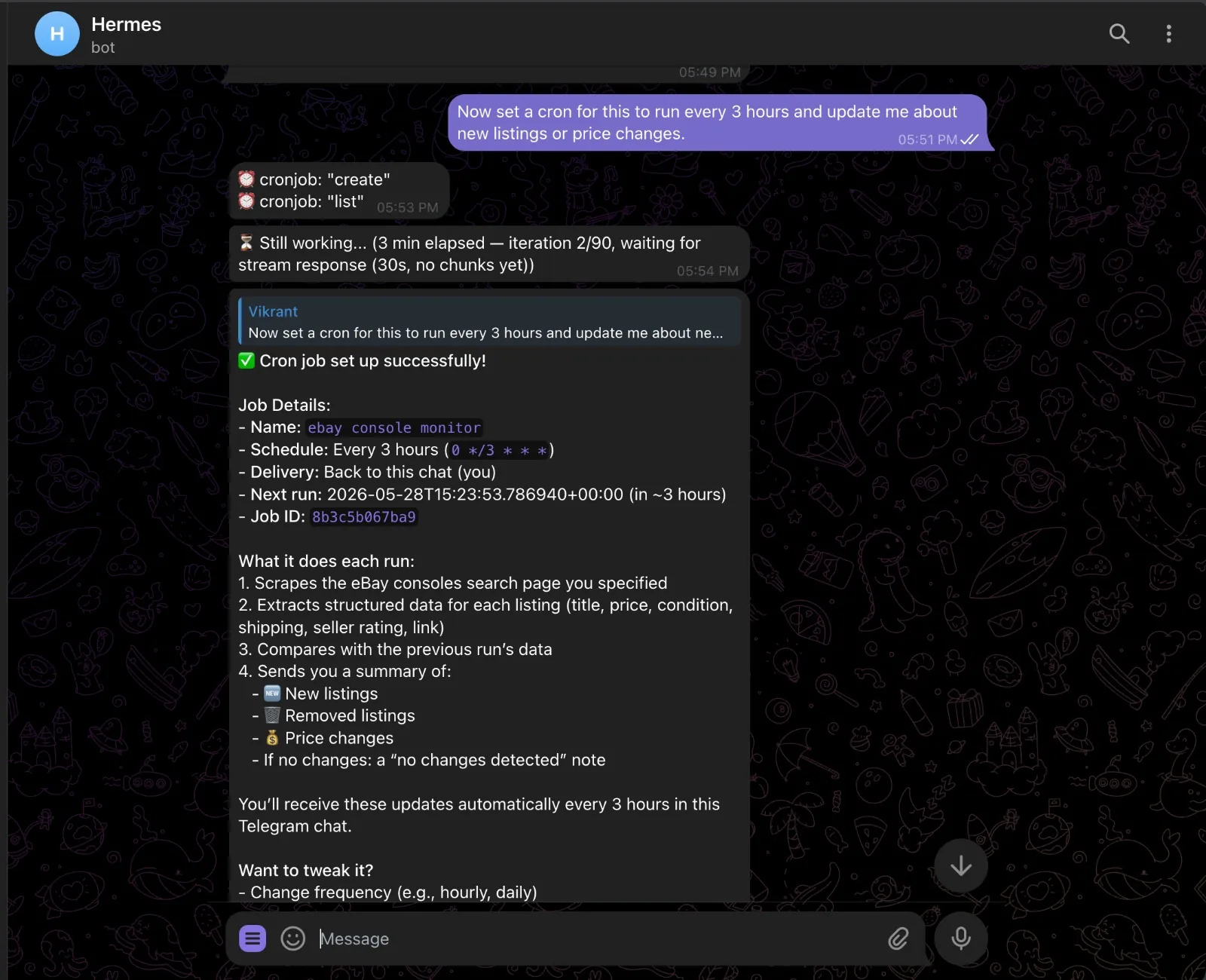
Each run scrapes the page, compares the result with the previous run stored in memory, and sends a diff — new listings, removed listings, price changes. If nothing moved, you get a quiet "no changes" note instead of noise.
Manage jobs from chat:
```text theme={null}
/cron list
/cron pause
/cron resume
/cron remove
```
Or from the shell with `hermes cron list`. Cron sessions cannot create new cron jobs, so you cannot accidentally trigger runaway scheduling loops.
## What you can build
The pattern is always the same: scrape, persist, compare, alert. Swap the URL and prompt and you have a different agent.
* **Competitor pricing watch** — point it at a SaaS pricing page, schema the plan tiers, get a diff every Monday morning
* **Lead enrichment** — feed Hermes a CSV of company URLs, scrape each homepage, extract company name, industry, headcount, and latest news
* **Job board scraper** — watch a search on Wellfound or LinkedIn; new posting drops, you get a ping with the role, salary, and link
* **Release notes digest** — scrape changelog pages for tools you depend on, daily digest of what shipped
* **News digest** — `just-scrape search "AI news"` on a morning cron, top 5 stories summarized before your first meeting
## Support
Need help with the integration?
Report bugs and request features
Get help from our community
# LangChain
Source: https://docs.scrapegraphai.com/integrations/langchain
Wrap ScrapeGraph endpoints as vanilla LangChain tools
## Overview
Every ScrapeGraph v2 endpoint is one method on the official [`scrapegraph-py`](https://pypi.org/project/scrapegraph-py/) SDK. Wrap each one with LangChain's built-in `@tool` decorator and you get a fully typed toolkit — no extra dependency, no third-party integration package, full control over arguments and return shapes.
How LangChain's `@tool` decorator works
The official Python SDK for ScrapeGraph v2
## Installation
```bash theme={null}
pip install langchain langchain-openai scrapegraph-py
```
Set your keys:
```bash theme={null}
export SGAI_API_KEY="your-scrapegraph-key"
export OPENAI_API_KEY="your-openai-key"
```
Get your ScrapeGraph API key from the [dashboard](https://scrapegraphai.com/dashboard).
## Build the toolkit
Save this once as `sgai_tools.py` — every example below imports from it.
```python sgai_tools.py theme={null}
from typing import Optional
from langchain_core.tools import tool
from scrapegraph_py import ScrapeGraphAI, MarkdownFormatConfig, JsonFormatConfig
sgai = ScrapeGraphAI() # reads SGAI_API_KEY from env
def _unwrap(result):
"""Return the SDK response payload as a plain dict."""
if result.error:
raise RuntimeError(f"ScrapeGraph error: {result.error}")
data = result.data
return data.model_dump() if hasattr(data, "model_dump") else data
# --- content endpoints -------------------------------------------------------
@tool
def scrape(url: str) -> dict:
"""Fetch a web page and return its content as markdown."""
return _unwrap(sgai.scrape(url=url, formats=[MarkdownFormatConfig()]))
@tool
def extract(url: str, prompt: str) -> dict:
"""Extract structured data from a web page using a natural-language prompt."""
return _unwrap(sgai.extract(prompt=prompt, url=url))
@tool
def search(query: str, num_results: int = 3) -> dict:
"""Run an AI web search; returns ranked results with fetched content."""
return _unwrap(sgai.search(query=query, num_results=num_results))
# --- crawl (async job) -------------------------------------------------------
@tool
def crawl_start(url: str, max_depth: int = 2, max_pages: int = 10) -> dict:
"""Start a multi-page crawl job. Returns a dict including the crawl `id`."""
return _unwrap(sgai.crawl.start(
url=url, max_depth=max_depth, max_pages=max_pages,
formats=[MarkdownFormatConfig()],
))
@tool
def crawl_get(crawl_id: str) -> dict:
"""Fetch the status and result of a crawl job."""
return _unwrap(sgai.crawl.get(crawl_id))
@tool
def crawl_stop(crawl_id: str) -> dict:
"""Stop a running crawl."""
return _unwrap(sgai.crawl.stop(crawl_id))
@tool
def crawl_resume(crawl_id: str) -> dict:
"""Resume a stopped crawl."""
return _unwrap(sgai.crawl.resume(crawl_id))
@tool
def crawl_delete(crawl_id: str) -> dict:
"""Delete a crawl job."""
return _unwrap(sgai.crawl.delete(crawl_id))
# --- monitor (scheduled jobs) ------------------------------------------------
@tool
def monitor_create(url: str, interval: str, name: Optional[str] = None, prompt: Optional[str] = None) -> dict:
"""Create a scheduled monitor. If `prompt` is given each tick stores JSON
extraction; otherwise it stores markdown. `interval` is cron syntax,
e.g. "0 9 * * *" for daily at 9am."""
formats = [JsonFormatConfig(prompt=prompt)] if prompt else [MarkdownFormatConfig()]
return _unwrap(sgai.monitor.create(url=url, interval=interval, name=name, formats=formats))
@tool
def monitor_list() -> list:
"""List all monitors."""
return _unwrap(sgai.monitor.list())
@tool
def monitor_get(monitor_id: str) -> dict:
"""Get one monitor by id."""
return _unwrap(sgai.monitor.get(monitor_id))
@tool
def monitor_pause(monitor_id: str) -> dict:
"""Pause a monitor."""
return _unwrap(sgai.monitor.pause(monitor_id))
@tool
def monitor_resume(monitor_id: str) -> dict:
"""Resume a paused monitor."""
return _unwrap(sgai.monitor.resume(monitor_id))
@tool
def monitor_delete(monitor_id: str) -> dict:
"""Delete a monitor."""
_unwrap(sgai.monitor.delete(monitor_id))
return {"deleted": monitor_id}
@tool
def monitor_activity(monitor_id: str) -> dict:
"""Get the recent runs of a monitor."""
return _unwrap(sgai.monitor.activity(monitor_id))
# --- account / history -------------------------------------------------------
@tool
def history_list(service: Optional[str] = None, page: int = 1, limit: int = 20) -> dict:
"""List recent API request history, optionally filtered by service."""
return _unwrap(sgai.history.list(service=service, page=page, limit=limit))
@tool
def history_get(request_id: str) -> dict:
"""Get a single history entry by request id."""
return _unwrap(sgai.history.get(request_id))
@tool
def credits() -> dict:
"""Check remaining ScrapeGraph API credits."""
return _unwrap(sgai.credits())
ALL_TOOLS = [
scrape, extract, search,
crawl_start, crawl_get, crawl_stop, crawl_resume, crawl_delete,
monitor_create, monitor_list, monitor_get,
monitor_pause, monitor_resume, monitor_delete, monitor_activity,
history_list, history_get, credits,
]
```
## Endpoint → tool reference
| ScrapeGraph endpoint | SDK call | LangChain tool |
| ---------------------------- | -------------------------------------------- | ------------------ |
| `POST /scrape` | `sgai.scrape(url=...)` | `scrape` |
| `POST /extract` | `sgai.extract(prompt=..., url=...)` | `extract` |
| `POST /search` | `sgai.search(query=...)` | `search` |
| `POST /crawl` | `sgai.crawl.start(url=...)` | `crawl_start` |
| `GET /crawl/{id}` | `sgai.crawl.get(id)` | `crawl_get` |
| `POST /crawl/{id}/stop` | `sgai.crawl.stop(id)` | `crawl_stop` |
| `POST /crawl/{id}/resume` | `sgai.crawl.resume(id)` | `crawl_resume` |
| `DELETE /crawl/{id}` | `sgai.crawl.delete(id)` | `crawl_delete` |
| `POST /monitor` | `sgai.monitor.create(url=..., interval=...)` | `monitor_create` |
| `GET /monitor` | `sgai.monitor.list()` | `monitor_list` |
| `GET /monitor/{id}` | `sgai.monitor.get(id)` | `monitor_get` |
| `POST /monitor/{id}/pause` | `sgai.monitor.pause(id)` | `monitor_pause` |
| `POST /monitor/{id}/resume` | `sgai.monitor.resume(id)` | `monitor_resume` |
| `DELETE /monitor/{id}` | `sgai.monitor.delete(id)` | `monitor_delete` |
| `GET /monitor/{id}/activity` | `sgai.monitor.activity(id)` | `monitor_activity` |
| `GET /history` | `sgai.history.list(...)` | `history_list` |
| `GET /history/{id}` | `sgai.history.get(id)` | `history_get` |
| `GET /credits` | `sgai.credits()` | `credits` |
***
## Direct invocation
Call any tool by itself without an LLM — useful for scripts, tests, or as a building block inside chains.
```python theme={null}
from sgai_tools import scrape, extract, search, credits, crawl_start, crawl_get
print(credits.invoke({}))
print(scrape.invoke({"url": "https://example.com"}))
print(extract.invoke({
"url": "https://scrapegraphai.com",
"prompt": "Extract the company name and a short description",
}))
print(search.invoke({"query": "best AI scraping tools 2026", "num_results": 3}))
job = crawl_start.invoke({"url": "https://scrapegraphai.com", "max_depth": 1, "max_pages": 5})
print(crawl_get.invoke({"crawl_id": job["id"]}))
```
## Tool-calling agent
Give the LLM the whole toolkit and let it pick. LangChain v1's `create_agent` works with any chat model that supports tool calling (`ChatOpenAI`, `ChatAnthropic`, etc.).
```python theme={null}
from langchain.agents import create_agent
from langchain_openai import ChatOpenAI
from sgai_tools import ALL_TOOLS
llm = ChatOpenAI(model="gpt-4o", temperature=0)
agent = create_agent(
model=llm,
tools=ALL_TOOLS,
system_prompt="You are a web research agent. Use ScrapeGraph tools to gather and extract web data.",
)
result = agent.invoke({
"messages": [("user", "Find the pricing page of scrapegraphai.com and list the plan names and prices.")],
})
print(result["messages"][-1].content)
```
`create_agent` returns a compiled LangGraph under the hood — see the [LangGraph page](/integrations/langgraph) for advanced patterns (custom `StateGraph`, `ToolNode`, checkpointing).
## Structured output with Pydantic
`extract` already returns structured JSON under the `json_data` key. Validate it into a Pydantic model for type safety downstream.
```python theme={null}
from pydantic import BaseModel, Field
from sgai_tools import extract
class Company(BaseModel):
name: str = Field(description="Company name")
tagline: str = Field(description="One-line description of what they do")
result = extract.invoke({
"url": "https://scrapegraphai.com",
"prompt": "Return an object with 'name' and 'tagline' describing the company",
})
company = Company(**result["json_data"])
print(company)
```
## Chain pattern
Compose tools with LCEL when the sequence is fixed.
```python theme={null}
from sgai_tools import search, extract
def _search_then_extract(query: str) -> dict:
hits = search.invoke({"query": query, "num_results": 1})
top_url = hits["results"][0]["url"]
return extract.invoke({"url": top_url, "prompt": "Summarise this page in 3 bullet points"})
print(_search_then_extract("scrapegraphai documentation"))
```
## Support
Source and issues for scrapegraph-py
Get help from our community
# LangGraph
Source: https://docs.scrapegraphai.com/integrations/langgraph
Build stateful workflows with ScrapeGraph endpoints as LangGraph nodes
## Overview
LangGraph runs on top of LangChain, so vanilla `@tool`-decorated wrappers around the [`scrapegraph-py`](https://pypi.org/project/scrapegraph-py/) SDK plug straight into `create_react_agent`, `ToolNode`, or any custom `StateGraph` node — no third-party integration package needed.
Official LangGraph documentation
The official Python SDK for ScrapeGraph v2
## Installation
```bash theme={null}
pip install langchain langchain-openai langgraph scrapegraph-py
```
Set your keys:
```bash theme={null}
export SGAI_API_KEY="your-scrapegraph-key"
export OPENAI_API_KEY="your-openai-key"
```
Get your ScrapeGraph API key from the [dashboard](https://scrapegraphai.com/dashboard).
## Build the toolkit
Save as `sgai_tools.py` — every example below imports from it.
```python sgai_tools.py theme={null}
from typing import Optional
from langchain_core.tools import tool
from scrapegraph_py import ScrapeGraphAI, MarkdownFormatConfig, JsonFormatConfig
sgai = ScrapeGraphAI() # reads SGAI_API_KEY from env
def _unwrap(result):
"""Return the SDK response payload as a plain dict."""
if result.error:
raise RuntimeError(f"ScrapeGraph error: {result.error}")
data = result.data
return data.model_dump() if hasattr(data, "model_dump") else data
@tool
def scrape(url: str) -> dict:
"""Fetch a web page and return its content as markdown."""
return _unwrap(sgai.scrape(url=url, formats=[MarkdownFormatConfig()]))
@tool
def extract(url: str, prompt: str) -> dict:
"""Extract structured data from a web page using a natural-language prompt."""
return _unwrap(sgai.extract(prompt=prompt, url=url))
@tool
def search(query: str, num_results: int = 3) -> dict:
"""Run an AI web search; returns ranked results with fetched content."""
return _unwrap(sgai.search(query=query, num_results=num_results))
@tool
def crawl_start(url: str, max_depth: int = 2, max_pages: int = 10) -> dict:
"""Start a multi-page crawl job. Returns a dict including the crawl `id`."""
return _unwrap(sgai.crawl.start(
url=url, max_depth=max_depth, max_pages=max_pages,
formats=[MarkdownFormatConfig()],
))
@tool
def crawl_get(crawl_id: str) -> dict:
"""Fetch the status and result of a crawl job."""
return _unwrap(sgai.crawl.get(crawl_id))
@tool
def crawl_stop(crawl_id: str) -> dict:
"""Stop a running crawl."""
return _unwrap(sgai.crawl.stop(crawl_id))
@tool
def crawl_resume(crawl_id: str) -> dict:
"""Resume a stopped crawl."""
return _unwrap(sgai.crawl.resume(crawl_id))
@tool
def monitor_create(url: str, interval: str, name: Optional[str] = None, prompt: Optional[str] = None) -> dict:
"""Create a scheduled monitor. If `prompt` is given, each tick stores
JSON extraction; otherwise it stores markdown. `interval` is cron syntax."""
formats = [JsonFormatConfig(prompt=prompt)] if prompt else [MarkdownFormatConfig()]
return _unwrap(sgai.monitor.create(url=url, interval=interval, name=name, formats=formats))
@tool
def monitor_list() -> list:
"""List all monitors."""
return _unwrap(sgai.monitor.list())
@tool
def monitor_get(monitor_id: str) -> dict:
"""Get one monitor by id."""
return _unwrap(sgai.monitor.get(monitor_id))
@tool
def monitor_pause(monitor_id: str) -> dict:
"""Pause a monitor."""
return _unwrap(sgai.monitor.pause(monitor_id))
@tool
def monitor_resume(monitor_id: str) -> dict:
"""Resume a paused monitor."""
return _unwrap(sgai.monitor.resume(monitor_id))
@tool
def monitor_delete(monitor_id: str) -> dict:
"""Delete a monitor."""
_unwrap(sgai.monitor.delete(monitor_id))
return {"deleted": monitor_id}
@tool
def history_list(service: Optional[str] = None, page: int = 1, limit: int = 20) -> dict:
"""List recent API request history."""
return _unwrap(sgai.history.list(service=service, page=page, limit=limit))
@tool
def credits() -> dict:
"""Check remaining ScrapeGraph API credits."""
return _unwrap(sgai.credits())
ALL_TOOLS = [
scrape, extract, search,
crawl_start, crawl_get, crawl_stop, crawl_resume,
monitor_create, monitor_list, monitor_get,
monitor_pause, monitor_resume, monitor_delete,
history_list, credits,
]
```
## Endpoint → tool reference
| ScrapeGraph endpoint | SDK call | Tool |
| --------------------------- | -------------------------------------------- | ---------------- |
| `POST /scrape` | `sgai.scrape(url=...)` | `scrape` |
| `POST /extract` | `sgai.extract(prompt=..., url=...)` | `extract` |
| `POST /search` | `sgai.search(query=...)` | `search` |
| `POST /crawl` | `sgai.crawl.start(url=...)` | `crawl_start` |
| `GET /crawl/{id}` | `sgai.crawl.get(id)` | `crawl_get` |
| `POST /crawl/{id}/stop` | `sgai.crawl.stop(id)` | `crawl_stop` |
| `POST /crawl/{id}/resume` | `sgai.crawl.resume(id)` | `crawl_resume` |
| `POST /monitor` | `sgai.monitor.create(url=..., interval=...)` | `monitor_create` |
| `GET /monitor` | `sgai.monitor.list()` | `monitor_list` |
| `GET /monitor/{id}` | `sgai.monitor.get(id)` | `monitor_get` |
| `POST /monitor/{id}/pause` | `sgai.monitor.pause(id)` | `monitor_pause` |
| `POST /monitor/{id}/resume` | `sgai.monitor.resume(id)` | `monitor_resume` |
| `DELETE /monitor/{id}` | `sgai.monitor.delete(id)` | `monitor_delete` |
| `GET /history` | `sgai.history.list(...)` | `history_list` |
| `GET /credits` | `sgai.credits()` | `credits` |
***
## Option A — prebuilt agent via `create_agent`
Fastest path: LangChain v1's `create_agent` returns a compiled LangGraph with the standard ReAct loop baked in — one call wires up every tool behind an LLM router.
```python theme={null}
from langchain.agents import create_agent
from langchain_openai import ChatOpenAI
from sgai_tools import ALL_TOOLS
llm = ChatOpenAI(model="gpt-4o", temperature=0)
agent = create_agent(
model=llm,
tools=ALL_TOOLS,
system_prompt="You are a web research agent. Use ScrapeGraph tools to gather and extract web data.",
)
final_state = agent.invoke({
"messages": [("user", "Search for 'best AI scraping tools 2026' and extract the top 3 names into JSON.")],
})
print(final_state["messages"][-1].content)
```
`langgraph.prebuilt.create_react_agent` still exists but is deprecated in LangGraph v1.0 — use `create_agent` from `langchain.agents`.
## Option B — custom StateGraph with ToolNode
Use this when you need custom routing, streaming, interrupts, or checkpointing.
```python theme={null}
from typing import Annotated, TypedDict
from langchain_core.messages import BaseMessage
from langchain_openai import ChatOpenAI
from langgraph.graph import StateGraph, START
from langgraph.graph.message import add_messages
from langgraph.prebuilt import ToolNode, tools_condition
from sgai_tools import scrape, extract, search, crawl_start, crawl_get, credits
class State(TypedDict):
messages: Annotated[list[BaseMessage], add_messages]
tools = [scrape, extract, search, crawl_start, crawl_get, credits]
llm = ChatOpenAI(model="gpt-4o", temperature=0).bind_tools(tools)
def call_model(state: State):
return {"messages": [llm.invoke(state["messages"])]}
graph = StateGraph(State)
graph.add_node("agent", call_model)
graph.add_node("tools", ToolNode(tools))
graph.add_edge(START, "agent")
graph.add_conditional_edges("agent", tools_condition)
graph.add_edge("tools", "agent")
app = graph.compile()
out = app.invoke({
"messages": [("user", "Extract the top stories from https://news.ycombinator.com")],
})
print(out["messages"][-1].content)
```
## Option C — deterministic pipeline
When the sequence is known in advance — e.g. *search → pick URL → extract* — skip the agent loop and call tools directly from nodes. No LLM routing, fully reproducible.
```python theme={null}
from typing import TypedDict
from langgraph.graph import StateGraph, START, END
from sgai_tools import search, extract
class State(TypedDict):
query: str
top_url: str
data: dict
def do_search(state: State):
hits = search.invoke({"query": state["query"], "num_results": 1})
return {"top_url": hits["results"][0]["url"]}
def do_extract(state: State):
return {"data": extract.invoke({
"url": state["top_url"],
"prompt": "Extract the product name and price as JSON",
})}
g = StateGraph(State)
g.add_node("search", do_search)
g.add_node("extract", do_extract)
g.add_edge(START, "search")
g.add_edge("search", "extract")
g.add_edge("extract", END)
pipeline = g.compile()
print(pipeline.invoke({"query": "iPhone 15 Pro price apple.com"}))
```
## Crawl as a background node
Crawls are async. Wrap start + poll in a single node so the graph advances only when the job completes.
```python theme={null}
import time
from typing import TypedDict
from langgraph.graph import StateGraph, START, END
from sgai_tools import crawl_start, crawl_get
class CrawlState(TypedDict):
url: str
crawl_id: str
result: dict
def run_crawl(state: CrawlState):
job = crawl_start.invoke({"url": state["url"], "max_depth": 2, "max_pages": 10})
crawl_id = job["id"]
while True:
info = crawl_get.invoke({"crawl_id": crawl_id})
if info["status"] in ("completed", "failed"):
return {"crawl_id": crawl_id, "result": info}
time.sleep(5)
g = StateGraph(CrawlState)
g.add_node("crawl", run_crawl)
g.add_edge(START, "crawl")
g.add_edge("crawl", END)
app = g.compile()
print(app.invoke({"url": "https://scrapegraphai.com"}))
```
## Choosing a pattern
| Pattern | Use when |
| ------------------------------------- | ----------------------------------------------------------------------- |
| **Option A** — ReAct agent | Open-ended tasks; the model decides which endpoint to call |
| **Option B** — StateGraph + ToolNode | You need checkpointing, streaming, human-in-the-loop, or custom routing |
| **Option C** — deterministic pipeline | Steps and order are fixed; no need for LLM decision-making |
## Support
Source and issues for scrapegraph-py
Get help from our community
# LiteLLM
Source: https://docs.scrapegraphai.com/integrations/litellm
Expose ScrapeGraphAI to any model through the LiteLLM MCP gateway
## Overview
[LiteLLM](https://docs.litellm.ai/) ships a built-in [MCP gateway](https://docs.litellm.ai/docs/mcp) that lets the LiteLLM Proxy connect to Model Context Protocol servers and surface their tools to any model you route through it. ScrapeGraphAI is available as a first-party MCP server, so a single config entry gives every LiteLLM client access to smart scraping, web crawling, search scraping, and agentic scraping workflows.
LiteLLM ships ScrapeGraph in its default [`mcp_servers.json`](https://github.com/BerriAI/litellm/blob/main/mcp_servers.json), pointing at the [ScrapeGraph MCP server](https://github.com/ScrapeGraphAI/scrapegraph-mcp) hosted on [Smithery](https://smithery.ai/).
How LiteLLM connects to MCP servers
The MCP server LiteLLM connects to
## Prerequisites
* A [ScrapeGraphAI API key](https://dashboard.scrapegraphai.com/) — set as `SGAI_API_KEY`
* LiteLLM installed with proxy extras:
```bash theme={null}
pip install 'litellm[proxy]'
```
## Configure the MCP server
Add ScrapeGraph to the `mcp_servers` block of your LiteLLM proxy config. This is the same entry LiteLLM ships in its default `mcp_servers.json` — the Smithery-hosted server exposes both HTTP and SSE transports.
```yaml config.yaml theme={null}
model_list:
- model_name: gpt-5
litellm_params:
model: openai/gpt-5
api_key: os.environ/OPENAI_API_KEY
mcp_servers:
scrapegraph:
url: "https://smithery.ai/api/mcp/scrapegraph-mcp"
description: "Smart scraping, web crawling, search scraping, and agentic scraping workflows."
```
The raw `mcp_servers.json` entry added in LiteLLM looks like this:
```json mcp_servers.json theme={null}
{
"scrapegraph": {
"http_url": "https://smithery.ai/api/mcp/scrapegraph-mcp",
"sse_url": "https://smithery.ai/api/mcp/scrapegraph-mcp/sse",
"description": "The ScrapeGraph MCP server provides programmatic access to ScrapeGraph AI's web scraping capabilities, including smart scraping, web crawling, search scraping, and agentic scraping workflows."
}
}
```
The ScrapeGraph MCP server reads your ScrapeGraphAI API key from `SGAI_API_KEY`. Set it in the environment where the proxy runs, or pass it through the Smithery config of your MCP server deployment.
## Start the proxy
```bash theme={null}
export OPENAI_API_KEY="your-openai-key"
export SGAI_API_KEY="your-scrapegraph-key"
litellm --config config.yaml
```
The proxy boots on `http://localhost:4000` and registers the ScrapeGraph tools under the MCP gateway.
## List the available tools
LiteLLM exposes connected MCP tools over its MCP endpoint. Point any MCP-aware client at `http://localhost:4000/mcp` to discover them:
```bash theme={null}
curl -s http://localhost:4000/mcp \
-H "Authorization: Bearer $LITELLM_API_KEY"
```
The ScrapeGraph server registers these tools:
| Tool | What it does |
| ----------------------------- | -------------------------------------------------------------------- |
| `scrape` | Fetch a page as markdown, HTML, links, or a screenshot |
| `extract` | Extract structured JSON from a URL with a prompt and optional schema |
| `search` | Search the web and return ranked results |
| `crawl_start` | Start an async multi-page crawl |
| `crawl_get_status` | Poll a crawl job's progress |
| `crawl_stop` / `crawl_resume` | Control an active crawl |
| `schema` | Generate or augment a JSON Schema from a prompt |
| `monitor_*` | Create, list, pause, resume, and inspect scheduled jobs |
| `credits` | Check remaining account credits |
| `history` | View paginated request history |
## Use it from a model
With the gateway running, any model routed through LiteLLM can call the ScrapeGraph tools during a completion. Pass the proxy's MCP tools through your client of choice:
```python theme={null}
import openai
client = openai.OpenAI(
base_url="http://localhost:4000",
api_key="sk-1234", # your LiteLLM proxy key
)
response = client.responses.create(
model="gpt-5",
input="Scrape https://scrapegraphai.com and summarize what the product does.",
tools=[
{
"type": "mcp",
"server_label": "scrapegraph",
"server_url": "http://localhost:4000/mcp",
"require_approval": "never",
}
],
)
print(response.output_text)
```
The model decides when to call `scrape`, `search`, or `extract`, receives the structured result, and writes its final answer from the scraped data.
## Support
Report bugs and request features
Get help from our community
# LlamaIndex
Source: https://docs.scrapegraphai.com/integrations/llamaindex
Build LlamaIndex agents and RAG pipelines with ScrapeGraphAI
## Overview
[LlamaIndex](https://www.llamaindex.ai) is a data framework for building LLM-powered agents and RAG applications. This page shows how to wire **`scrapegraph-py` ≥ 2.0.1** into LlamaIndex as a set of `FunctionTool`s so your agents can scrape pages, extract structured data, search the web, run asynchronous crawls, and manage scheduled monitors.
Learn more about building agents and RAG pipelines with LlamaIndex
**Which package?** LlamaIndex also ships a pre-built tool spec at [`llama-index-tools-scrapegraphai`](https://pypi.org/project/llama-index-tools-scrapegraphai/), but it currently depends on `scrapegraph-py<2` and targets the legacy v1 backend. New v2 API keys are rejected by that path. The recipes below use the v2 SDK directly — they work with the current dashboard and every v2 endpoint (scrape, extract, search, crawl, monitor).
## Installation
```bash theme={null}
pip install -U llama-index
pip install "scrapegraph-py>=2.0.1"
```
Set your API key:
```bash theme={null}
export SGAI_API_KEY="your-api-key"
```
## Quick Start
Initialize the v2 client and expose a tool to any LlamaIndex agent:
```python theme={null}
from scrapegraph_py import ScrapeGraphAI
from llama_index.core.tools import FunctionTool
from llama_index.core.agent.workflow import FunctionAgent
from llama_index.llms.openai import OpenAI
sgai = ScrapeGraphAI() # reads SGAI_API_KEY
def scrape(url: str) -> str:
"""Fetch a page and return its markdown content."""
result = sgai.scrape(url)
if result.status == "error":
raise RuntimeError(result.error)
return result.data.results.get("markdown", {}).get("data", [""])[0]
agent = FunctionAgent(
tools=[FunctionTool.from_defaults(fn=scrape)],
llm=OpenAI(model="gpt-4o"),
)
```
## Cookbook recipes
The following recipes are ported from the official [`scrapegraph-py` cookbook notebooks](https://github.com/ScrapeGraphAI/scrapegraph-py/tree/main/cookbook), swapped to call the v2 `extract` endpoint so they run against the current dashboard API key.
### 1. Extract company info
Pull founders, pricing plans, and social links off a company homepage. Based on `cookbook/company-info/`.
```python theme={null}
from pydantic import BaseModel, Field
from typing import List
from scrapegraph_py import ScrapeGraphAI
class FounderSchema(BaseModel):
name: str = Field(description="Name of the founder")
role: str = Field(description="Role of the founder in the company")
linkedin: str = Field(description="LinkedIn profile of the founder")
class PricingPlanSchema(BaseModel):
tier: str = Field(description="Name of the pricing tier")
price: str = Field(description="Price of the plan")
credits: int = Field(description="Number of credits included in the plan")
class SocialLinksSchema(BaseModel):
linkedin: str
twitter: str
github: str
class CompanyInfoSchema(BaseModel):
company_name: str
description: str
founders: List[FounderSchema] = Field(default_factory=list)
pricing_plans: List[PricingPlanSchema] = Field(default_factory=list)
social_links: SocialLinksSchema
sgai = ScrapeGraphAI()
res = sgai.extract(
"Extract info about the company",
url="https://scrapegraphai.com/",
schema=CompanyInfoSchema.model_json_schema(),
)
if res.status == "success":
print(res.data.json_data)
```
### 2. Extract GitHub trending repos
Pull a ranked list of trending repositories. Based on `cookbook/github-trending/`.
```python theme={null}
from pydantic import BaseModel, Field
from typing import List
from scrapegraph_py import ScrapeGraphAI
class RepositorySchema(BaseModel):
name: str = Field(description="Name of the repository (e.g. 'owner/repo')")
description: str = Field(description="Description of the repository")
stars: int = Field(description="Star count")
forks: int = Field(description="Fork count")
today_stars: int = Field(description="Stars gained today")
language: str = Field(description="Programming language used")
class ListRepositoriesSchema(BaseModel):
repositories: List[RepositorySchema]
sgai = ScrapeGraphAI()
res = sgai.extract(
"Extract only the first ten trending repositories",
url="https://github.com/trending",
schema=ListRepositoriesSchema.model_json_schema(),
)
if res.status == "success":
for repo in res.data.json_data["repositories"]:
print(f"{repo['name']} — {repo['stars']} ★")
```
### 3. Extract a news feed
Pull headlines from a news section. Based on `cookbook/wired-news/`.
```python theme={null}
from pydantic import BaseModel, Field
from typing import List
from scrapegraph_py import ScrapeGraphAI
class NewsItemSchema(BaseModel):
category: str = Field(description="Category of the news (e.g. 'Health', 'Environment')")
title: str = Field(description="Title of the news article")
link: str = Field(description="URL to the news article")
author: str = Field(description="Author of the news article")
class ListNewsSchema(BaseModel):
news: List[NewsItemSchema]
sgai = ScrapeGraphAI()
res = sgai.extract(
"Extract the first 10 news articles on the page",
url="https://www.wired.com/category/science/",
schema=ListNewsSchema.model_json_schema(),
)
if res.status == "success":
for item in res.data.json_data["news"]:
print(f"[{item['category']}] {item['title']}")
```
### 4. Extract real-estate listings
Pull house listings with price, address, and tags. Based on `cookbook/homes-forsale/`.
```python theme={null}
from pydantic import BaseModel, Field
from typing import List
from scrapegraph_py import ScrapeGraphAI, FetchConfig
class HouseListingSchema(BaseModel):
price: int = Field(description="Price of the house in USD")
bedrooms: int
bathrooms: int
square_feet: int = Field(description="Total square footage of the house")
address: str
city: str
state: str
zip_code: str
tags: List[str] = Field(description="Tags like 'New construction' or 'Large garage'")
agent_name: str
agency: str
class HousesListingsSchema(BaseModel):
houses: List[HouseListingSchema]
sgai = ScrapeGraphAI()
# Anti-bot heavy sites need stealth + JS rendering
res = sgai.extract(
"Extract information about houses for sale",
url="https://www.zillow.com/san-francisco-ca/",
schema=HousesListingsSchema.model_json_schema(),
fetch_config=FetchConfig(mode="js", stealth=True, wait=2000),
)
```
### 5. Research agent with `ReActAgent`
Combine scrape + extract into a LlamaIndex `ReActAgent` so the LLM decides which tool to call per step. Based on `cookbook/research-agent/`.
```python theme={null}
from scrapegraph_py import ScrapeGraphAI, MarkdownFormatConfig
from llama_index.core.tools import FunctionTool
from llama_index.core.agent import ReActAgent
from llama_index.llms.openai import OpenAI
sgai = ScrapeGraphAI()
def scrape(url: str) -> str:
"""Fetch a page and return its markdown content."""
res = sgai.scrape(url, formats=[MarkdownFormatConfig()])
if res.status != "success":
return res.error or ""
return res.data.results.get("markdown", {}).get("data", [""])[0]
def extract(url: str, prompt: str) -> dict:
"""Extract structured data from a URL using the given prompt."""
res = sgai.extract(prompt, url=url)
return res.data.json_data if res.status == "success" else {"error": res.error}
tools = [FunctionTool.from_defaults(fn=f) for f in (scrape, extract)]
agent = ReActAgent.from_tools(
tools,
llm=OpenAI(model="gpt-4o"),
verbose=True,
)
response = agent.chat(
"Extract all the keyboard names and prices from "
"https://www.ebay.com/sch/i.html?_nkw=keyboards"
)
print(response)
```
## Usage Reference
### Scrape tool
```python theme={null}
from scrapegraph_py import (
ScrapeGraphAI,
MarkdownFormatConfig, HtmlFormatConfig, JsonFormatConfig,
)
from llama_index.core.tools import FunctionTool
sgai = ScrapeGraphAI()
def scrape(url: str, format: str = "markdown") -> dict:
"""Fetch `url` and return the requested format.
format: one of "markdown", "html", "json".
"""
entries = {
"markdown": MarkdownFormatConfig(mode="reader"),
"html": HtmlFormatConfig(),
"json": JsonFormatConfig(prompt="Extract the main content"),
}
result = sgai.scrape(url, formats=[entries[format]])
if result.status == "error":
return {"error": result.error}
return result.data.results
scrape_tool = FunctionTool.from_defaults(fn=scrape)
```
### Extract tool
```python theme={null}
from scrapegraph_py import ScrapeGraphAI
from llama_index.core.tools import FunctionTool
sgai = ScrapeGraphAI()
def extract(url: str, prompt: str, schema: dict | None = None) -> dict:
"""Extract structured data from `url` per `prompt`."""
result = sgai.extract(prompt, url=url, schema=schema)
if result.status == "error":
return {"error": result.error}
return result.data.json_data
extract_tool = FunctionTool.from_defaults(fn=extract)
```
### Search tool
```python theme={null}
from scrapegraph_py import ScrapeGraphAI
from llama_index.core.tools import FunctionTool
sgai = ScrapeGraphAI()
def search(
query: str,
num_results: int = 5,
prompt: str | None = None,
time_range: str | None = None,
country: str | None = None,
) -> dict:
"""Search the web and return structured results.
time_range: "past_hour", "past_24_hours", "past_week", "past_month", "past_year".
country: two-letter ISO country code (e.g. "us", "it").
"""
result = sgai.search(
query,
num_results=num_results,
prompt=prompt,
time_range=time_range,
location_geo_code=country,
)
if result.status == "error":
return {"error": result.error}
return {
"results": [{"title": r.title, "url": r.url} for r in result.data.results],
"json_data": result.data.json_data,
}
search_tool = FunctionTool.from_defaults(fn=search)
```
### Crawl tool
Crawls are asynchronous — poll `sgai.crawl.get(id)` until `status in ("completed", "failed", "stopped")`.
```python theme={null}
import time
from scrapegraph_py import ScrapeGraphAI, MarkdownFormatConfig
from llama_index.core.tools import FunctionTool
sgai = ScrapeGraphAI()
def crawl(
url: str,
max_depth: int = 2,
max_pages: int = 50,
include_patterns: list[str] | None = None,
exclude_patterns: list[str] | None = None,
) -> dict:
"""Crawl a site and return pages as markdown once the job completes."""
start = sgai.crawl.start(
url,
formats=[MarkdownFormatConfig()],
max_depth=max_depth,
max_pages=max_pages,
include_patterns=include_patterns,
exclude_patterns=exclude_patterns,
)
if start.status == "error":
return {"error": start.error}
crawl_id = start.data.id
while True:
status = sgai.crawl.get(crawl_id)
if status.data.status in ("completed", "failed", "stopped"):
return status.data.model_dump()
time.sleep(2)
crawl_tool = FunctionTool.from_defaults(fn=crawl)
```
### Monitor tool
```python theme={null}
from scrapegraph_py import ScrapeGraphAI, MarkdownFormatConfig
from llama_index.core.tools import FunctionTool
sgai = ScrapeGraphAI()
def create_monitor(
url: str,
name: str,
interval: str,
webhook_url: str | None = None,
) -> dict:
"""Create a recurring monitor (cron `interval`) that tracks changes on `url`."""
result = sgai.monitor.create(
url,
interval,
name=name,
formats=[MarkdownFormatConfig()],
webhook_url=webhook_url,
)
if result.status == "error":
return {"error": result.error}
return {"cron_id": result.data.cron_id}
monitor_tool = FunctionTool.from_defaults(fn=create_monitor)
```
## Configuration Options
The v2 `ScrapeGraphAI` client accepts:
| Parameter | Type | Default | Description |
| ---------- | ------------- | -------------------------------------- | -------------------------------------------------------- |
| `api_key` | `str \| None` | `None` | Falls back to `SGAI_API_KEY`. |
| `base_url` | `str` | `https://v2-api.scrapegraphai.com/api` | Override via `SGAI_API_URL`. |
| `timeout` | `int` | `120` | Request timeout in seconds. Override via `SGAI_TIMEOUT`. |
Each v2 resource maps 1:1 to a LlamaIndex tool:
| SDK call | Endpoint | First positional arg |
| ----------------------------------------------------------------------------------------------------- | -------- | -------------------- |
| `sgai.scrape(url, ...)` | Scrape | `url` |
| `sgai.extract(prompt, url=..., ...)` | Extract | `prompt` |
| `sgai.search(query, ...)` | Search | `query` |
| `sgai.crawl.start(url, ...)`, `.get/.stop/.resume/.delete(id)` | Crawl | `url` / `id` |
| `sgai.monitor.create(url, interval, ...)`, `.list/.get/.update/.pause/.resume/.delete/.activity(...)` | Monitor | `url`, `interval` |
Every call returns an `ApiResult[T]` with `status`, `data`, `error`, and `elapsed_ms` — so tools can surface errors without exceptions.
## Advanced Usage
### Combining every endpoint in one agent
Hand the full tool list to an agent and let it pick the right tool per step:
```python theme={null}
from scrapegraph_py import ScrapeGraphAI, MarkdownFormatConfig
from llama_index.core.tools import FunctionTool
from llama_index.core.agent.workflow import FunctionAgent
from llama_index.llms.openai import OpenAI
sgai = ScrapeGraphAI()
def scrape(url: str) -> str:
res = sgai.scrape(url)
if res.status != "success":
return res.error or ""
return res.data.results.get("markdown", {}).get("data", [""])[0]
def extract(url: str, prompt: str) -> dict:
res = sgai.extract(prompt, url=url)
return res.data.json_data if res.status == "success" else {"error": res.error}
def search(query: str, num_results: int = 5) -> list[dict]:
res = sgai.search(query, num_results=num_results)
if res.status == "error":
return [{"error": res.error}]
return [{"title": r.title, "url": r.url} for r in res.data.results]
def crawl(url: str, max_pages: int = 20) -> dict:
res = sgai.crawl.start(url, formats=[MarkdownFormatConfig()], max_pages=max_pages)
return {"crawl_id": res.data.id} if res.status == "success" else {"error": res.error}
def create_monitor(url: str, name: str, interval: str) -> dict:
res = sgai.monitor.create(
url, interval, name=name, formats=[MarkdownFormatConfig()],
)
return {"cron_id": res.data.cron_id} if res.status == "success" else {"error": res.error}
tools = [FunctionTool.from_defaults(fn=f) for f in (
scrape, extract, search, crawl, create_monitor,
)]
agent = FunctionAgent(
tools=tools,
llm=OpenAI(model="gpt-4o"),
system_prompt=(
"You are a web research assistant powered by ScrapeGraphAI v2. "
"Pick the most specific tool for the job: scrape for a single page, "
"extract for structured data, search for open-web questions, "
"crawl for multi-page jobs, and create_monitor for recurring jobs."
),
)
response = await agent.run(
"Research the latest blog posts on scrapegraphai.com and summarize them."
)
print(response)
```
### Async client
Every resource has an async twin via `AsyncScrapeGraphAI`:
```python theme={null}
from scrapegraph_py import AsyncScrapeGraphAI
from llama_index.core.tools import FunctionTool
async def scrape(url: str) -> str:
async with AsyncScrapeGraphAI() as sgai:
res = await sgai.scrape(url)
if res.status == "error":
raise RuntimeError(res.error)
return res.data.results.get("markdown", {}).get("data", [""])[0]
scrape_tool = FunctionTool.from_defaults(async_fn=scrape)
```
### Custom agent configuration
Plug the tools into any LlamaIndex agent — `ReActAgent`, workflow-based, or third-party:
```python theme={null}
from llama_index.core.agent.workflow import ReActAgent
from llama_index.llms.anthropic import Anthropic
agent = ReActAgent(
tools=tools,
llm=Anthropic(model="claude-sonnet-4-6"),
verbose=True,
)
```
## Features
Fetch pages as markdown, HTML, screenshots, JSON, links, images, summary, or branding
Structured extraction with a prompt and a JSON schema
AI-powered web search with optional structured output
Asynchronous multi-page crawls with start / stop / resume controls
Cron-scheduled jobs with webhook notifications on change
Pydantic request models and `ApiResult[T]` responses — no surprises
`AsyncScrapeGraphAI` mirrors every resource for parallel pipelines
Every endpoint exposed as a drop-in LlamaIndex FunctionTool
## Best Practices
* **Tool selection** — pass only the tools the agent actually needs; a shorter tool list keeps prompts tighter and routing more accurate.
* **Schema design** — when calling `extract` or `search`, pass a concrete JSON schema (`YourSchema.model_json_schema()`) so the extractor has a clear target.
* **Format entries** — `scrape` accepts a list of format entries; combine `MarkdownFormatConfig`, `ScreenshotFormatConfig`, and `JsonFormatConfig` in one call to avoid multiple round-trips.
* **Async crawls** — `sgai.crawl.start` returns immediately; always poll `sgai.crawl.get(id)` until `status in ("completed", "failed", "stopped")`.
* **ApiResult** — branch on `result.status` instead of wrapping calls in `try/except`; the SDK never raises on API-level errors.
* **Hard pages** — stealth mode + `mode="js"` fetch config handles most anti-bot sites (see the Zillow recipe above).
## Support
Join the LlamaIndex community for support and discussions
Browse the full set of notebook examples
Get help with ScrapeGraphAI features
Explore the full API reference
# Make
Source: https://docs.scrapegraphai.com/integrations/make
Use ScrapeGraphAI inside Make.com scenarios to scrape, extract, search, crawl, and monitor web pages
## Overview
The ScrapeGraphAI app for Make.com lets you connect any automation scenario to ScrapeGraph's v2 API — no code required. Fetch pages, extract structured data with an AI prompt, run web searches, kick off multi-page crawls, and schedule monitors, all as native Make modules.
Install the app from Make's marketplace
Get your API key
## Installation
1. Open your Make.com workspace and go to **Connections**.
2. Search for **ScrapeGraphAI** and click **Install**.
3. When prompted, enter your `SGAI-APIKEY` from the [dashboard](https://scrapegraphai.com/dashboard).
4. Click **Save** — the connection is shared across all modules in your scenario.
### Profile
Manage your account details:
* **Your Name** — the display name shown across your account. Update it and click **Save** to apply changes.
### Billing
Manage your subscription and payment methods:
* **Current Plan**
* View your active plan (e.g. **Pro Plan**) and the credits remaining in your balance
* **Upgrade** — move to a higher plan with more features and credits
* **Buy Credits** — purchase additional credits on top of your current plan
* **Auto Top-up**
* When your balance falls below a set threshold (20%), credits are automatically purchased using your saved payment card so your workloads never pause
* Toggle this on or off at any time
* **Invoice History**
* View and download your past payments and invoices
Billing management options are available after purchasing a plan. Free tier users can upgrade at any time to access these features.
Looking for more features? Check out our pricing plans to find the perfect fit for your needs!
### Security
Manage your password and authentication:
* **Password** — change your password to keep your account secure. Click **Change Password** and we'll send a reset link to your inbox.
### Danger Zone
Irreversible actions for your account:
* **Delete Account** — permanently delete your account and all associated data. This action cannot be undone. Your API keys, subscription, and usage history will be permanently removed.
Deleting your account is permanent and cannot be reversed. Make sure to download any invoices or export any data you need before proceeding.
# Anthropic
Source: https://docs.scrapegraphai.com/developer-guides/llm-sdks-and-frameworks/anthropic
Use ScrapeGraphAI with Claude for web scraping + AI workflows
> Integrate ScrapeGraphAI with Claude to build AI applications powered by web data.
## Setup
```bash theme={null}
npm install scrapegraph-js @anthropic-ai/sdk zod
```
Create `.env` file:
```bash theme={null}
SGAI_APIKEY=your_scrapegraph_key
ANTHROPIC_API_KEY=your_anthropic_key
```
If using Node \< 20, install `dotenv` and add `import 'dotenv/config'` to your code.
## Scrape + Summarize
This example demonstrates a simple workflow: scrape a website and summarize the content using Claude.
```typescript theme={null}
import { extract } from 'scrapegraph-js';
import Anthropic from '@anthropic-ai/sdk';
const anthropic = new Anthropic({ apiKey: process.env.ANTHROPIC_API_KEY });
const result = await extract(process.env.SGAI_APIKEY!, {
url: 'https://scrapegraphai.com',
prompt: 'Extract all content from this page',
});
const data = result.data?.json;
console.log('Scraped content length:', JSON.stringify(data).length);
const message = await anthropic.messages.create({
model: 'claude-haiku-4-5',
max_tokens: 1024,
messages: [
{ role: 'user', content: `Summarize in 100 words: ${JSON.stringify(data)}` }
]
});
console.log('Response:', message);
```
## Tool Use
This example shows how to use Claude's tool use feature to let the model decide when to scrape websites based on user requests.
```typescript theme={null}
import { extract } from 'scrapegraph-js';
import { Anthropic } from '@anthropic-ai/sdk';
const anthropic = new Anthropic({
apiKey: process.env.ANTHROPIC_API_KEY
});
console.log("Sending user message to Claude and requesting tool use if necessary...");
const response = await anthropic.messages.create({
model: 'claude-haiku-4-5',
max_tokens: 1024,
tools: [{
name: 'scrape_website',
description: 'Scrape and extract structured data from a website URL',
input_schema: {
type: 'object',
properties: {
url: { type: 'string', description: 'The URL to scrape' }
},
required: ['url']
}
}],
messages: [{
role: 'user',
content: 'What is ScrapeGraphAI? Check scrapegraphai.com'
}]
});
const toolUse = response.content.find(block => block.type === 'tool_use');
if (toolUse && toolUse.type === 'tool_use') {
const input = toolUse.input as { url: string };
console.log(`Calling tool: ${toolUse.name} | URL: ${input.url}`);
const result = await extract(process.env.SGAI_APIKEY!, {
url: input.url,
prompt: 'Extract all content from this page',
});
const data = result.data?.json;
console.log(`Scraped content preview: ${JSON.stringify(data)?.substring(0, 300)}...`);
// Continue with the conversation or process the scraped content as needed
}
```
## Structured Extraction
This example demonstrates how to use Claude to extract structured data from scraped website content.
```typescript theme={null}
import { extract } from 'scrapegraph-js';
import Anthropic from '@anthropic-ai/sdk';
import { z } from 'zod';
const anthropic = new Anthropic({ apiKey: process.env.ANTHROPIC_API_KEY });
const CompanyInfoSchema = z.object({
name: z.string(),
industry: z.string().optional(),
description: z.string().optional()
});
const result = await extract(process.env.SGAI_APIKEY!, {
url: 'https://stripe.com',
prompt: 'Extract all content from this page',
});
const data = result.data?.json;
const prompt = `Extract company information from this website content.
Output ONLY valid JSON in this exact format (no markdown, no explanation):
{
"name": "Company Name",
"industry": "Industry",
"description": "One sentence description"
}
Website content:
${JSON.stringify(data)}`;
const message = await anthropic.messages.create({
model: 'claude-haiku-4-5',
max_tokens: 1024,
messages: [
{ role: 'user', content: prompt },
{ role: 'assistant', content: '{' }
]
});
const textBlock = message.content.find(block => block.type === 'text');
if (textBlock && textBlock.type === 'text') {
const jsonText = '{' + textBlock.text;
const companyInfo = CompanyInfoSchema.parse(JSON.parse(jsonText));
console.log(companyInfo);
}
```
For more examples, check the [Claude documentation](https://docs.anthropic.com/claude/docs).
# Gemini
Source: https://docs.scrapegraphai.com/developer-guides/llm-sdks-and-frameworks/gemini
Use ScrapeGraphAI with Google Gemini AI for web scraping + AI workflows
> Integrate ScrapeGraphAI with Google's Gemini for AI applications powered by web data.
## Setup
```bash theme={null}
npm install scrapegraph-js @google/genai
```
Create `.env` file:
```bash theme={null}
SGAI_APIKEY=your_scrapegraph_key
GEMINI_API_KEY=your_gemini_key
```
If using Node \< 20, install `dotenv` and add `import 'dotenv/config'` to your code.
## Scrape + Summarize
This example demonstrates a simple workflow: scrape a website and summarize the content using Gemini.
```typescript theme={null}
import { extract } from 'scrapegraph-js';
import { GoogleGenAI } from '@google/genai';
const ai = new GoogleGenAI({ apiKey: process.env.GEMINI_API_KEY });
const result = await extract(process.env.SGAI_APIKEY!, {
url: 'https://scrapegraphai.com',
prompt: 'Extract all content from this page',
});
const data = result.data?.json;
console.log('Scraped content length:', JSON.stringify(data).length);
const response = await ai.models.generateContent({
model: 'gemini-2.5-flash',
contents: `Summarize: ${JSON.stringify(data)}`,
});
console.log('Summary:', response.text);
```
## Content Analysis
This example shows how to analyze website content using Gemini's multi-turn conversation capabilities.
```typescript theme={null}
import { extract } from 'scrapegraph-js';
import { GoogleGenAI } from '@google/genai';
const ai = new GoogleGenAI({ apiKey: process.env.GEMINI_API_KEY });
const result = await extract(process.env.SGAI_APIKEY!, {
url: 'https://news.ycombinator.com/',
prompt: 'Extract all content from this page',
});
const data = result.data?.json;
console.log('Scraped content length:', JSON.stringify(data).length);
const chat = ai.chats.create({
model: 'gemini-2.5-flash'
});
// Ask for the top 3 stories on Hacker News
const result1 = await chat.sendMessage({
message: `Based on this website content from Hacker News, what are the top 3 stories right now?\n\n${JSON.stringify(data)}`
});
console.log('Top 3 Stories:', result1.text);
// Ask for the 4th and 5th stories on Hacker News
const result2 = await chat.sendMessage({
message: `Now, what are the 4th and 5th top stories on Hacker News from the same content?`
});
console.log('4th and 5th Stories:', result2.text);
```
## Structured Extraction
This example demonstrates how to extract structured data using Gemini's JSON mode from scraped website content.
```typescript theme={null}
import { extract } from 'scrapegraph-js';
import { GoogleGenAI, Type } from '@google/genai';
const ai = new GoogleGenAI({ apiKey: process.env.GEMINI_API_KEY });
const result = await extract(process.env.SGAI_APIKEY!, {
url: 'https://stripe.com',
prompt: 'Extract all content from this page',
});
const data = result.data?.json;
console.log('Scraped content length:', JSON.stringify(data).length);
const response = await ai.models.generateContent({
model: 'gemini-2.5-flash',
contents: `Extract company information: ${JSON.stringify(data)}`,
config: {
responseMimeType: 'application/json',
responseSchema: {
type: Type.OBJECT,
properties: {
name: { type: Type.STRING },
industry: { type: Type.STRING },
description: { type: Type.STRING },
products: {
type: Type.ARRAY,
items: { type: Type.STRING }
}
},
propertyOrdering: ['name', 'industry', 'description', 'products']
}
}
});
console.log('Extracted company info:', response?.text);
```
For more examples, check the [Gemini documentation](https://ai.google.dev/docs).
# OpenAI
Source: https://docs.scrapegraphai.com/developer-guides/llm-sdks-and-frameworks/openai
Use ScrapeGraphAI with OpenAI for web scraping + AI workflows
> Integrate ScrapeGraphAI with OpenAI to build AI applications powered by web data.
## Setup
```bash theme={null}
npm install scrapegraph-js openai
```
Create `.env` file:
```bash theme={null}
SGAI_APIKEY=your_scrapegraph_key
OPENAI_API_KEY=your_openai_key
```
If using Node \< 20, install `dotenv` and add `import 'dotenv/config'` to your code.
## Scrape + Summarize
This example demonstrates a simple workflow: scrape a website and summarize the content using OpenAI.
```typescript theme={null}
import { extract } from 'scrapegraph-js';
import OpenAI from 'openai';
const openai = new OpenAI({ apiKey: process.env.OPENAI_API_KEY });
const result = await extract(process.env.SGAI_APIKEY!, {
url: 'https://scrapegraphai.com',
prompt: 'Extract all content from this page',
});
const data = result.data?.json;
console.log('Scraped content length:', JSON.stringify(data).length);
const completion = await openai.chat.completions.create({
model: 'gpt-4o-mini',
messages: [
{ role: 'user', content: `Summarize in 100 words: ${JSON.stringify(data)}` }
]
});
console.log('Response:', completion.choices[0].message.content);
```
## Tool Use
This example shows how to use OpenAI's function calling to let the model decide when to scrape websites based on user requests.
```typescript theme={null}
import { extract } from 'scrapegraph-js';
import OpenAI from 'openai';
const openai = new OpenAI({ apiKey: process.env.OPENAI_API_KEY });
console.log("Sending user message to OpenAI and requesting tool use if necessary...");
const response = await openai.chat.completions.create({
model: 'gpt-4o-mini',
messages: [{
role: 'user',
content: 'What is ScrapeGraphAI? Check scrapegraphai.com'
}],
tools: [{
type: 'function',
function: {
name: 'scrape_website',
description: 'Scrape and extract structured data from a website URL',
parameters: {
type: 'object',
properties: {
url: { type: 'string', description: 'The URL to scrape' }
},
required: ['url']
}
}
}]
});
const toolCall = response.choices[0].message.tool_calls?.[0];
if (toolCall) {
const { url } = JSON.parse(toolCall.function.arguments);
console.log(`Calling tool: ${toolCall.function.name} | URL: ${url}`);
const result = await extract(process.env.SGAI_APIKEY!, {
url,
prompt: 'Extract all content from this page',
});
const data = result.data?.json;
console.log(`Scraped content preview: ${JSON.stringify(data)?.substring(0, 300)}...`);
// Continue with the conversation or process the scraped content as needed
}
```
## Structured Extraction
This example demonstrates how to use OpenAI's JSON mode to extract structured data from scraped website content.
```typescript theme={null}
import { extract } from 'scrapegraph-js';
import OpenAI from 'openai';
import { z } from 'zod';
const openai = new OpenAI({ apiKey: process.env.OPENAI_API_KEY });
const CompanyInfoSchema = z.object({
name: z.string(),
industry: z.string().optional(),
description: z.string().optional()
});
const result = await extract(process.env.SGAI_APIKEY!, {
url: 'https://stripe.com',
prompt: 'Extract all content from this page',
});
const data = result.data?.json;
const completion = await openai.chat.completions.create({
model: 'gpt-4o-mini',
response_format: { type: 'json_object' },
messages: [
{
role: 'system',
content: `Extract company information from the website content. Respond ONLY with valid JSON in this exact format:
{ "name": "Company Name", "industry": "Industry", "description": "One sentence description" }`
},
{ role: 'user', content: JSON.stringify(data) }
]
});
const companyInfo = CompanyInfoSchema.parse(
JSON.parse(completion.choices[0].message.content!)
);
console.log(companyInfo);
```
For more examples, check the [OpenAI documentation](https://platform.openai.com/docs).
# Installation
Source: https://docs.scrapegraphai.com/install
Install and get started with ScrapeGraphAI v2 SDKs
## Prerequisites
* Obtain your **API key** by signing up on the [ScrapeGraphAI Dashboard](https://scrapegraphai.com/dashboard) Python SDK
Requires **Python ≥ 3.12**.
```bash theme={null}
pip install "scrapegraph-py>=2.1.0"
```
**Usage:**
```python theme={null}
from scrapegraph_py import ScrapeGraphAI
sgai = ScrapeGraphAI(api_key="your-api-key-here")
# Extract data from a website
res = sgai.extract(
"Extract information about the company",
url="https://scrapegraphai.com",
)
print(res.data.json_data if res.status == "success" else res.error)
```
You can also set the `SGAI_API_KEY` environment variable and initialize the client without parameters: `sgai = ScrapeGraphAI()`.
For more advanced usage, see the [Python SDK documentation](/sdks/python).
***
## JavaScript SDK
Requires **Node.js >= 22**.
Install using npm, pnpm, yarn, or bun:
```bash theme={null}
# Using npm
npm i scrapegraph-js
# Using pnpm
pnpm i scrapegraph-js
# Using yarn
yarn add scrapegraph-js
# Using bun
bun add scrapegraph-js
```
**Usage:**
```javascript theme={null}
import scrapegraphai from "scrapegraph-js";
const sgai = scrapegraphai({ apiKey: "your-api-key-here" });
const { data } = await sgai.extract(
"https://scrapegraphai.com",
{ prompt: "What does the company do?" }
);
console.log(data);
```
Store your API keys securely in environment variables. Use `.env` files and libraries like `dotenv` to load them into your app.
For more advanced usage, see the [JavaScript SDK documentation](/sdks/javascript).
***
## Key Concepts
### Scrape (formerly Markdownify)
Convert any webpage into markdown, HTML, screenshot, or branding format. [Learn more](/services/scrape)
### Extract (formerly SmartScraper)
Extract specific information from any webpage using AI. Provide a URL and a prompt describing what you want to extract. [Learn more](/services/extract)
### Search (formerly SearchScraper)
Search and extract information from multiple web sources using AI. Start with just a query - Search will find relevant websites and extract the information you need. [Learn more](/services/search)
### Crawl (formerly SmartCrawler)
Multi-page website crawling with flexible output formats. Traverse multiple pages, follow links, and return content in your preferred format. [Learn more](/services/crawl)
### Monitor
Scheduled web monitoring with AI-powered extraction. Set up recurring scraping jobs that automatically extract data on a cron schedule. [Learn more](/services/monitor)
### Structured Output with Schemas
Both SDKs support structured output using schemas:
* **Python**: Use Pydantic models
* **JavaScript**: Use Zod schemas
***
## Example: Extract Structured Data with Schema
### Python Example
```python theme={null}
from scrapegraph_py import ScrapeGraphAI
sgai = ScrapeGraphAI(api_key="your-api-key")
res = sgai.extract(
"Extract company information",
url="https://scrapegraphai.com",
schema={
"type": "object",
"properties": {
"company_name": {"type": "string", "description": "The company name"},
"description": {"type": "string", "description": "Company description"},
"website": {"type": "string", "description": "Company website URL"},
"industry": {"type": "string", "description": "Industry sector"},
},
"required": ["company_name"],
},
)
print(res.data.json_data if res.status == "success" else res.error)
```
### JavaScript Example
```javascript theme={null}
import scrapegraphai from "scrapegraph-js";
import { z } from "zod";
const sgai = scrapegraphai({ apiKey: "your-api-key" });
const CompanySchema = z.object({
companyName: z.string().describe("The company name"),
description: z.string().describe("Company description"),
website: z.string().url().describe("Company website URL"),
industry: z.string().describe("Industry sector"),
});
const { data } = await sgai.extract(
"https://scrapegraphai.com",
{
prompt: "Extract company information",
schema: CompanySchema,
}
);
console.log(data);
```
***
## Next Steps
* Explore our [use cases](/use-cases/overview) to see how ScrapeGraphAI can help your projects
* Check out the [Cookbook](/cookbook/introduction) for real-world examples
* Read the [API Reference](/api-reference/introduction) for detailed endpoint documentation
* Join our [Discord community](https://discord.gg/uJN7TYcpNa) for support and updates
# Agno
Source: https://docs.scrapegraphai.com/integrations/agno
Wire ScrapeGraph into Agno agents with the first-party ScrapeGraphTools toolkit
## Overview
Agno ships a first-party `ScrapeGraphTools` toolkit at `agno.tools.scrapegraph`. One import, pass it to `Agent(tools=[...])`, and every ScrapeGraph endpoint is available to the model — no wrappers required.
Official Agno documentation
The toolkit on GitHub
## Installation
```bash theme={null}
pip install -U "agno @ git+https://github.com/agno-agi/agno.git#subdirectory=libs/agno" openai scrapegraph-py
```
Set your keys:
```bash theme={null}
export SGAI_API_KEY="your-scrapegraph-key"
export OPENAI_API_KEY="your-openai-key"
```
Until the next Agno release ships the ScrapeGraph v2 rewrite, install Agno from `main` (as shown above). Agno is model-agnostic — swap `OpenAIChat` for `Claude`, `Gemini`, or any other [supported model](https://docs.agno.com/models).
## Quickstart
Enable every tool with `all=True` and let the model pick the right one per turn:
```python theme={null}
from agno.agent import Agent
from agno.models.openai import OpenAIChat
from agno.tools.scrapegraph import ScrapeGraphTools
agent = Agent(
model=OpenAIChat(id="gpt-4o"),
tools=[ScrapeGraphTools(all=True)],
markdown=True,
)
agent.print_response(
"Use smartscraper on https://example.com to extract the page title and main heading. Return them as JSON.",
stream=True,
)
```
## Tools exposed
| Tool | Signature | ScrapeGraph endpoint |
| --------------- | -------------------------------------------------------- | ------------------------------------ |
| `smartscraper` | `(url, prompt) -> str` | `POST /extract` |
| `markdownify` | `(url) -> str` | `POST /scrape` (markdown format) |
| `searchscraper` | `(query) -> str` | `POST /search` |
| `crawl` | `(url, prompt, schema, max_depth=2, max_pages=2) -> str` | `POST /crawl` (polls until complete) |
| `scrape` | `(url) -> str` | `POST /scrape` (HTML format) |
Each method returns a JSON string (or plain markdown for `markdownify`), which is what Agno hands back to the model.
## Configuration
All knobs live on `ScrapeGraphTools.__init__`:
| Argument | Default | Purpose |
| ---------------------- | --------------- | --------------------------------------------------------------------------------- |
| `api_key` | `$SGAI_API_KEY` | Your ScrapeGraph API key |
| `enable_smartscraper` | `True` | Register `smartscraper` |
| `enable_markdownify` | `False` | Register `markdownify` |
| `enable_searchscraper` | `False` | Register `searchscraper` |
| `enable_crawl` | `False` | Register `crawl` |
| `enable_scrape` | `False` | Register `scrape` |
| `all` | `False` | Shortcut: enable every tool |
| `render_heavy_js` | `False` | Request JavaScript rendering on every call |
| `headers` | `None` | Custom HTTP headers (User-Agent, Cookie, Authorization, …) applied to every fetch |
| `crawl_poll_interval` | `3` | Seconds between crawl status polls |
| `crawl_max_wait` | `180` | Max seconds to wait for a crawl to complete |
Only enable what the agent needs — a tighter tool surface gives the model a smaller decision space and usually better routing.
```python theme={null}
tools = ScrapeGraphTools(
enable_smartscraper=True,
enable_markdownify=True,
enable_scrape=True,
render_heavy_js=True,
headers={"User-Agent": "MyBot/1.0"},
)
```
## Examples
### Structured extraction with `smartscraper`
```python theme={null}
agent = Agent(
model=OpenAIChat(id="gpt-4o"),
tools=[ScrapeGraphTools(enable_smartscraper=True)],
markdown=True,
)
agent.print_response(
"Extract the product name and price from "
"https://books.toscrape.com/catalogue/a-light-in-the-attic_1000/ as JSON.",
stream=True,
)
```
### Markdown conversion with `markdownify`
```python theme={null}
agent = Agent(
model=OpenAIChat(id="gpt-4o"),
tools=[ScrapeGraphTools(enable_markdownify=True)],
markdown=True,
)
agent.print_response(
"Fetch https://scrapegraphai.com and summarize the top three product features from the markdown.",
stream=True,
)
```
### Multi-page extraction with `crawl`
`crawl` requires a JSON schema so every page contributes to the same shape. The toolkit polls until completion (bounded by `crawl_max_wait`).
```python theme={null}
agent = Agent(
model=OpenAIChat(id="gpt-4o"),
tools=[ScrapeGraphTools(enable_crawl=True, crawl_max_wait=600)],
markdown=True,
)
agent.print_response(
"""Crawl https://books.toscrape.com with max_depth=2, max_pages=5.
Use this schema: {"type": "object", "properties": {"books": {"type": "array", "items": {"type": "object", "properties": {"title": {"type": "string"}, "price": {"type": "string"}}}}}}.
Prompt: 'Extract every book title and price on the page'. Return the merged JSON.""",
stream=True,
)
```
## Support
Source and issues for scrapegraph-py
Get help from our community
# CrewAI
Source: https://docs.scrapegraphai.com/integrations/crewai
Wrap ScrapeGraph endpoints as native CrewAI tools
## Overview
[CrewAI](https://docs.crewai.com) orchestrates role-playing agents around tasks. Every ScrapeGraph v2 endpoint is one method on the official [`scrapegraph-py`](https://pypi.org/project/scrapegraph-py/) SDK — wrap each one with CrewAI's `@tool` decorator and you get a full ScrapeGraph toolkit for your crew, no extra dependency required.
The legacy `ScrapegraphScrapeTool` in `crewai-tools` still targets ScrapeGraph v1 (`smartscraper` / `website_url` / `user_prompt`) and its repository was archived on 2025-11-10. The wrappers below hit v2 directly through `scrapegraph-py` and cover every endpoint — scrape, extract, search, crawl, monitor, history, credits.
How CrewAI's `@tool` decorator and `BaseTool` work
The official Python SDK for ScrapeGraph v2
## Installation
```bash theme={null}
pip install crewai scrapegraph-py
```
Set your keys:
```bash theme={null}
export SGAI_API_KEY="your-scrapegraph-key"
export OPENAI_API_KEY="your-openai-key"
```
Get your ScrapeGraph API key from the [dashboard](https://scrapegraphai.com/dashboard). CrewAI uses OpenAI models by default — swap in any [supported provider](https://docs.crewai.com/en/concepts/llms) by passing `llm=` to `Agent`.
## Build the toolkit
Save this once as `sgai_tools.py` — every example below imports from it.
```python sgai_tools.py theme={null}
from typing import Optional
from crewai.tools import tool
from scrapegraph_py import ScrapeGraphAI, MarkdownFormatConfig, JsonFormatConfig
sgai = ScrapeGraphAI() # reads SGAI_API_KEY from env
def _unwrap(result):
"""Return the SDK response payload as a plain dict."""
if result.error:
raise RuntimeError(f"ScrapeGraph error: {result.error}")
data = result.data
return data.model_dump() if hasattr(data, "model_dump") else data
# --- content endpoints -------------------------------------------------------
@tool("scrape")
def scrape(url: str) -> dict:
"""Fetch a web page and return its content as markdown."""
return _unwrap(sgai.scrape(url=url, formats=[MarkdownFormatConfig()]))
@tool("extract")
def extract(url: str, prompt: str) -> dict:
"""Extract structured data from a web page using a natural-language prompt."""
return _unwrap(sgai.extract(prompt=prompt, url=url))
@tool("search")
def search(query: str, num_results: int = 3) -> dict:
"""Run an AI web search; returns ranked results with fetched content."""
return _unwrap(sgai.search(query=query, num_results=num_results))
# --- crawl (async job) -------------------------------------------------------
@tool("crawl_start")
def crawl_start(url: str, max_depth: int = 2, max_pages: int = 10) -> dict:
"""Start a multi-page crawl job. Returns a dict including the crawl `id`."""
return _unwrap(sgai.crawl.start(
url=url, max_depth=max_depth, max_pages=max_pages,
formats=[MarkdownFormatConfig()],
))
@tool("crawl_get")
def crawl_get(crawl_id: str) -> dict:
"""Fetch the status and result of a crawl job."""
return _unwrap(sgai.crawl.get(crawl_id))
@tool("crawl_stop")
def crawl_stop(crawl_id: str) -> dict:
"""Stop a running crawl."""
return _unwrap(sgai.crawl.stop(crawl_id))
@tool("crawl_resume")
def crawl_resume(crawl_id: str) -> dict:
"""Resume a stopped crawl."""
return _unwrap(sgai.crawl.resume(crawl_id))
@tool("crawl_delete")
def crawl_delete(crawl_id: str) -> dict:
"""Delete a crawl job."""
return _unwrap(sgai.crawl.delete(crawl_id))
# --- monitor (scheduled jobs) ------------------------------------------------
@tool("monitor_create")
def monitor_create(url: str, interval: str, name: Optional[str] = None, prompt: Optional[str] = None) -> dict:
"""Create a scheduled monitor. If `prompt` is given each tick stores JSON
extraction; otherwise it stores markdown. `interval` is cron syntax,
e.g. "0 9 * * *" for daily at 9am."""
formats = [JsonFormatConfig(prompt=prompt)] if prompt else [MarkdownFormatConfig()]
return _unwrap(sgai.monitor.create(url=url, interval=interval, name=name, formats=formats))
@tool("monitor_list")
def monitor_list() -> list:
"""List all monitors."""
return _unwrap(sgai.monitor.list())
@tool("monitor_get")
def monitor_get(monitor_id: str) -> dict:
"""Get one monitor by id."""
return _unwrap(sgai.monitor.get(monitor_id))
@tool("monitor_pause")
def monitor_pause(monitor_id: str) -> dict:
"""Pause a monitor."""
return _unwrap(sgai.monitor.pause(monitor_id))
@tool("monitor_resume")
def monitor_resume(monitor_id: str) -> dict:
"""Resume a paused monitor."""
return _unwrap(sgai.monitor.resume(monitor_id))
@tool("monitor_delete")
def monitor_delete(monitor_id: str) -> dict:
"""Delete a monitor."""
_unwrap(sgai.monitor.delete(monitor_id))
return {"deleted": monitor_id}
@tool("monitor_activity")
def monitor_activity(monitor_id: str) -> dict:
"""Get the recent runs of a monitor."""
return _unwrap(sgai.monitor.activity(monitor_id))
# --- account / history -------------------------------------------------------
@tool("history_list")
def history_list(service: Optional[str] = None, page: int = 1, limit: int = 20) -> dict:
"""List recent API request history, optionally filtered by service."""
return _unwrap(sgai.history.list(service=service, page=page, limit=limit))
@tool("history_get")
def history_get(request_id: str) -> dict:
"""Get a single history entry by request id."""
return _unwrap(sgai.history.get(request_id))
@tool("credits")
def credits() -> dict:
"""Check remaining ScrapeGraph API credits."""
return _unwrap(sgai.credits())
ALL_TOOLS = [
scrape, extract, search,
crawl_start, crawl_get, crawl_stop, crawl_resume, crawl_delete,
monitor_create, monitor_list, monitor_get,
monitor_pause, monitor_resume, monitor_delete, monitor_activity,
history_list, history_get, credits,
]
```
## Endpoint → tool reference
| ScrapeGraph endpoint | SDK call | CrewAI tool |
| ---------------------------- | -------------------------------------------- | ------------------ |
| `POST /scrape` | `sgai.scrape(url=...)` | `scrape` |
| `POST /extract` | `sgai.extract(prompt=..., url=...)` | `extract` |
| `POST /search` | `sgai.search(query=...)` | `search` |
| `POST /crawl` | `sgai.crawl.start(url=...)` | `crawl_start` |
| `GET /crawl/{id}` | `sgai.crawl.get(id)` | `crawl_get` |
| `POST /crawl/{id}/stop` | `sgai.crawl.stop(id)` | `crawl_stop` |
| `POST /crawl/{id}/resume` | `sgai.crawl.resume(id)` | `crawl_resume` |
| `DELETE /crawl/{id}` | `sgai.crawl.delete(id)` | `crawl_delete` |
| `POST /monitor` | `sgai.monitor.create(url=..., interval=...)` | `monitor_create` |
| `GET /monitor` | `sgai.monitor.list()` | `monitor_list` |
| `GET /monitor/{id}` | `sgai.monitor.get(id)` | `monitor_get` |
| `POST /monitor/{id}/pause` | `sgai.monitor.pause(id)` | `monitor_pause` |
| `POST /monitor/{id}/resume` | `sgai.monitor.resume(id)` | `monitor_resume` |
| `DELETE /monitor/{id}` | `sgai.monitor.delete(id)` | `monitor_delete` |
| `GET /monitor/{id}/activity` | `sgai.monitor.activity(id)` | `monitor_activity` |
| `GET /history` | `sgai.history.list(...)` | `history_list` |
| `GET /history/{id}` | `sgai.history.get(id)` | `history_get` |
| `GET /credits` | `sgai.credits()` | `credits` |
***
## Direct invocation
CrewAI tools are callable outside an agent via `.run(**kwargs)` — useful for scripts, tests, or as a building block inside a custom task.
```python theme={null}
from sgai_tools import scrape, extract, search, credits, crawl_start, crawl_get
print(credits.run())
print(scrape.run(url="https://example.com"))
print(extract.run(
url="https://scrapegraphai.com",
prompt="Extract the company name and a short description",
))
print(search.run(query="best AI scraping tools 2026", num_results=3))
job = crawl_start.run(url="https://scrapegraphai.com", max_depth=1, max_pages=5)
print(crawl_get.run(crawl_id=job["id"]))
```
## Crew pattern
Give an agent the whole toolkit and let it pick the right tool per task. CrewAI drives execution through `Crew.kickoff()`.
```python theme={null}
from crewai import Agent, Crew, Task
from sgai_tools import ALL_TOOLS
researcher = Agent(
role="Web Researcher",
goal="Gather and extract accurate information from websites",
backstory="You are an expert web researcher with deep experience in "
"extracting structured data from the open web.",
tools=ALL_TOOLS,
verbose=True,
)
task = Task(
description=(
"Visit https://scrapegraphai.com and extract the company name, "
"tagline, and the top three product features. Return the result as JSON."
),
expected_output="A JSON object with keys: name, tagline, features (list of 3 strings).",
agent=researcher,
)
crew = Crew(agents=[researcher], tasks=[task], verbose=True)
result = crew.kickoff()
print(result)
```
Prefer a focused toolset: if the agent only needs `extract` and `search`, pass `tools=[extract, search]` instead of `ALL_TOOLS`. A tighter surface gives the model a smaller decision space and better routing.
## Structured output with Pydantic
`extract` already returns structured JSON under the `json_data` key. Ask CrewAI to validate the task output against a Pydantic model with `output_pydantic`.
```python theme={null}
from pydantic import BaseModel, Field
from crewai import Agent, Crew, Task
from sgai_tools import extract
class Company(BaseModel):
name: str = Field(description="Company name")
tagline: str = Field(description="One-line description of what they do")
agent = Agent(
role="Web Researcher",
goal="Extract company facts from homepages",
backstory="You extract clean, structured company info.",
tools=[extract],
)
task = Task(
description=(
"Call the extract tool on https://scrapegraphai.com with prompt "
"'Return an object with name and tagline describing the company'. "
"Return the final answer as a JSON object with `name` and `tagline`."
),
expected_output="JSON object matching the Company schema.",
agent=agent,
output_pydantic=Company,
)
crew = Crew(agents=[agent], tasks=[task])
result = crew.kickoff()
company: Company = result.pydantic
print(company)
```
## Multi-agent pipeline
A classic CrewAI pattern: one agent searches, a second extracts structured data from the top hit. Tasks run sequentially and the second task receives the first's output as context.
```python theme={null}
from crewai import Agent, Crew, Task, Process
from sgai_tools import search, extract
finder = Agent(
role="Search Specialist",
goal="Find the single most relevant URL for a query",
backstory="You triage search results and return only the best URL.",
tools=[search],
)
analyst = Agent(
role="Data Analyst",
goal="Extract concise summaries from a given URL",
backstory="You turn raw pages into 3-bullet summaries.",
tools=[extract],
)
find_task = Task(
description="Search for 'scrapegraphai documentation' and return only the top URL.",
expected_output="A single URL string.",
agent=finder,
)
summarise_task = Task(
description="Extract a 3-bullet summary of the page at the URL from the previous task.",
expected_output="Three bullet points summarising the page.",
agent=analyst,
context=[find_task],
)
crew = Crew(
agents=[finder, analyst],
tasks=[find_task, summarise_task],
process=Process.sequential,
)
print(crew.kickoff())
```
## Support
Source and issues for scrapegraph-py
Get help from our community
# Hermes Agent
Source: https://docs.scrapegraphai.com/integrations/hermes
Give Nous Research's Hermes Agent the power of web scraping with schema-validated JSON
## Overview
[Hermes Agent](https://hermes-agent.nousresearch.com) is Nous Research's local-first, autonomous agent that gets sharper over time by turning completed tasks into reusable skills. The one thing it cannot do out of the box is read the live web reliably with structured output.
The ScrapeGraphAI [just-scrape](https://github.com/ScrapeGraphAI/just-scrape) skill fixes that. One install gives Hermes a clean scraping toolkit that returns schema-enforced JSON instead of markdown soup. Combined with Hermes' built-in cron scheduler, any scrape becomes a recurring agent that runs while you sleep.
Browse the CLI and skill source
## Prerequisites
| Requirement | Where to get it |
| ----------------------- | -------------------------------------------------------------------------------------------------------- |
| Hermes Agent installed | [hermes-agent.nousresearch.com](https://hermes-agent.nousresearch.com/docs/getting-started/installation) |
| Node.js 18+ | Used by the `just-scrape` CLI under the hood |
| A ScrapeGraphAI API key | [scrapegraphai.com/dashboard](https://scrapegraphai.com/dashboard) |
If you have not installed Hermes yet, this one-liner handles it on macOS, Linux, or WSL2:
```bash theme={null}
curl -fsSL https://raw.githubusercontent.com/NousResearch/hermes-agent/main/scripts/install.sh | bash
```
Reload your shell and type `hermes`. If it drops you into a chat prompt, you are ready.
## Setup
Grab your API key from the [dashboard](https://scrapegraphai.com/dashboard) and export it. Add it to your shell profile so Hermes inherits it on every launch:
```bash theme={null}
export SGAI_API_KEY=sgai-xxxxxxxxxxxxxxxxxxxx
```
The `just-scrape` skill is published on [skills.sh](https://www.skills.sh/scrapegraphai/just-scrape/just-scrape). Hermes has native skills.sh registry support, so one command pulls it down — and Hermes takes care of any tooling it needs on first use:
```bash theme={null}
hermes skills install skills-sh/scrapegraphai/just-scrape/just-scrape
```
Alternatively, install via the skills.sh CLI (requires Node.js 18+):
```bash theme={null}
npx skills add https://github.com/scrapegraphai/just-scrape --skill just-scrape
```
Either way, the skill lands in `~/.hermes/skills/` and is available the moment you start a new session.
```bash theme={null}
hermes skills list | grep just-scrape
```
You can audit any skill before installing it with `hermes skills inspect skills-sh/scrapegraphai/just-scrape/just-scrape`.
Hermes uses progressive disclosure for skills, so `just-scrape` only consumes tokens when the agent decides to use it.
## Run your first scrape
Start a fresh Hermes session and paste a URL. Hermes will read the skill, pick the right `just-scrape` subcommand, and return structured data:
```text theme={null}
> https://www.ebay.com/sch/i.html?_nkw=consoles
I want details of all the console products. Use the just-scrape skill.
```
Hermes calls `just-scrape extract` with a schema for title, price, condition, shipping, seller rating, and listing URL, then streams back a clean summary.

Because `just-scrape` returns schema-validated JSON, every listing comes back with the same fields in the same shape. No regex parsing, no markdown wrangling:

## Schedule recurring scrapes
Hermes has a built-in cron scheduler. Hand it a job in natural language and it figures out the schedule, prompt, and delivery target. Stay in the same chat session so Hermes has the context fresh, then send:
```text theme={null}
> Now set a cron for this to run every 3 hours and update me about new
listings or price changes.
```
Hermes calls its `cronjob` tool, writes the job, and confirms back:

Each run scrapes the page, compares the result with the previous run stored in memory, and sends a diff — new listings, removed listings, price changes. If nothing moved, you get a quiet "no changes" note instead of noise.
Manage jobs from chat:
```text theme={null}
/cron list
/cron pause
/cron resume
/cron remove
```
Or from the shell with `hermes cron list`. Cron sessions cannot create new cron jobs, so you cannot accidentally trigger runaway scheduling loops.
## What you can build
The pattern is always the same: scrape, persist, compare, alert. Swap the URL and prompt and you have a different agent.
* **Competitor pricing watch** — point it at a SaaS pricing page, schema the plan tiers, get a diff every Monday morning
* **Lead enrichment** — feed Hermes a CSV of company URLs, scrape each homepage, extract company name, industry, headcount, and latest news
* **Job board scraper** — watch a search on Wellfound or LinkedIn; new posting drops, you get a ping with the role, salary, and link
* **Release notes digest** — scrape changelog pages for tools you depend on, daily digest of what shipped
* **News digest** — `just-scrape search "AI news"` on a morning cron, top 5 stories summarized before your first meeting
## Support
Need help with the integration?
Report bugs and request features
Get help from our community
# LangChain
Source: https://docs.scrapegraphai.com/integrations/langchain
Wrap ScrapeGraph endpoints as vanilla LangChain tools
## Overview
Every ScrapeGraph v2 endpoint is one method on the official [`scrapegraph-py`](https://pypi.org/project/scrapegraph-py/) SDK. Wrap each one with LangChain's built-in `@tool` decorator and you get a fully typed toolkit — no extra dependency, no third-party integration package, full control over arguments and return shapes.
How LangChain's `@tool` decorator works
The official Python SDK for ScrapeGraph v2
## Installation
```bash theme={null}
pip install langchain langchain-openai scrapegraph-py
```
Set your keys:
```bash theme={null}
export SGAI_API_KEY="your-scrapegraph-key"
export OPENAI_API_KEY="your-openai-key"
```
Get your ScrapeGraph API key from the [dashboard](https://scrapegraphai.com/dashboard).
## Build the toolkit
Save this once as `sgai_tools.py` — every example below imports from it.
```python sgai_tools.py theme={null}
from typing import Optional
from langchain_core.tools import tool
from scrapegraph_py import ScrapeGraphAI, MarkdownFormatConfig, JsonFormatConfig
sgai = ScrapeGraphAI() # reads SGAI_API_KEY from env
def _unwrap(result):
"""Return the SDK response payload as a plain dict."""
if result.error:
raise RuntimeError(f"ScrapeGraph error: {result.error}")
data = result.data
return data.model_dump() if hasattr(data, "model_dump") else data
# --- content endpoints -------------------------------------------------------
@tool
def scrape(url: str) -> dict:
"""Fetch a web page and return its content as markdown."""
return _unwrap(sgai.scrape(url=url, formats=[MarkdownFormatConfig()]))
@tool
def extract(url: str, prompt: str) -> dict:
"""Extract structured data from a web page using a natural-language prompt."""
return _unwrap(sgai.extract(prompt=prompt, url=url))
@tool
def search(query: str, num_results: int = 3) -> dict:
"""Run an AI web search; returns ranked results with fetched content."""
return _unwrap(sgai.search(query=query, num_results=num_results))
# --- crawl (async job) -------------------------------------------------------
@tool
def crawl_start(url: str, max_depth: int = 2, max_pages: int = 10) -> dict:
"""Start a multi-page crawl job. Returns a dict including the crawl `id`."""
return _unwrap(sgai.crawl.start(
url=url, max_depth=max_depth, max_pages=max_pages,
formats=[MarkdownFormatConfig()],
))
@tool
def crawl_get(crawl_id: str) -> dict:
"""Fetch the status and result of a crawl job."""
return _unwrap(sgai.crawl.get(crawl_id))
@tool
def crawl_stop(crawl_id: str) -> dict:
"""Stop a running crawl."""
return _unwrap(sgai.crawl.stop(crawl_id))
@tool
def crawl_resume(crawl_id: str) -> dict:
"""Resume a stopped crawl."""
return _unwrap(sgai.crawl.resume(crawl_id))
@tool
def crawl_delete(crawl_id: str) -> dict:
"""Delete a crawl job."""
return _unwrap(sgai.crawl.delete(crawl_id))
# --- monitor (scheduled jobs) ------------------------------------------------
@tool
def monitor_create(url: str, interval: str, name: Optional[str] = None, prompt: Optional[str] = None) -> dict:
"""Create a scheduled monitor. If `prompt` is given each tick stores JSON
extraction; otherwise it stores markdown. `interval` is cron syntax,
e.g. "0 9 * * *" for daily at 9am."""
formats = [JsonFormatConfig(prompt=prompt)] if prompt else [MarkdownFormatConfig()]
return _unwrap(sgai.monitor.create(url=url, interval=interval, name=name, formats=formats))
@tool
def monitor_list() -> list:
"""List all monitors."""
return _unwrap(sgai.monitor.list())
@tool
def monitor_get(monitor_id: str) -> dict:
"""Get one monitor by id."""
return _unwrap(sgai.monitor.get(monitor_id))
@tool
def monitor_pause(monitor_id: str) -> dict:
"""Pause a monitor."""
return _unwrap(sgai.monitor.pause(monitor_id))
@tool
def monitor_resume(monitor_id: str) -> dict:
"""Resume a paused monitor."""
return _unwrap(sgai.monitor.resume(monitor_id))
@tool
def monitor_delete(monitor_id: str) -> dict:
"""Delete a monitor."""
_unwrap(sgai.monitor.delete(monitor_id))
return {"deleted": monitor_id}
@tool
def monitor_activity(monitor_id: str) -> dict:
"""Get the recent runs of a monitor."""
return _unwrap(sgai.monitor.activity(monitor_id))
# --- account / history -------------------------------------------------------
@tool
def history_list(service: Optional[str] = None, page: int = 1, limit: int = 20) -> dict:
"""List recent API request history, optionally filtered by service."""
return _unwrap(sgai.history.list(service=service, page=page, limit=limit))
@tool
def history_get(request_id: str) -> dict:
"""Get a single history entry by request id."""
return _unwrap(sgai.history.get(request_id))
@tool
def credits() -> dict:
"""Check remaining ScrapeGraph API credits."""
return _unwrap(sgai.credits())
ALL_TOOLS = [
scrape, extract, search,
crawl_start, crawl_get, crawl_stop, crawl_resume, crawl_delete,
monitor_create, monitor_list, monitor_get,
monitor_pause, monitor_resume, monitor_delete, monitor_activity,
history_list, history_get, credits,
]
```
## Endpoint → tool reference
| ScrapeGraph endpoint | SDK call | LangChain tool |
| ---------------------------- | -------------------------------------------- | ------------------ |
| `POST /scrape` | `sgai.scrape(url=...)` | `scrape` |
| `POST /extract` | `sgai.extract(prompt=..., url=...)` | `extract` |
| `POST /search` | `sgai.search(query=...)` | `search` |
| `POST /crawl` | `sgai.crawl.start(url=...)` | `crawl_start` |
| `GET /crawl/{id}` | `sgai.crawl.get(id)` | `crawl_get` |
| `POST /crawl/{id}/stop` | `sgai.crawl.stop(id)` | `crawl_stop` |
| `POST /crawl/{id}/resume` | `sgai.crawl.resume(id)` | `crawl_resume` |
| `DELETE /crawl/{id}` | `sgai.crawl.delete(id)` | `crawl_delete` |
| `POST /monitor` | `sgai.monitor.create(url=..., interval=...)` | `monitor_create` |
| `GET /monitor` | `sgai.monitor.list()` | `monitor_list` |
| `GET /monitor/{id}` | `sgai.monitor.get(id)` | `monitor_get` |
| `POST /monitor/{id}/pause` | `sgai.monitor.pause(id)` | `monitor_pause` |
| `POST /monitor/{id}/resume` | `sgai.monitor.resume(id)` | `monitor_resume` |
| `DELETE /monitor/{id}` | `sgai.monitor.delete(id)` | `monitor_delete` |
| `GET /monitor/{id}/activity` | `sgai.monitor.activity(id)` | `monitor_activity` |
| `GET /history` | `sgai.history.list(...)` | `history_list` |
| `GET /history/{id}` | `sgai.history.get(id)` | `history_get` |
| `GET /credits` | `sgai.credits()` | `credits` |
***
## Direct invocation
Call any tool by itself without an LLM — useful for scripts, tests, or as a building block inside chains.
```python theme={null}
from sgai_tools import scrape, extract, search, credits, crawl_start, crawl_get
print(credits.invoke({}))
print(scrape.invoke({"url": "https://example.com"}))
print(extract.invoke({
"url": "https://scrapegraphai.com",
"prompt": "Extract the company name and a short description",
}))
print(search.invoke({"query": "best AI scraping tools 2026", "num_results": 3}))
job = crawl_start.invoke({"url": "https://scrapegraphai.com", "max_depth": 1, "max_pages": 5})
print(crawl_get.invoke({"crawl_id": job["id"]}))
```
## Tool-calling agent
Give the LLM the whole toolkit and let it pick. LangChain v1's `create_agent` works with any chat model that supports tool calling (`ChatOpenAI`, `ChatAnthropic`, etc.).
```python theme={null}
from langchain.agents import create_agent
from langchain_openai import ChatOpenAI
from sgai_tools import ALL_TOOLS
llm = ChatOpenAI(model="gpt-4o", temperature=0)
agent = create_agent(
model=llm,
tools=ALL_TOOLS,
system_prompt="You are a web research agent. Use ScrapeGraph tools to gather and extract web data.",
)
result = agent.invoke({
"messages": [("user", "Find the pricing page of scrapegraphai.com and list the plan names and prices.")],
})
print(result["messages"][-1].content)
```
`create_agent` returns a compiled LangGraph under the hood — see the [LangGraph page](/integrations/langgraph) for advanced patterns (custom `StateGraph`, `ToolNode`, checkpointing).
## Structured output with Pydantic
`extract` already returns structured JSON under the `json_data` key. Validate it into a Pydantic model for type safety downstream.
```python theme={null}
from pydantic import BaseModel, Field
from sgai_tools import extract
class Company(BaseModel):
name: str = Field(description="Company name")
tagline: str = Field(description="One-line description of what they do")
result = extract.invoke({
"url": "https://scrapegraphai.com",
"prompt": "Return an object with 'name' and 'tagline' describing the company",
})
company = Company(**result["json_data"])
print(company)
```
## Chain pattern
Compose tools with LCEL when the sequence is fixed.
```python theme={null}
from sgai_tools import search, extract
def _search_then_extract(query: str) -> dict:
hits = search.invoke({"query": query, "num_results": 1})
top_url = hits["results"][0]["url"]
return extract.invoke({"url": top_url, "prompt": "Summarise this page in 3 bullet points"})
print(_search_then_extract("scrapegraphai documentation"))
```
## Support
Source and issues for scrapegraph-py
Get help from our community
# LangGraph
Source: https://docs.scrapegraphai.com/integrations/langgraph
Build stateful workflows with ScrapeGraph endpoints as LangGraph nodes
## Overview
LangGraph runs on top of LangChain, so vanilla `@tool`-decorated wrappers around the [`scrapegraph-py`](https://pypi.org/project/scrapegraph-py/) SDK plug straight into `create_react_agent`, `ToolNode`, or any custom `StateGraph` node — no third-party integration package needed.
Official LangGraph documentation
The official Python SDK for ScrapeGraph v2
## Installation
```bash theme={null}
pip install langchain langchain-openai langgraph scrapegraph-py
```
Set your keys:
```bash theme={null}
export SGAI_API_KEY="your-scrapegraph-key"
export OPENAI_API_KEY="your-openai-key"
```
Get your ScrapeGraph API key from the [dashboard](https://scrapegraphai.com/dashboard).
## Build the toolkit
Save as `sgai_tools.py` — every example below imports from it.
```python sgai_tools.py theme={null}
from typing import Optional
from langchain_core.tools import tool
from scrapegraph_py import ScrapeGraphAI, MarkdownFormatConfig, JsonFormatConfig
sgai = ScrapeGraphAI() # reads SGAI_API_KEY from env
def _unwrap(result):
"""Return the SDK response payload as a plain dict."""
if result.error:
raise RuntimeError(f"ScrapeGraph error: {result.error}")
data = result.data
return data.model_dump() if hasattr(data, "model_dump") else data
@tool
def scrape(url: str) -> dict:
"""Fetch a web page and return its content as markdown."""
return _unwrap(sgai.scrape(url=url, formats=[MarkdownFormatConfig()]))
@tool
def extract(url: str, prompt: str) -> dict:
"""Extract structured data from a web page using a natural-language prompt."""
return _unwrap(sgai.extract(prompt=prompt, url=url))
@tool
def search(query: str, num_results: int = 3) -> dict:
"""Run an AI web search; returns ranked results with fetched content."""
return _unwrap(sgai.search(query=query, num_results=num_results))
@tool
def crawl_start(url: str, max_depth: int = 2, max_pages: int = 10) -> dict:
"""Start a multi-page crawl job. Returns a dict including the crawl `id`."""
return _unwrap(sgai.crawl.start(
url=url, max_depth=max_depth, max_pages=max_pages,
formats=[MarkdownFormatConfig()],
))
@tool
def crawl_get(crawl_id: str) -> dict:
"""Fetch the status and result of a crawl job."""
return _unwrap(sgai.crawl.get(crawl_id))
@tool
def crawl_stop(crawl_id: str) -> dict:
"""Stop a running crawl."""
return _unwrap(sgai.crawl.stop(crawl_id))
@tool
def crawl_resume(crawl_id: str) -> dict:
"""Resume a stopped crawl."""
return _unwrap(sgai.crawl.resume(crawl_id))
@tool
def monitor_create(url: str, interval: str, name: Optional[str] = None, prompt: Optional[str] = None) -> dict:
"""Create a scheduled monitor. If `prompt` is given, each tick stores
JSON extraction; otherwise it stores markdown. `interval` is cron syntax."""
formats = [JsonFormatConfig(prompt=prompt)] if prompt else [MarkdownFormatConfig()]
return _unwrap(sgai.monitor.create(url=url, interval=interval, name=name, formats=formats))
@tool
def monitor_list() -> list:
"""List all monitors."""
return _unwrap(sgai.monitor.list())
@tool
def monitor_get(monitor_id: str) -> dict:
"""Get one monitor by id."""
return _unwrap(sgai.monitor.get(monitor_id))
@tool
def monitor_pause(monitor_id: str) -> dict:
"""Pause a monitor."""
return _unwrap(sgai.monitor.pause(monitor_id))
@tool
def monitor_resume(monitor_id: str) -> dict:
"""Resume a paused monitor."""
return _unwrap(sgai.monitor.resume(monitor_id))
@tool
def monitor_delete(monitor_id: str) -> dict:
"""Delete a monitor."""
_unwrap(sgai.monitor.delete(monitor_id))
return {"deleted": monitor_id}
@tool
def history_list(service: Optional[str] = None, page: int = 1, limit: int = 20) -> dict:
"""List recent API request history."""
return _unwrap(sgai.history.list(service=service, page=page, limit=limit))
@tool
def credits() -> dict:
"""Check remaining ScrapeGraph API credits."""
return _unwrap(sgai.credits())
ALL_TOOLS = [
scrape, extract, search,
crawl_start, crawl_get, crawl_stop, crawl_resume,
monitor_create, monitor_list, monitor_get,
monitor_pause, monitor_resume, monitor_delete,
history_list, credits,
]
```
## Endpoint → tool reference
| ScrapeGraph endpoint | SDK call | Tool |
| --------------------------- | -------------------------------------------- | ---------------- |
| `POST /scrape` | `sgai.scrape(url=...)` | `scrape` |
| `POST /extract` | `sgai.extract(prompt=..., url=...)` | `extract` |
| `POST /search` | `sgai.search(query=...)` | `search` |
| `POST /crawl` | `sgai.crawl.start(url=...)` | `crawl_start` |
| `GET /crawl/{id}` | `sgai.crawl.get(id)` | `crawl_get` |
| `POST /crawl/{id}/stop` | `sgai.crawl.stop(id)` | `crawl_stop` |
| `POST /crawl/{id}/resume` | `sgai.crawl.resume(id)` | `crawl_resume` |
| `POST /monitor` | `sgai.monitor.create(url=..., interval=...)` | `monitor_create` |
| `GET /monitor` | `sgai.monitor.list()` | `monitor_list` |
| `GET /monitor/{id}` | `sgai.monitor.get(id)` | `monitor_get` |
| `POST /monitor/{id}/pause` | `sgai.monitor.pause(id)` | `monitor_pause` |
| `POST /monitor/{id}/resume` | `sgai.monitor.resume(id)` | `monitor_resume` |
| `DELETE /monitor/{id}` | `sgai.monitor.delete(id)` | `monitor_delete` |
| `GET /history` | `sgai.history.list(...)` | `history_list` |
| `GET /credits` | `sgai.credits()` | `credits` |
***
## Option A — prebuilt agent via `create_agent`
Fastest path: LangChain v1's `create_agent` returns a compiled LangGraph with the standard ReAct loop baked in — one call wires up every tool behind an LLM router.
```python theme={null}
from langchain.agents import create_agent
from langchain_openai import ChatOpenAI
from sgai_tools import ALL_TOOLS
llm = ChatOpenAI(model="gpt-4o", temperature=0)
agent = create_agent(
model=llm,
tools=ALL_TOOLS,
system_prompt="You are a web research agent. Use ScrapeGraph tools to gather and extract web data.",
)
final_state = agent.invoke({
"messages": [("user", "Search for 'best AI scraping tools 2026' and extract the top 3 names into JSON.")],
})
print(final_state["messages"][-1].content)
```
`langgraph.prebuilt.create_react_agent` still exists but is deprecated in LangGraph v1.0 — use `create_agent` from `langchain.agents`.
## Option B — custom StateGraph with ToolNode
Use this when you need custom routing, streaming, interrupts, or checkpointing.
```python theme={null}
from typing import Annotated, TypedDict
from langchain_core.messages import BaseMessage
from langchain_openai import ChatOpenAI
from langgraph.graph import StateGraph, START
from langgraph.graph.message import add_messages
from langgraph.prebuilt import ToolNode, tools_condition
from sgai_tools import scrape, extract, search, crawl_start, crawl_get, credits
class State(TypedDict):
messages: Annotated[list[BaseMessage], add_messages]
tools = [scrape, extract, search, crawl_start, crawl_get, credits]
llm = ChatOpenAI(model="gpt-4o", temperature=0).bind_tools(tools)
def call_model(state: State):
return {"messages": [llm.invoke(state["messages"])]}
graph = StateGraph(State)
graph.add_node("agent", call_model)
graph.add_node("tools", ToolNode(tools))
graph.add_edge(START, "agent")
graph.add_conditional_edges("agent", tools_condition)
graph.add_edge("tools", "agent")
app = graph.compile()
out = app.invoke({
"messages": [("user", "Extract the top stories from https://news.ycombinator.com")],
})
print(out["messages"][-1].content)
```
## Option C — deterministic pipeline
When the sequence is known in advance — e.g. *search → pick URL → extract* — skip the agent loop and call tools directly from nodes. No LLM routing, fully reproducible.
```python theme={null}
from typing import TypedDict
from langgraph.graph import StateGraph, START, END
from sgai_tools import search, extract
class State(TypedDict):
query: str
top_url: str
data: dict
def do_search(state: State):
hits = search.invoke({"query": state["query"], "num_results": 1})
return {"top_url": hits["results"][0]["url"]}
def do_extract(state: State):
return {"data": extract.invoke({
"url": state["top_url"],
"prompt": "Extract the product name and price as JSON",
})}
g = StateGraph(State)
g.add_node("search", do_search)
g.add_node("extract", do_extract)
g.add_edge(START, "search")
g.add_edge("search", "extract")
g.add_edge("extract", END)
pipeline = g.compile()
print(pipeline.invoke({"query": "iPhone 15 Pro price apple.com"}))
```
## Crawl as a background node
Crawls are async. Wrap start + poll in a single node so the graph advances only when the job completes.
```python theme={null}
import time
from typing import TypedDict
from langgraph.graph import StateGraph, START, END
from sgai_tools import crawl_start, crawl_get
class CrawlState(TypedDict):
url: str
crawl_id: str
result: dict
def run_crawl(state: CrawlState):
job = crawl_start.invoke({"url": state["url"], "max_depth": 2, "max_pages": 10})
crawl_id = job["id"]
while True:
info = crawl_get.invoke({"crawl_id": crawl_id})
if info["status"] in ("completed", "failed"):
return {"crawl_id": crawl_id, "result": info}
time.sleep(5)
g = StateGraph(CrawlState)
g.add_node("crawl", run_crawl)
g.add_edge(START, "crawl")
g.add_edge("crawl", END)
app = g.compile()
print(app.invoke({"url": "https://scrapegraphai.com"}))
```
## Choosing a pattern
| Pattern | Use when |
| ------------------------------------- | ----------------------------------------------------------------------- |
| **Option A** — ReAct agent | Open-ended tasks; the model decides which endpoint to call |
| **Option B** — StateGraph + ToolNode | You need checkpointing, streaming, human-in-the-loop, or custom routing |
| **Option C** — deterministic pipeline | Steps and order are fixed; no need for LLM decision-making |
## Support
Source and issues for scrapegraph-py
Get help from our community
# LiteLLM
Source: https://docs.scrapegraphai.com/integrations/litellm
Expose ScrapeGraphAI to any model through the LiteLLM MCP gateway
## Overview
[LiteLLM](https://docs.litellm.ai/) ships a built-in [MCP gateway](https://docs.litellm.ai/docs/mcp) that lets the LiteLLM Proxy connect to Model Context Protocol servers and surface their tools to any model you route through it. ScrapeGraphAI is available as a first-party MCP server, so a single config entry gives every LiteLLM client access to smart scraping, web crawling, search scraping, and agentic scraping workflows.
LiteLLM ships ScrapeGraph in its default [`mcp_servers.json`](https://github.com/BerriAI/litellm/blob/main/mcp_servers.json), pointing at the [ScrapeGraph MCP server](https://github.com/ScrapeGraphAI/scrapegraph-mcp) hosted on [Smithery](https://smithery.ai/).
How LiteLLM connects to MCP servers
The MCP server LiteLLM connects to
## Prerequisites
* A [ScrapeGraphAI API key](https://dashboard.scrapegraphai.com/) — set as `SGAI_API_KEY`
* LiteLLM installed with proxy extras:
```bash theme={null}
pip install 'litellm[proxy]'
```
## Configure the MCP server
Add ScrapeGraph to the `mcp_servers` block of your LiteLLM proxy config. This is the same entry LiteLLM ships in its default `mcp_servers.json` — the Smithery-hosted server exposes both HTTP and SSE transports.
```yaml config.yaml theme={null}
model_list:
- model_name: gpt-5
litellm_params:
model: openai/gpt-5
api_key: os.environ/OPENAI_API_KEY
mcp_servers:
scrapegraph:
url: "https://smithery.ai/api/mcp/scrapegraph-mcp"
description: "Smart scraping, web crawling, search scraping, and agentic scraping workflows."
```
The raw `mcp_servers.json` entry added in LiteLLM looks like this:
```json mcp_servers.json theme={null}
{
"scrapegraph": {
"http_url": "https://smithery.ai/api/mcp/scrapegraph-mcp",
"sse_url": "https://smithery.ai/api/mcp/scrapegraph-mcp/sse",
"description": "The ScrapeGraph MCP server provides programmatic access to ScrapeGraph AI's web scraping capabilities, including smart scraping, web crawling, search scraping, and agentic scraping workflows."
}
}
```
The ScrapeGraph MCP server reads your ScrapeGraphAI API key from `SGAI_API_KEY`. Set it in the environment where the proxy runs, or pass it through the Smithery config of your MCP server deployment.
## Start the proxy
```bash theme={null}
export OPENAI_API_KEY="your-openai-key"
export SGAI_API_KEY="your-scrapegraph-key"
litellm --config config.yaml
```
The proxy boots on `http://localhost:4000` and registers the ScrapeGraph tools under the MCP gateway.
## List the available tools
LiteLLM exposes connected MCP tools over its MCP endpoint. Point any MCP-aware client at `http://localhost:4000/mcp` to discover them:
```bash theme={null}
curl -s http://localhost:4000/mcp \
-H "Authorization: Bearer $LITELLM_API_KEY"
```
The ScrapeGraph server registers these tools:
| Tool | What it does |
| ----------------------------- | -------------------------------------------------------------------- |
| `scrape` | Fetch a page as markdown, HTML, links, or a screenshot |
| `extract` | Extract structured JSON from a URL with a prompt and optional schema |
| `search` | Search the web and return ranked results |
| `crawl_start` | Start an async multi-page crawl |
| `crawl_get_status` | Poll a crawl job's progress |
| `crawl_stop` / `crawl_resume` | Control an active crawl |
| `schema` | Generate or augment a JSON Schema from a prompt |
| `monitor_*` | Create, list, pause, resume, and inspect scheduled jobs |
| `credits` | Check remaining account credits |
| `history` | View paginated request history |
## Use it from a model
With the gateway running, any model routed through LiteLLM can call the ScrapeGraph tools during a completion. Pass the proxy's MCP tools through your client of choice:
```python theme={null}
import openai
client = openai.OpenAI(
base_url="http://localhost:4000",
api_key="sk-1234", # your LiteLLM proxy key
)
response = client.responses.create(
model="gpt-5",
input="Scrape https://scrapegraphai.com and summarize what the product does.",
tools=[
{
"type": "mcp",
"server_label": "scrapegraph",
"server_url": "http://localhost:4000/mcp",
"require_approval": "never",
}
],
)
print(response.output_text)
```
The model decides when to call `scrape`, `search`, or `extract`, receives the structured result, and writes its final answer from the scraped data.
## Support
Report bugs and request features
Get help from our community
# LlamaIndex
Source: https://docs.scrapegraphai.com/integrations/llamaindex
Build LlamaIndex agents and RAG pipelines with ScrapeGraphAI
## Overview
[LlamaIndex](https://www.llamaindex.ai) is a data framework for building LLM-powered agents and RAG applications. This page shows how to wire **`scrapegraph-py` ≥ 2.0.1** into LlamaIndex as a set of `FunctionTool`s so your agents can scrape pages, extract structured data, search the web, run asynchronous crawls, and manage scheduled monitors.
Learn more about building agents and RAG pipelines with LlamaIndex
**Which package?** LlamaIndex also ships a pre-built tool spec at [`llama-index-tools-scrapegraphai`](https://pypi.org/project/llama-index-tools-scrapegraphai/), but it currently depends on `scrapegraph-py<2` and targets the legacy v1 backend. New v2 API keys are rejected by that path. The recipes below use the v2 SDK directly — they work with the current dashboard and every v2 endpoint (scrape, extract, search, crawl, monitor).
## Installation
```bash theme={null}
pip install -U llama-index
pip install "scrapegraph-py>=2.0.1"
```
Set your API key:
```bash theme={null}
export SGAI_API_KEY="your-api-key"
```
## Quick Start
Initialize the v2 client and expose a tool to any LlamaIndex agent:
```python theme={null}
from scrapegraph_py import ScrapeGraphAI
from llama_index.core.tools import FunctionTool
from llama_index.core.agent.workflow import FunctionAgent
from llama_index.llms.openai import OpenAI
sgai = ScrapeGraphAI() # reads SGAI_API_KEY
def scrape(url: str) -> str:
"""Fetch a page and return its markdown content."""
result = sgai.scrape(url)
if result.status == "error":
raise RuntimeError(result.error)
return result.data.results.get("markdown", {}).get("data", [""])[0]
agent = FunctionAgent(
tools=[FunctionTool.from_defaults(fn=scrape)],
llm=OpenAI(model="gpt-4o"),
)
```
## Cookbook recipes
The following recipes are ported from the official [`scrapegraph-py` cookbook notebooks](https://github.com/ScrapeGraphAI/scrapegraph-py/tree/main/cookbook), swapped to call the v2 `extract` endpoint so they run against the current dashboard API key.
### 1. Extract company info
Pull founders, pricing plans, and social links off a company homepage. Based on `cookbook/company-info/`.
```python theme={null}
from pydantic import BaseModel, Field
from typing import List
from scrapegraph_py import ScrapeGraphAI
class FounderSchema(BaseModel):
name: str = Field(description="Name of the founder")
role: str = Field(description="Role of the founder in the company")
linkedin: str = Field(description="LinkedIn profile of the founder")
class PricingPlanSchema(BaseModel):
tier: str = Field(description="Name of the pricing tier")
price: str = Field(description="Price of the plan")
credits: int = Field(description="Number of credits included in the plan")
class SocialLinksSchema(BaseModel):
linkedin: str
twitter: str
github: str
class CompanyInfoSchema(BaseModel):
company_name: str
description: str
founders: List[FounderSchema] = Field(default_factory=list)
pricing_plans: List[PricingPlanSchema] = Field(default_factory=list)
social_links: SocialLinksSchema
sgai = ScrapeGraphAI()
res = sgai.extract(
"Extract info about the company",
url="https://scrapegraphai.com/",
schema=CompanyInfoSchema.model_json_schema(),
)
if res.status == "success":
print(res.data.json_data)
```
### 2. Extract GitHub trending repos
Pull a ranked list of trending repositories. Based on `cookbook/github-trending/`.
```python theme={null}
from pydantic import BaseModel, Field
from typing import List
from scrapegraph_py import ScrapeGraphAI
class RepositorySchema(BaseModel):
name: str = Field(description="Name of the repository (e.g. 'owner/repo')")
description: str = Field(description="Description of the repository")
stars: int = Field(description="Star count")
forks: int = Field(description="Fork count")
today_stars: int = Field(description="Stars gained today")
language: str = Field(description="Programming language used")
class ListRepositoriesSchema(BaseModel):
repositories: List[RepositorySchema]
sgai = ScrapeGraphAI()
res = sgai.extract(
"Extract only the first ten trending repositories",
url="https://github.com/trending",
schema=ListRepositoriesSchema.model_json_schema(),
)
if res.status == "success":
for repo in res.data.json_data["repositories"]:
print(f"{repo['name']} — {repo['stars']} ★")
```
### 3. Extract a news feed
Pull headlines from a news section. Based on `cookbook/wired-news/`.
```python theme={null}
from pydantic import BaseModel, Field
from typing import List
from scrapegraph_py import ScrapeGraphAI
class NewsItemSchema(BaseModel):
category: str = Field(description="Category of the news (e.g. 'Health', 'Environment')")
title: str = Field(description="Title of the news article")
link: str = Field(description="URL to the news article")
author: str = Field(description="Author of the news article")
class ListNewsSchema(BaseModel):
news: List[NewsItemSchema]
sgai = ScrapeGraphAI()
res = sgai.extract(
"Extract the first 10 news articles on the page",
url="https://www.wired.com/category/science/",
schema=ListNewsSchema.model_json_schema(),
)
if res.status == "success":
for item in res.data.json_data["news"]:
print(f"[{item['category']}] {item['title']}")
```
### 4. Extract real-estate listings
Pull house listings with price, address, and tags. Based on `cookbook/homes-forsale/`.
```python theme={null}
from pydantic import BaseModel, Field
from typing import List
from scrapegraph_py import ScrapeGraphAI, FetchConfig
class HouseListingSchema(BaseModel):
price: int = Field(description="Price of the house in USD")
bedrooms: int
bathrooms: int
square_feet: int = Field(description="Total square footage of the house")
address: str
city: str
state: str
zip_code: str
tags: List[str] = Field(description="Tags like 'New construction' or 'Large garage'")
agent_name: str
agency: str
class HousesListingsSchema(BaseModel):
houses: List[HouseListingSchema]
sgai = ScrapeGraphAI()
# Anti-bot heavy sites need stealth + JS rendering
res = sgai.extract(
"Extract information about houses for sale",
url="https://www.zillow.com/san-francisco-ca/",
schema=HousesListingsSchema.model_json_schema(),
fetch_config=FetchConfig(mode="js", stealth=True, wait=2000),
)
```
### 5. Research agent with `ReActAgent`
Combine scrape + extract into a LlamaIndex `ReActAgent` so the LLM decides which tool to call per step. Based on `cookbook/research-agent/`.
```python theme={null}
from scrapegraph_py import ScrapeGraphAI, MarkdownFormatConfig
from llama_index.core.tools import FunctionTool
from llama_index.core.agent import ReActAgent
from llama_index.llms.openai import OpenAI
sgai = ScrapeGraphAI()
def scrape(url: str) -> str:
"""Fetch a page and return its markdown content."""
res = sgai.scrape(url, formats=[MarkdownFormatConfig()])
if res.status != "success":
return res.error or ""
return res.data.results.get("markdown", {}).get("data", [""])[0]
def extract(url: str, prompt: str) -> dict:
"""Extract structured data from a URL using the given prompt."""
res = sgai.extract(prompt, url=url)
return res.data.json_data if res.status == "success" else {"error": res.error}
tools = [FunctionTool.from_defaults(fn=f) for f in (scrape, extract)]
agent = ReActAgent.from_tools(
tools,
llm=OpenAI(model="gpt-4o"),
verbose=True,
)
response = agent.chat(
"Extract all the keyboard names and prices from "
"https://www.ebay.com/sch/i.html?_nkw=keyboards"
)
print(response)
```
## Usage Reference
### Scrape tool
```python theme={null}
from scrapegraph_py import (
ScrapeGraphAI,
MarkdownFormatConfig, HtmlFormatConfig, JsonFormatConfig,
)
from llama_index.core.tools import FunctionTool
sgai = ScrapeGraphAI()
def scrape(url: str, format: str = "markdown") -> dict:
"""Fetch `url` and return the requested format.
format: one of "markdown", "html", "json".
"""
entries = {
"markdown": MarkdownFormatConfig(mode="reader"),
"html": HtmlFormatConfig(),
"json": JsonFormatConfig(prompt="Extract the main content"),
}
result = sgai.scrape(url, formats=[entries[format]])
if result.status == "error":
return {"error": result.error}
return result.data.results
scrape_tool = FunctionTool.from_defaults(fn=scrape)
```
### Extract tool
```python theme={null}
from scrapegraph_py import ScrapeGraphAI
from llama_index.core.tools import FunctionTool
sgai = ScrapeGraphAI()
def extract(url: str, prompt: str, schema: dict | None = None) -> dict:
"""Extract structured data from `url` per `prompt`."""
result = sgai.extract(prompt, url=url, schema=schema)
if result.status == "error":
return {"error": result.error}
return result.data.json_data
extract_tool = FunctionTool.from_defaults(fn=extract)
```
### Search tool
```python theme={null}
from scrapegraph_py import ScrapeGraphAI
from llama_index.core.tools import FunctionTool
sgai = ScrapeGraphAI()
def search(
query: str,
num_results: int = 5,
prompt: str | None = None,
time_range: str | None = None,
country: str | None = None,
) -> dict:
"""Search the web and return structured results.
time_range: "past_hour", "past_24_hours", "past_week", "past_month", "past_year".
country: two-letter ISO country code (e.g. "us", "it").
"""
result = sgai.search(
query,
num_results=num_results,
prompt=prompt,
time_range=time_range,
location_geo_code=country,
)
if result.status == "error":
return {"error": result.error}
return {
"results": [{"title": r.title, "url": r.url} for r in result.data.results],
"json_data": result.data.json_data,
}
search_tool = FunctionTool.from_defaults(fn=search)
```
### Crawl tool
Crawls are asynchronous — poll `sgai.crawl.get(id)` until `status in ("completed", "failed", "stopped")`.
```python theme={null}
import time
from scrapegraph_py import ScrapeGraphAI, MarkdownFormatConfig
from llama_index.core.tools import FunctionTool
sgai = ScrapeGraphAI()
def crawl(
url: str,
max_depth: int = 2,
max_pages: int = 50,
include_patterns: list[str] | None = None,
exclude_patterns: list[str] | None = None,
) -> dict:
"""Crawl a site and return pages as markdown once the job completes."""
start = sgai.crawl.start(
url,
formats=[MarkdownFormatConfig()],
max_depth=max_depth,
max_pages=max_pages,
include_patterns=include_patterns,
exclude_patterns=exclude_patterns,
)
if start.status == "error":
return {"error": start.error}
crawl_id = start.data.id
while True:
status = sgai.crawl.get(crawl_id)
if status.data.status in ("completed", "failed", "stopped"):
return status.data.model_dump()
time.sleep(2)
crawl_tool = FunctionTool.from_defaults(fn=crawl)
```
### Monitor tool
```python theme={null}
from scrapegraph_py import ScrapeGraphAI, MarkdownFormatConfig
from llama_index.core.tools import FunctionTool
sgai = ScrapeGraphAI()
def create_monitor(
url: str,
name: str,
interval: str,
webhook_url: str | None = None,
) -> dict:
"""Create a recurring monitor (cron `interval`) that tracks changes on `url`."""
result = sgai.monitor.create(
url,
interval,
name=name,
formats=[MarkdownFormatConfig()],
webhook_url=webhook_url,
)
if result.status == "error":
return {"error": result.error}
return {"cron_id": result.data.cron_id}
monitor_tool = FunctionTool.from_defaults(fn=create_monitor)
```
## Configuration Options
The v2 `ScrapeGraphAI` client accepts:
| Parameter | Type | Default | Description |
| ---------- | ------------- | -------------------------------------- | -------------------------------------------------------- |
| `api_key` | `str \| None` | `None` | Falls back to `SGAI_API_KEY`. |
| `base_url` | `str` | `https://v2-api.scrapegraphai.com/api` | Override via `SGAI_API_URL`. |
| `timeout` | `int` | `120` | Request timeout in seconds. Override via `SGAI_TIMEOUT`. |
Each v2 resource maps 1:1 to a LlamaIndex tool:
| SDK call | Endpoint | First positional arg |
| ----------------------------------------------------------------------------------------------------- | -------- | -------------------- |
| `sgai.scrape(url, ...)` | Scrape | `url` |
| `sgai.extract(prompt, url=..., ...)` | Extract | `prompt` |
| `sgai.search(query, ...)` | Search | `query` |
| `sgai.crawl.start(url, ...)`, `.get/.stop/.resume/.delete(id)` | Crawl | `url` / `id` |
| `sgai.monitor.create(url, interval, ...)`, `.list/.get/.update/.pause/.resume/.delete/.activity(...)` | Monitor | `url`, `interval` |
Every call returns an `ApiResult[T]` with `status`, `data`, `error`, and `elapsed_ms` — so tools can surface errors without exceptions.
## Advanced Usage
### Combining every endpoint in one agent
Hand the full tool list to an agent and let it pick the right tool per step:
```python theme={null}
from scrapegraph_py import ScrapeGraphAI, MarkdownFormatConfig
from llama_index.core.tools import FunctionTool
from llama_index.core.agent.workflow import FunctionAgent
from llama_index.llms.openai import OpenAI
sgai = ScrapeGraphAI()
def scrape(url: str) -> str:
res = sgai.scrape(url)
if res.status != "success":
return res.error or ""
return res.data.results.get("markdown", {}).get("data", [""])[0]
def extract(url: str, prompt: str) -> dict:
res = sgai.extract(prompt, url=url)
return res.data.json_data if res.status == "success" else {"error": res.error}
def search(query: str, num_results: int = 5) -> list[dict]:
res = sgai.search(query, num_results=num_results)
if res.status == "error":
return [{"error": res.error}]
return [{"title": r.title, "url": r.url} for r in res.data.results]
def crawl(url: str, max_pages: int = 20) -> dict:
res = sgai.crawl.start(url, formats=[MarkdownFormatConfig()], max_pages=max_pages)
return {"crawl_id": res.data.id} if res.status == "success" else {"error": res.error}
def create_monitor(url: str, name: str, interval: str) -> dict:
res = sgai.monitor.create(
url, interval, name=name, formats=[MarkdownFormatConfig()],
)
return {"cron_id": res.data.cron_id} if res.status == "success" else {"error": res.error}
tools = [FunctionTool.from_defaults(fn=f) for f in (
scrape, extract, search, crawl, create_monitor,
)]
agent = FunctionAgent(
tools=tools,
llm=OpenAI(model="gpt-4o"),
system_prompt=(
"You are a web research assistant powered by ScrapeGraphAI v2. "
"Pick the most specific tool for the job: scrape for a single page, "
"extract for structured data, search for open-web questions, "
"crawl for multi-page jobs, and create_monitor for recurring jobs."
),
)
response = await agent.run(
"Research the latest blog posts on scrapegraphai.com and summarize them."
)
print(response)
```
### Async client
Every resource has an async twin via `AsyncScrapeGraphAI`:
```python theme={null}
from scrapegraph_py import AsyncScrapeGraphAI
from llama_index.core.tools import FunctionTool
async def scrape(url: str) -> str:
async with AsyncScrapeGraphAI() as sgai:
res = await sgai.scrape(url)
if res.status == "error":
raise RuntimeError(res.error)
return res.data.results.get("markdown", {}).get("data", [""])[0]
scrape_tool = FunctionTool.from_defaults(async_fn=scrape)
```
### Custom agent configuration
Plug the tools into any LlamaIndex agent — `ReActAgent`, workflow-based, or third-party:
```python theme={null}
from llama_index.core.agent.workflow import ReActAgent
from llama_index.llms.anthropic import Anthropic
agent = ReActAgent(
tools=tools,
llm=Anthropic(model="claude-sonnet-4-6"),
verbose=True,
)
```
## Features
Fetch pages as markdown, HTML, screenshots, JSON, links, images, summary, or branding
Structured extraction with a prompt and a JSON schema
AI-powered web search with optional structured output
Asynchronous multi-page crawls with start / stop / resume controls
Cron-scheduled jobs with webhook notifications on change
Pydantic request models and `ApiResult[T]` responses — no surprises
`AsyncScrapeGraphAI` mirrors every resource for parallel pipelines
Every endpoint exposed as a drop-in LlamaIndex FunctionTool
## Best Practices
* **Tool selection** — pass only the tools the agent actually needs; a shorter tool list keeps prompts tighter and routing more accurate.
* **Schema design** — when calling `extract` or `search`, pass a concrete JSON schema (`YourSchema.model_json_schema()`) so the extractor has a clear target.
* **Format entries** — `scrape` accepts a list of format entries; combine `MarkdownFormatConfig`, `ScreenshotFormatConfig`, and `JsonFormatConfig` in one call to avoid multiple round-trips.
* **Async crawls** — `sgai.crawl.start` returns immediately; always poll `sgai.crawl.get(id)` until `status in ("completed", "failed", "stopped")`.
* **ApiResult** — branch on `result.status` instead of wrapping calls in `try/except`; the SDK never raises on API-level errors.
* **Hard pages** — stealth mode + `mode="js"` fetch config handles most anti-bot sites (see the Zillow recipe above).
## Support
Join the LlamaIndex community for support and discussions
Browse the full set of notebook examples
Get help with ScrapeGraphAI features
Explore the full API reference
# Make
Source: https://docs.scrapegraphai.com/integrations/make
Use ScrapeGraphAI inside Make.com scenarios to scrape, extract, search, crawl, and monitor web pages
## Overview
The ScrapeGraphAI app for Make.com lets you connect any automation scenario to ScrapeGraph's v2 API — no code required. Fetch pages, extract structured data with an AI prompt, run web searches, kick off multi-page crawls, and schedule monitors, all as native Make modules.
Install the app from Make's marketplace
Get your API key
## Installation
1. Open your Make.com workspace and go to **Connections**.
2. Search for **ScrapeGraphAI** and click **Install**.
3. When prompted, enter your `SGAI-APIKEY` from the [dashboard](https://scrapegraphai.com/dashboard).
4. Click **Save** — the connection is shared across all modules in your scenario.
![ScrapeGraphAI connection dialog in Make]() ## Example: Extract product data into Google Sheets
This scenario runs daily, extracts all products from an Amazon search page, and saves each one as a row in Google Sheets — no code required.
**Full scenario flow:**
## Example: Extract product data into Google Sheets
This scenario runs daily, extracts all products from an Amazon search page, and saves each one as a row in Google Sheets — no code required.
**Full scenario flow:**
![Full scenario: Schedule → Extract → Iterator → Google Sheets]() **Step 1 — Schedule trigger**: Set the scenario to run daily (or any interval).
**Step 2 — Extract module**: Configure with your target URL, an extraction prompt, and an output schema.
**Step 1 — Schedule trigger**: Set the scenario to run daily (or any interval).
**Step 2 — Extract module**: Configure with your target URL, an extraction prompt, and an output schema.
![Extract module configuration]() * **URL**: The product listing page to extract from
* **Extraction Prompt**: `Extract all products on the page with their name, price, rating, and number of reviews`
* **Output Schema (JSON)**:
```json theme={null}
{
"type": "object",
"properties": {
"products": {
"type": "array",
"items": {
"type": "object",
"properties": {
"name": {"type": "string"},
"price": {"type": "string"},
"rating": {"type": "number"},
"reviews": {"type": "number"}
}
}
}
}
}
```
**Step 3 — Iterator**: Add a **Flow Control → Iterator** module and set the **Array** field to `{{2.json.products}}`. This loops through each product and passes it to the next module one at a time.
* **URL**: The product listing page to extract from
* **Extraction Prompt**: `Extract all products on the page with their name, price, rating, and number of reviews`
* **Output Schema (JSON)**:
```json theme={null}
{
"type": "object",
"properties": {
"products": {
"type": "array",
"items": {
"type": "object",
"properties": {
"name": {"type": "string"},
"price": {"type": "string"},
"rating": {"type": "number"},
"reviews": {"type": "number"}
}
}
}
}
}
```
**Step 3 — Iterator**: Add a **Flow Control → Iterator** module and set the **Array** field to `{{2.json.products}}`. This loops through each product and passes it to the next module one at a time.
![Iterator module configuration]() **Step 4 — Google Sheets: Add a Row**: Map each field from the Iterator output:
* **Name** → `{{value.name}}`
* **Price** → `{{value.price}}`
* **Rating** → `{{value.rating}}`
* **Reviews** → `{{value.reviews}}`
**Step 4 — Google Sheets: Add a Row**: Map each field from the Iterator output:
* **Name** → `{{value.name}}`
* **Price** → `{{value.price}}`
* **Rating** → `{{value.rating}}`
* **Reviews** → `{{value.reviews}}`
![Google Sheets module configuration]() **Result**: Every product on the page is saved as a separate row.
**Result**: Every product on the page is saved as a separate row.
![Google Sheets result with extracted product data]() ***
## Modules
### Scrape a URL
Fetch a URL and return its content in one or more formats: Markdown, HTML, links, images, a plain-text summary, or branding elements.
***
## Modules
### Scrape a URL
Fetch a URL and return its content in one or more formats: Markdown, HTML, links, images, a plain-text summary, or branding elements.
![Scrape a URL module configuration]() | Field | Description |
| ------------------------------------ | ---------------------------------------------------------------------- |
| URL | The page to fetch |
| Format | Output format — Markdown, HTML, Links, Images, Summary, Branding |
| HTML Mode | Rendering mode — Normal, Reader, Prune (markdown / HTML formats) |
| JSON Prompt | Natural-language description of what to extract (JSON format only) |
| JSON Schema | Optional JSON Schema string to enforce output shape (JSON format only) |
| Full Page / Width / Height / Quality | Screenshot tuning (Screenshot format only) |
| Content Type | Optional override — Auto, HTML, or PDF |
| Fetch Config | Optional fetch options — see [Fetch Config](#fetch-config) |
***
### Extract data from URL
Send a URL, raw HTML, or markdown to ScrapeGraph and get back structured JSON — driven by a natural-language prompt and an optional JSON schema.
| Field | Description |
| ------------------------------------ | ---------------------------------------------------------------------- |
| URL | The page to fetch |
| Format | Output format — Markdown, HTML, Links, Images, Summary, Branding |
| HTML Mode | Rendering mode — Normal, Reader, Prune (markdown / HTML formats) |
| JSON Prompt | Natural-language description of what to extract (JSON format only) |
| JSON Schema | Optional JSON Schema string to enforce output shape (JSON format only) |
| Full Page / Width / Height / Quality | Screenshot tuning (Screenshot format only) |
| Content Type | Optional override — Auto, HTML, or PDF |
| Fetch Config | Optional fetch options — see [Fetch Config](#fetch-config) |
***
### Extract data from URL
Send a URL, raw HTML, or markdown to ScrapeGraph and get back structured JSON — driven by a natural-language prompt and an optional JSON schema.
![Extract data from URL module configuration]() | Field | Description |
| --------------------- | ------------------------------------------------------------------------------------------------ |
| Source Type | `URL`, `Raw HTML`, or `Markdown` — picks which input field is used |
| URL / HTML / Markdown | The content to extract from (one is shown based on Source Type) |
| Extraction Prompt | Natural-language instruction, e.g. `Extract product name and price` |
| Output Schema (JSON) | Optional JSON schema to enforce output shape |
| HTML Processing Mode | Normal, Reader, or Prune |
| Fetch Config | Optional fetch options — see [Fetch Config](#fetch-config). Only applies when Source Type = URL. |
***
### Search web
Run a web search and get page content returned inline — optionally with AI extraction applied to each result.
| Field | Description |
| --------------------- | ------------------------------------------------------------------------------------------------ |
| Source Type | `URL`, `Raw HTML`, or `Markdown` — picks which input field is used |
| URL / HTML / Markdown | The content to extract from (one is shown based on Source Type) |
| Extraction Prompt | Natural-language instruction, e.g. `Extract product name and price` |
| Output Schema (JSON) | Optional JSON schema to enforce output shape |
| HTML Processing Mode | Normal, Reader, or Prune |
| Fetch Config | Optional fetch options — see [Fetch Config](#fetch-config). Only applies when Source Type = URL. |
***
### Search web
Run a web search and get page content returned inline — optionally with AI extraction applied to each result.
![Search web module configuration]() | Field | Description |
| -------------------- | --------------------------------------------------------------------------------------------- |
| Query | Search query string |
| Number of Results | 1–20, default 3 |
| Format | Content format for each result |
| Extraction Prompt | Optional AI extraction applied to each page |
| Output Schema (JSON) | Optional schema — requires Extraction Prompt |
| Country Code | Curated dropdown of 52 country codes for localised results (US, UK, Germany, Japan, India, …) |
| Fetch Config | Optional fetch options — see [Fetch Config](#fetch-config) |
***
### Crawl a website
Start a multi-page crawl from an entry URL. The module polls internally and returns the **completed** crawl in a single bundle — a `pages` array with one entry per crawled page, each carrying a `scrapeRefId` you can pass to **Get a past result** to fetch its full content.
| Field | Description |
| -------------------- | --------------------------------------------------------------------------------------------- |
| Query | Search query string |
| Number of Results | 1–20, default 3 |
| Format | Content format for each result |
| Extraction Prompt | Optional AI extraction applied to each page |
| Output Schema (JSON) | Optional schema — requires Extraction Prompt |
| Country Code | Curated dropdown of 52 country codes for localised results (US, UK, Germany, Japan, India, …) |
| Fetch Config | Optional fetch options — see [Fetch Config](#fetch-config) |
***
### Crawl a website
Start a multi-page crawl from an entry URL. The module polls internally and returns the **completed** crawl in a single bundle — a `pages` array with one entry per crawled page, each carrying a `scrapeRefId` you can pass to **Get a past result** to fetch its full content.
![Crawl a website module configuration]() | Field | Description |
| ----------------------------------------------- | -------------------------------------------------------------------------------------------------- |
| URL | Entry point for the crawl |
| Format | Output format per page (markdown / HTML / JSON / screenshot / links / images / summary / branding) |
| HTML Mode / JSON Prompt / Screenshot dimensions | Format-specific sub-fields, surface based on the chosen Format |
| Max Pages | Cap on total pages crawled (1–1000). Default `50`. |
| Max Depth | How many link levels deep to traverse. Default `2`. |
| Max Links Per Page | Maximum links to follow per page. Default `10`. |
| Allow External Links | Whether to follow links to other domains. Off by default — same-origin only. |
| Include / Exclude Patterns | URL glob patterns, e.g. `/blog/*` |
| Content Types | Optional MIME-type filter (HTML, PDF, Word, Excel, …). Leave empty for all. |
| Fetch Config | Optional fetch options — see [Fetch Config](#fetch-config) |
**Output:**
| Field | Description |
| ----------------------------------------------- | -------------------------------------------------------------------------------------------------- |
| URL | Entry point for the crawl |
| Format | Output format per page (markdown / HTML / JSON / screenshot / links / images / summary / branding) |
| HTML Mode / JSON Prompt / Screenshot dimensions | Format-specific sub-fields, surface based on the chosen Format |
| Max Pages | Cap on total pages crawled (1–1000). Default `50`. |
| Max Depth | How many link levels deep to traverse. Default `2`. |
| Max Links Per Page | Maximum links to follow per page. Default `10`. |
| Allow External Links | Whether to follow links to other domains. Off by default — same-origin only. |
| Include / Exclude Patterns | URL glob patterns, e.g. `/blog/*` |
| Content Types | Optional MIME-type filter (HTML, PDF, Word, Excel, …). Leave empty for all. |
| Fetch Config | Optional fetch options — see [Fetch Config](#fetch-config) |
**Output:**
![Crawl a website module output bundle]() The bundle includes the `Crawl Job ID`, a `Status` of `completed`, and a `pages[]` array. Each page has `url`, `depth`, `title`, `contentType`, `status`, and `scrapeRefId`.
Crawls can take a while on large sites. The module waits for completion before emitting its bundle — for very large crawls (hundreds of pages), increase your scenario's execution timeout in **Scenario settings**.
***
### Create monitor
Schedule ScrapeGraph to fetch a URL on a recurring cron schedule and detect changes between runs.
The bundle includes the `Crawl Job ID`, a `Status` of `completed`, and a `pages[]` array. Each page has `url`, `depth`, `title`, `contentType`, `status`, and `scrapeRefId`.
Crawls can take a while on large sites. The module waits for completion before emitting its bundle — for very large crawls (hundreds of pages), increase your scenario's execution timeout in **Scenario settings**.
***
### Create monitor
Schedule ScrapeGraph to fetch a URL on a recurring cron schedule and detect changes between runs.
![Create monitor module configuration]() | Field | Description |
| ----------------------------------------------- | --------------------------------------------------------------------------------- |
| URL | Page to watch |
| Monitor Name | Optional display name |
| Interval (cron) | Cron expression — see table below |
| Format | Content format to capture (markdown / HTML / JSON / screenshot / links / summary) |
| HTML Mode / JSON Prompt / Screenshot dimensions | Format-specific sub-fields, surface based on the chosen Format |
| Webhook URL | Optional URL to POST results to on each tick |
| Fetch Config | Optional fetch options — see [Fetch Config](#fetch-config) |
**Common cron expressions**
| Schedule | Cron |
| ------------------ | ------------- |
| Every hour | `0 * * * *` |
| Every 6 hours | `0 */6 * * *` |
| Daily at 09:00 UTC | `0 9 * * *` |
| Weekly on Monday | `0 9 * * 1` |
Run Create monitor once manually to set up the monitor, then use Get monitor activity in a separate scheduled scenario to fetch what changed.
***
### Get monitor activity
Fetch the latest activity ticks from an existing monitor.
| Field | Description |
| ----------------------------------------------- | --------------------------------------------------------------------------------- |
| URL | Page to watch |
| Monitor Name | Optional display name |
| Interval (cron) | Cron expression — see table below |
| Format | Content format to capture (markdown / HTML / JSON / screenshot / links / summary) |
| HTML Mode / JSON Prompt / Screenshot dimensions | Format-specific sub-fields, surface based on the chosen Format |
| Webhook URL | Optional URL to POST results to on each tick |
| Fetch Config | Optional fetch options — see [Fetch Config](#fetch-config) |
**Common cron expressions**
| Schedule | Cron |
| ------------------ | ------------- |
| Every hour | `0 * * * *` |
| Every 6 hours | `0 */6 * * *` |
| Daily at 09:00 UTC | `0 9 * * *` |
| Weekly on Monday | `0 9 * * 1` |
Run Create monitor once manually to set up the monitor, then use Get monitor activity in a separate scheduled scenario to fetch what changed.
***
### Get monitor activity
Fetch the latest activity ticks from an existing monitor.
![Get monitor activity module]() | Field | Description |
| ---------- | --------------------------------------------- |
| Monitor ID | The `id` returned by Create monitor |
| Limit | Number of ticks to return (1–100, default 20) |
Returns a `ticks` array where each entry has `changed` (boolean), `diffs`, `status`, and `createdAt`.
***
### Update monitor
Edit an existing monitor's interval, format, webhook, or fetch config without deleting and recreating it.
| Field | Description |
| ---------- | --------------------------------------------- |
| Monitor ID | The `id` returned by Create monitor |
| Limit | Number of ticks to return (1–100, default 20) |
Returns a `ticks` array where each entry has `changed` (boolean), `diffs`, `status`, and `createdAt`.
***
### Update monitor
Edit an existing monitor's interval, format, webhook, or fetch config without deleting and recreating it.
![Update monitor module configuration]() | Field | Description |
| --------------- | ------------------------------------------------------------------------------------------ |
| Monitor ID | The `cronId` returned by Create monitor |
| Interval (cron) | Optional. New 5-field cron expression |
| Monitor Name | Optional. New display name |
| Webhook URL | Optional. New URL to POST tick payloads to |
| Format | Optional. Replace the captured output type — same options and sub-fields as Create monitor |
| Fetch Config | Optional. Replace fetch options — see [Fetch Config](#fetch-config) |
Any field left blank is left unchanged on the monitor. Returns the updated monitor record.
***
### Get a past result
Fetch a stored job result by its ID. Most useful for retrieving the full content of a crawled page using the `scrapeRefId` from **Crawl a website**.
| Field | Description |
| --------------- | ------------------------------------------------------------------------------------------ |
| Monitor ID | The `cronId` returned by Create monitor |
| Interval (cron) | Optional. New 5-field cron expression |
| Monitor Name | Optional. New display name |
| Webhook URL | Optional. New URL to POST tick payloads to |
| Format | Optional. Replace the captured output type — same options and sub-fields as Create monitor |
| Fetch Config | Optional. Replace fetch options — see [Fetch Config](#fetch-config) |
Any field left blank is left unchanged on the monitor. Returns the updated monitor record.
***
### Get a past result
Fetch a stored job result by its ID. Most useful for retrieving the full content of a crawled page using the `scrapeRefId` from **Crawl a website**.
![Get a past result module configuration]() | Field | Description |
| -------- | ------------------------------------------- |
| Entry ID | A job ID or `scrapeRefId` from a crawl page |
Returns the full stored entry — `result` (the original response payload), `metadata` (content type and other run details), `params` (the inputs the job was run with), `service`, `status`, and `createdAt`.
Combine **Crawl a website → Iterator → Get a past result** to crawl a site and retrieve the full markdown / HTML / extracted JSON for every page in one scenario. Map the iterator's `scrapeRefId` into the Entry ID field — the module runs once per crawled page.
***
### List past results
Browse recent ScrapeGraphAI jobs filtered by service type. Search-style module — emits one bundle per entry, ready to fan out into downstream modules.
| Field | Description |
| -------- | ------------------------------------------- |
| Entry ID | A job ID or `scrapeRefId` from a crawl page |
Returns the full stored entry — `result` (the original response payload), `metadata` (content type and other run details), `params` (the inputs the job was run with), `service`, `status`, and `createdAt`.
Combine **Crawl a website → Iterator → Get a past result** to crawl a site and retrieve the full markdown / HTML / extracted JSON for every page in one scenario. Map the iterator's `scrapeRefId` into the Entry ID field — the module runs once per crawled page.
***
### List past results
Browse recent ScrapeGraphAI jobs filtered by service type. Search-style module — emits one bundle per entry, ready to fan out into downstream modules.
![List past results module configuration]() | Field | Description |
| ------- | ------------------------------------------------------------------------------------------------------------------ |
| Service | Optional. Filter to one service: `Scrape`, `Extract`, `Search`, `Crawl`, `Monitor`, `Schema`. Leave blank for all. |
| Page | Page number, 1-indexed (default `1`) |
| Limit | Entries per page, 1–100 (default `20`) |
Each emitted bundle has `id`, `service`, `status`, `url`, `createdAt`, and other run metadata. Pipe a bundle's `id` into **Get a past result** to retrieve the full stored payload.
***
## Fetch Config
Five modules — **Scrape a URL**, **Extract data from URL**, **Search web**, **Crawl a website**, and **Create monitor** — accept an optional **Fetch Config** collection that controls how each page is fetched. Leave it empty to use defaults.
| Field | Description |
| ------- | ------------------------------------------------------------------------------------------------------------------ |
| Service | Optional. Filter to one service: `Scrape`, `Extract`, `Search`, `Crawl`, `Monitor`, `Schema`. Leave blank for all. |
| Page | Page number, 1-indexed (default `1`) |
| Limit | Entries per page, 1–100 (default `20`) |
Each emitted bundle has `id`, `service`, `status`, `url`, `createdAt`, and other run metadata. Pipe a bundle's `id` into **Get a past result** to retrieve the full stored payload.
***
## Fetch Config
Five modules — **Scrape a URL**, **Extract data from URL**, **Search web**, **Crawl a website**, and **Create monitor** — accept an optional **Fetch Config** collection that controls how each page is fetched. Leave it empty to use defaults.
![Fetch Config collection expanded inside the Extract module]() | Field | Description |
| -------------- | -------------------------------------------------------------------------------------- |
| Mode | Fetch mode — `Auto` (default), `Fast` (skips JS rendering), or `JS` (executes scripts) |
| Stealth | Residential proxy + anti-bot headers. **Adds 5 credits per call** |
| Country | Two-letter ISO country code for geo-targeted proxy (e.g. `us`, `de`, `jp`) |
| Wait (ms) | Milliseconds to wait after page load (0–30000) |
| Timeout (ms) | Request timeout in milliseconds (1000–60000) |
| Scrolls | Number of page scrolls to trigger lazy-loaded content (0–100) |
| Headers (JSON) | Custom HTTP headers as a JSON object string, e.g. `{"User-Agent": "..."}` |
| Cookies (JSON) | Cookies as a JSON object string, e.g. `{"session": "abc123"}` |
Reach for **Stealth** + **Mode = JS** + **Wait = 2000–5000** when a site blocks bots or only renders content after JavaScript runs. Combine with **Country** to bypass region-locked pages.
***
## Deprecated modules
The following modules from the v1 integration are still visible but no longer functional. Use the v2 modules above instead.
| Deprecated | Replacement |
| ---------------------------------- | ------------------------ |
| \[Deprecated] SmartScrape | Scrape |
| \[Deprecated] Markdownify | Scrape (Markdown format) |
| \[Deprecated] Generate JSON Schema | Extract |
# n8n
Source: https://docs.scrapegraphai.com/integrations/n8n
Use ScrapeGraphAI inside n8n workflows — scrape, extract, crawl, monitor, and more, with no code
## Overview
The official [`n8n-nodes-scrapegraphai`](https://www.npmjs.com/package/n8n-nodes-scrapegraphai) community node exposes the full v2 API as a single node with seven resources: **Scrape**, **Extract**, **Search**, **Crawl**, **Monitor**, **History**, and **Credit**. Drop it into any n8n workflow, point it at a URL, and you get markdown, structured JSON, screenshots, or a recurring monitor — wired into the rest of your stack via the 400+ nodes n8n already ships with.
`n8n-nodes-scrapegraphai`
Issues, PRs, and the changelog
## Installation
Inside your n8n instance, open **Settings → Community Nodes → Install** and enter:
```
n8n-nodes-scrapegraphai
```
Acknowledge the risks prompt and install. The node appears as **ScrapeGraphAI** in the node panel.
Self-hosted n8n only — n8n Cloud does not yet allow community nodes. If you don't have a host, follow the [self-hosting guide](https://docs.n8n.io/hosting/).
## Credentials
Add a new **ScrapeGraphAI API** credential and paste your API key. n8n will hit `GET /api/credits` to verify the key — a green banner confirms it works.
Get your API key from the [ScrapeGraphAI dashboard](https://scrapegraphai.com/dashboard).
## What's in the node
| Resource | Operations | What it does |
| ----------- | -------------------------------------------------------------------------- | -------------------------------------------------------------------------------------------------------------- |
| **Scrape** | `scrape` | Fetch a page in markdown, HTML, JSON (AI-extracted), screenshot, links, summary, branding, or any combination |
| **Extract** | `extract` | Run a natural-language prompt over a URL, raw HTML, or markdown — optional JSON schema |
| **Search** | `search` | AI web search with inline content; optional rollup prompt across results |
| **Crawl** | `start`, `getStatus`, `stop`, `resume`, `delete` | Async multi-page crawls with patterns, depth, per-page formats, MIME-type filters, and an external-link toggle |
| **Monitor** | `create`, `list`, `get`, `update`, `pause`, `resume`, `delete`, `activity` | Cron-scheduled fetches with diff detection and webhooks |
| **History** | `get`, `list` | Look up past results by `scrapeRefId` — used to fetch full content for crawled pages |
| **Credit** | `get` | Check remaining credits and plan |
Every content-producing operation (Scrape / Extract / Search) exposes an **Output** parameter with three modes — Simplified, Raw, or Selected Fields — so the response shape stays predictable when chained into AI Agent tools or downstream nodes.
## Tour the modules
Drop a **ScrapeGraphAI** node onto the canvas, pick a credential, and the **Resource** dropdown gives you everything the v2 API exposes:
| Field | Description |
| -------------- | -------------------------------------------------------------------------------------- |
| Mode | Fetch mode — `Auto` (default), `Fast` (skips JS rendering), or `JS` (executes scripts) |
| Stealth | Residential proxy + anti-bot headers. **Adds 5 credits per call** |
| Country | Two-letter ISO country code for geo-targeted proxy (e.g. `us`, `de`, `jp`) |
| Wait (ms) | Milliseconds to wait after page load (0–30000) |
| Timeout (ms) | Request timeout in milliseconds (1000–60000) |
| Scrolls | Number of page scrolls to trigger lazy-loaded content (0–100) |
| Headers (JSON) | Custom HTTP headers as a JSON object string, e.g. `{"User-Agent": "..."}` |
| Cookies (JSON) | Cookies as a JSON object string, e.g. `{"session": "abc123"}` |
Reach for **Stealth** + **Mode = JS** + **Wait = 2000–5000** when a site blocks bots or only renders content after JavaScript runs. Combine with **Country** to bypass region-locked pages.
***
## Deprecated modules
The following modules from the v1 integration are still visible but no longer functional. Use the v2 modules above instead.
| Deprecated | Replacement |
| ---------------------------------- | ------------------------ |
| \[Deprecated] SmartScrape | Scrape |
| \[Deprecated] Markdownify | Scrape (Markdown format) |
| \[Deprecated] Generate JSON Schema | Extract |
# n8n
Source: https://docs.scrapegraphai.com/integrations/n8n
Use ScrapeGraphAI inside n8n workflows — scrape, extract, crawl, monitor, and more, with no code
## Overview
The official [`n8n-nodes-scrapegraphai`](https://www.npmjs.com/package/n8n-nodes-scrapegraphai) community node exposes the full v2 API as a single node with seven resources: **Scrape**, **Extract**, **Search**, **Crawl**, **Monitor**, **History**, and **Credit**. Drop it into any n8n workflow, point it at a URL, and you get markdown, structured JSON, screenshots, or a recurring monitor — wired into the rest of your stack via the 400+ nodes n8n already ships with.
`n8n-nodes-scrapegraphai`
Issues, PRs, and the changelog
## Installation
Inside your n8n instance, open **Settings → Community Nodes → Install** and enter:
```
n8n-nodes-scrapegraphai
```
Acknowledge the risks prompt and install. The node appears as **ScrapeGraphAI** in the node panel.
Self-hosted n8n only — n8n Cloud does not yet allow community nodes. If you don't have a host, follow the [self-hosting guide](https://docs.n8n.io/hosting/).
## Credentials
Add a new **ScrapeGraphAI API** credential and paste your API key. n8n will hit `GET /api/credits` to verify the key — a green banner confirms it works.
Get your API key from the [ScrapeGraphAI dashboard](https://scrapegraphai.com/dashboard).
## What's in the node
| Resource | Operations | What it does |
| ----------- | -------------------------------------------------------------------------- | -------------------------------------------------------------------------------------------------------------- |
| **Scrape** | `scrape` | Fetch a page in markdown, HTML, JSON (AI-extracted), screenshot, links, summary, branding, or any combination |
| **Extract** | `extract` | Run a natural-language prompt over a URL, raw HTML, or markdown — optional JSON schema |
| **Search** | `search` | AI web search with inline content; optional rollup prompt across results |
| **Crawl** | `start`, `getStatus`, `stop`, `resume`, `delete` | Async multi-page crawls with patterns, depth, per-page formats, MIME-type filters, and an external-link toggle |
| **Monitor** | `create`, `list`, `get`, `update`, `pause`, `resume`, `delete`, `activity` | Cron-scheduled fetches with diff detection and webhooks |
| **History** | `get`, `list` | Look up past results by `scrapeRefId` — used to fetch full content for crawled pages |
| **Credit** | `get` | Check remaining credits and plan |
Every content-producing operation (Scrape / Extract / Search) exposes an **Output** parameter with three modes — Simplified, Raw, or Selected Fields — so the response shape stays predictable when chained into AI Agent tools or downstream nodes.
## Tour the modules
Drop a **ScrapeGraphAI** node onto the canvas, pick a credential, and the **Resource** dropdown gives you everything the v2 API exposes:
![ScrapeGraphAI node with the Resource dropdown open showing all seven resources]() The rest of this section walks through each resource with its key fields visible.
### Scrape
Fetch a page in one or more formats — markdown, HTML, JSON (AI extraction), screenshot, links, summary, or branding. Add as many `Format` rows as you need; each one carries its own per-format options.
The rest of this section walks through each resource with its key fields visible.
### Scrape
Fetch a page in one or more formats — markdown, HTML, JSON (AI extraction), screenshot, links, summary, or branding. Add as many `Format` rows as you need; each one carries its own per-format options.
![Scrape node with URL filled and a Markdown format row added]() | Field | Notes |
| ------------ | ------------------------------------------------------------------------------------------------------------------------------------------------------------------------ |
| URL | The page to fetch |
| Formats | Add one row per output format. Each format exposes its own sub-options (Mode for markdown/HTML, Prompt+Schema for JSON, Full Page/Width/Height/Quality for screenshots). |
| Content Type | Optional MIME-type hint for the fetcher |
| Fetch Config | See [Fetch Config](#fetch-config) below |
### Extract
Run a natural-language prompt over a URL, raw HTML, or markdown. Toggle **Use JSON Schema** to constrain the output shape.
| Field | Notes |
| ------------ | ------------------------------------------------------------------------------------------------------------------------------------------------------------------------ |
| URL | The page to fetch |
| Formats | Add one row per output format. Each format exposes its own sub-options (Mode for markdown/HTML, Prompt+Schema for JSON, Full Page/Width/Height/Quality for screenshots). |
| Content Type | Optional MIME-type hint for the fetcher |
| Fetch Config | See [Fetch Config](#fetch-config) below |
### Extract
Run a natural-language prompt over a URL, raw HTML, or markdown. Toggle **Use JSON Schema** to constrain the output shape.
![Extract node with Source = URL, an Amazon URL, and a prompt]() | Field | Notes |
| --------------- | --------------------------------------------------------------------------------------------- |
| Source | `URL`, `HTML`, or `Markdown` — picks the input mode |
| Prompt | What you want extracted, in plain English |
| Use JSON Schema | Toggle on to paste a JSON schema and lock the output shape |
| HTML Mode | `Normal`, `Reader`, or `Prune` — controls how the page HTML is preprocessed before extraction |
### Search
Run an AI-powered web search and get the top results with content already fetched. Toggle **Use AI Rollup** to summarise across all results in one call.
| Field | Notes |
| --------------- | --------------------------------------------------------------------------------------------- |
| Source | `URL`, `HTML`, or `Markdown` — picks the input mode |
| Prompt | What you want extracted, in plain English |
| Use JSON Schema | Toggle on to paste a JSON schema and lock the output shape |
| HTML Mode | `Normal`, `Reader`, or `Prune` — controls how the page HTML is preprocessed before extraction |
### Search
Run an AI-powered web search and get the top results with content already fetched. Toggle **Use AI Rollup** to summarise across all results in one call.
![Search node with a query and three results, Markdown format]() | Field | Notes |
| ----------------------- | -------------------------------------------------------------------------------------- |
| Query | The search query |
| Number of Results | 1–20 |
| Result Format | `Markdown` or `HTML` for each result's inline content |
| Use AI Rollup | Toggle on to add a `Prompt` (and optional schema) that runs across the fetched results |
| Time Range | Filter to past hour / day / week / month / year |
| Location (Country Code) | 52 curated ISO codes for geo-targeted results |
### Crawl
Asynchronous multi-page crawl with five operations:
| Field | Notes |
| ----------------------- | -------------------------------------------------------------------------------------- |
| Query | The search query |
| Number of Results | 1–20 |
| Result Format | `Markdown` or `HTML` for each result's inline content |
| Use AI Rollup | Toggle on to add a `Prompt` (and optional schema) that runs across the fetched results |
| Time Range | Filter to past hour / day / week / month / year |
| Location (Country Code) | 52 curated ISO codes for geo-targeted results |
### Crawl
Asynchronous multi-page crawl with five operations:
![Operation dropdown on the Crawl resource showing Start, Get Status, Stop, Resume, Delete]() `Start` kicks off a crawl and returns a job ID — the other ops drive the lifecycle (poll, halt, resume, clean up).
`Start` kicks off a crawl and returns a job ID — the other ops drive the lifecycle (poll, halt, resume, clean up).
![Crawl Start node with URL, Markdown format, Max Pages 50, Max Depth 2]() | Field | Notes |
| -------------------------- | ----------------------------------------------------------------------------------------- |
| URL | Starting URL |
| Formats | Same multi-format model as Scrape — every crawled page is captured in each format you add |
| Max Pages | Default `50`, max `1000` |
| Max Depth | Default `2` |
| Max Links per Page | Default `10` |
| Allow External Links | Off by default — keeps the crawl on the starting domain |
| Include / Exclude Patterns | Glob-style URL filters |
| Content Types | Optional MIME-type filter (HTML, PDF, DOCX, images, …) |
### Monitor
Cron-scheduled fetches with diff detection and webhook delivery. Eight operations cover the whole monitor lifecycle:
| Field | Notes |
| -------------------------- | ----------------------------------------------------------------------------------------- |
| URL | Starting URL |
| Formats | Same multi-format model as Scrape — every crawled page is captured in each format you add |
| Max Pages | Default `50`, max `1000` |
| Max Depth | Default `2` |
| Max Links per Page | Default `10` |
| Allow External Links | Off by default — keeps the crawl on the starting domain |
| Include / Exclude Patterns | Glob-style URL filters |
| Content Types | Optional MIME-type filter (HTML, PDF, DOCX, images, …) |
### Monitor
Cron-scheduled fetches with diff detection and webhook delivery. Eight operations cover the whole monitor lifecycle:
![Operation dropdown on the Monitor resource showing Create, Delete, Get, Get Activity, Get Many, Pause, Resume, Update]() `Create` schedules a recurring fetch; `Get Activity` returns recent ticks with diff flags so you can react to changes.
`Create` schedules a recurring fetch; `Get Activity` returns recent ticks with diff flags so you can react to changes.
![Monitor Create node with URL, Name, cron interval, and a Markdown format]() | Field | Notes |
| --------------- | --------------------------------------------------------------------------- |
| URL | Page to monitor |
| Name | Human label for the monitor |
| Interval (Cron) | Standard 5-field cron expression — e.g. `*/30 * * * *` for every 30 minutes |
| Formats | Same multi-format model — each tick captures all configured formats |
| Webhook URL | Optional. Wire to an n8n Webhook node for instant delta notifications. |
### History
Look up past results by `scrapeRefId`. Used to retrieve full content for crawled pages (Crawl returns pointers, History fetches the bytes).
| Field | Notes |
| --------------- | --------------------------------------------------------------------------- |
| URL | Page to monitor |
| Name | Human label for the monitor |
| Interval (Cron) | Standard 5-field cron expression — e.g. `*/30 * * * *` for every 30 minutes |
| Formats | Same multi-format model — each tick captures all configured formats |
| Webhook URL | Optional. Wire to an n8n Webhook node for instant delta notifications. |
### History
Look up past results by `scrapeRefId`. Used to retrieve full content for crawled pages (Crawl returns pointers, History fetches the bytes).
![History Get node with the Entry Resource Locator set to By ID]() | Field | Notes |
| --------- | --------------------------------------------------------------------------------------------- |
| Operation | `Get` (single entry by ID) or `Get Many` (paginated list) |
| Entry | Resource Locator — paste an ID directly, or use an expression like `={{ $json.scrapeRefId }}` |
| Simplify | Toggle off to get the full v2 response payload |
### Credit
Quick check on remaining credits and current plan. Zero-config — pick the resource, hit **Test step**.
| Field | Notes |
| --------- | --------------------------------------------------------------------------------------------- |
| Operation | `Get` (single entry by ID) or `Get Many` (paginated list) |
| Entry | Resource Locator — paste an ID directly, or use an expression like `={{ $json.scrapeRefId }}` |
| Simplify | Toggle off to get the full v2 response payload |
### Credit
Quick check on remaining credits and current plan. Zero-config — pick the resource, hit **Test step**.
![Credit Get node — only Resource and Operation selectors]() ## Example workflow: crawl a site, save every page to Airtable
End-to-end walkthrough that chains **Crawl → Wait → Crawl Status → Split Out → History → Airtable**. The same pattern works for Notion, Google Sheets, Postgres, S3 — anywhere n8n can write.
## Example workflow: crawl a site, save every page to Airtable
End-to-end walkthrough that chains **Crawl → Wait → Crawl Status → Split Out → History → Airtable**. The same pattern works for Notion, Google Sheets, Postgres, S3 — anywhere n8n can write.
![Full n8n workflow canvas: Manual Trigger → Crawl Start → Wait → Crawl Status → Split Out → History Get → Airtable]() ### 1. Crawl → Start
Kick off the crawl. The node returns a `cronId` (the crawl job ID) which the rest of the workflow chases.
| Field | Value |
| --------- | ------------------------------------- |
| Resource | `Crawl` |
| Operation | `Start` |
| URL | `https://scrapegraphai.com/` |
| Formats | one entry, `Markdown` (mode `Normal`) |
| Max Pages | `6` |
| Max Depth | `2` |
### 2. Wait
Add a **Wait** node (\~60 seconds). Crawls are asynchronous — give the worker time to fetch a few pages before polling.
### 3. Crawl → Get Status
Pull the job state. When `status` is `completed` (or `partial`), the response includes a `pages` array with one entry per crawled page — each carrying the page URL, depth, title, and a `scrapeRefId` pointer to the stored result.
### 1. Crawl → Start
Kick off the crawl. The node returns a `cronId` (the crawl job ID) which the rest of the workflow chases.
| Field | Value |
| --------- | ------------------------------------- |
| Resource | `Crawl` |
| Operation | `Start` |
| URL | `https://scrapegraphai.com/` |
| Formats | one entry, `Markdown` (mode `Normal`) |
| Max Pages | `6` |
| Max Depth | `2` |
### 2. Wait
Add a **Wait** node (\~60 seconds). Crawls are asynchronous — give the worker time to fetch a few pages before polling.
### 3. Crawl → Get Status
Pull the job state. When `status` is `completed` (or `partial`), the response includes a `pages` array with one entry per crawled page — each carrying the page URL, depth, title, and a `scrapeRefId` pointer to the stored result.
![Crawl Get Status node parameters with the Resource Locator filled by an expression]() | Field | Value |
| --------- | ----------------------------------------------------------------------- |
| Resource | `Crawl` |
| Operation | `Get Status` |
| Crawl ID | `={{ $('ScrapegraphAI').item.json.id }}` (Resource Locator, expression) |
### 4. Split Out
Split the `pages` array into one item per page so the next node runs once per crawled URL.
| Field | Value |
| --------- | ----------------------------------------------------------------------- |
| Resource | `Crawl` |
| Operation | `Get Status` |
| Crawl ID | `={{ $('ScrapegraphAI').item.json.id }}` (Resource Locator, expression) |
### 4. Split Out
Split the `pages` array into one item per page so the next node runs once per crawled URL.
![Split Out node configured to fan out the pages array]() | Field | Value |
| ------------------ | ------- |
| Field To Split Out | `pages` |
### 5. History → Get
For each page, fetch the full content (markdown, HTML, JSON — whatever formats the crawl captured) using the `scrapeRefId` from Split Out.
| Field | Value |
| --------- | --------------------------------------------------------- |
| Resource | `History` |
| Operation | `Get` |
| Entry | `={{ $json.scrapeRefId }}` (Resource Locator, expression) |
| Simplify | off |
### 6. Airtable → Create
Map the page metadata + content into a row. Switch the **Base** and **Table** dropdowns to **By ID** mode and paste your IDs, then map fields with expressions:
| Field | Value |
| ------------------ | ------- |
| Field To Split Out | `pages` |
### 5. History → Get
For each page, fetch the full content (markdown, HTML, JSON — whatever formats the crawl captured) using the `scrapeRefId` from Split Out.
| Field | Value |
| --------- | --------------------------------------------------------- |
| Resource | `History` |
| Operation | `Get` |
| Entry | `={{ $json.scrapeRefId }}` (Resource Locator, expression) |
| Simplify | off |
### 6. Airtable → Create
Map the page metadata + content into a row. Switch the **Base** and **Table** dropdowns to **By ID** mode and paste your IDs, then map fields with expressions:
![Airtable node parameters with five mapped column expressions]() | Column | Expression |
| ----------- | ---------------------------------------------- |
| URL | `={{ $('Split Out').item.json.url }}` |
| Title | `={{ $('Split Out').item.json.title }}` |
| Depth | `={{ $('Split Out').item.json.depth }}` |
| ContentType | `={{ $json.metadata.contentType }}` |
| Markdown | `={{ $json.result.results.markdown.data[0] }}` |
### 7. Run it
Hit **Test workflow**. The node fires once per crawled page and writes a row each time:
| Column | Expression |
| ----------- | ---------------------------------------------- |
| URL | `={{ $('Split Out').item.json.url }}` |
| Title | `={{ $('Split Out').item.json.title }}` |
| Depth | `={{ $('Split Out').item.json.depth }}` |
| ContentType | `={{ $json.metadata.contentType }}` |
| Markdown | `={{ $json.result.results.markdown.data[0] }}` |
### 7. Run it
Hit **Test workflow**. The node fires once per crawled page and writes a row each time:
![Airtable base populated with one row per crawled page]() ## Output modes for AI Agent tools
When you attach the node as a tool to an n8n **AI Agent**, the **Output** parameter on Scrape / Extract / Search becomes load-bearing:
* **Simplified** — flattened response with the most useful top-level fields (`id`, `json`, `results`, `usage`, …). Easiest for an LLM to reason over.
* **Raw** — the full v2 API response, untouched.
* **Selected Fields** — comma-separated allowlist of top-level keys.
Pick the mode that matches what your agent needs to see.
## Patterns that carry over
| Pattern | Resource(s) | Notes |
| ------------------------- | ---------------------------------- | --------------------------------------------------------------------- |
| One-shot fetch | Scrape | Use `formats=[{type:"markdown"}]` for the cheapest pass |
| Structured extraction | Extract or Scrape with JSON format | JSON schema is optional but locks the shape |
| Multi-page archive | Crawl + History (this guide) | `History → Get` is how you retrieve the bytes a crawl captured |
| Recurring fetch with diff | Monitor | Wire the `webhookUrl` field to an n8n Webhook node for instant deltas |
| AI search rollup | Search with prompt | Single-call alternative to "search → scrape each result → summarize" |
## Fetch Config
Five resources — **Scrape**, **Extract**, **Search**, **Crawl**, and **Monitor** — expose an optional **Fetch Config** collection that controls how each page is fetched. Open the dropdown on any of those operations to surface the eight knobs:
## Output modes for AI Agent tools
When you attach the node as a tool to an n8n **AI Agent**, the **Output** parameter on Scrape / Extract / Search becomes load-bearing:
* **Simplified** — flattened response with the most useful top-level fields (`id`, `json`, `results`, `usage`, …). Easiest for an LLM to reason over.
* **Raw** — the full v2 API response, untouched.
* **Selected Fields** — comma-separated allowlist of top-level keys.
Pick the mode that matches what your agent needs to see.
## Patterns that carry over
| Pattern | Resource(s) | Notes |
| ------------------------- | ---------------------------------- | --------------------------------------------------------------------- |
| One-shot fetch | Scrape | Use `formats=[{type:"markdown"}]` for the cheapest pass |
| Structured extraction | Extract or Scrape with JSON format | JSON schema is optional but locks the shape |
| Multi-page archive | Crawl + History (this guide) | `History → Get` is how you retrieve the bytes a crawl captured |
| Recurring fetch with diff | Monitor | Wire the `webhookUrl` field to an n8n Webhook node for instant deltas |
| AI search rollup | Search with prompt | Single-call alternative to "search → scrape each result → summarize" |
## Fetch Config
Five resources — **Scrape**, **Extract**, **Search**, **Crawl**, and **Monitor** — expose an optional **Fetch Config** collection that controls how each page is fetched. Open the dropdown on any of those operations to surface the eight knobs:
![Fetch Config dropdown on the Search node showing the eight available options]() | Field | Description |
| -------------- | -------------------------------------------------------------------------------------- |
| Mode | Fetch mode — `Auto` (default), `Fast` (skips JS rendering), or `JS` (executes scripts) |
| Stealth | Residential proxy + anti-bot headers. **Adds 5 credits per call** |
| Country | Two-letter ISO country code for geo-targeted proxy (e.g. `us`, `de`, `jp`) |
| Wait (Ms) | Milliseconds to wait after page load (0–30000) |
| Timeout (Ms) | Request timeout in milliseconds (1000–60000) |
| Scrolls | Number of page scrolls to trigger lazy-loaded content (0–100) |
| Headers (JSON) | Custom HTTP headers as a JSON object string |
| Cookies (JSON) | Cookies as a JSON object string |
Reach for **Stealth** + **Mode = JS** + **Wait = 2000–5000** when a site blocks bots or only renders content after JavaScript runs. Combine with **Country** for region-locked pages.
## Troubleshooting
* **`Unknown field name: "id"` from Airtable** — your column names don't match. Switch the Airtable node's mapping to **Map Each Column Manually** and only fill the columns that exist in your table.
* **Crawl Get Status returns `pages: []`** — the crawl is still running. Increase the Wait duration or poll until `status === "completed"`.
* **History Get returns an old result** — `scrapeRefId` always points to the latest result for that pointer. Trigger a fresh crawl to refresh.
* **Credentials test fails** — confirm the key is from the v2 dashboard. The node calls `https://v2-api.scrapegraphai.com/api/credits`; v1 keys won't validate.
## Resources
Source code, issue tracker, and release notes
How to install and trust community nodes in n8n
Full v2 endpoint reference — every parameter the node sends
Get an API key and check usage
# n8n: Transition Guide from v1 to v2
Source: https://docs.scrapegraphai.com/integrations/n8n-transition-from-v1-to-v2
Move your n8n workflows from n8n-nodes-scrapegraphai 0.x to 1.0.2+
## Transition from v1 to v2
v1 of the n8n node (`0.x`, last published `0.1.21`) calls the deprecated v1 API. After login, v1 is deprecated within 7 days. Update to `1.0.2` and rebuild any workflows that use the renamed resources or fields below.
If you're on `n8n-nodes-scrapegraphai@0.x`, this is your migration checkpoint.
Before anything else, update the community node in n8n at **Settings → Community Nodes → `n8n-nodes-scrapegraphai` → Update to `1.0.2`** (or later). Your existing `SGAI-APIKEY` works as-is — no re-auth needed.
## Method-by-method migration
Use this table to map old resources to the new ones. Details and field changes follow below.
| v1 | v2 | Notes |
| ---------------------------- | ---------------------------------------------------------------------------------------------------------------------------------------------------------------------------------------------------------------- | --------------------------------------------------------------------------------------------------------- |
| `Markdownify` | [**`Scrape`**](/integrations/n8n) with format `Markdown` | One Scrape node with a Markdown format entry replaces Markdownify. |
| `SmartScraper` | [**`Extract`**](/integrations/n8n) | Same job — structured extraction from a URL. |
| `SearchScraper` | [**`Search`**](/integrations/n8n) | Renamed; the prompt-style query field is now called `Query`. |
| `SmartCrawler` (single call) | [**`Crawl.Start`**](/integrations/n8n), then [**`Crawl.GetStatus`**](/integrations/n8n), [**`Crawl.Stop`**](/integrations/n8n), [**`Crawl.Resume`**](/integrations/n8n), [**`Crawl.Delete`**](/integrations/n8n) | Crawl is async — Start returns a job ID, poll Get Status. |
| `Scrape` | [**`Scrape`**](/integrations/n8n) | Same name, expanded — multi-format per call (markdown, HTML, JSON, screenshot, links, summary, branding). |
| `AgenticScraper` | **Removed** | Use `Extract` with **Fetch Config** (mode `JS`, stealth, wait) for hard pages. |
| — | [**`Monitor`**](/integrations/n8n) (new) | Cron-scheduled fetches with diff detection and webhooks. |
| — | [**`History`**](/integrations/n8n) (new) | Look up past results by `scrapeRefId`. |
| — | [**`Credit`**](/integrations/n8n) (new) | Check remaining credits and plan. |
The resource picker at a glance — **before** (v1, 6 resources):
| Field | Description |
| -------------- | -------------------------------------------------------------------------------------- |
| Mode | Fetch mode — `Auto` (default), `Fast` (skips JS rendering), or `JS` (executes scripts) |
| Stealth | Residential proxy + anti-bot headers. **Adds 5 credits per call** |
| Country | Two-letter ISO country code for geo-targeted proxy (e.g. `us`, `de`, `jp`) |
| Wait (Ms) | Milliseconds to wait after page load (0–30000) |
| Timeout (Ms) | Request timeout in milliseconds (1000–60000) |
| Scrolls | Number of page scrolls to trigger lazy-loaded content (0–100) |
| Headers (JSON) | Custom HTTP headers as a JSON object string |
| Cookies (JSON) | Cookies as a JSON object string |
Reach for **Stealth** + **Mode = JS** + **Wait = 2000–5000** when a site blocks bots or only renders content after JavaScript runs. Combine with **Country** for region-locked pages.
## Troubleshooting
* **`Unknown field name: "id"` from Airtable** — your column names don't match. Switch the Airtable node's mapping to **Map Each Column Manually** and only fill the columns that exist in your table.
* **Crawl Get Status returns `pages: []`** — the crawl is still running. Increase the Wait duration or poll until `status === "completed"`.
* **History Get returns an old result** — `scrapeRefId` always points to the latest result for that pointer. Trigger a fresh crawl to refresh.
* **Credentials test fails** — confirm the key is from the v2 dashboard. The node calls `https://v2-api.scrapegraphai.com/api/credits`; v1 keys won't validate.
## Resources
Source code, issue tracker, and release notes
How to install and trust community nodes in n8n
Full v2 endpoint reference — every parameter the node sends
Get an API key and check usage
# n8n: Transition Guide from v1 to v2
Source: https://docs.scrapegraphai.com/integrations/n8n-transition-from-v1-to-v2
Move your n8n workflows from n8n-nodes-scrapegraphai 0.x to 1.0.2+
## Transition from v1 to v2
v1 of the n8n node (`0.x`, last published `0.1.21`) calls the deprecated v1 API. After login, v1 is deprecated within 7 days. Update to `1.0.2` and rebuild any workflows that use the renamed resources or fields below.
If you're on `n8n-nodes-scrapegraphai@0.x`, this is your migration checkpoint.
Before anything else, update the community node in n8n at **Settings → Community Nodes → `n8n-nodes-scrapegraphai` → Update to `1.0.2`** (or later). Your existing `SGAI-APIKEY` works as-is — no re-auth needed.
## Method-by-method migration
Use this table to map old resources to the new ones. Details and field changes follow below.
| v1 | v2 | Notes |
| ---------------------------- | ---------------------------------------------------------------------------------------------------------------------------------------------------------------------------------------------------------------- | --------------------------------------------------------------------------------------------------------- |
| `Markdownify` | [**`Scrape`**](/integrations/n8n) with format `Markdown` | One Scrape node with a Markdown format entry replaces Markdownify. |
| `SmartScraper` | [**`Extract`**](/integrations/n8n) | Same job — structured extraction from a URL. |
| `SearchScraper` | [**`Search`**](/integrations/n8n) | Renamed; the prompt-style query field is now called `Query`. |
| `SmartCrawler` (single call) | [**`Crawl.Start`**](/integrations/n8n), then [**`Crawl.GetStatus`**](/integrations/n8n), [**`Crawl.Stop`**](/integrations/n8n), [**`Crawl.Resume`**](/integrations/n8n), [**`Crawl.Delete`**](/integrations/n8n) | Crawl is async — Start returns a job ID, poll Get Status. |
| `Scrape` | [**`Scrape`**](/integrations/n8n) | Same name, expanded — multi-format per call (markdown, HTML, JSON, screenshot, links, summary, branding). |
| `AgenticScraper` | **Removed** | Use `Extract` with **Fetch Config** (mode `JS`, stealth, wait) for hard pages. |
| — | [**`Monitor`**](/integrations/n8n) (new) | Cron-scheduled fetches with diff detection and webhooks. |
| — | [**`History`**](/integrations/n8n) (new) | Look up past results by `scrapeRefId`. |
| — | [**`Credit`**](/integrations/n8n) (new) | Check remaining credits and plan. |
The resource picker at a glance — **before** (v1, 6 resources):
![v1 resource picker showing SmartScraper, SearchScraper, Markdownify, Scrape, SmartCrawler, AgenticScraper]() **After** (v2, 7 resources):
**After** (v2, 7 resources):
![v2 resource picker showing Crawl, Credit, Extract, History, Monitor, Scrape, Search]() ## Step-by-step rebuild
### 1. Markdownify → [`Scrape`](/integrations/n8n)
**Before:** A dedicated `Markdownify` resource that always returned markdown.
**After:** Use the **Scrape** resource with one `Markdown` format entry. Same job, more flexible — you can mix in HTML, Links, Summary, or Branding in the same call.
### 2. SmartScraper → [`Extract`](/integrations/n8n)
**Before (v1):** `Website URL` + `User Prompt`, plus optional flat fields like `Render Heavy JS` and `Number of Scrolls`.
**After (v2):** `URL` + `Prompt`, optional `Schema (JSON)` behind a `Use JSON Schema` toggle. All fetch knobs move into a single **Fetch Config** collection shared across every resource.
| v1 field | v2 field |
| --------------------------------------- | ------------------------------------------------- |
| `Website URL` (`websiteUrl`) | `URL` |
| `User Prompt` (`userPrompt`) | `Prompt` |
| `Output Schema` (`outputSchema`) | `Schema (JSON)` (behind `Use JSON Schema` toggle) |
| `Render Heavy JS` (`renderHeavyJs`) | `Fetch Config → Mode` set to `JS` |
| `Number of Scrolls` (`numberOfScrolls`) | `Fetch Config → Scrolls` |
Fetch Config also adds knobs that didn't exist in v1: `Stealth`, `Wait (Ms)`, `Timeout (Ms)`, `Country`, `Headers (JSON)`, `Cookies (JSON)`.
## Step-by-step rebuild
### 1. Markdownify → [`Scrape`](/integrations/n8n)
**Before:** A dedicated `Markdownify` resource that always returned markdown.
**After:** Use the **Scrape** resource with one `Markdown` format entry. Same job, more flexible — you can mix in HTML, Links, Summary, or Branding in the same call.
### 2. SmartScraper → [`Extract`](/integrations/n8n)
**Before (v1):** `Website URL` + `User Prompt`, plus optional flat fields like `Render Heavy JS` and `Number of Scrolls`.
**After (v2):** `URL` + `Prompt`, optional `Schema (JSON)` behind a `Use JSON Schema` toggle. All fetch knobs move into a single **Fetch Config** collection shared across every resource.
| v1 field | v2 field |
| --------------------------------------- | ------------------------------------------------- |
| `Website URL` (`websiteUrl`) | `URL` |
| `User Prompt` (`userPrompt`) | `Prompt` |
| `Output Schema` (`outputSchema`) | `Schema (JSON)` (behind `Use JSON Schema` toggle) |
| `Render Heavy JS` (`renderHeavyJs`) | `Fetch Config → Mode` set to `JS` |
| `Number of Scrolls` (`numberOfScrolls`) | `Fetch Config → Scrolls` |
Fetch Config also adds knobs that didn't exist in v1: `Stealth`, `Wait (Ms)`, `Timeout (Ms)`, `Country`, `Headers (JSON)`, `Cookies (JSON)`.
![v2 Fetch Config dropdown showing the eight available knobs]() ### 3. SearchScraper → [`Search`](/integrations/n8n)
**Before:** `User Prompt` + a few flat options.
**After:** `Query` (the search string) plus optional `Rollup Prompt` for AI extraction across all fetched results, optional `Schema (JSON)` behind a toggle, and new fields like `Time Range` and `Location (Country Code)`.
| v1 field | v2 field |
| -------------------------------- | ---------------------------------------------------- |
| `User Prompt` (`userPrompt`) | `Query` |
| `Output Schema` (`outputSchema`) | `Schema (JSON)` (behind `Use JSON Schema` toggle) |
| — | `Rollup Prompt` (new — AI extraction across results) |
| — | `Time Range` / `Location (Country Code)` (new) |
### 4. SmartCrawler → [`Crawl`](/integrations/n8n) jobs
**Before:** A single synchronous `SmartCrawler` operation.
**After:** Crawl is explicitly async. Start the job, then poll. Five operations are exposed: `Start`, `Get Status`, `Stop`, `Resume`, `Delete`.
A typical chain in n8n:
1. **Crawl → Start** — returns a `cronId`
2. **Wait** node (\~60s)
3. **Crawl → Get Status** — returns the `pages[]` array
4. (Optional) **Split Out** + **History → Get** — fetch full content per crawled page
See the full walkthrough on the [n8n integration page](/integrations/n8n#example-crawl-a-site-save-every-page-to-airtable).
### 5. Output shape
Downstream nodes (Set, IF, HTTP Request) that reference v1 paths like `$json.result.markdown` will break — v2 returns a different shape.
The new node ships an **Output** parameter on every content-producing operation (Scrape, Extract, Search) with three modes: **Simplified**, **Raw**, **Selected Fields**. Pick **Simplified** when migrating — it's the closest match to v1.
### 3. SearchScraper → [`Search`](/integrations/n8n)
**Before:** `User Prompt` + a few flat options.
**After:** `Query` (the search string) plus optional `Rollup Prompt` for AI extraction across all fetched results, optional `Schema (JSON)` behind a toggle, and new fields like `Time Range` and `Location (Country Code)`.
| v1 field | v2 field |
| -------------------------------- | ---------------------------------------------------- |
| `User Prompt` (`userPrompt`) | `Query` |
| `Output Schema` (`outputSchema`) | `Schema (JSON)` (behind `Use JSON Schema` toggle) |
| — | `Rollup Prompt` (new — AI extraction across results) |
| — | `Time Range` / `Location (Country Code)` (new) |
### 4. SmartCrawler → [`Crawl`](/integrations/n8n) jobs
**Before:** A single synchronous `SmartCrawler` operation.
**After:** Crawl is explicitly async. Start the job, then poll. Five operations are exposed: `Start`, `Get Status`, `Stop`, `Resume`, `Delete`.
A typical chain in n8n:
1. **Crawl → Start** — returns a `cronId`
2. **Wait** node (\~60s)
3. **Crawl → Get Status** — returns the `pages[]` array
4. (Optional) **Split Out** + **History → Get** — fetch full content per crawled page
See the full walkthrough on the [n8n integration page](/integrations/n8n#example-crawl-a-site-save-every-page-to-airtable).
### 5. Output shape
Downstream nodes (Set, IF, HTTP Request) that reference v1 paths like `$json.result.markdown` will break — v2 returns a different shape.
The new node ships an **Output** parameter on every content-producing operation (Scrape, Extract, Search) with three modes: **Simplified**, **Raw**, **Selected Fields**. Pick **Simplified** when migrating — it's the closest match to v1.
![v2 Output dropdown showing Simplified, Raw, and Selected Fields modes]() ## What else changed in v2
* **New Fetch Config knobs** that didn't exist in v1: `Stealth`, `Wait (Ms)`, `Timeout (Ms)`, `Country`, `Headers (JSON)`, `Cookies (JSON)`
* **New resources**: `Monitor` (cron + diff + webhook), `History` (look up past results by `scrapeRefId`), `Credit` (check usage)
* **Async crawl model** with five lifecycle ops instead of one synchronous call
* **AI-Agent friendly** — every content-producing op exposes `Simplified` / `Raw` / `Selected Fields` output modes
* **Cleaner credentials test** — n8n hits `GET /api/credits` to verify keys
## Recommended path
1. Update the community node: **Settings → Community Nodes → `n8n-nodes-scrapegraphai` → Update to `1.0.2`** (or later)
2. Open each affected workflow — v1 ScrapeGraphAI nodes will surface as deprecated or fail to execute
3. Drop in fresh **ScrapeGraphAI** nodes and pick the matching v2 resource from the [migration table](#method-by-method-migration)
4. Re-map fields per the [step-by-step rebuild](#step-by-step-rebuild) above
5. Set **Output** to `Simplified` (closest to v1)
6. Test the node, fix downstream expressions, delete the v1 node
## FAQ
* **Will my workflows keep running until I touch them?** Yes — until the next execution opens the v1 node, which then fails against the deprecated v1 API.
* **Can I run v1 and v2 side-by-side?** No — same package, version-pinned.
* **Self-hosted vs n8n Cloud?** Self-hosted: bump the version in **Community Nodes**. n8n Cloud doesn't yet allow community nodes.
* **I used Agentic Scraper — what now?** Use **Extract** with **Fetch Config → Mode = JS** plus **Stealth** and **Wait (Ms)**.
## Related guides
Full reference for the v2 node — every resource, operation, and field
Python / JavaScript / REST migration — the underlying API changes
Source code, issue tracker, release notes
The last 0.x release (deprecated)
# OpenClaw
Source: https://docs.scrapegraphai.com/integrations/openclaw
Scrape any URL into structured JSON from Telegram, Slack, or Discord with OpenClaw and the just-scrape skill
## Overview
[OpenClaw](https://openclaw.ai) is a self-hosted gateway that connects your chat apps to an AI coding agent — message it from Telegram, Slack, Discord, WhatsApp, and more. The one thing it cannot do out of the box is read the live web reliably with structured output.
The ScrapeGraphAI [just-scrape](https://github.com/ScrapeGraphAI/just-scrape) skill fixes that. One CLI install plus one skill install gives the agent behind OpenClaw a clean scraping toolkit that returns schema-enforced JSON instead of markdown soup. OpenClaw's channels let you drive it from wherever you already chat.
Browse the CLI and skill source
## Prerequisites
| Requirement | Where to get it |
| ----------------------- | ------------------------------------------------------------------ |
| OpenClaw installed | [docs.openclaw.ai](https://docs.openclaw.ai/start/getting-started) |
| An AI provider API key | Anthropic, OpenAI, or Google — chosen during onboarding |
| A ScrapeGraphAI API key | [scrapegraphai.com/dashboard](https://scrapegraphai.com/dashboard) |
| Node.js 22+ | Needed to run `just-scrape` and `npx skills add` |
## Setup
Install OpenClaw on macOS or Linux:
```bash theme={null}
curl -fsSL https://openclaw.ai/install.sh | bash
```
Run the onboarding wizard, which installs the background daemon and walks you through picking a model provider and entering its API key:
```bash theme={null}
openclaw onboard --install-daemon
```
Confirm the gateway is running (it listens on port 18789):
```bash theme={null}
openclaw gateway status
```
Connect Telegram (or any other channel) so you can message your agent from your phone. Follow OpenClaw's [Telegram channel guide](https://docs.openclaw.ai/channels/telegram) to wire up the bot and approve your first chat.
Once connected, any message you send the bot is routed to your agent, and its reply comes straight back in the same thread.
Install the ScrapeGraphAI command-line tool globally:
```bash theme={null}
npm install -g just-scrape@latest
```
Set your API key and confirm it works:
```bash theme={null}
export SGAI_API_KEY="sgai-xxxxxxxxxxxxxxxxxxxx"
just-scrape validate
```
Get your API key from the [dashboard](https://scrapegraphai.com/dashboard). Add the export to your shell profile so the agent inherits it on every launch.
Install the skill so the agent behind OpenClaw knows how and when to call `just-scrape`:
```bash theme={null}
npx skills add https://github.com/ScrapeGraphAI/just-scrape --skill just-scrape
```
The skill lands in `~/.agents/skills` — one of the directories OpenClaw [loads skills from](https://docs.openclaw.ai/tools/skills) — so it is available to your agent on the next session.
## Scrape from chat
Open the chat with your bot and send it a URL plus a request. For the demo, point it at an eBay search for consoles:
```text theme={null}
> hey i want you to extract the consoles in a list along with all their
details, use just-scrape
https://www.ebay.com/sch/i.html?_nkw=consoles
```
The agent picks up the `just-scrape` skill and runs `just-scrape extract`. eBay is JavaScript-heavy, so it reaches for `--mode js --stealth` on its own — a plain extract comes back almost empty. It pulls 82 console listings and saves them as structured data, right there in the thread.
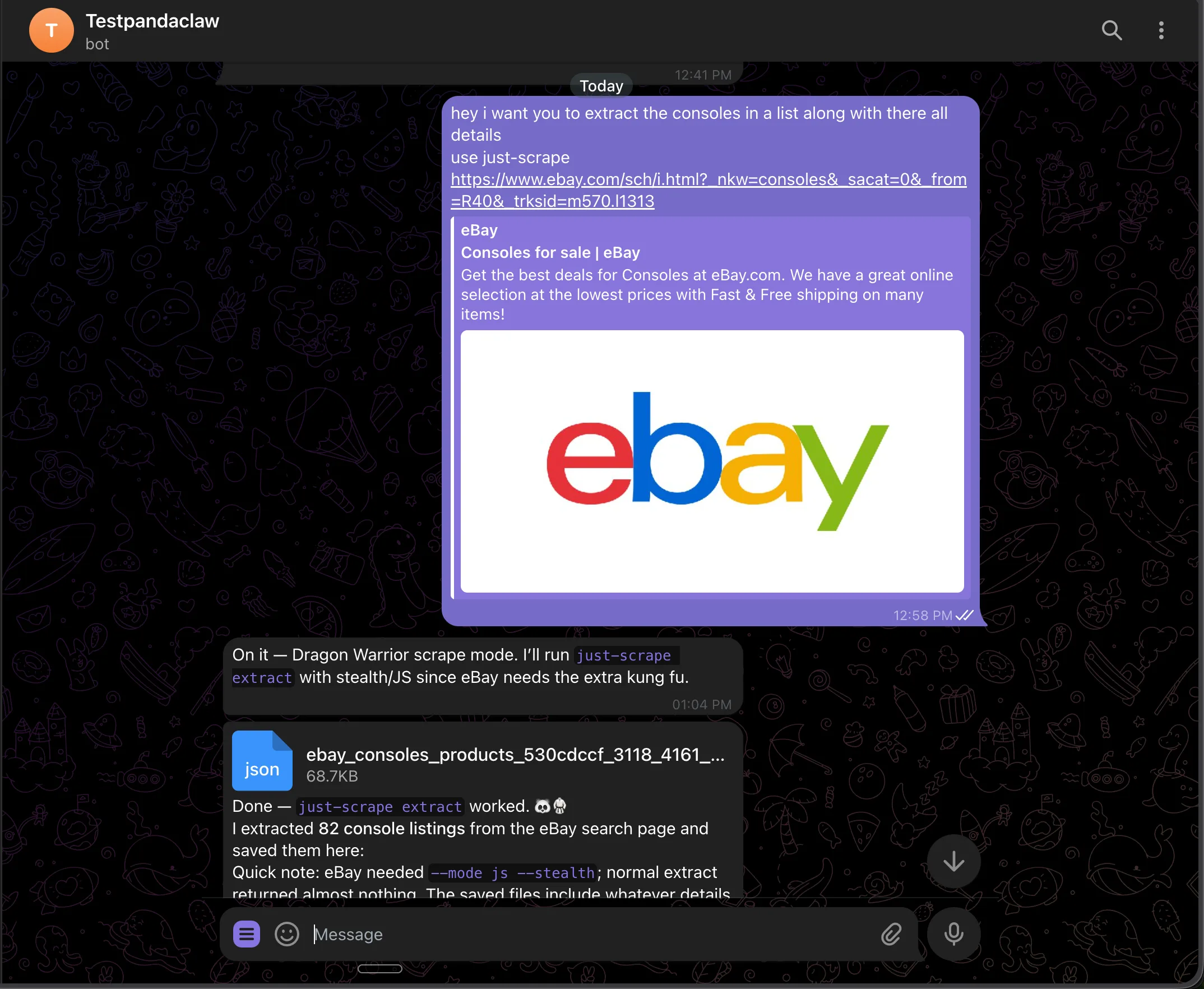
Because `just-scrape` returns schema-validated data, every listing comes back with the same fields: title, price, condition, shipping, seller, ratings, sold/watchers, image URL, and listing URL. No regex parsing, no markdown wrangling — and you get both JSON and CSV out.
## Put it on a schedule
You do not have to trigger every run by hand. Ask the agent to keep watching, and it sets up a recurring job that reports back to your chat:
```text theme={null}
> can you setup a cron for it to scrape everyday at 6pm and report back
to me what's new?
```
The agent schedules a daily run, re-runs the same `just-scrape` extraction at 6 PM UTC, and pings you with anything new.
Each run scrapes the search page, compares against the last result, and sends what changed: new listings, removed listings, price moves. If nothing moved, no noise.
## What you can build
The pattern is always the same: ask from chat, get structured data back. Swap the URL and prompt and you have a different agent.
* **Competitor pricing watch** — point it at a SaaS pricing page, schema the plan tiers, ask for a diff whenever you want one
* **Lead enrichment** — message a list of company URLs; the agent scrapes each homepage and extracts name, industry, headcount, and latest news
* **Job board scraper** — ask it to check a "remote senior Go" search and ping you with the role, salary, and link
* **Release notes digest** — scrape changelog pages for tools you depend on and get a summary of what shipped
* **News digest** — `just-scrape search "AI news"` and get the top stories summarized before your first meeting
## Support
Need help with the integration?
Report bugs and request features
Get help from our community
# Orthogonal
Source: https://docs.scrapegraphai.com/integrations/orthogonal
Call ScrapeGraph through the Orthogonal API gateway — one key, the @orth/sdk, the orth CLI, MCP, and x402 stablecoin payments
## Overview
[Orthogonal](https://orthogonal.com) is an API gateway and skill catalog for AI agents. You sign up once, fund a single account, and call any catalogued API — including every ScrapeGraph v2 endpoint — through a unified `Run API`, a TypeScript SDK, a CLI, an MCP server, or x402 stablecoin payments. No separate `SGAI_API_KEY` is required when calling ScrapeGraph through Orthogonal — your `orth_live_…` key is enough.
Reference for every Orthogonal endpoint, SDK, CLI command, and MCP tool
**When should you use Orthogonal?** Reach for Orthogonal when your agent needs more than just ScrapeGraph — e.g. scraping plus lead enrichment, email finding, or sending outreach — and you'd rather manage one key, one balance, and one usage dashboard. If you only call ScrapeGraph endpoints, the native [`scrapegraph-py`](/sdks/python) SDK is the most direct path.
## Why call ScrapeGraph through Orthogonal
* **One key, many APIs.** Combine ScrapeGraph with the rest of the Orthogonal catalog (Apollo, Hunter, Sixtyfour, …) in a single agent without per-vendor signups.
* **Pay-per-use credits or x402.** Top up a balance, or pay providers directly with USDC on Base via x402. No subscription required.
* **Native discovery.** `POST /v1/search` finds endpoints by natural-language description; `POST /v1/details` returns the full parameter schema.
* **Agent-ready surfaces.** Drop-in TypeScript SDK, CLI, and MCP server — pick whichever matches your stack.
## Setup
1. Create an account at [orthogonal.com](https://orthogonal.com) — new accounts include \$5 of free credit.
2. Generate an API key in **Dashboard → API Keys** (`orth_live_…` for production, `orth_test_…` for development).
3. Export it:
```bash theme={null}
export ORTHOGONAL_API_KEY="orth_live_xxxxxxxxxxxx"
```
That's it — there's no separate ScrapeGraph key to configure.
## ScrapeGraph endpoints exposed through Orthogonal
These map onto ScrapeGraph's v2 API (`https://v2-api.scrapegraphai.com/api/*`). If you previously called `smartscraper`, `markdownify`, or `searchscraper` directly, see the [v1 → v2 transition guide](/transition-from-v1-to-v2).
| Endpoint | Slug + path | Notes |
| ----------- | --------------------------- | ----------------------------------------------------------------------- |
| **Extract** | `scrapegraph` `/v1/extract` | NL-prompt structured extraction from a URL (replaces v1 `smartscraper`) |
| **Scrape** | `scrapegraph` `/v1/scrape` | Raw HTML, JS rendering, and Markdown output (replaces v1 `markdownify`) |
| **Search** | `scrapegraph` `/v1/search` | AI-powered web search + extraction (replaces v1 `searchscraper`) |
| **Crawl** | `scrapegraph` `/v1/crawl` | Async multi-page crawl, poll for status |
| **Monitor** | `scrapegraph` `/v1/monitor` | Schedule and track recurring jobs |
Run `orth api scrapegraph` (CLI) or `POST /v1/list-endpoints` for the live, authoritative list and current pricing.
## Three ways to call ScrapeGraph
### 1. Orthogonal SDK (`@orth/sdk`)
The TypeScript SDK wraps Orthogonal's `Run API`.
```bash theme={null}
npm install @orth/sdk
```
```typescript theme={null}
import Orthogonal from "@orth/sdk";
const orthogonal = new Orthogonal({ apiKey: process.env.ORTHOGONAL_API_KEY });
const result = await orthogonal.run({
api: "scrapegraph",
path: "/v1/extract",
body: {
prompt: "Extract the company name, founders, and pricing tiers",
url: "https://scrapegraphai.com",
},
});
if (result.success) {
console.log(result.data); // ScrapeGraph response payload
console.log(`Cost: ${result.priceCents}¢, request_id: ${result.requestId}`);
}
```
The same pattern works for every ScrapeGraph endpoint — just change `path` and `body`. For asynchronous endpoints like `/v1/crawl`, poll `GET /v1/crawl/{task_id}` (also via `orthogonal.run`) until the job reaches a terminal state.
ScrapeGraph v2 uses `url` and `prompt` (not `website_url` and `user_prompt`). For Markdown output, call `/v1/scrape` with `formats: [{ type: "markdown" }]`.
### 2. Orthogonal CLI (`orth`)
The CLI is ideal for one-off scrapes, ad-hoc research, and shell pipelines.
```bash theme={null}
npm install -g @orth/cli
# Option 1: browser-based login (recommended)
orth login
# Option 2: pass the key explicitly
export ORTHOGONAL_API_KEY="orth_live_xxxxxxxxxxxx"
```
```bash theme={null}
# Discover ScrapeGraph endpoints
orth search "web scraping"
# → scrapegraph ScrapeGraph AI (N endpoints)
# View the full ScrapeGraph endpoint list with prices
orth api scrapegraph
# View the parameter schema for a specific endpoint
orth api scrapegraph /v1/extract
# Run an extract
orth run scrapegraph /v1/extract \
--body '{
"prompt": "Extract pricing tiers",
"url": "https://scrapegraphai.com"
}'
```
The CLI returns the exact same JSON shape as the SDK, so output piping into `jq` or another tool works without translation.
### 3. x402 — pay-per-use with stablecoins
ScrapeGraph endpoints are also reachable through Orthogonal's [x402](https://x402.org) gateway at `https://x402.orth.sh/scrapegraph/`. Settlement is on Base (USDC); no pre-paid Orthogonal balance is required. The flow is the standard [HTTP 402 protocol](https://github.com/coinbase/x402): your first request gets a `402 Payment Required` with payment requirements, the client signs a payment authorization with your wallet, and the request is retried with an `X-Payment` header.
```javascript Node.js theme={null}
import { wrapFetchWithPayment } from "x402-fetch";
import { privateKeyToAccount } from "viem/accounts";
const account = privateKeyToAccount(process.env.PRIVATE_KEY);
const fetchWithPayment = wrapFetchWithPayment(fetch, account);
const response = await fetchWithPayment("https://x402.orth.sh/scrapegraph/v1/extract", {
method: "POST",
headers: { "Content-Type": "application/json" },
body: JSON.stringify({
prompt: "Extract pricing tiers",
url: "https://scrapegraphai.com",
}),
});
const result = await response.json();
```
```python Python theme={null}
import os
import requests
from eth_account import Account
from x402.clients.requests import x402_http_adapter
account = Account.from_key(os.getenv("PRIVATE_KEY"))
session = requests.Session()
session.mount("https://", x402_http_adapter(account))
response = session.post(
"https://x402.orth.sh/scrapegraph/v1/extract",
json={
"prompt": "Extract pricing tiers",
"url": "https://scrapegraphai.com",
},
)
print(response.json())
```
Install:
```bash theme={null}
# Node.js
npm install x402-fetch viem
# Python
pip install x402 eth-account
```
## Discovering and inspecting endpoints
Orthogonal exposes the same metadata your agent needs to construct valid requests at runtime:
```bash theme={null}
# Natural-language search
curl -X POST 'https://api.orthogonal.com/v1/search' \
-H "Authorization: Bearer $ORTHOGONAL_API_KEY" \
-H 'Content-Type: application/json' \
-d '{ "prompt": "extract structured data from a webpage", "limit": 5 }'
# Full parameter schema for a specific endpoint
curl -X POST 'https://api.orthogonal.com/v1/details' \
-H "Authorization: Bearer $ORTHOGONAL_API_KEY" \
-H 'Content-Type: application/json' \
-d '{ "api": "scrapegraph", "path": "/v1/extract" }'
# Code snippets in any supported format
curl -X POST 'https://api.orthogonal.com/v1/integrate' \
-H "Authorization: Bearer $ORTHOGONAL_API_KEY" \
-H 'Content-Type: application/json' \
-d '{ "api": "scrapegraph", "path": "/v1/extract", "format": "all" }'
```
The `format` field on `/v1/integrate` accepts `orth-sdk`, `run-api`, `curl`, `x402-fetch`, `x402-python`, or `all`.
## MCP server
Orthogonal hosts an MCP server at `https://mcp.orth.sh` so Claude, Cursor, OpenClaw, or any MCP-compatible client can call ScrapeGraph directly without writing glue code. Register it in your client's MCP config:
```json theme={null}
{
"mcpServers": {
"orthogonal": {
"url": "https://mcp.orth.sh"
}
}
}
```
Once installed the agent gets four tools — `search`, `get_details`, `integrate`, and `use`. Calling `use` with `{ api: "scrapegraph", path: "/v1/extract", body: {...} }` runs the same call as the SDK example above.
See the [Orthogonal MCP setup guide](https://docs.orthogonal.com/mcp/setup) for client-specific configuration.
## Response shape
Every Orthogonal call (SDK, CLI, or `/v1/run`) returns the same envelope:
```json theme={null}
{
"success": true,
"priceCents": 4,
"data": { /* raw ScrapeGraph response */ },
"requestId": "run_xxxxxxxx"
}
```
On failure (e.g. insufficient credits, returned with HTTP 402):
```json theme={null}
{
"success": false,
"priceCents": 4,
"error": "Insufficient credits. Cost: $0.04, Available: $0.00"
}
```
A `402` HTTP status indicates the balance is too low — top up via the dashboard or switch the call to the x402 gateway above.
## Resources
* [Orthogonal docs](https://docs.orthogonal.com) — full API reference
* [Orthogonal Run API](https://docs.orthogonal.com/api-reference/run)
* [Orthogonal CLI](https://docs.orthogonal.com/cli)
* [Orthogonal MCP server](https://docs.orthogonal.com/mcp/overview)
* [x402 protocol](https://x402.org) — open HTTP 402 payment standard
* [ScrapeGraph API reference](/api-reference/introduction)
# Vercel AI SDK
Source: https://docs.scrapegraphai.com/integrations/vercel_ai
Use ScrapeGraphAI as first-party tools inside Vercel AI SDK agents
## Overview
`@scrapegraph-ai/ai-sdk` exposes ScrapeGraphAI endpoints as [Vercel AI SDK](https://ai-sdk.dev/docs/introduction) tools. Add the tools to `generateText` or `streamText`, set `stopWhen`, and the model can scrape, extract, search, crawl, and monitor web data during the run.
Official Vercel AI SDK documentation
How AI SDK Core tools are executed
## Installation
Install the ScrapeGraphAI tool package, the AI SDK, and the model provider you use:
```bash theme={null}
npm i @scrapegraph-ai/ai-sdk ai @ai-sdk/openai
pnpm add @scrapegraph-ai/ai-sdk ai @ai-sdk/openai
yarn add @scrapegraph-ai/ai-sdk ai @ai-sdk/openai
bun add @scrapegraph-ai/ai-sdk ai @ai-sdk/openai
```
Set your keys:
```bash theme={null}
export SGAI_API_KEY="your-scrapegraph-key"
export OPENAI_API_KEY="your-openai-key"
```
The tools read `SGAI_API_KEY` from the environment by default. You can also pass `{ apiKey: process.env.SGAI_API_KEY }` to any tool factory.
## Quickstart
Give the model a scrape tool and allow multiple steps so it can call the tool, receive the result, then write the final answer.
```ts theme={null}
import { openai } from "@ai-sdk/openai";
import { generateText, stepCountIs } from "ai";
import { scrapeTool } from "@scrapegraph-ai/ai-sdk";
const { text } = await generateText({
model: openai("gpt-5-nano"),
prompt:
"Scrape Hacker News and write a short, concise summary of what people are talking about today.",
tools: {
scrape: scrapeTool(),
},
stopWhen: stepCountIs(3),
});
console.log(text);
```
## Available tools
| Factory | What it gives the model |
| ---------------- | -------------------------------------------------------------------------------------- |
| `scrapeTool()` | Scrape a page as markdown, HTML, JSON, links, images, summary, branding, or screenshot |
| `extractTool()` | Extract structured JSON from a URL, HTML, or markdown with a prompt |
| `searchTool()` | Search the web and optionally extract structured data from results |
| `crawlTools()` | Start, poll, page through, stop, resume, and delete crawl jobs |
| `monitorTools()` | Create, list, update, pause, resume, delete, and inspect monitor activity |
Use a narrow tool set when the task is specific. Use all tools when the agent needs to decide the workflow:
```ts theme={null}
import { openai } from "@ai-sdk/openai";
import { generateText, stepCountIs } from "ai";
import {
crawlTools,
extractTool,
monitorTools,
scrapeTool,
searchTool,
} from "@scrapegraph-ai/ai-sdk";
const { text } = await generateText({
model: openai("gpt-5-nano"),
prompt: "Search for ScrapeGraphAI docs, scrape the best page, and summarize it.",
tools: {
scrape: scrapeTool(),
extract: extractTool(),
search: searchTool(),
...crawlTools(),
...monitorTools(),
},
stopWhen: stepCountIs(10),
});
console.log(text);
```
## Scrape example
This is the smallest useful agent: one scrape tool, a concrete target, and enough steps for the model to call the tool before answering.
```ts theme={null}
import { openai } from "@ai-sdk/openai";
import { generateText, stepCountIs } from "ai";
import { scrapeTool } from "@scrapegraph-ai/ai-sdk";
const result = await generateText({
model: openai("gpt-5-nano"),
prompt: "Find the main headline on https://example.com",
tools: {
scrape: scrapeTool(),
},
stopWhen: stepCountIs(5),
});
console.log(result.text);
```
Pass an API key explicitly when your runtime does not expose environment variables:
```ts theme={null}
const tools = {
scrape: scrapeTool({ apiKey: process.env.SGAI_API_KEY }),
};
```
## Crawl example
`crawlTools()` gives the model the full async crawl loop: start the job, poll status with `getCrawl`, then retrieve paginated pages with `getCrawlPages`.
```ts theme={null}
import { openai } from "@ai-sdk/openai";
import { generateText, stepCountIs } from "ai";
import { crawlTools } from "@scrapegraph-ai/ai-sdk";
const { text, steps } = await generateText({
model: openai("gpt-5-nano"),
prompt:
"Find 10 https://scrapegraphai.com/ blog posts. Start a crawl, poll its status, fetch crawled pages with getCrawlPages, then summarize what you found.",
tools: {
...crawlTools(),
},
stopWhen: stepCountIs(20),
});
for (const step of steps) {
for (const toolCall of step.toolCalls) {
console.log(`[tool] ${toolCall.toolName}`);
console.log(JSON.stringify(toolCall.input, null, 2));
}
}
console.log(text);
```
For longer crawls, keep the same tools but add your app's own timeout, cancellation, and persistence around the AI SDK call.
## Tool reference
### Scrape
```ts theme={null}
import { scrapeTool } from "@scrapegraph-ai/ai-sdk";
const tools = {
scrape: scrapeTool(),
};
```
### Extract
```ts theme={null}
import { extractTool } from "@scrapegraph-ai/ai-sdk";
const tools = {
extract: extractTool(),
};
```
### Search
```ts theme={null}
import { searchTool } from "@scrapegraph-ai/ai-sdk";
const tools = {
search: searchTool(),
};
```
### Crawl
```ts theme={null}
import { crawlTools } from "@scrapegraph-ai/ai-sdk";
const tools = {
...crawlTools(),
};
```
`crawlTools()` registers `startCrawl`, `getCrawl`, `getCrawlPages`, `stopCrawl`, `resumeCrawl`, and `deleteCrawl`.
### Monitor
```ts theme={null}
import { monitorTools } from "@scrapegraph-ai/ai-sdk";
const tools = {
...monitorTools(),
};
```
`monitorTools()` registers `createMonitor`, `listMonitors`, `getMonitor`, `updateMonitor`, `deleteMonitor`, `pauseMonitor`, `resumeMonitor`, and `getMonitorActivity`.
## Support
Report bugs and request features
Get help from our community
# Zapier
Source: https://docs.scrapegraphai.com/integrations/zapier
Use ScrapeGraphAI inside Zapier Zaps — scrape, extract, search, crawl, and monitor web pages with no code
## Overview
The ScrapeGraphAI app for Zapier connects any Zap to ScrapeGraph's v2 API as native Zapier actions — fetch pages, extract structured JSON, run web searches, kick off multi-page crawls, and schedule monitors. Pair it with Zapier's 7,000+ apps to wire scraping into Slack, Sheets, Notion, Airtable, HubSpot, or anything else.
Install the app and start a Zap
Get your API key
## Connect ScrapeGraphAI
1. In any Zap, search for **ScrapeGraphAI** as an action and pick one — for example **Scrape a URL**.
2. When prompted, click **Sign in** → paste your `SGAI-APIKEY` from the [dashboard](https://scrapegraphai.com/dashboard).
3. Save the connection — Zapier reuses it across every ScrapeGraphAI step in every Zap.
## What else changed in v2
* **New Fetch Config knobs** that didn't exist in v1: `Stealth`, `Wait (Ms)`, `Timeout (Ms)`, `Country`, `Headers (JSON)`, `Cookies (JSON)`
* **New resources**: `Monitor` (cron + diff + webhook), `History` (look up past results by `scrapeRefId`), `Credit` (check usage)
* **Async crawl model** with five lifecycle ops instead of one synchronous call
* **AI-Agent friendly** — every content-producing op exposes `Simplified` / `Raw` / `Selected Fields` output modes
* **Cleaner credentials test** — n8n hits `GET /api/credits` to verify keys
## Recommended path
1. Update the community node: **Settings → Community Nodes → `n8n-nodes-scrapegraphai` → Update to `1.0.2`** (or later)
2. Open each affected workflow — v1 ScrapeGraphAI nodes will surface as deprecated or fail to execute
3. Drop in fresh **ScrapeGraphAI** nodes and pick the matching v2 resource from the [migration table](#method-by-method-migration)
4. Re-map fields per the [step-by-step rebuild](#step-by-step-rebuild) above
5. Set **Output** to `Simplified` (closest to v1)
6. Test the node, fix downstream expressions, delete the v1 node
## FAQ
* **Will my workflows keep running until I touch them?** Yes — until the next execution opens the v1 node, which then fails against the deprecated v1 API.
* **Can I run v1 and v2 side-by-side?** No — same package, version-pinned.
* **Self-hosted vs n8n Cloud?** Self-hosted: bump the version in **Community Nodes**. n8n Cloud doesn't yet allow community nodes.
* **I used Agentic Scraper — what now?** Use **Extract** with **Fetch Config → Mode = JS** plus **Stealth** and **Wait (Ms)**.
## Related guides
Full reference for the v2 node — every resource, operation, and field
Python / JavaScript / REST migration — the underlying API changes
Source code, issue tracker, release notes
The last 0.x release (deprecated)
# OpenClaw
Source: https://docs.scrapegraphai.com/integrations/openclaw
Scrape any URL into structured JSON from Telegram, Slack, or Discord with OpenClaw and the just-scrape skill
## Overview
[OpenClaw](https://openclaw.ai) is a self-hosted gateway that connects your chat apps to an AI coding agent — message it from Telegram, Slack, Discord, WhatsApp, and more. The one thing it cannot do out of the box is read the live web reliably with structured output.
The ScrapeGraphAI [just-scrape](https://github.com/ScrapeGraphAI/just-scrape) skill fixes that. One CLI install plus one skill install gives the agent behind OpenClaw a clean scraping toolkit that returns schema-enforced JSON instead of markdown soup. OpenClaw's channels let you drive it from wherever you already chat.
Browse the CLI and skill source
## Prerequisites
| Requirement | Where to get it |
| ----------------------- | ------------------------------------------------------------------ |
| OpenClaw installed | [docs.openclaw.ai](https://docs.openclaw.ai/start/getting-started) |
| An AI provider API key | Anthropic, OpenAI, or Google — chosen during onboarding |
| A ScrapeGraphAI API key | [scrapegraphai.com/dashboard](https://scrapegraphai.com/dashboard) |
| Node.js 22+ | Needed to run `just-scrape` and `npx skills add` |
## Setup
Install OpenClaw on macOS or Linux:
```bash theme={null}
curl -fsSL https://openclaw.ai/install.sh | bash
```
Run the onboarding wizard, which installs the background daemon and walks you through picking a model provider and entering its API key:
```bash theme={null}
openclaw onboard --install-daemon
```
Confirm the gateway is running (it listens on port 18789):
```bash theme={null}
openclaw gateway status
```
Connect Telegram (or any other channel) so you can message your agent from your phone. Follow OpenClaw's [Telegram channel guide](https://docs.openclaw.ai/channels/telegram) to wire up the bot and approve your first chat.
Once connected, any message you send the bot is routed to your agent, and its reply comes straight back in the same thread.
Install the ScrapeGraphAI command-line tool globally:
```bash theme={null}
npm install -g just-scrape@latest
```
Set your API key and confirm it works:
```bash theme={null}
export SGAI_API_KEY="sgai-xxxxxxxxxxxxxxxxxxxx"
just-scrape validate
```
Get your API key from the [dashboard](https://scrapegraphai.com/dashboard). Add the export to your shell profile so the agent inherits it on every launch.
Install the skill so the agent behind OpenClaw knows how and when to call `just-scrape`:
```bash theme={null}
npx skills add https://github.com/ScrapeGraphAI/just-scrape --skill just-scrape
```
The skill lands in `~/.agents/skills` — one of the directories OpenClaw [loads skills from](https://docs.openclaw.ai/tools/skills) — so it is available to your agent on the next session.
## Scrape from chat
Open the chat with your bot and send it a URL plus a request. For the demo, point it at an eBay search for consoles:
```text theme={null}
> hey i want you to extract the consoles in a list along with all their
details, use just-scrape
https://www.ebay.com/sch/i.html?_nkw=consoles
```
The agent picks up the `just-scrape` skill and runs `just-scrape extract`. eBay is JavaScript-heavy, so it reaches for `--mode js --stealth` on its own — a plain extract comes back almost empty. It pulls 82 console listings and saves them as structured data, right there in the thread.

Because `just-scrape` returns schema-validated data, every listing comes back with the same fields: title, price, condition, shipping, seller, ratings, sold/watchers, image URL, and listing URL. No regex parsing, no markdown wrangling — and you get both JSON and CSV out.
## Put it on a schedule
You do not have to trigger every run by hand. Ask the agent to keep watching, and it sets up a recurring job that reports back to your chat:
```text theme={null}
> can you setup a cron for it to scrape everyday at 6pm and report back
to me what's new?
```
The agent schedules a daily run, re-runs the same `just-scrape` extraction at 6 PM UTC, and pings you with anything new.

Each run scrapes the search page, compares against the last result, and sends what changed: new listings, removed listings, price moves. If nothing moved, no noise.
## What you can build
The pattern is always the same: ask from chat, get structured data back. Swap the URL and prompt and you have a different agent.
* **Competitor pricing watch** — point it at a SaaS pricing page, schema the plan tiers, ask for a diff whenever you want one
* **Lead enrichment** — message a list of company URLs; the agent scrapes each homepage and extracts name, industry, headcount, and latest news
* **Job board scraper** — ask it to check a "remote senior Go" search and ping you with the role, salary, and link
* **Release notes digest** — scrape changelog pages for tools you depend on and get a summary of what shipped
* **News digest** — `just-scrape search "AI news"` and get the top stories summarized before your first meeting
## Support
Need help with the integration?
Report bugs and request features
Get help from our community
# Orthogonal
Source: https://docs.scrapegraphai.com/integrations/orthogonal
Call ScrapeGraph through the Orthogonal API gateway — one key, the @orth/sdk, the orth CLI, MCP, and x402 stablecoin payments
## Overview
[Orthogonal](https://orthogonal.com) is an API gateway and skill catalog for AI agents. You sign up once, fund a single account, and call any catalogued API — including every ScrapeGraph v2 endpoint — through a unified `Run API`, a TypeScript SDK, a CLI, an MCP server, or x402 stablecoin payments. No separate `SGAI_API_KEY` is required when calling ScrapeGraph through Orthogonal — your `orth_live_…` key is enough.
Reference for every Orthogonal endpoint, SDK, CLI command, and MCP tool
**When should you use Orthogonal?** Reach for Orthogonal when your agent needs more than just ScrapeGraph — e.g. scraping plus lead enrichment, email finding, or sending outreach — and you'd rather manage one key, one balance, and one usage dashboard. If you only call ScrapeGraph endpoints, the native [`scrapegraph-py`](/sdks/python) SDK is the most direct path.
## Why call ScrapeGraph through Orthogonal
* **One key, many APIs.** Combine ScrapeGraph with the rest of the Orthogonal catalog (Apollo, Hunter, Sixtyfour, …) in a single agent without per-vendor signups.
* **Pay-per-use credits or x402.** Top up a balance, or pay providers directly with USDC on Base via x402. No subscription required.
* **Native discovery.** `POST /v1/search` finds endpoints by natural-language description; `POST /v1/details` returns the full parameter schema.
* **Agent-ready surfaces.** Drop-in TypeScript SDK, CLI, and MCP server — pick whichever matches your stack.
## Setup
1. Create an account at [orthogonal.com](https://orthogonal.com) — new accounts include \$5 of free credit.
2. Generate an API key in **Dashboard → API Keys** (`orth_live_…` for production, `orth_test_…` for development).
3. Export it:
```bash theme={null}
export ORTHOGONAL_API_KEY="orth_live_xxxxxxxxxxxx"
```
That's it — there's no separate ScrapeGraph key to configure.
## ScrapeGraph endpoints exposed through Orthogonal
These map onto ScrapeGraph's v2 API (`https://v2-api.scrapegraphai.com/api/*`). If you previously called `smartscraper`, `markdownify`, or `searchscraper` directly, see the [v1 → v2 transition guide](/transition-from-v1-to-v2).
| Endpoint | Slug + path | Notes |
| ----------- | --------------------------- | ----------------------------------------------------------------------- |
| **Extract** | `scrapegraph` `/v1/extract` | NL-prompt structured extraction from a URL (replaces v1 `smartscraper`) |
| **Scrape** | `scrapegraph` `/v1/scrape` | Raw HTML, JS rendering, and Markdown output (replaces v1 `markdownify`) |
| **Search** | `scrapegraph` `/v1/search` | AI-powered web search + extraction (replaces v1 `searchscraper`) |
| **Crawl** | `scrapegraph` `/v1/crawl` | Async multi-page crawl, poll for status |
| **Monitor** | `scrapegraph` `/v1/monitor` | Schedule and track recurring jobs |
Run `orth api scrapegraph` (CLI) or `POST /v1/list-endpoints` for the live, authoritative list and current pricing.
## Three ways to call ScrapeGraph
### 1. Orthogonal SDK (`@orth/sdk`)
The TypeScript SDK wraps Orthogonal's `Run API`.
```bash theme={null}
npm install @orth/sdk
```
```typescript theme={null}
import Orthogonal from "@orth/sdk";
const orthogonal = new Orthogonal({ apiKey: process.env.ORTHOGONAL_API_KEY });
const result = await orthogonal.run({
api: "scrapegraph",
path: "/v1/extract",
body: {
prompt: "Extract the company name, founders, and pricing tiers",
url: "https://scrapegraphai.com",
},
});
if (result.success) {
console.log(result.data); // ScrapeGraph response payload
console.log(`Cost: ${result.priceCents}¢, request_id: ${result.requestId}`);
}
```
The same pattern works for every ScrapeGraph endpoint — just change `path` and `body`. For asynchronous endpoints like `/v1/crawl`, poll `GET /v1/crawl/{task_id}` (also via `orthogonal.run`) until the job reaches a terminal state.
ScrapeGraph v2 uses `url` and `prompt` (not `website_url` and `user_prompt`). For Markdown output, call `/v1/scrape` with `formats: [{ type: "markdown" }]`.
### 2. Orthogonal CLI (`orth`)
The CLI is ideal for one-off scrapes, ad-hoc research, and shell pipelines.
```bash theme={null}
npm install -g @orth/cli
# Option 1: browser-based login (recommended)
orth login
# Option 2: pass the key explicitly
export ORTHOGONAL_API_KEY="orth_live_xxxxxxxxxxxx"
```
```bash theme={null}
# Discover ScrapeGraph endpoints
orth search "web scraping"
# → scrapegraph ScrapeGraph AI (N endpoints)
# View the full ScrapeGraph endpoint list with prices
orth api scrapegraph
# View the parameter schema for a specific endpoint
orth api scrapegraph /v1/extract
# Run an extract
orth run scrapegraph /v1/extract \
--body '{
"prompt": "Extract pricing tiers",
"url": "https://scrapegraphai.com"
}'
```
The CLI returns the exact same JSON shape as the SDK, so output piping into `jq` or another tool works without translation.
### 3. x402 — pay-per-use with stablecoins
ScrapeGraph endpoints are also reachable through Orthogonal's [x402](https://x402.org) gateway at `https://x402.orth.sh/scrapegraph/`. Settlement is on Base (USDC); no pre-paid Orthogonal balance is required. The flow is the standard [HTTP 402 protocol](https://github.com/coinbase/x402): your first request gets a `402 Payment Required` with payment requirements, the client signs a payment authorization with your wallet, and the request is retried with an `X-Payment` header.
```javascript Node.js theme={null}
import { wrapFetchWithPayment } from "x402-fetch";
import { privateKeyToAccount } from "viem/accounts";
const account = privateKeyToAccount(process.env.PRIVATE_KEY);
const fetchWithPayment = wrapFetchWithPayment(fetch, account);
const response = await fetchWithPayment("https://x402.orth.sh/scrapegraph/v1/extract", {
method: "POST",
headers: { "Content-Type": "application/json" },
body: JSON.stringify({
prompt: "Extract pricing tiers",
url: "https://scrapegraphai.com",
}),
});
const result = await response.json();
```
```python Python theme={null}
import os
import requests
from eth_account import Account
from x402.clients.requests import x402_http_adapter
account = Account.from_key(os.getenv("PRIVATE_KEY"))
session = requests.Session()
session.mount("https://", x402_http_adapter(account))
response = session.post(
"https://x402.orth.sh/scrapegraph/v1/extract",
json={
"prompt": "Extract pricing tiers",
"url": "https://scrapegraphai.com",
},
)
print(response.json())
```
Install:
```bash theme={null}
# Node.js
npm install x402-fetch viem
# Python
pip install x402 eth-account
```
## Discovering and inspecting endpoints
Orthogonal exposes the same metadata your agent needs to construct valid requests at runtime:
```bash theme={null}
# Natural-language search
curl -X POST 'https://api.orthogonal.com/v1/search' \
-H "Authorization: Bearer $ORTHOGONAL_API_KEY" \
-H 'Content-Type: application/json' \
-d '{ "prompt": "extract structured data from a webpage", "limit": 5 }'
# Full parameter schema for a specific endpoint
curl -X POST 'https://api.orthogonal.com/v1/details' \
-H "Authorization: Bearer $ORTHOGONAL_API_KEY" \
-H 'Content-Type: application/json' \
-d '{ "api": "scrapegraph", "path": "/v1/extract" }'
# Code snippets in any supported format
curl -X POST 'https://api.orthogonal.com/v1/integrate' \
-H "Authorization: Bearer $ORTHOGONAL_API_KEY" \
-H 'Content-Type: application/json' \
-d '{ "api": "scrapegraph", "path": "/v1/extract", "format": "all" }'
```
The `format` field on `/v1/integrate` accepts `orth-sdk`, `run-api`, `curl`, `x402-fetch`, `x402-python`, or `all`.
## MCP server
Orthogonal hosts an MCP server at `https://mcp.orth.sh` so Claude, Cursor, OpenClaw, or any MCP-compatible client can call ScrapeGraph directly without writing glue code. Register it in your client's MCP config:
```json theme={null}
{
"mcpServers": {
"orthogonal": {
"url": "https://mcp.orth.sh"
}
}
}
```
Once installed the agent gets four tools — `search`, `get_details`, `integrate`, and `use`. Calling `use` with `{ api: "scrapegraph", path: "/v1/extract", body: {...} }` runs the same call as the SDK example above.
See the [Orthogonal MCP setup guide](https://docs.orthogonal.com/mcp/setup) for client-specific configuration.
## Response shape
Every Orthogonal call (SDK, CLI, or `/v1/run`) returns the same envelope:
```json theme={null}
{
"success": true,
"priceCents": 4,
"data": { /* raw ScrapeGraph response */ },
"requestId": "run_xxxxxxxx"
}
```
On failure (e.g. insufficient credits, returned with HTTP 402):
```json theme={null}
{
"success": false,
"priceCents": 4,
"error": "Insufficient credits. Cost: $0.04, Available: $0.00"
}
```
A `402` HTTP status indicates the balance is too low — top up via the dashboard or switch the call to the x402 gateway above.
## Resources
* [Orthogonal docs](https://docs.orthogonal.com) — full API reference
* [Orthogonal Run API](https://docs.orthogonal.com/api-reference/run)
* [Orthogonal CLI](https://docs.orthogonal.com/cli)
* [Orthogonal MCP server](https://docs.orthogonal.com/mcp/overview)
* [x402 protocol](https://x402.org) — open HTTP 402 payment standard
* [ScrapeGraph API reference](/api-reference/introduction)
# Vercel AI SDK
Source: https://docs.scrapegraphai.com/integrations/vercel_ai
Use ScrapeGraphAI as first-party tools inside Vercel AI SDK agents
## Overview
`@scrapegraph-ai/ai-sdk` exposes ScrapeGraphAI endpoints as [Vercel AI SDK](https://ai-sdk.dev/docs/introduction) tools. Add the tools to `generateText` or `streamText`, set `stopWhen`, and the model can scrape, extract, search, crawl, and monitor web data during the run.
Official Vercel AI SDK documentation
How AI SDK Core tools are executed
## Installation
Install the ScrapeGraphAI tool package, the AI SDK, and the model provider you use:
```bash theme={null}
npm i @scrapegraph-ai/ai-sdk ai @ai-sdk/openai
pnpm add @scrapegraph-ai/ai-sdk ai @ai-sdk/openai
yarn add @scrapegraph-ai/ai-sdk ai @ai-sdk/openai
bun add @scrapegraph-ai/ai-sdk ai @ai-sdk/openai
```
Set your keys:
```bash theme={null}
export SGAI_API_KEY="your-scrapegraph-key"
export OPENAI_API_KEY="your-openai-key"
```
The tools read `SGAI_API_KEY` from the environment by default. You can also pass `{ apiKey: process.env.SGAI_API_KEY }` to any tool factory.
## Quickstart
Give the model a scrape tool and allow multiple steps so it can call the tool, receive the result, then write the final answer.
```ts theme={null}
import { openai } from "@ai-sdk/openai";
import { generateText, stepCountIs } from "ai";
import { scrapeTool } from "@scrapegraph-ai/ai-sdk";
const { text } = await generateText({
model: openai("gpt-5-nano"),
prompt:
"Scrape Hacker News and write a short, concise summary of what people are talking about today.",
tools: {
scrape: scrapeTool(),
},
stopWhen: stepCountIs(3),
});
console.log(text);
```
## Available tools
| Factory | What it gives the model |
| ---------------- | -------------------------------------------------------------------------------------- |
| `scrapeTool()` | Scrape a page as markdown, HTML, JSON, links, images, summary, branding, or screenshot |
| `extractTool()` | Extract structured JSON from a URL, HTML, or markdown with a prompt |
| `searchTool()` | Search the web and optionally extract structured data from results |
| `crawlTools()` | Start, poll, page through, stop, resume, and delete crawl jobs |
| `monitorTools()` | Create, list, update, pause, resume, delete, and inspect monitor activity |
Use a narrow tool set when the task is specific. Use all tools when the agent needs to decide the workflow:
```ts theme={null}
import { openai } from "@ai-sdk/openai";
import { generateText, stepCountIs } from "ai";
import {
crawlTools,
extractTool,
monitorTools,
scrapeTool,
searchTool,
} from "@scrapegraph-ai/ai-sdk";
const { text } = await generateText({
model: openai("gpt-5-nano"),
prompt: "Search for ScrapeGraphAI docs, scrape the best page, and summarize it.",
tools: {
scrape: scrapeTool(),
extract: extractTool(),
search: searchTool(),
...crawlTools(),
...monitorTools(),
},
stopWhen: stepCountIs(10),
});
console.log(text);
```
## Scrape example
This is the smallest useful agent: one scrape tool, a concrete target, and enough steps for the model to call the tool before answering.
```ts theme={null}
import { openai } from "@ai-sdk/openai";
import { generateText, stepCountIs } from "ai";
import { scrapeTool } from "@scrapegraph-ai/ai-sdk";
const result = await generateText({
model: openai("gpt-5-nano"),
prompt: "Find the main headline on https://example.com",
tools: {
scrape: scrapeTool(),
},
stopWhen: stepCountIs(5),
});
console.log(result.text);
```
Pass an API key explicitly when your runtime does not expose environment variables:
```ts theme={null}
const tools = {
scrape: scrapeTool({ apiKey: process.env.SGAI_API_KEY }),
};
```
## Crawl example
`crawlTools()` gives the model the full async crawl loop: start the job, poll status with `getCrawl`, then retrieve paginated pages with `getCrawlPages`.
```ts theme={null}
import { openai } from "@ai-sdk/openai";
import { generateText, stepCountIs } from "ai";
import { crawlTools } from "@scrapegraph-ai/ai-sdk";
const { text, steps } = await generateText({
model: openai("gpt-5-nano"),
prompt:
"Find 10 https://scrapegraphai.com/ blog posts. Start a crawl, poll its status, fetch crawled pages with getCrawlPages, then summarize what you found.",
tools: {
...crawlTools(),
},
stopWhen: stepCountIs(20),
});
for (const step of steps) {
for (const toolCall of step.toolCalls) {
console.log(`[tool] ${toolCall.toolName}`);
console.log(JSON.stringify(toolCall.input, null, 2));
}
}
console.log(text);
```
For longer crawls, keep the same tools but add your app's own timeout, cancellation, and persistence around the AI SDK call.
## Tool reference
### Scrape
```ts theme={null}
import { scrapeTool } from "@scrapegraph-ai/ai-sdk";
const tools = {
scrape: scrapeTool(),
};
```
### Extract
```ts theme={null}
import { extractTool } from "@scrapegraph-ai/ai-sdk";
const tools = {
extract: extractTool(),
};
```
### Search
```ts theme={null}
import { searchTool } from "@scrapegraph-ai/ai-sdk";
const tools = {
search: searchTool(),
};
```
### Crawl
```ts theme={null}
import { crawlTools } from "@scrapegraph-ai/ai-sdk";
const tools = {
...crawlTools(),
};
```
`crawlTools()` registers `startCrawl`, `getCrawl`, `getCrawlPages`, `stopCrawl`, `resumeCrawl`, and `deleteCrawl`.
### Monitor
```ts theme={null}
import { monitorTools } from "@scrapegraph-ai/ai-sdk";
const tools = {
...monitorTools(),
};
```
`monitorTools()` registers `createMonitor`, `listMonitors`, `getMonitor`, `updateMonitor`, `deleteMonitor`, `pauseMonitor`, `resumeMonitor`, and `getMonitorActivity`.
## Support
Report bugs and request features
Get help from our community
# Zapier
Source: https://docs.scrapegraphai.com/integrations/zapier
Use ScrapeGraphAI inside Zapier Zaps — scrape, extract, search, crawl, and monitor web pages with no code
## Overview
The ScrapeGraphAI app for Zapier connects any Zap to ScrapeGraph's v2 API as native Zapier actions — fetch pages, extract structured JSON, run web searches, kick off multi-page crawls, and schedule monitors. Pair it with Zapier's 7,000+ apps to wire scraping into Slack, Sheets, Notion, Airtable, HubSpot, or anything else.
Install the app and start a Zap
Get your API key
## Connect ScrapeGraphAI
1. In any Zap, search for **ScrapeGraphAI** as an action and pick one — for example **Scrape a URL**.
2. When prompted, click **Sign in** → paste your `SGAI-APIKEY` from the [dashboard](https://scrapegraphai.com/dashboard).
3. Save the connection — Zapier reuses it across every ScrapeGraphAI step in every Zap.
![ScrapeGraphAI connection dialog in Zapier with API Key field]() Your API key is stored on Zapier's side and is sent in the `SGAI-APIKEY` header on each call. Rotate it from the [dashboard](https://scrapegraphai.com/dashboard) and update the connection if needed.
## What's in the integration
Your API key is stored on Zapier's side and is sent in the `SGAI-APIKEY` header on each call. Rotate it from the [dashboard](https://scrapegraphai.com/dashboard) and update the connection if needed.
## What's in the integration
![Zapier action picker showing ScrapeGraphAI actions]() | Action | What it does |
| ------------------------- | -------------------------------------------------------------------------------------- |
| **Scrape a URL** | Fetch a page in markdown or HTML — single round-trip |
| **Extract Data From URL** | Run a natural-language prompt over a URL, raw HTML, or markdown — optional JSON schema |
| **Search Web** | AI web search with inline content; optional rollup prompt across results |
| **Crawl a Website** | Start an async multi-page crawl from an entry URL — returns a job ID |
| **Get Crawl Status** | Poll a crawl job by ID until it returns the `pages` array |
| **Get a Past Result** | Fetch any stored job result by `id` or `scrapeRefId` |
| **Create Monitor** | Schedule a recurring fetch on a cron with diff detection and optional webhook |
| **Get Monitor Activity** | Read recent ticks from a monitor (`changed`, `diffs`, `status`, `createdAt`) |
Zapier action timeouts cap individual steps at 30–60 seconds (depending on your plan). For larger crawls, use **Crawl a Website** to start the job, then a **Delay** + **Get Crawl Status** to poll — same async pattern as n8n.
## Actions
### Scrape a URL
Fetch a page and return its content in a chosen format.
| Action | What it does |
| ------------------------- | -------------------------------------------------------------------------------------- |
| **Scrape a URL** | Fetch a page in markdown or HTML — single round-trip |
| **Extract Data From URL** | Run a natural-language prompt over a URL, raw HTML, or markdown — optional JSON schema |
| **Search Web** | AI web search with inline content; optional rollup prompt across results |
| **Crawl a Website** | Start an async multi-page crawl from an entry URL — returns a job ID |
| **Get Crawl Status** | Poll a crawl job by ID until it returns the `pages` array |
| **Get a Past Result** | Fetch any stored job result by `id` or `scrapeRefId` |
| **Create Monitor** | Schedule a recurring fetch on a cron with diff detection and optional webhook |
| **Get Monitor Activity** | Read recent ticks from a monitor (`changed`, `diffs`, `status`, `createdAt`) |
Zapier action timeouts cap individual steps at 30–60 seconds (depending on your plan). For larger crawls, use **Crawl a Website** to start the job, then a **Delay** + **Get Crawl Status** to poll — same async pattern as n8n.
## Actions
### Scrape a URL
Fetch a page and return its content in a chosen format.
![Scrape a URL action with URL filled and Format = markdown]() | Field | Description |
| ------ | ----------------------------------------- |
| URL | The page to fetch |
| Format | Output format — Markdown or HTML |
| Mode | Rendering mode — Normal, Reader, or Prune |
***
### Extract Data From URL
Send a URL (or raw HTML / markdown) to ScrapeGraph and get back structured JSON, driven by a natural-language prompt.
| Field | Description |
| ------ | ----------------------------------------- |
| URL | The page to fetch |
| Format | Output format — Markdown or HTML |
| Mode | Rendering mode — Normal, Reader, or Prune |
***
### Extract Data From URL
Send a URL (or raw HTML / markdown) to ScrapeGraph and get back structured JSON, driven by a natural-language prompt.
![Extract Data From URL action configuration in Zapier]() | Field | Description |
| -------- | ------------------------------------------------------------------- |
| Source | `URL`, `HTML`, or `Markdown` — picks which input field is used |
| URL | Page to extract from (when Source = URL) |
| HTML | Raw HTML to extract from (when Source = HTML) |
| Markdown | Markdown to extract from (when Source = Markdown) |
| Prompt | Natural-language instruction, e.g. `Extract product name and price` |
| Schema | Optional JSON schema to enforce output shape |
| Mode | Extraction mode — `Auto`, `Fast`, or `JS` |
***
### Search Web
Run a web search and get the top results back inline, optionally with AI extraction applied across them.
| Field | Description |
| -------- | ------------------------------------------------------------------- |
| Source | `URL`, `HTML`, or `Markdown` — picks which input field is used |
| URL | Page to extract from (when Source = URL) |
| HTML | Raw HTML to extract from (when Source = HTML) |
| Markdown | Markdown to extract from (when Source = Markdown) |
| Prompt | Natural-language instruction, e.g. `Extract product name and price` |
| Schema | Optional JSON schema to enforce output shape |
| Mode | Extraction mode — `Auto`, `Fast`, or `JS` |
***
### Search Web
Run a web search and get the top results back inline, optionally with AI extraction applied across them.
![Search Web action with a query, 3 results, markdown format]() | Field | Description |
| ----------------------- | ------------------------------------------------------------------------------------------------ |
| Query | Search query string |
| Number of Results | 1–20, default 3 |
| Format | Content format for each result (`markdown` / `html`) |
| Prompt | Optional rollup prompt run across all results |
| Time Range | Filter to a recent window (`past_hour`, `past_24_hours`, `past_week`, `past_month`, `past_year`) |
| Location (Country Code) | Two-letter ISO country code for localized results |
***
### Crawl a Website
Start a multi-page crawl from an entry URL. Returns immediately with a job ID — pair with **Get Crawl Status** to retrieve the pages.
| Field | Description |
| ----------------------- | ------------------------------------------------------------------------------------------------ |
| Query | Search query string |
| Number of Results | 1–20, default 3 |
| Format | Content format for each result (`markdown` / `html`) |
| Prompt | Optional rollup prompt run across all results |
| Time Range | Filter to a recent window (`past_hour`, `past_24_hours`, `past_week`, `past_month`, `past_year`) |
| Location (Country Code) | Two-letter ISO country code for localized results |
***
### Crawl a Website
Start a multi-page crawl from an entry URL. Returns immediately with a job ID — pair with **Get Crawl Status** to retrieve the pages.
![Crawl a Website action with URL, format, max pages, max depth, and max links per page]() | Field | Description |
| ------------------ | ------------------------------------------------------- |
| URL | Entry point for the crawl |
| Format | Output format per page (`markdown` / `html`) |
| Mode | Rendering mode — Normal, Reader, or Prune |
| Max Pages | Cap on total pages crawled (1–1000) |
| Max Depth | How many link levels deep to traverse |
| Max Links Per Page | Maximum links to follow per page |
| Include Patterns | Newline-separated URL globs to include (e.g. `/blog/*`) |
| Exclude Patterns | Newline-separated URL globs to exclude |
***
### Get Crawl Status
Poll a crawl job until it completes. When `status` is `completed`, the response carries a `pages` array with a `scrapeRefId` per page that you can pass to **Get a Past Result**.
| Field | Description |
| ------------------ | ------------------------------------------------------- |
| URL | Entry point for the crawl |
| Format | Output format per page (`markdown` / `html`) |
| Mode | Rendering mode — Normal, Reader, or Prune |
| Max Pages | Cap on total pages crawled (1–1000) |
| Max Depth | How many link levels deep to traverse |
| Max Links Per Page | Maximum links to follow per page |
| Include Patterns | Newline-separated URL globs to include (e.g. `/blog/*`) |
| Exclude Patterns | Newline-separated URL globs to exclude |
***
### Get Crawl Status
Poll a crawl job until it completes. When `status` is `completed`, the response carries a `pages` array with a `scrapeRefId` per page that you can pass to **Get a Past Result**.
![Get Crawl Status action with Crawl Job ID mapped from a previous step]() | Field | Description |
| -------- | ---------------------------------------------------------------------------- |
| Crawl ID | The `id` returned by Crawl a Website — usually mapped from the previous step |
The async pattern looks like this on the canvas — kick off the crawl, wait, then poll:
| Field | Description |
| -------- | ---------------------------------------------------------------------------- |
| Crawl ID | The `id` returned by Crawl a Website — usually mapped from the previous step |
The async pattern looks like this on the canvas — kick off the crawl, wait, then poll:
![Zap canvas: Schedule → Crawl a Website → Delay → Get Crawl Status]() ***
### Get a Past Result
Fetch a stored job result by its ID. Most useful for retrieving the full content of a crawled page using the `scrapeRefId` from **Get Crawl Status**.
***
### Get a Past Result
Fetch a stored job result by its ID. Most useful for retrieving the full content of a crawled page using the `scrapeRefId` from **Get Crawl Status**.
![Get a Past Result action with the Entry ID field]() | Field | Description |
| -------- | ------------------------- |
| Entry ID | A job ID or `scrapeRefId` |
***
### Create Monitor
Schedule ScrapeGraph to fetch a URL on a recurring cron and detect changes between runs.
| Field | Description |
| -------- | ------------------------- |
| Entry ID | A job ID or `scrapeRefId` |
***
### Create Monitor
Schedule ScrapeGraph to fetch a URL on a recurring cron and detect changes between runs.
![Create Monitor action with URL, name, cron, format, HTML mode, and webhook URL fields]() | Field | Description |
| --------------- | -------------------------------------------------------------------------------- |
| URL | Page to watch |
| Monitor Name | Optional display name |
| Interval (Cron) | 5-field cron expression — see table below |
| Format | Content format captured on each tick (`markdown` / `html` / `links` / `summary`) |
| HTML Mode | Rendering mode — Normal, Reader, or Prune |
| Webhook URL | Optional URL to POST tick payloads to |
**Common cron expressions**
| Schedule | Cron |
| ------------------ | ------------- |
| Every hour | `0 * * * *` |
| Every 6 hours | `0 */6 * * *` |
| Daily at 09:00 UTC | `0 9 * * *` |
| Weekly on Monday | `0 9 * * 1` |
***
### Get Monitor Activity
Fetch the latest activity ticks from an existing monitor.
| Field | Description |
| --------------- | -------------------------------------------------------------------------------- |
| URL | Page to watch |
| Monitor Name | Optional display name |
| Interval (Cron) | 5-field cron expression — see table below |
| Format | Content format captured on each tick (`markdown` / `html` / `links` / `summary`) |
| HTML Mode | Rendering mode — Normal, Reader, or Prune |
| Webhook URL | Optional URL to POST tick payloads to |
**Common cron expressions**
| Schedule | Cron |
| ------------------ | ------------- |
| Every hour | `0 * * * *` |
| Every 6 hours | `0 */6 * * *` |
| Daily at 09:00 UTC | `0 9 * * *` |
| Weekly on Monday | `0 9 * * 1` |
***
### Get Monitor Activity
Fetch the latest activity ticks from an existing monitor.
![Get Monitor Activity action with Monitor ID and Limit fields]() | Field | Description |
| ---------- | --------------------------------------------- |
| Monitor ID | The `id` returned by Create Monitor |
| Limit | Number of ticks to return (1–100, default 20) |
Returns a `ticks` array where each entry has `changed` (boolean), `diffs`, `status`, and `createdAt`.
## Example Zap: extract product data into Google Sheets
A daily Zap that pulls product data from a listing page and appends each product as a row in Google Sheets.
1. **Trigger** — `Schedule by Zapier` → Every day.
2. **Action 1** — `ScrapeGraphAI → Extract Data From URL`:
* **Source:** `URL`
* **URL:** the product listing page
* **Prompt:** `Extract all products on the page with their name, price, rating, and number of reviews`
* **Schema:**
```json theme={null}
{
"type": "object",
"properties": {
"products": {
"type": "array",
"items": {
"type": "object",
"properties": {
"name": {"type": "string"},
"price": {"type": "string"},
"rating": {"type": "number"},
"reviews": {"type": "number"}
}
}
}
}
}
```
3. **Action 2** — `Looping by Zapier → Loop From Line Items`, fed from the previous step's `products` array. Zapier runs the next action once per item.
4. **Action 3** — `Google Sheets → Create Spreadsheet Row`:
* **Name** → `{{loop.name}}`
* **Price** → `{{loop.price}}`
* **Rating** → `{{loop.rating}}`
* **Reviews** → `{{loop.reviews}}`
Result: every product on the page gets its own row.
## Patterns that carry over
| Pattern | Action(s) | Notes |
| ------------------------- | ------------------------------------------------------ | ---------------------------------------------------------------------------------- |
| One-shot fetch | Scrape a URL | Cheapest path — markdown by default |
| Structured extraction | Extract Data From URL | JSON schema is optional but locks the shape |
| Multi-page archive | Crawl a Website + Get Crawl Status + Get a Past Result | Loop over `pages` from Get Crawl Status, feed `scrapeRefId` into Get a Past Result |
| Recurring fetch with diff | Create Monitor + Get Monitor Activity | Or wire `webhookUrl` to a Zapier Webhook trigger for instant deltas |
| AI search rollup | Search Web with Prompt | Single call replaces "search → scrape each → summarize" |
## Troubleshooting
* **Action times out on Crawl a Website** — large crawls run longer than Zapier's per-action limit. Keep Crawl a Website as the start step, then add a **Delay** + **Get Crawl Status** to poll until `status` is `completed`.
* **Extract returns an empty `json`** — sharpen the prompt, or pin the shape with a JSON Schema. Pages that need rendering may need `Mode: JS`.
* **Connection test fails** — confirm the API key is from the v2 dashboard (`scrapegraphai.com/dashboard`). v1 keys won't validate against the v2 API.
* **Get Past Result returns stale data** — `scrapeRefId` always points to the latest stored result for that pointer. Trigger a fresh crawl to refresh.
## Resources
Marketplace listing and Zap templates
Full v2 endpoint reference — every parameter the actions send
Get an API key and check usage
How Zaps, triggers, actions, and Looping work
# Introduction
Source: https://docs.scrapegraphai.com/introduction
Welcome to ScrapeGraphAI - AI-Powered Web Data Extraction
| Field | Description |
| ---------- | --------------------------------------------- |
| Monitor ID | The `id` returned by Create Monitor |
| Limit | Number of ticks to return (1–100, default 20) |
Returns a `ticks` array where each entry has `changed` (boolean), `diffs`, `status`, and `createdAt`.
## Example Zap: extract product data into Google Sheets
A daily Zap that pulls product data from a listing page and appends each product as a row in Google Sheets.
1. **Trigger** — `Schedule by Zapier` → Every day.
2. **Action 1** — `ScrapeGraphAI → Extract Data From URL`:
* **Source:** `URL`
* **URL:** the product listing page
* **Prompt:** `Extract all products on the page with their name, price, rating, and number of reviews`
* **Schema:**
```json theme={null}
{
"type": "object",
"properties": {
"products": {
"type": "array",
"items": {
"type": "object",
"properties": {
"name": {"type": "string"},
"price": {"type": "string"},
"rating": {"type": "number"},
"reviews": {"type": "number"}
}
}
}
}
}
```
3. **Action 2** — `Looping by Zapier → Loop From Line Items`, fed from the previous step's `products` array. Zapier runs the next action once per item.
4. **Action 3** — `Google Sheets → Create Spreadsheet Row`:
* **Name** → `{{loop.name}}`
* **Price** → `{{loop.price}}`
* **Rating** → `{{loop.rating}}`
* **Reviews** → `{{loop.reviews}}`
Result: every product on the page gets its own row.
## Patterns that carry over
| Pattern | Action(s) | Notes |
| ------------------------- | ------------------------------------------------------ | ---------------------------------------------------------------------------------- |
| One-shot fetch | Scrape a URL | Cheapest path — markdown by default |
| Structured extraction | Extract Data From URL | JSON schema is optional but locks the shape |
| Multi-page archive | Crawl a Website + Get Crawl Status + Get a Past Result | Loop over `pages` from Get Crawl Status, feed `scrapeRefId` into Get a Past Result |
| Recurring fetch with diff | Create Monitor + Get Monitor Activity | Or wire `webhookUrl` to a Zapier Webhook trigger for instant deltas |
| AI search rollup | Search Web with Prompt | Single call replaces "search → scrape each → summarize" |
## Troubleshooting
* **Action times out on Crawl a Website** — large crawls run longer than Zapier's per-action limit. Keep Crawl a Website as the start step, then add a **Delay** + **Get Crawl Status** to poll until `status` is `completed`.
* **Extract returns an empty `json`** — sharpen the prompt, or pin the shape with a JSON Schema. Pages that need rendering may need `Mode: JS`.
* **Connection test fails** — confirm the API key is from the v2 dashboard (`scrapegraphai.com/dashboard`). v1 keys won't validate against the v2 API.
* **Get Past Result returns stale data** — `scrapeRefId` always points to the latest stored result for that pointer. Trigger a fresh crawl to refresh.
## Resources
Marketplace listing and Zap templates
Full v2 endpoint reference — every parameter the actions send
Get an API key and check usage
How Zaps, triggers, actions, and Looping work
# Introduction
Source: https://docs.scrapegraphai.com/introduction
Welcome to ScrapeGraphAI - AI-Powered Web Data Extraction
![ScrapeGraphAI Documentation]()
![ScrapeGraphAI Documentation]() ## Overview
[ScrapeGraphAI](https://scrapegraphai.com) is a powerful suite of LLM-driven web scraping tools designed to extract structured data from any website and HTML content. Our API is designed to be easy to use and integrate with your existing workflows.
### Perfect For
Feed your AI agents with structured web data for enhanced decision-making
Extract and structure web data for research and analysis
Build comprehensive datasets from web sources
Create scraping-powered platforms and applications
## Getting Started
Sign up and access your API key from the [dashboard](https://scrapegraphai.com/dashboard)
Select from our specialized extraction services based on your needs
Begin extracting data using our SDKs or direct API calls
## Documentation Structure
Learn how to manage your account, monitor jobs, and access your API keys
Explore our core services: SmartScraper, SearchScraper, and Markdownify
Implement with Python, JavaScript, or integrate with LangChain and LlamaIndex
Detailed API documentation for direct integration
## Core Services
* **Scrape**
: Fetch a page in markdown, HTML, screenshot, JSON, links, images, summary, or branding
* **Extract**
: AI-powered structured data extraction from any URL, HTML, or markdown
* **Search**
: AI-powered web search that returns structured, ready-to-use results
* **Crawl**
: Asynchronous multi-page site crawling with start / stop / resume controls
* **Monitor**
: Cron-scheduled jobs that track page changes and fire webhooks
* **Schema**
: Define and reuse JSON schemas to enforce consistent extraction output
* **History**
: Browse, inspect, and retrieve the results of past requests
## Implementation Options
### Official SDKs
* Production-ready SDKs for Python and JavaScript
* Comprehensive error handling and retry logic
* Type hints and full IDE support
### Integrations
* Seamless integration with LangChain
* Native support for LlamaIndex
* Perfect for AI agent workflows
## Examples & Use Cases
Visit our [Cookbook](/cookbook/introduction) to explore real-world examples and implementation patterns:
* E-commerce data extraction
* News article scraping
* Research data collection
* Content aggregation
ScrapeGraphAI is built with transparency in mind. Check out our open-source core at: [github.com/scrapegraphai/scrapegraph-ai](https://github.com/scrapegraphai/scrapegraph-ai)
Get your API key and start extracting data in minutes!
# Managing your API keys
Source: https://docs.scrapegraphai.com/knowledge-base/account/api-keys
How to create, rotate, and revoke your ScrapeGraphAI API keys
Your API key authenticates every request you make to the ScrapeGraphAI API. Keep it secure and rotate it if you suspect it has been compromised.
## Finding your API key
1. Log in to the [ScrapeGraphAI dashboard](https://scrapegraphai.com/dashboard).
2. Navigate to **Settings**.
3. Your API key is displayed in the **API Key** section.
## Using your API key
Pass the key in the `SGAI-APIKEY` header for direct API calls. The v2 SDKs read it automatically from the `SGAI_API_KEY` environment variable — you can also pass it explicitly to the factory.
```python Python theme={null}
from scrapegraph_py import ScrapeGraphAI
# Reads SGAI_API_KEY from env, or pass explicitly:
sgai = ScrapeGraphAI(api_key="your-api-key")
res = sgai.extract("Extract the title", url="https://example.com")
```
```javascript JavaScript theme={null}
import { ScrapeGraphAI } from "scrapegraph-js";
// Reads SGAI_API_KEY from env, or pass explicitly:
const sgai = ScrapeGraphAI({ apiKey: "your-api-key" });
const res = await sgai.extract({
url: "https://example.com",
prompt: "Extract the title",
});
```
```bash cURL theme={null}
curl -X POST https://v2-api.scrapegraphai.com/api/extract \
-H "SGAI-APIKEY: your-api-key" \
-H "Content-Type: application/json" \
-d '{"url": "https://example.com", "prompt": "Extract the title"}'
```
## Keeping your key secure
* **Never commit your API key** to a public repository. Use environment variables instead:
```bash theme={null}
# .env
SGAI_API_KEY=your-api-key-here
```
```python theme={null}
from scrapegraph_py import ScrapeGraphAI
# Picks up SGAI_API_KEY from the environment automatically
sgai = ScrapeGraphAI()
```
* **Never expose your key in frontend code**. Make API calls from a server or backend function.
* **Add `.env` to your `.gitignore`** to avoid accidentally committing secrets.
## Rotating your API key
If your key has been exposed or you want to rotate it for security:
1. Go to **Settings** in the [dashboard](https://scrapegraphai.com/dashboard).
2. Click **Regenerate API Key**.
3. Copy the new key immediately — it will only be shown once.
4. Update all services and environment variables that use the old key.
5. The old key will be invalidated immediately.
Rotating your key will invalidate the old one. Any service still using the old key will start receiving `401 Unauthorized` errors.
# Understanding credits
Source: https://docs.scrapegraphai.com/knowledge-base/account/credits
How credits are counted and how to monitor your usage
ScrapeGraphAI uses a credit system to measure API usage. Each successful API call consumes a number of credits depending on the service and the complexity of the request.
## Credit costs per service
| Service | Credits per request | Details |
| ------------------------------ | -------------------------------- | -------------------------------------------- |
| **Scrape** (markdown) | 1 | Basic page scrape returning markdown |
| **Scrape** (screenshot) | 2 | Page scrape with a screenshot |
| **Scrape** (branding analysis) | 25 | Full branding analysis of a page |
| **Extract** | 5 | Structured data extraction |
| **Search** (no prompt) | 2 per result | Search results without LLM processing |
| **Search** (with prompt) | 5 per result | Search results processed by an LLM |
| **Crawl** | 2 startup + per-page scrape cost | Startup fee plus scrape cost for each page |
| **Monitor** | +5 | Additional credits when a change is detected |
### Proxy modifiers
Using a proxy adds extra credits on top of the base service cost:
| Proxy mode | Additional credits |
| ------------------- | ------------------ |
| Fast / JS rendering | +0 |
| Stealth | +4 |
| JS + Stealth | +5 |
| Auto (worst case) | +9 |
For a full breakdown of plans and monthly credit allowances, see [Plans & Pricing](/knowledge-base/account/pricing).
Failed requests and requests that return an error are not charged.
## Checking your credit balance
Log in to the [dashboard](https://scrapegraphai.com/dashboard) to see:
* **Remaining credits** for your current billing period
* **Usage history** broken down by service and date
You can also query your balance programmatically:
```python Python theme={null}
from scrapegraph_py import ScrapeGraphAI
sgai = ScrapeGraphAI()
res = sgai.credits()
if res.status == "success":
print(f"Remaining credits: {res.data.remaining}")
```
```javascript JavaScript theme={null}
import { ScrapeGraphAI } from "scrapegraph-js";
const sgai = ScrapeGraphAI();
const res = await sgai.credits();
if (res.status === "success") {
console.log(`Remaining credits: ${res.data?.remaining}`);
}
```
## What happens when you run out of credits?
When your credits are exhausted, the API returns an HTTP `402 Payment Required` response:
```json theme={null}
{
"error": "insufficient_credits",
"message": "You have run out of credits. Please upgrade your plan or wait for the next billing cycle."
}
```
Upgrade your plan or purchase additional credits from the [dashboard](https://scrapegraphai.com/dashboard).
## Tips to reduce credit usage
* **Cache results** for URLs that don't change frequently to avoid re-scraping.
* **Use `scrape` with `MarkdownFormatConfig`** instead of `extract` when you only need the page content in a readable format and don't need structured extraction — it's 1 credit vs. 5.
* **Limit crawl scope** in `crawl.start` by setting `max_depth` and `max_pages` to avoid accidentally crawling more pages than needed.
# Plans & Pricing
Source: https://docs.scrapegraphai.com/knowledge-base/account/pricing
Overview of ScrapeGraphAI plans, pricing, and what each tier includes
ScrapeGraphAI offers flexible plans to fit teams of every size — from hobbyists to enterprises. All plans include access to every service; higher tiers unlock more credits, throughput, and support.
## Plans
**\$0 / month**
* 500 API credits / month
* 10 requests / min
* 1 monitor
* 1 concurrent crawl
\*\*$17 / month** (or $204 / year — save \$36)
* 10,000 API credits / month
* 100 requests / min
* 5 monitors
* 3 concurrent crawls
\*\*$85 / month** (or $1,020 / year — save \$180)
* 100,000 API credits / month
* 500 requests / min
* 25 monitors
* 15 concurrent crawls
* Basic Proxy Rotation
\*\*$425 / month** (or $5,100 / year — save \$900)
* 750,000 API credits / month
* 5,000 requests / min
* 100 monitors
* 50 concurrent crawls
* Advanced Proxy Rotation
* Priority support
Need more? **Enterprise** plans offer custom credit volumes, custom rate limits, dedicated support, and SLA guarantees. [Contact us](mailto:contact@scrapegraphai.com) for details.
## Credit costs per service
Every API call consumes credits. The exact cost depends on the service and the options you use.
| Service | Base cost | Details |
| ------------------------------ | ---------------------------------------- | ---------------------------------------------------- |
| **Scrape** (markdown) | 1 credit | Basic page scrape returning markdown |
| **Scrape** (screenshot) | 2 credits | Page scrape with a screenshot |
| **Scrape** (branding analysis) | 25 credits | Full branding analysis of a page |
| **Extract** | 5 credits | Structured data extraction |
| **Search** (no prompt) | 2 credits / result | Search results without LLM processing |
| **Search** (with prompt) | 5 credits / result | Search results processed by an LLM |
| **Crawl** | 2 credits startup + per-page scrape cost | Startup fee plus scrape cost for each page |
| **Monitor** | +5 credits | Additional credits charged when a change is detected |
### Proxy modifiers
Using a proxy adds extra credits on top of the base service cost:
| Proxy mode | Additional credits |
| ------------------- | ------------------ |
| Fast / JS rendering | +0 |
| Stealth | +4 |
| JS + Stealth | +5 |
| Auto (worst case) | +9 |
Failed requests and requests that return an error are **not** charged.
## Comparing plans at a glance
| | Free | Starter | Growth | Pro | Enterprise |
| --------------------- | ---- | ------- | ------- | -------- | ---------- |
| **Monthly price** | \$0 | \$17 | \$85 | \$425 | Custom |
| **Annual price** | \$0 | \$204 | \$1,020 | \$5,100 | Custom |
| **Credits / month** | 500 | 10,000 | 100,000 | 750,000 | Custom |
| **Requests / min** | 10 | 100 | 500 | 5,000 | Custom |
| **Monitors** | 1 | 5 | 25 | 100 | Custom |
| **Concurrent crawls** | 1 | 3 | 15 | 50 | Custom |
| **Proxy rotation** | — | — | Basic | Advanced | Custom |
| **Priority support** | — | — | — | Yes | Yes |
| **SLA guarantee** | — | — | — | — | Yes |
## Upgrading or downgrading
You can change your plan at any time from the [dashboard](https://scrapegraphai.com/dashboard). When upgrading mid-cycle, you receive the additional credits immediately. Downgrades take effect at the start of the next billing period.
## Annual billing
All paid plans offer an annual billing option with significant savings:
* **Starter** — save \$36 / year
* **Growth** — save \$180 / year
* **Pro** — save \$900 / year
Switch to annual billing from the [dashboard](https://scrapegraphai.com/dashboard).
# Rate limits by plan
Source: https://docs.scrapegraphai.com/knowledge-base/account/rate-limits
Requests per minute and concurrent job limits for each plan
ScrapeGraphAI enforces rate limits to ensure reliable performance for all users. Limits vary by plan.
## Limits overview
| Plan | Requests per minute | Concurrent crawls | Monitors | Monthly credits |
| ---------- | ------------------- | ----------------- | -------- | --------------- |
| Free | 10 | 1 | 1 | 500 |
| Starter | 100 | 3 | 5 | 10,000 |
| Growth | 500 | 15 | 25 | 100,000 |
| Pro | 5,000 | 50 | 100 | 750,000 |
| Enterprise | Custom | Custom | Custom | Custom |
For full pricing details, see [Plans & Pricing](/knowledge-base/account/pricing).
Contact [support](mailto:contact@scrapegraphai.com) for custom limits or high-volume plans.
## What counts as a request?
Each API call to any v2 endpoint (`/api/extract`, `/api/scrape`, `/api/search`, `/api/crawl`, `/api/monitor`, …) counts as one request toward your rate limit. Polling a crawl or monitor status endpoint does **not** count toward the limit.
## Rate limit headers
Every API response includes headers that show your current rate limit status:
```
X-RateLimit-Limit: 100
X-RateLimit-Remaining: 87
X-RateLimit-Reset: 1709123456
```
* `X-RateLimit-Limit` — maximum requests allowed per minute
* `X-RateLimit-Remaining` — requests remaining in the current window
* `X-RateLimit-Reset` — Unix timestamp when the limit resets
## Handling the 429 response
When you exceed the rate limit, the API returns HTTP `429 Too Many Requests`. In the v2 SDK this surfaces as `res.status === "error"` — the SDK does not raise. Retry with exponential backoff:
```python theme={null}
import time
from scrapegraph_py import ScrapeGraphAI
sgai = ScrapeGraphAI()
def extract_with_backoff(url, prompt, max_retries=5):
for i in range(max_retries):
res = sgai.extract(prompt, url=url)
if res.status == "success":
return res
if "rate_limit" not in (res.error or "").lower():
return res # non-rate-limit error — don't retry
wait = 2 ** i
print(f"Rate limited — retrying in {wait}s")
time.sleep(wait)
raise RuntimeError("Exceeded max retries")
```
See the [rate limiting troubleshooting guide](/knowledge-base/troubleshooting/rate-limiting) for a JavaScript example and more tips.
## Increasing your limits
* **Upgrade your plan** from the [dashboard](https://scrapegraphai.com/dashboard) to get higher limits immediately.
* **Enterprise customers** can request custom rate limit configurations by contacting [support](mailto:contact@scrapegraphai.com).
# Using ScrapeGraphAI with Bolt.new
Source: https://docs.scrapegraphai.com/knowledge-base/ai-tools/bolt
Add real-time web data extraction to apps built with Bolt.new
[Bolt.new](https://bolt.new) by StackBlitz is an AI-powered full-stack development environment that runs entirely in the browser. You can use ScrapeGraphAI to add live web scraping capabilities to any Bolt.new application.
## How it works
Bolt.new can generate Node.js / Express backends alongside your frontend. Make ScrapeGraphAI API calls from the backend to keep your API key secret and avoid CORS errors.
## Setup
### 1. Tell Bolt to create an Express backend
Start a new Bolt project and prompt it:
> Create a full-stack app with an Express backend. Install `scrapegraph-js`. Add a POST endpoint at `/api/scrape` that accepts `url` and `prompt` fields, calls `sgai.extract` from ScrapeGraphAI v2, and returns the structured JSON result.
### 2. Backend endpoint
Bolt will generate something like this — make sure the API key is loaded from an environment variable:
```javascript theme={null}
import express from "express";
import { ScrapeGraphAI } from "scrapegraph-js";
const app = express();
app.use(express.json());
// Reads SGAI_API_KEY from process.env
const sgai = ScrapeGraphAI();
app.post("/api/scrape", async (req, res) => {
const { url, prompt } = req.body;
const result = await sgai.extract({ url, prompt });
if (result.status === "success") {
res.json({ data: result.data?.json, usage: result.data?.usage });
} else {
res.status(502).json({ error: result.error });
}
});
app.listen(3001);
```
If you prefer `fetch` over the SDK, call the v2 REST endpoint directly:
```javascript theme={null}
const response = await fetch("https://v2-api.scrapegraphai.com/api/extract", {
method: "POST",
headers: {
"Content-Type": "application/json",
"SGAI-APIKEY": process.env.SGAI_API_KEY,
},
body: JSON.stringify({ url, prompt }),
});
```
### 3. Add your API key
In Bolt.new, open the environment variables panel and add:
```
SGAI_API_KEY=your-api-key-here
```
### 4. Call from the frontend
```javascript theme={null}
const response = await fetch("/api/scrape", {
method: "POST",
headers: { "Content-Type": "application/json" },
body: JSON.stringify({
url: "https://example.com",
prompt: "Extract the product name and price",
}),
});
const { data } = await response.json();
console.log(data);
```
## Example prompt for Bolt
> Build a price tracker UI. It should have an input for a product URL and a button. When clicked, it calls the backend `/api/scrape` endpoint and shows the extracted product name and price in a card.
# Using ScrapeGraphAI with Cursor
Source: https://docs.scrapegraphai.com/knowledge-base/ai-tools/cursor
Speed up development with AI-assisted scraping code in Cursor
[Cursor](https://cursor.sh) is an AI-powered code editor built on VS Code. Combined with ScrapeGraphAI, you can write, debug, and iterate on scraping pipelines faster using Cursor's inline AI assistance.
## MCP Server (Recommended)
The fastest way to use ScrapeGraphAI in Cursor is via the [MCP Server](/services/mcp-server/cursor). This lets Cursor's AI agent call ScrapeGraphAI tools directly without writing any code.
See the [MCP Server setup for Cursor](/services/mcp-server/cursor) guide for full instructions.
## Manual integration
If you prefer to write code directly, use the Python or JavaScript v2 SDK.
### Python
Install the SDK:
```bash theme={null}
pip install "scrapegraph-py>=2.1.0"
```
Ask Cursor to write a scraping script using `Cmd+K` or open the chat with `Cmd+L`:
> Write a Python function using `scrapegraph_py` v2 that extracts the title, author, and date from any blog post URL.
Cursor will generate:
```python theme={null}
from scrapegraph_py import ScrapeGraphAI
sgai = ScrapeGraphAI() # reads SGAI_API_KEY from env
def extract_blog_post(url: str) -> dict | None:
res = sgai.extract(
"Extract the title, author name, and publication date",
url=url,
)
return res.data.json_data if res.status == "success" else None
```
### JavaScript
Install the SDK:
```bash theme={null}
npm i scrapegraph-js@latest
```
Ask Cursor:
> Write a JavaScript function using `scrapegraph-js` v2 that extracts product details from an e-commerce page.
```javascript theme={null}
import { ScrapeGraphAI } from "scrapegraph-js";
const sgai = ScrapeGraphAI(); // reads SGAI_API_KEY from env
export async function extractProduct(url) {
const res = await sgai.extract({
url,
prompt: "Extract the product name, price, and availability",
});
return res.status === "success" ? res.data?.json : null;
}
```
## Tips for using Cursor with ScrapeGraphAI
* **Paste error messages** into the Cursor chat to get instant fix suggestions.
* **Ask Cursor to add a `schema`** (JSON Schema, Pydantic, or Zod) to get strongly-typed results out of `extract`.
* **Use `@docs`** in Cursor chat to reference the ScrapeGraphAI docs directly while coding.
Store your API key in a `.env` file as `SGAI_API_KEY` and load it via `python-dotenv` or `process.env` — the v2 SDKs pick it up automatically. Never hardcode it in source files.
# Using ScrapeGraphAI with v0
Source: https://docs.scrapegraphai.com/knowledge-base/ai-tools/v0
Integrate web scraping into UI components generated with Vercel v0
[v0](https://v0.dev) by Vercel is an AI tool that generates React UI components from prompts. You can combine it with ScrapeGraphAI to build components that display live data extracted from any website.
## How it works
v0 generates frontend components. ScrapeGraphAI runs server-side (e.g. in a Next.js API route or Server Action) to avoid exposing your API key and to bypass CORS restrictions.
## Setup
### 1. Generate your component with v0
Ask v0 to build a component, for example:
> Create a card component that displays a company name, description, and founding year fetched from an external API.
### 2. Add a Next.js API route
Install the v2 SDK:
```bash theme={null}
npm i scrapegraph-js@latest
```
Create `app/api/scrape/route.ts` in your Next.js project:
```typescript theme={null}
import { NextRequest, NextResponse } from "next/server";
import { ScrapeGraphAI } from "scrapegraph-js";
const sgai = ScrapeGraphAI(); // reads SGAI_API_KEY from env
export async function POST(req: NextRequest) {
const { url, prompt } = await req.json();
const res = await sgai.extract({ url, prompt });
if (res.status === "success") {
return NextResponse.json({ data: res.data?.json });
}
return NextResponse.json({ error: res.error }, { status: 502 });
}
```
### 3. Store your API key
Add `SGAI_API_KEY` to your `.env.local` file:
```bash theme={null}
SGAI_API_KEY=your-api-key-here
```
### 4. Fetch data inside your component
```typescript theme={null}
async function getScrapedData(url: string, prompt: string) {
const res = await fetch("/api/scrape", {
method: "POST",
headers: { "Content-Type": "application/json" },
body: JSON.stringify({ url, prompt }),
});
return res.json();
}
```
## Tips
* Use Server Components (`async function Page()`) or Server Actions to call `sgai.extract` directly without an API route — the key stays on the server.
* Pass a `schema` (JSON Schema or Zod-compiled JSON Schema) to `sgai.extract({ url, prompt, schema })` to get typed, structured data back.
Never pass `SGAI_API_KEY` to a client component. Keep it on the server side.
# Using just-scrape as a coding agent skill
Source: https://docs.scrapegraphai.com/knowledge-base/cli/ai-agent-skill
Give AI coding agents access to web scraping through the just-scrape skill
`just-scrape` can be installed as a **skill** for AI coding agents via [Vercel's skills.sh](https://skills.sh). This lets agents like Claude, Cursor, and others call ScrapeGraphAI commands directly during a coding session.
## Install the skill
```bash theme={null}
bunx skills add https://github.com/ScrapeGraphAI/just-scrape
```
Browse the skill page: [skills.sh/scrapegraphai/just-scrape/just-scrape](https://skills.sh/scrapegraphai/just-scrape/just-scrape)
## What this enables
Once installed, your coding agent can:
* Scrape a website to gather data needed for a task
* Convert documentation pages to markdown for context
* Search the web and extract structured results
* Check your credit balance mid-session
* Browse request history
## How agents use it
Agents invoke the skill in `--json` mode so output is clean and token-efficient:
```bash theme={null}
just-scrape extract https://api.example.com/docs \
-p "Extract all endpoint names, methods, and descriptions" \
--json
```
```bash theme={null}
just-scrape search "latest release notes for react-query" \
--num-results 3 --json
```
## Using with Claude Code
[Claude Code](https://docs.anthropic.com/en/docs/agents-and-tools/claude-code/overview) is Anthropic's agentic coding tool that runs in your terminal. Since it can execute shell commands, it works seamlessly with `just-scrape`.
### Setup
1. Install `just-scrape` globally: `npm install -g just-scrape`
2. Set `SGAI_API_KEY` in your shell profile (`~/.zshrc`, `~/.bashrc`)
3. Launch Claude Code and ask it to scrape anything
### Add just-scrape to CLAUDE.md
Add scraping instructions to your `CLAUDE.md` (project root or `~/.claude/CLAUDE.md` for global):
```markdown CLAUDE.md theme={null}
## Web Scraping
This project uses `just-scrape` (ScrapeGraph AI CLI) for web scraping.
The API key is set via the SGAI_API_KEY environment variable.
Available commands (always use --json flag):
- `just-scrape extract -p --json` — AI structured extraction from a URL
- `just-scrape search --json` — search the web and extract data from results
- `just-scrape scrape --json` — fetch a page (markdown default; also html, screenshot, branding, links, images, summary, json)
- `just-scrape crawl --json` — crawl multiple pages (polls until done)
- `just-scrape credits --json` / `just-scrape validate --json` — balance and key health
Use --schema to enforce a JSON schema on the output.
Use --stealth (with -m js if needed) for sites with anti-bot protection.
```
### Example prompts
```
> Scrape the pricing page at https://example.com/pricing and create a comparison table
> Search for "best practices for REST API pagination" and summarize the top results
> Convert https://docs.example.com/api/authentication to markdown and save it as docs/auth.md
```
### Non-interactive / CI usage
```bash theme={null}
claude -p "Use just-scrape to scrape https://example.com/changelog \
and extract the latest 5 releases. Save as CHANGELOG_SUMMARY.md"
```
## Manual setup with Cursor
If you are using Cursor without the skills.sh integration, configure `just-scrape` via the [MCP Server](/services/mcp-server/cursor) for the best experience.
Alternatively, add a script to your project that Cursor can call:
```bash theme={null}
# .cursor/scrape.sh
#!/bin/bash
just-scrape extract "$1" -p "$2" --json
```
Then tell Cursor: *"Run `.cursor/scrape.sh ` to scrape a page."*
## Tips
* Set `SGAI_API_KEY` in your shell profile so the skill picks it up automatically across all agent sessions.
* Use `--json` every time — agents don't need spinners or banners.
* Pass `--schema` with a JSON schema to get typed, predictable output that agents can parse reliably.
```bash theme={null}
just-scrape extract https://example.com \
-p "Extract company info" \
--schema '{"type":"object","properties":{"name":{"type":"string"},"founded":{"type":"number"},"employees":{"type":"string"}}}' \
--json
```
# CLI command examples
Source: https://docs.scrapegraphai.com/knowledge-base/cli/command-examples
Practical examples for every just-scrape command
## extract
Extract structured data from any URL using AI (replaces the legacy `smart-scraper`).
```bash theme={null}
# Basic extraction
just-scrape extract https://news.ycombinator.com \
-p "Extract the top 10 story titles and their URLs"
# Enforce a strict output schema
just-scrape extract https://news.example.com \
-p "Get all article headlines and dates" \
--schema '{"type":"object","properties":{"articles":{"type":"array","items":{"type":"object","properties":{"title":{"type":"string"},"date":{"type":"string"}}}}}}'
# Scroll to load more content, then extract
just-scrape extract https://store.example.com/shoes \
-p "Extract all product names, prices, and ratings" \
--scrolls 5
# Bypass anti-bot protection (costs +5 credits)
just-scrape extract https://app.example.com/dashboard \
-p "Extract user stats" \
--stealth
# Pass cookies and custom headers
just-scrape extract https://example.com/protected \
-p "Extract the protected content" \
--cookies '{"session": "abc123"}' \
--headers '{"X-Custom-Header": "value"}'
```
## search
Search the web and extract structured data from results (replaces the legacy `search-scraper`).
```bash theme={null}
# Research across multiple sources
just-scrape search "What are the best Python web frameworks in 2025?" \
--num-results 10
# Raw search results without LLM extraction (cheaper)
just-scrape search "React vs Vue comparison" --num-results 5
# Structured output with schema
just-scrape search "Top 5 cloud providers pricing" \
-p "Summarize the free tiers" \
--schema '{"type":"object","properties":{"providers":{"type":"array","items":{"type":"object","properties":{"name":{"type":"string"},"free_tier":{"type":"string"}}}}}}'
```
## scrape
Fetch a page in one or more formats: `markdown`, `html`, `screenshot`, `branding`, `links`, `images`, `summary`, `json`.
```bash theme={null}
# Basic markdown (default)
just-scrape scrape https://example.com
# Raw HTML
just-scrape scrape https://example.com -f html
# Multi-format in one call
just-scrape scrape https://example.com -f markdown,links,images
# Structured JSON extraction
just-scrape scrape https://example.com -f json -p "Extract company info"
# Screenshot + branding (logos, colors, fonts)
just-scrape scrape https://example.com -f screenshot
just-scrape scrape https://example.com -f branding
# Geo-targeted request with anti-bot bypass
just-scrape scrape https://store.example.com \
-m js --stealth --country de
```
## crawl
Crawl multiple pages and extract data from each. The CLI starts the crawl and polls until completion.
```bash theme={null}
# Crawl a docs site and collect each page as markdown
just-scrape crawl https://docs.example.com \
-f markdown --max-pages 20 --max-depth 3
# Crawl only blog pages (patterns are a JSON array of regexes)
just-scrape crawl https://example.com \
-f markdown \
--include-patterns '["/blog/.*"]' \
--max-pages 50
# Multi-format per page (markdown + links)
just-scrape crawl https://example.com -f markdown,links --max-pages 10
```
## monitor
Schedule recurring scrape/extract jobs.
```bash theme={null}
# Create a monitor that runs every hour
just-scrape monitor create \
--url https://example.com/pricing \
--interval "0 * * * *" \
-f markdown
# Inspect monitor activity (per-run diffs)
just-scrape monitor activity --id
```
## history
Browse request history for a given service.
```bash theme={null}
# Interactive history browser (arrow keys to navigate)
just-scrape history extract
# Export last 100 crawl jobs as JSON
just-scrape history crawl --json --page-size 100 \
| jq '.[] | {id, status}'
# Fetch one specific request by id
just-scrape history scrape --json
```
Services: `scrape`, `extract`, `search`, `monitor`, `crawl`.
## credits
Check your credit balance and per-job quotas.
```bash theme={null}
just-scrape credits
just-scrape credits --json | jq '.remaining'
just-scrape credits --json | jq '.jobs.monitor'
```
## validate
Health-check your API key.
```bash theme={null}
just-scrape validate
just-scrape validate --json | jq -e '.status == "ok"'
```
# Getting started with just-scrape
Source: https://docs.scrapegraphai.com/knowledge-base/cli/getting-started
Install and configure the just-scrape CLI in minutes
`just-scrape` is the official command-line interface for ScrapeGraphAI. It gives you AI-powered web scraping, data extraction, search, and crawling directly from your terminal.
## Installation
```bash npm theme={null}
npm install -g just-scrape
```
```bash pnpm theme={null}
pnpm add -g just-scrape
```
```bash yarn theme={null}
yarn global add just-scrape
```
```bash bun theme={null}
bun add -g just-scrape
```
```bash npx (no install) theme={null}
npx just-scrape --help
```
```bash bunx (no install) theme={null}
bunx just-scrape --help
```
Package: [just-scrape](https://www.npmjs.com/package/just-scrape) on npm | [GitHub](https://github.com/ScrapeGraphAI/just-scrape)
## Setting up your API key
The CLI needs a ScrapeGraphAI API key. Get one from the [dashboard](https://scrapegraphai.com/dashboard). The CLI checks for it in this order:
1. **Environment variable** — `export SGAI_API_KEY="sgai-..."`
2. **`.env` file** — `SGAI_API_KEY=sgai-...` in the project root
3. **Config file** — `~/.scrapegraphai/config.json`
4. **Interactive prompt** — the CLI will ask and save it automatically
The easiest approach for a new machine is to just run any command — the CLI will prompt you for the key and save it to `~/.scrapegraphai/config.json` so you never need to set it again.
## Environment variables
| Variable | Description | Default |
| -------------- | ------------------------------------ | -------------------------------------- |
| `SGAI_API_KEY` | ScrapeGraphAI API key | — |
| `SGAI_API_URL` | Override the API base URL | `https://api.scrapegraphai.com/api/v2` |
| `SGAI_TIMEOUT` | Request timeout in seconds | `120` |
| `SGAI_DEBUG` | Set to `1` to log requests/responses | — |
Legacy variables are still bridged transparently: `JUST_SCRAPE_API_URL` → `SGAI_API_URL`, `JUST_SCRAPE_TIMEOUT_S` / `SGAI_TIMEOUT_S` → `SGAI_TIMEOUT`, `JUST_SCRAPE_DEBUG` → `SGAI_DEBUG`.
## Verify your setup
Check your credit balance to confirm the key is valid:
```bash theme={null}
just-scrape credits
```
## Your first scrape
```bash theme={null}
just-scrape extract https://news.ycombinator.com \
-p "Extract the top 5 story titles and their URLs"
```
See the [full CLI reference](/services/cli) for all commands and options.
# Using JSON mode for scripting
Source: https://docs.scrapegraphai.com/knowledge-base/cli/json-mode
Pipe just-scrape output to jq, files, or other tools with --json
Every `just-scrape` command supports a `--json` flag that switches to machine-readable output. When active:
* The ASCII banner is hidden
* Spinners and progress indicators are suppressed
* Interactive prompts are disabled
* Only minified JSON is written to stdout
This makes `just-scrape` easy to use in shell scripts, CI pipelines, and AI agent workflows.
## Basic usage
```bash theme={null}
just-scrape [args] --json
```
## Examples
### Save results to a file
```bash theme={null}
just-scrape extract https://store.example.com/shoes \
-p "Extract all product names and prices" \
--json > products.json
```
### Extract a specific field with jq
```bash theme={null}
just-scrape credits --json | jq '.remaining'
just-scrape history extract --json | jq '.requests[] | {id: .request_id, status}'
```
### Convert a page to markdown and save it
```bash theme={null}
just-scrape scrape https://docs.example.com/api \
--json | jq -r '.results.markdown.data[0]' > api-docs.md
```
### Chain commands in a script
```bash theme={null}
#!/bin/bash
# Extract a list of URLs and save each result
while IFS= read -r url; do
just-scrape extract "$url" \
-p "Extract the page title and main content" \
--json >> results.jsonl
done < urls.txt
```
### Use in a CI pipeline
```yaml theme={null}
# GitHub Actions example
- name: Extract changelog
run: |
just-scrape scrape https://github.com/org/repo/releases \
--json | jq -r '.results.markdown.data[0]' > CHANGELOG.md
```
## Response structure
The JSON output mirrors the v2 API response for each command. Common shapes:
* **`extract`** — `{ id, json, raw, usage, metadata }`
* **`scrape`** — `{ id, results: { markdown: { data: [...] }, ... }, metadata }`
* **`search`** — `{ id, results: [...], json, metadata }`
* **`crawl`** — the CLI polls until the job reaches a terminal state, then prints `{ id, status, finished, total, ... }`
* **`credits`** — `{ remaining, used, plan, jobs: { crawl: {used, limit}, monitor: {used, limit} } }`
* **`validate`** — `{ status, uptime }`
For credits:
```json theme={null}
{
"remaining": 4820,
"used": 180,
"plan": "Starter",
"jobs": {
"crawl": { "used": 0, "limit": 50 },
"monitor": { "used": 1, "limit": 100 }
}
}
```
`--json` mode is especially useful when calling `just-scrape` from AI coding agents. It eliminates decorative output and saves tokens.
# Knowledge Base
Source: https://docs.scrapegraphai.com/knowledge-base/introduction
Frequently asked questions and guides for ScrapeGraphAI
## What is the Knowledge Base?
The Knowledge Base is your go-to place for practical guides, troubleshooting, and step-by-step instructions for ScrapeGraphAI. Whether you use the API, the `just-scrape` CLI, or integrate with AI tools like Cursor, you'll find answers here.
Use it to get started quickly, fix common errors, learn scraping patterns, and manage your account and credits.
## Scraping tools
Integrate ScrapeGraphAI with v0-generated components.
Add real-time web data extraction to Bolt.new apps.
Speed up development with ScrapeGraphAI and Cursor.
## Troubleshooting
Common causes and fixes when extractions return no data.
Understand rate limit responses and how to handle them.
Resolve request timeouts for slow or complex pages.
## Scraping Guides
Extract from dynamic pages that require JavaScript execution.
Use the pagination parameter for multi-page extractions.
Pass custom headers to handle auth or anti-bot protections.
Route requests through your proxy for geo-targeting or privacy.
## CLI (just-scrape)
Install the CLI, set your API key, and run your first scrape in minutes.
Use the --json flag to pipe clean JSON to jq, files, or scripts.
Expose just-scrape to AI agents as a skill through skills.sh.
Practical examples for every CLI command.
## Account & Credits
Create, rotate, and revoke API keys from the dashboard.
How credits work and how to check your usage.
Requests per minute and concurrent job limits by plan.
# Using custom headers
Source: https://docs.scrapegraphai.com/knowledge-base/scraping/custom-headers
Pass custom HTTP headers to bypass authentication or anti-bot protections
Some websites require specific HTTP headers to return content — authentication tokens, cookies, custom user agents, or API keys embedded in headers.
## How to pass headers
In v2 all fetch behaviour — including custom headers and cookies — is configured through `FetchConfig`. It's accepted by `sgai.extract()`, `sgai.scrape()`, `sgai.search()`, and `sgai.crawl.start()`.
```python Python theme={null}
from scrapegraph_py import ScrapeGraphAI, FetchConfig
sgai = ScrapeGraphAI()
res = sgai.extract(
"Extract the main content",
url="https://example.com/protected-page",
fetch_config=FetchConfig(
headers={
"Authorization": "Bearer your-token-here",
"User-Agent": "Mozilla/5.0 (compatible; MyBot/1.0)",
},
cookies={"session": "abc123"},
),
)
```
```javascript JavaScript theme={null}
import { ScrapeGraphAI } from "scrapegraph-js";
const sgai = ScrapeGraphAI();
const res = await sgai.extract({
url: "https://example.com/protected-page",
prompt: "Extract the main content",
fetchConfig: {
headers: {
Authorization: "Bearer your-token-here",
"User-Agent": "Mozilla/5.0 (compatible; MyBot/1.0)",
},
cookies: { session: "abc123" },
},
});
```
See the [proxy & fetch configuration guide](/knowledge-base/scraping/proxy) for all `FetchConfig` options.
## Common use cases
### Passing a session cookie
Export cookies from your browser (e.g., using a browser extension like EditThisCookie) and pass them via `cookies`:
```python theme={null}
fetch_config=FetchConfig(cookies={"user_session": "abc123", "_ga": "GA1.2.xyz"})
```
### Mimicking a real browser
Some sites block requests without a browser-like User-Agent:
```python theme={null}
fetch_config=FetchConfig(headers={
"User-Agent": "Mozilla/5.0 (Macintosh; Intel Mac OS X 10_15_7) AppleWebKit/537.36 (KHTML, like Gecko) Chrome/120.0.0.0 Safari/537.36",
"Accept-Language": "en-US,en;q=0.9",
})
```
For stronger anti-bot protection, combine with `stealth=True` and `mode="js"` — see the [proxy guide](/knowledge-base/scraping/proxy#stealth-mode-for-protected-sites).
### Bearer token authentication
For APIs or protected dashboards:
```python theme={null}
fetch_config=FetchConfig(headers={
"Authorization": "Bearer eyJhbGciOiJIUzI1NiIsInR5cCI6IkpXVCJ9..."
})
```
## Tips
* Headers and cookies are sent to the **target website**, not to the ScrapeGraphAI API.
* Keep sensitive tokens out of your source code — load them from environment variables.
* If you are unsure which headers to pass, open the target URL in your browser, go to DevTools → Network, and inspect the request headers of a successful page load.
# Scraping JavaScript-heavy websites
Source: https://docs.scrapegraphai.com/knowledge-base/scraping/javascript-rendering
Extract data from dynamic pages that require JavaScript execution
Many modern websites — single-page apps, React or Vue frontends, lazy-loaded content — do not include their data in the initial HTML. The content is only visible after JavaScript runs in the browser.
## How ScrapeGraphAI handles JS pages
ScrapeGraphAI can render JavaScript with a headless browser before extracting content. Enable it with `FetchConfig(mode="js")` — the default `auto` mode will also pick the browser when needed.
## Use `wait` for delayed content
If the content loads after a short delay (lazy loading, carousels, infinite scroll), add a wait time (ms) before extraction starts:
```python Python theme={null}
from scrapegraph_py import ScrapeGraphAI, FetchConfig
sgai = ScrapeGraphAI()
res = sgai.extract(
"Extract all product names and prices",
url="https://example.com/products",
fetch_config=FetchConfig(mode="js", wait=2000),
)
if res.status == "success":
print(res.data.json_data)
```
```javascript JavaScript theme={null}
import { ScrapeGraphAI } from "scrapegraph-js";
const sgai = ScrapeGraphAI();
const res = await sgai.extract({
url: "https://example.com/products",
prompt: "Extract all product names and prices",
fetchConfig: { mode: "js", wait: 2000 },
});
```
## Tips for specific scenarios
### Infinite scroll / lazy loading
Use the `scrolls` option in `FetchConfig` to scroll the page a given number of times before extracting, triggering lazy-loaded items:
```python Python theme={null}
res = sgai.extract(
"Extract all product cards",
url="https://example.com/feed",
fetch_config=FetchConfig(mode="js", scrolls=5, wait=1000),
)
```
```javascript JavaScript theme={null}
const res = await sgai.extract({
url: "https://example.com/feed",
prompt: "Extract all product cards",
fetchConfig: { mode: "js", scrolls: 5, wait: 1000 },
});
```
For sites that truly split content across multiple URLs, use [`crawl.start`](/services/crawl) to follow paginated links automatically.
### Login-gated content
If the data requires authentication, pass the required cookies or session tokens via `FetchConfig`:
```python Python theme={null}
res = sgai.extract(
"Extract my account balance",
url="https://example.com/dashboard",
fetch_config=FetchConfig(
mode="js",
cookies={"session": "abc123", "auth_token": "xyz"},
),
)
```
```javascript JavaScript theme={null}
const res = await sgai.extract({
url: "https://example.com/dashboard",
prompt: "Extract my account balance",
fetchConfig: {
mode: "js",
cookies: { session: "abc123", auth_token: "xyz" },
},
});
```
### Single Page Applications (SPAs)
SPAs render content client-side after the initial load. Increasing `wait` usually resolves extraction issues. If not, check whether the data is available through the site's own API (Network tab in DevTools) — that may be easier to call directly.
## Verifying the rendered HTML
To debug, call [`sgai.scrape()`](/services/scrape) with `HtmlFormatConfig` (Python) or `{ type: "html" }` (JS) to see the exact HTML delivered after rendering, then compare to the raw HTML.
# Handling pagination
Source: https://docs.scrapegraphai.com/knowledge-base/scraping/pagination
Scrape multi-page results with Crawl or iterate URLs yourself
Many websites spread their content across multiple pages — product listings, search results, articles. In v2 there are two approaches: let `crawl.start` follow links for you, or iterate page URLs manually with `extract`.
## Using Crawl for multi-page extraction
[`crawl.start`](/services/crawl) is the recommended service when you want to follow links automatically. It runs asynchronously — start a job and poll for the result.
```python Python theme={null}
from scrapegraph_py import ScrapeGraphAI, JsonFormatConfig
sgai = ScrapeGraphAI()
start = sgai.crawl.start(
"https://example.com/products",
formats=[JsonFormatConfig(prompt="Extract product names and prices")],
max_depth=2,
max_pages=50,
include_patterns=["/products*"],
)
status = sgai.crawl.get(start.data.id)
print(f"{status.data.finished}/{status.data.total} - {status.data.status}")
```
```javascript JavaScript theme={null}
import { ScrapeGraphAI } from "scrapegraph-js";
const sgai = ScrapeGraphAI();
const start = await sgai.crawl.start({
url: "https://example.com/products",
formats: [{ type: "json", prompt: "Extract product names and prices" }],
maxDepth: 2,
maxPages: 50,
includePatterns: ["/products*"],
});
const status = await sgai.crawl.get(start.data.id);
```
## Iterating page URLs with Extract
If you know the URL pattern for each page, call `extract` on each URL and aggregate results:
```python Python theme={null}
from scrapegraph_py import ScrapeGraphAI
sgai = ScrapeGraphAI()
all_products = []
for page in range(1, 6): # pages 1-5
url = f"https://example.com/products?page={page}"
res = sgai.extract(
"Extract all product names and prices on this page",
url=url,
)
if res.status == "success":
all_products.extend(res.data.json_data.get("products", []))
print(f"Total products extracted: {len(all_products)}")
```
```javascript JavaScript theme={null}
import { ScrapeGraphAI } from "scrapegraph-js";
const sgai = ScrapeGraphAI();
const allProducts = [];
for (let page = 1; page <= 5; page++) {
const url = `https://example.com/products?page=${page}`;
const res = await sgai.extract({
url,
prompt: "Extract all product names and prices on this page",
});
if (res.status === "success") {
allProducts.push(...(res.data?.json?.products ?? []));
}
}
```
## Tips
* Prefer **`crawl.start`** when the number or pattern of pages is unknown — it handles link discovery for you.
* Use **manual iteration** when URLs follow a predictable pattern (`?page=N`) and you want tight control.
* **Add delays between pages** in manual mode to avoid triggering rate limits on the target website.
* **Stop early** when the extracted list is empty or a "no more results" marker appears.
* For infinite-scroll pages, use [`FetchConfig(scrolls=N)`](/knowledge-base/scraping/javascript-rendering#infinite-scroll-lazy-loading) instead of pagination.
# Proxy & Fetch Configuration
Source: https://docs.scrapegraphai.com/knowledge-base/scraping/proxy
Control proxy routing, stealth mode, and geo-targeting with FetchConfig
In v2, all proxy and fetch behaviour is controlled through the `FetchConfig` object. You can set the proxy strategy (`mode`), country-based geotargeting (`country`), wait times, scrolling, custom headers, cookies, and more.
`FetchConfig` is accepted by `sgai.extract()`, `sgai.scrape()`, `sgai.search()`, and `sgai.crawl.start()`.
## Choosing a fetch mode
The `mode` parameter controls how pages are retrieved:
| Mode | Description |
| ------ | --------------------------------------------------- |
| `auto` | Automatically selects the best strategy (default) |
| `fast` | Direct HTTP fetch, no JS rendering — fastest option |
| `js` | Headless browser for JavaScript-heavy pages |
Set `stealth: true` alongside any mode to enable residential proxy with anti-bot headers.
## Examples
### Geo-targeted content
Access content from a specific country using the `country` parameter:
```python Python theme={null}
from scrapegraph_py import ScrapeGraphAI, FetchConfig
sgai = ScrapeGraphAI()
res = sgai.extract(
"Extract the main content",
url="https://example.com",
fetch_config=FetchConfig(country="de"), # Route through Germany
)
```
```javascript JavaScript theme={null}
import { ScrapeGraphAI } from 'scrapegraph-js';
const sgai = ScrapeGraphAI();
const res = await sgai.extract({
url: 'https://example.com',
prompt: 'Extract the main content',
fetchConfig: { country: 'de' },
});
```
### Stealth mode for protected sites
Use stealth mode to bypass anti-bot protections:
```python Python theme={null}
from scrapegraph_py import ScrapeGraphAI, FetchConfig, MarkdownFormatConfig
sgai = ScrapeGraphAI()
res = sgai.scrape(
"https://protected-site.com",
formats=[MarkdownFormatConfig()],
fetch_config=FetchConfig(
mode="js",
stealth=True,
wait=3000,
scrolls=3,
country="us",
),
)
```
```javascript JavaScript theme={null}
import { ScrapeGraphAI } from 'scrapegraph-js';
const sgai = ScrapeGraphAI();
const res = await sgai.scrape({
url: 'https://protected-site.com',
formats: [{ type: 'markdown' }],
fetchConfig: {
mode: 'js',
stealth: true,
wait: 3000,
scrolls: 3,
country: 'us',
},
});
```
### Custom headers and cookies
Pass custom HTTP headers or cookies with your requests:
```python Python theme={null}
from scrapegraph_py import ScrapeGraphAI, FetchConfig
sgai = ScrapeGraphAI()
res = sgai.extract(
"Extract product details",
url="https://example.com",
fetch_config=FetchConfig(
headers={"Accept-Language": "en-US"},
cookies={"session": "abc123"},
),
)
```
```javascript JavaScript theme={null}
import { ScrapeGraphAI } from 'scrapegraph-js';
const sgai = ScrapeGraphAI();
const res = await sgai.extract({
url: 'https://example.com',
prompt: 'Extract product details',
fetchConfig: {
headers: { 'Accept-Language': 'en-US' },
cookies: { session: 'abc123' },
},
});
```
## Tips
* Start with `mode: "auto"` and only switch to a specific mode if you need to.
* Set `stealth: true` for sites with strong anti-bot protections (combine with `mode: "js"` for dynamic sites).
* Add `wait` time for pages that load content dynamically after the initial render.
* Use `scrolls` to trigger lazy-loaded content on infinite-scroll pages.
* The `country` parameter doesn't affect pricing — credits are charged the same regardless of proxy location.
# Why am I getting empty results?
Source: https://docs.scrapegraphai.com/knowledge-base/troubleshooting/empty-results
Common reasons why extractions return no data and how to fix them
If ScrapeGraphAI returns an empty result or a response with `null` fields, there are several common causes.
## 1. The page requires JavaScript rendering
Many modern websites load their content dynamically via JavaScript after the initial HTML is delivered. If the content is not in the raw HTML, the default fetch mode may miss it.
**Fix:** Set `mode="js"` in `FetchConfig` and optionally add a `wait` time. See the [JavaScript rendering guide](/knowledge-base/scraping/javascript-rendering).
```python theme={null}
from scrapegraph_py import ScrapeGraphAI, FetchConfig
sgai = ScrapeGraphAI()
res = sgai.extract(
"Extract all product cards",
url="https://example.com/products",
fetch_config=FetchConfig(mode="js", wait=2000),
)
```
## 2. Your prompt is too vague
A prompt like `"get the data"` gives the LLM no guidance on what to look for.
**Fix:** Be specific and descriptive.
```python theme={null}
# Too vague
prompt = "get the data"
# Better
prompt = "Extract the product name, current price, and stock availability from the product page"
```
## 3. The target element does not exist on that URL
Double-check that the data you want to extract actually appears on the URL you are passing. Some pages require login, cookies, or a specific session to show content.
**Fix:** Open the URL in an incognito browser window and verify the content is visible without authentication. If it requires a session, pass cookies via [`FetchConfig`](/knowledge-base/scraping/custom-headers).
## 4. The website blocks scrapers
Some websites detect and block automated requests, returning a captcha page or empty HTML.
**Fix:** Enable stealth mode and custom headers with `FetchConfig(mode="js", stealth=True, headers={...})`. See the [proxy & fetch configuration guide](/knowledge-base/scraping/proxy#stealth-mode-for-protected-sites).
## 5. The output schema is too strict
If you pass a `schema` with required fields, the LLM will return `null` for fields it cannot find on the page.
**Fix:** Make fields optional in your schema, or broaden the prompt to describe fallback behaviour.
## 6. Rate limiting or quota exceeded
If you have exhausted your credits or are being rate-limited, the API may return an error.
**Fix:** Check your [dashboard](https://scrapegraphai.com/dashboard) for remaining credits and current usage. See the [rate limiting guide](/knowledge-base/troubleshooting/rate-limiting) for how to handle `429` responses.
## Debugging tips
* Check `res.status` — on failure, `res.error` contains the reason and `res.data` is `None`.
* Log `res.data.json_data` (Python) / `res.data.json` (JS) to see exactly what the LLM produced.
* Test the URL with a simple prompt like `"What is the main heading of this page?"` to verify that extraction works at all.
* Call `sgai.scrape(url, formats=[HtmlFormatConfig()])` to see the raw HTML the extractor received — that often reveals blocking pages or missing content.
* Use the [interactive playground](https://scrapegraphai.com/dashboard) to test your URL and prompt before integrating.
# Understanding rate limiting
Source: https://docs.scrapegraphai.com/knowledge-base/troubleshooting/rate-limiting
What happens when you hit rate limits and how to handle them gracefully
## What is rate limiting?
Rate limiting restricts the number of API requests you can make within a given time window. ScrapeGraphAI enforces limits to ensure fair usage and stable performance for all users.
## Rate limit response
When you exceed the rate limit, the API returns an HTTP `429 Too Many Requests` response. In the v2 SDK this surfaces as `res.status === "error"` with `res.error` describing the failure — no exception is raised.
```json theme={null}
{
"error": "rate_limit_exceeded",
"message": "Too many requests. Please slow down and retry after a few seconds."
}
```
## Limits by plan
| Plan | Requests per minute | Concurrent jobs |
| ---------- | ------------------- | --------------- |
| Free | 5 | 1 |
| Starter | 30 | 5 |
| Pro | 100 | 20 |
| Enterprise | Custom | Custom |
Check the [dashboard](https://scrapegraphai.com/dashboard) for up-to-date limits for your current plan.
## How to handle rate limits in code
### Python — with exponential backoff
```python theme={null}
import time
from scrapegraph_py import ScrapeGraphAI
sgai = ScrapeGraphAI()
def extract_with_retry(url: str, prompt: str, max_retries: int = 3):
for attempt in range(max_retries):
res = sgai.extract(prompt, url=url)
if res.status == "success":
return res
if "rate_limit" not in (res.error or "").lower():
return res # non-rate-limit error — don't retry
wait = 2 ** attempt # 1s, 2s, 4s
print(f"Rate limited. Retrying in {wait}s...")
time.sleep(wait)
raise RuntimeError("Max retries exceeded")
```
### JavaScript — with retry
```javascript theme={null}
import { ScrapeGraphAI } from "scrapegraph-js";
const sgai = ScrapeGraphAI();
async function extractWithRetry(url, prompt, retries = 3) {
for (let i = 0; i < retries; i++) {
const res = await sgai.extract({ url, prompt });
if (res.status === "success") return res;
if (!/rate.?limit/i.test(res.error ?? "")) return res;
const wait = Math.pow(2, i) * 1000;
console.log(`Rate limited. Retrying in ${wait}ms...`);
await new Promise((r) => setTimeout(r, wait));
}
throw new Error("Max retries exceeded");
}
```
## Tips to avoid hitting rate limits
* **Batch requests** — process URLs in batches with a small delay between each batch rather than sending them all at once.
* **Cache results** — if you are scraping the same URLs repeatedly, store the results and only re-scrape when the data needs to be fresh.
* **Use `crawl.start`** for multi-page jobs — one crawl job counts as one concurrent job, not one per page.
* **Upgrade your plan** — if your use case requires higher throughput, consider upgrading to a plan with higher limits.
# Handling timeout errors
Source: https://docs.scrapegraphai.com/knowledge-base/troubleshooting/timeout-errors
Diagnose and resolve request timeouts for complex or slow websites
## What is a timeout error?
A timeout error occurs when the ScrapeGraphAI API takes longer than the allowed time to fetch and process your request. This can happen when the target website is slow, the page is very complex, or you are crawling many pages at once.
In the v2 SDK, timeouts surface as `res.status === "error"` with a timeout-related `res.error`. For `crawl.start`, the job record returned by `crawl.get` will show `status == "failed"` with the timeout reason.
## Common causes
### 1. The target website is slow
Some websites have very slow response times, especially under load or in certain geographic regions.
**Fix:** Raise `FetchConfig(timeout=...)` (ms), or rerun with a different `country` to route through a faster region.
### 2. The page has too much content
Very large pages (e.g., pages with thousands of products or articles) take longer to process.
**Fix:** Narrow your prompt to target a specific section of the page, or use [`crawl.start`](/services/crawl) with `max_depth` and `max_pages` limits to split the work.
### 3. JavaScript rendering takes too long
Pages that rely heavily on JavaScript, lazy loading, or infinite scroll may time out while waiting for content to appear.
**Fix:** Use `FetchConfig(mode="js", wait=3000)` to give the page time to load, and tune `scrolls` for lazy-loaded content.
```python theme={null}
from scrapegraph_py import ScrapeGraphAI, FetchConfig
sgai = ScrapeGraphAI()
res = sgai.extract(
"Extract all product listings",
url="https://example.com",
fetch_config=FetchConfig(mode="js", wait=3000, scrolls=2, timeout=60000),
)
```
See the [JavaScript rendering guide](/knowledge-base/scraping/javascript-rendering) for more.
## Long-running work: use Crawl
For jobs that may take minutes (multi-page extraction, large sites), prefer `crawl.start` over a single `extract` call. Crawl is explicitly async — you start a job, then poll:
```python theme={null}
from scrapegraph_py import ScrapeGraphAI, JsonFormatConfig
sgai = ScrapeGraphAI()
start = sgai.crawl.start(
"https://slow-website.com",
formats=[JsonFormatConfig(prompt="Extract the main article content")],
max_depth=1,
max_pages=5,
)
while True:
status = sgai.crawl.get(start.data.id)
if status.data.status in ("completed", "failed"):
break
```
## Retry strategy
For transient timeouts, retry with a small delay. Check `res.status` instead of wrapping in try/except — v2 does not raise on API errors.
```python theme={null}
import time
def extract_with_timeout_retry(prompt, url, max_attempts=3):
for attempt in range(max_attempts):
res = sgai.extract(prompt, url=url)
if res.status == "success":
return res
if "timeout" not in (res.error or "").lower():
return res
if attempt < max_attempts - 1:
time.sleep(5)
return res
```
# JavaScript SDK
Source: https://docs.scrapegraphai.com/sdks/javascript
Official JavaScript/TypeScript SDK for ScrapeGraphAI v2
[](https://badge.fury.io/js/scrapegraph-js)
Issues, PRs, and the changelog
[](https://opensource.org/licenses/MIT)
These docs cover **`scrapegraph-js` ≥ 2.1.0**. The v2 SDK is **ESM-only** and requires **Node ≥ 22**. Earlier `0.x`/`1.x` releases expose a different, deprecated API.
**Breaking in 2.1.0 (types only):** all exported TypeScript types and Zod schemas dropped the `Api` prefix and now match `scrapegraph-py` 1:1 (`ApiScrapeRequest` → `ScrapeRequest`, `ApiFetchConfig` → `FetchConfig`, `apiScrapeRequestSchema` → `scrapeRequestSchema`, etc.). Monitor input types are also renamed: `ApiMonitorCreateInput` → `MonitorCreateRequest`, `ApiMonitorUpdateInput` → `MonitorUpdateRequest`, `ApiMonitorActivityParams` → `MonitorActivityRequest`. `ApiResult` is the only type that keeps the prefix. Runtime JS code is unchanged — only TypeScript consumers need to rename imports.
## Installation
```bash theme={null}
# npm
npm i scrapegraph-js@latest # pins a version >= 2.1.0
# pnpm
pnpm add scrapegraph-js@latest
# yarn
yarn add scrapegraph-js@latest
# bun
bun add scrapegraph-js@latest
```
## What's new in v2
* **New entry point**: `import { ScrapeGraphAI } from "scrapegraph-js"` and instantiate once — no more passing the API key to every call.
* **Nested resources**: `sgai.crawl.*`, `sgai.monitor.*`, `sgai.history.*`.
* **`ApiResult` wrapper**: no throws — every call returns `{ status, data, error, elapsedMs }`.
* **Auto-picks the API key** from `SGAI_API_KEY` (or pass `{ apiKey }` to the factory).
* **Removed**: `markdownify`, `agenticScraper`, `sitemap`, `feedback` — use `sgai.scrape()` with the right format entry instead.
v2 is a breaking change. See the [Migration Guide](/transition-from-v1-to-v2) if you're upgrading from v1.
## Quick Start
```javascript theme={null}
import { ScrapeGraphAI } from "scrapegraph-js";
// reads SGAI_API_KEY from env, or pass explicitly: ScrapeGraphAI({ apiKey: "..." })
const sgai = ScrapeGraphAI();
const res = await sgai.scrape({
url: "https://example.com",
formats: [{ type: "markdown" }],
});
if (res.status === "success") {
console.log(res.data?.results.markdown?.data?.[0]);
} else {
console.error(res.error);
}
```
Store your API keys securely in environment variables. Use `.env` files and libraries like `dotenv` to load them into your app.
## Return Type
Every method returns `ApiResult`:
```typescript theme={null}
type ApiResult = {
status: "success" | "error";
data: T | null;
error?: string;
elapsedMs: number;
};
```
Check `res.status` before accessing `res.data`.
## Services
### `sgai.scrape()`
Fetch a page in one or more formats (markdown, html, screenshot, json, links, images, summary, branding).
```javascript theme={null}
const res = await sgai.scrape({
url: "https://example.com",
formats: [
{ type: "markdown", mode: "reader" },
{ type: "screenshot", fullPage: true, width: 1440, height: 900 },
{ type: "json", prompt: "Extract product info" },
],
contentType: "text/html", // optional, auto-detected
fetchConfig: { // optional
mode: "js",
stealth: true,
timeout: 30000,
wait: 2000,
scrolls: 3,
},
});
```
#### Parameters
| Parameter | Type | Required | Description |
| ------------- | ---------------- | -------- | --------------------------------------------------------- |
| `url` | `string` | Yes | URL to scrape |
| `formats` | `FormatConfig[]` | No | Defaults to `[{ type: "markdown" }]` |
| `contentType` | `string` | No | Override detected content type (e.g. `"application/pdf"`) |
| `fetchConfig` | `FetchConfig` | No | Fetch configuration |
**Formats:**
* `markdown` — Clean markdown (modes: `normal`, `reader`, `prune`)
* `html` — Raw HTML (modes: `normal`, `reader`, `prune`)
* `links` — All links on the page
* `images` — All image URLs
* `summary` — AI-generated summary
* `json` — Structured extraction with prompt/schema
* `branding` — Brand colors, typography, logos
* `screenshot` — Page screenshot (`fullPage`, `width`, `height`, `quality`)
```javascript theme={null}
const res = await sgai.scrape({
url: "https://example.com",
formats: [
{ type: "markdown", mode: "reader" },
{ type: "links" },
{ type: "images" },
{ type: "screenshot", fullPage: false, width: 1440, height: 900, quality: 90 },
],
});
if (res.status === "success") {
const r = res.data?.results;
console.log("Markdown:", r?.markdown?.data?.[0]?.slice(0, 200));
console.log("Links:", r?.links?.metadata?.count);
console.log("Screenshot URL:", r?.screenshot?.data.url);
}
```
### `sgai.extract()`
Extract structured data from a URL, HTML, or markdown.
```javascript theme={null}
const res = await sgai.extract({
url: "https://example.com",
prompt: "Extract the main heading and description",
});
if (res.status === "success") {
console.log(res.data?.json);
console.log("Tokens:", res.data?.usage);
}
```
#### Parameters
| Parameter | Type | Required | Description |
| ------------- | ------------- | -------- | ------------------------------------------------------- |
| `url` | `string` | Yes\* | URL of the page |
| `html` | `string` | Yes\* | Raw HTML (alternative to `url`) |
| `markdown` | `string` | Yes\* | Raw markdown (alternative to `url`) |
| `prompt` | `string` | Yes | What to extract |
| `schema` | `object` | No | JSON schema for structured output |
| `mode` | `string` | No | HTML processing mode: `"normal"`, `"reader"`, `"prune"` |
| `contentType` | `string` | No | Override the detected content type |
| `fetchConfig` | `FetchConfig` | No | Fetch configuration |
\*One of `url`, `html`, or `markdown` is required.
```javascript theme={null}
const res = await sgai.extract({
url: "https://example.com/article",
prompt: "Extract the article information",
schema: {
type: "object",
properties: {
title: { type: "string" },
author: { type: "string" },
publishDate: { type: "string" },
content: { type: "string" },
},
required: ["title"],
},
});
if (res.status === "success") {
console.log(res.data?.json);
}
```
### `sgai.search()`
Web search with optional AI extraction.
```javascript theme={null}
const res = await sgai.search({
query: "best programming languages 2024",
numResults: 5,
});
if (res.status === "success") {
for (const r of res.data?.results ?? []) {
console.log(`${r.title} - ${r.url}`);
}
}
```
#### Parameters
| Parameter | Type | Required | Description |
| ----------------- | ------------- | -------- | ------------------------------------------------------------------------------------------------------------------------------------------------------------------------------------------------------------------------------------------------------------------- |
| `query` | `string` | Yes | Search query (1–500 chars) |
| `numResults` | `number` | No | Number of results (1–20). Default: `3` |
| `prompt` | `string` | No | Prompt for AI extraction from the fetched results |
| `schema` | `object` | No | JSON schema (requires `prompt`) |
| `format` | `string` | No | `"markdown"` (default) or `"html"` |
| `timeRange` | `string` | No | `"past_hour"`, `"past_24_hours"`, `"past_week"`, `"past_month"`, `"past_year"` |
| `locationGeoCode` | `string` | No | Two-letter country code (e.g. `"us"`) |
| `allowedTypes` | `string[]` | No | Non-empty MIME allowlist. Omit it for all supported types; `"all"` and `"*"` are not accepted |
| `processors` | `object[]` | No | Omit for the 25-page PDF cap. `{ type: "pdf" }` also defaults to 25; set `maxPages` only to override it, or use `-1` for unlimited. PDF processing costs 1 credit per page actually processed. [Configuration examples](/services/scrape#configure-pdf-page-limits) |
| `fetchConfig` | `FetchConfig` | No | Fetch configuration |
```javascript theme={null}
const res = await sgai.search({
query: "typescript best practices",
numResults: 5,
prompt: "Extract the main tips and recommendations",
schema: {
type: "object",
properties: {
tips: { type: "array", items: { type: "string" } },
},
},
});
if (res.status === "success") {
console.log("Results:", res.data?.results.length);
console.log("Extracted:", res.data?.json);
}
```
### `sgai.crawl.*`
Crawl a site. Access the resource via `sgai.crawl`.
```javascript theme={null}
const start = await sgai.crawl.start({
url: "https://example.com",
formats: [{ type: "markdown" }],
maxPages: 50,
maxDepth: 2,
maxLinksPerPage: 10,
includePatterns: ["/blog/*"],
excludePatterns: ["/admin/*"],
});
const crawlId = start.data?.id;
// Status
await sgai.crawl.get(crawlId);
// Control
await sgai.crawl.stop(crawlId);
await sgai.crawl.resume(crawlId);
await sgai.crawl.delete(crawlId);
```
#### `crawl.start()` parameters
| Parameter | Type | Required | Description |
| ----------------- | ---------------- | -------- | ------------------------------------------------------------------------------------------------------------------------------------------------------------------------------------------------------------------------------------------------------------------- |
| `url` | `string` | Yes | Starting URL |
| `formats` | `FormatConfig[]` | No | Defaults to `[{ type: "markdown" }]` |
| `maxDepth` | `number` | No | Maximum crawl depth. Default: `2` |
| `maxPages` | `number` | No | Maximum pages (1–1000). Default: `50` |
| `maxLinksPerPage` | `number` | No | Links followed per page. Default: `10` |
| `allowExternal` | `boolean` | No | Allow crossing domains. Default: `false` |
| `includePatterns` | `string[]` | No | URL patterns to include |
| `excludePatterns` | `string[]` | No | URL patterns to exclude |
| `allowedTypes` | `string[]` | No | Non-empty MIME allowlist; omit it to allow every supported type |
| `processors` | `object[]` | No | Omit for the 25-page PDF cap. `{ type: "pdf" }` also defaults to 25; set `maxPages` only to override it, or use `-1` for unlimited. PDF processing costs 1 credit per page actually processed. [Configuration examples](/services/scrape#configure-pdf-page-limits) |
| `fetchConfig` | `FetchConfig` | No | Fetch configuration |
### `sgai.monitor.*`
Scheduled monitoring jobs.
```javascript theme={null}
// Create
const res = await sgai.monitor.create({
url: "https://example.com",
name: "Price Monitor",
interval: "0 * * * *", // cron expression
formats: [{ type: "markdown" }],
webhookUrl: "https://...", // optional
});
const cronId = res.data?.cronId;
// Manage
await sgai.monitor.list();
await sgai.monitor.get(cronId);
await sgai.monitor.update(cronId, { interval: "0 */6 * * *" });
await sgai.monitor.pause(cronId);
await sgai.monitor.resume(cronId);
await sgai.monitor.delete(cronId);
```
#### `monitor.activity()` — poll tick history
Paginate through per-run ticks.
```javascript theme={null}
const activity = await sgai.monitor.activity(cronId, { limit: 20 });
if (activity.status === "success") {
for (const tick of activity.data?.ticks ?? []) {
const changed = tick.changed ? "CHANGED" : "no change";
console.log(`[${tick.createdAt}] ${tick.status} - ${changed} (${tick.elapsedMs}ms)`);
}
if (activity.data?.nextCursor) {
const next = await sgai.monitor.activity(cronId, {
limit: 20,
cursor: activity.data.nextCursor,
});
}
}
```
Params: `limit` (1–100, default `20`) and `cursor` for pagination. Each tick exposes `id`, `createdAt`, `status`, `changed`, `elapsedMs`, and `diffs`.
### `sgai.history.*`
```javascript theme={null}
const list = await sgai.history.list({
service: "scrape", // optional filter
page: 1,
limit: 20,
});
const entry = await sgai.history.get("request-id");
```
### `sgai.credits()` / `sgai.healthy()`
```javascript theme={null}
const credits = await sgai.credits();
// { remaining: 1000, used: 500, plan: "pro", jobs: { crawl: {...}, monitor: {...} } }
const health = await sgai.healthy();
// { status: "ok", uptime: 12345 }
```
## Configuration Objects
### FetchConfig
Controls how pages are fetched. See the [proxy configuration guide](/services/additional-parameters/proxy) for details.
```javascript theme={null}
{
mode: "js", // "auto" (default) | "fast" | "js"
stealth: true, // Residential proxies / anti-bot headers
timeout: 15000, // ms (1000–60000)
wait: 2000, // ms after page load (0–30000)
scrolls: 3, // 0–100
country: "us", // ISO 3166-1 alpha-2
headers: { "X-Custom": "header" },
cookies: { key: "value" },
mock: false, // Enable mock mode for testing
}
```
## Error Handling
```javascript theme={null}
const res = await sgai.extract({
url: "https://example.com",
prompt: "Extract the title",
});
if (res.status === "success") {
console.log(res.data);
} else {
console.error(`Request failed: ${res.error}`);
}
```
## Environment Variables
| Variable | Description | Default |
| -------------- | ---------------------------- | -------------------------------------- |
| `SGAI_API_KEY` | Your ScrapeGraphAI API key | — |
| `SGAI_API_URL` | Override API base URL | `https://v2-api.scrapegraphai.com/api` |
| `SGAI_DEBUG` | Enable debug logging (`"1"`) | off |
| `SGAI_TIMEOUT` | Request timeout in seconds | `120` |
## Support
Report issues and contribute to the SDK
Get help from our development team
# Mocking & Testing
Source: https://docs.scrapegraphai.com/sdks/mocking
Test ScrapeGraphAI v2 functionality without consuming API credits
Use familiar testing tools for mocking
Test without consuming API credits
## Overview
In v2, the built-in mock mode (`mock=True`, `mock_handler`, `mock_responses`) has been removed from the SDKs. Instead, use standard mocking libraries for your language to test ScrapeGraphAI integrations without making real API calls or consuming credits.
If you're migrating from v1, replace `Client(mock=True)` with standard mocking patterns shown below.
## Python SDK Testing
### Using `unittest.mock`
```python theme={null}
from unittest.mock import patch, MagicMock
from scrapegraph_py import Client
def test_extract():
client = Client(api_key="test-key")
mock_response = {
"data": {
"title": "Test Page",
"content": "This is test content"
},
"request_id": "test-request-123"
}
with patch.object(client, "extract", return_value=mock_response):
response = client.extract(
url="https://example.com",
prompt="Extract title and content"
)
assert response["data"]["title"] == "Test Page"
assert response["request_id"] == "test-request-123"
```
### Using `responses` Library
Mock HTTP requests at the transport layer:
```python theme={null}
import responses
from scrapegraph_py import Client
@responses.activate
def test_extract_http():
responses.post(
"https://api.scrapegraphai.com/api/v2/extract",
json={
"data": {"title": "Mock Title"},
"request_id": "mock-123"
},
status=200,
)
client = Client(api_key="test-key")
response = client.extract(
url="https://example.com",
prompt="Extract the title"
)
assert response["data"]["title"] == "Mock Title"
```
### Using `pytest` Fixtures
```python theme={null}
import pytest
from unittest.mock import MagicMock
from scrapegraph_py import Client
@pytest.fixture
def mock_client():
client = Client(api_key="test-key")
client.extract = MagicMock(return_value={
"data": {"title": "Mock Title"},
"request_id": "mock-123"
})
client.search = MagicMock(return_value={
"data": {"results": []},
"request_id": "mock-456"
})
client.credits = MagicMock(return_value={
"remaining_credits": 100,
"total_credits_used": 0
})
return client
def test_extract(mock_client):
response = mock_client.extract(
url="https://example.com",
prompt="Extract the title"
)
assert response["data"]["title"] == "Mock Title"
def test_credits(mock_client):
credits = mock_client.credits()
assert credits["remaining_credits"] == 100
```
### Async Testing with `aioresponses`
```python theme={null}
import pytest
import asyncio
from aioresponses import aioresponses
from scrapegraph_py import AsyncClient
@pytest.mark.asyncio
async def test_async_extract():
with aioresponses() as mocked:
mocked.post(
"https://api.scrapegraphai.com/api/v2/extract",
payload={
"data": {"title": "Async Mock"},
"request_id": "async-123"
},
)
async with AsyncClient(api_key="test-key") as client:
response = await client.extract(
url="https://example.com",
prompt="Extract data"
)
assert response["data"]["title"] == "Async Mock"
```
## JavaScript SDK Testing
### Using Jest / Vitest
```javascript theme={null}
import { describe, it, expect, vi } from "vitest";
import { extract, getCredits, search } from "scrapegraph-js";
// Mock the module
vi.mock("scrapegraph-js", () => ({
extract: vi.fn().mockResolvedValue({
status: "success",
data: { raw: null, json: { title: "Mock Title" }, usage: {}, metadata: {} },
elapsedMs: 100,
}),
search: vi.fn().mockResolvedValue({
status: "success",
data: { results: [] },
elapsedMs: 100,
}),
getCredits: vi.fn().mockResolvedValue({
status: "success",
data: { remaining: 100, used: 50, plan: "pro" },
elapsedMs: 50,
}),
};
}));
describe("ScrapeGraphAI", () => {
it("should extract data", async () => {
const result = await extract("test-key", {
url: "https://example.com",
prompt: "Extract the title",
});
expect(result.data?.json?.title).toBe("Mock Title");
});
it("should check credits", async () => {
const result = await getCredits("test-key");
expect(result.data?.remaining).toBe(100);
});
});
```
### Using MSW (Mock Service Worker)
Mock at the network level for more realistic testing:
```javascript theme={null}
import { http, HttpResponse } from "msw";
import { setupServer } from "msw/node";
import { extract } from "scrapegraph-js";
const server = setupServer(
http.post("https://api.scrapegraphai.com/v2/extract", () => {
return HttpResponse.json({
raw: null,
json: { title: "MSW Mock Title" },
usage: { promptTokens: 100, completionTokens: 50 },
metadata: { chunker: { chunks: [] } },
});
})
);
beforeAll(() => server.listen());
afterAll(() => server.close());
afterEach(() => server.resetHandlers());
test("extract returns mocked data", async () => {
const result = await extract("test-key", {
url: "https://example.com",
prompt: "Extract the title",
});
expect(result.data?.json?.title).toBe("MSW Mock Title");
});
```
## Testing with cURL
Test API endpoints directly using cURL against a local mock server or staging environment:
```bash theme={null}
# Test extract endpoint
curl -X POST "https://api.scrapegraphai.com/api/v2/extract" \
-H "Authorization: Bearer your-api-key" \
-H "Content-Type: application/json" \
-d '{
"url": "https://example.com",
"prompt": "Extract the title"
}'
# Test credits endpoint
curl -X GET "https://api.scrapegraphai.com/api/v2/credits" \
-H "Authorization: Bearer your-api-key"
```
## SDK Comparison
| Feature | Python | JavaScript |
| ---------------------- | ------------------------------- | ------------------------- |
| **Mock library** | `unittest.mock`, `responses` | Jest/Vitest mocks, MSW |
| **HTTP-level mocking** | `responses`, `aioresponses` | MSW (Mock Service Worker) |
| **Async mocking** | `aioresponses`, `unittest.mock` | Native async/await |
| **Fixture support** | pytest fixtures | beforeEach/afterEach |
## Best Practices
* Mock at the **client method level** for unit tests (fastest, simplest)
* Mock at the **HTTP level** for integration tests (validates request/response shapes)
* Use **fixtures** to share mock configurations across tests
* Keep mock responses **realistic** - match the actual API response structure
* Test both **success and error** scenarios
## Support
Report bugs or request features
Python SDK documentation
Need help with testing? Join our [Discord community](https://discord.gg/uJN7TYcpNa) for support.
# Python SDK
Source: https://docs.scrapegraphai.com/sdks/python
Official Python SDK for ScrapeGraphAI v2
[](https://badge.fury.io/py/scrapegraph-py)
[](https://pypi.org/project/scrapegraph-py/)
Issues, PRs, and the changelog
These docs cover **`scrapegraph-py` ≥ 2.1.0** and require **Python ≥ 3.12**. Earlier `1.x` releases expose the deprecated v1 API and point to a different backend — none of the snippets on this page work there. The `2.0.x` series used typed request wrappers (`ScrapeRequest`, `ExtractRequest`, …); **2.1.0 removed those wrappers** in favour of direct positional/keyword arguments, so upgrade if you are pinned to `2.0.x`.
## Installation
```bash theme={null}
pip install "scrapegraph-py>=2.1.0"
# or
uv add "scrapegraph-py>=2.1.0"
```
## What's New in v2
* **Complete rewrite** built on [Pydantic v2](https://docs.pydantic.dev) + [httpx](https://www.python-httpx.org).
* **Client rename**: `Client` → `ScrapeGraphAI`, `AsyncClient` → `AsyncScrapeGraphAI`.
* **Direct arguments** (v2.1.0): every method accepts positional/keyword args — no more `ScrapeRequest`/`ExtractRequest`/… wrappers.
* **`ApiResult[T]` wrapper**: no exceptions on API errors — every call returns `status: "success" | "error"`, `data`, `error`, and `elapsed_ms`.
* **Nested resources**: `sgai.crawl.*`, `sgai.monitor.*`, `sgai.history.*`.
* **camelCase on the wire, snake\_case in Python**: automatic via Pydantic's `alias_generator`.
* **Removed**: `markdownify()`, `agenticscraper()`, `sitemap()`, `feedback()` — use `scrape()` with the appropriate format entry instead.
v2 is a breaking release. See the [Migration Guide](/transition-from-v1-to-v2) if you're upgrading from v1.
## Quick Start
```python theme={null}
from scrapegraph_py import ScrapeGraphAI
# reads SGAI_API_KEY from env, or pass it explicitly:
# sgai = ScrapeGraphAI(api_key="sgai-...")
sgai = ScrapeGraphAI()
result = sgai.scrape("https://example.com")
if result.status == "success":
print(result.data.results["markdown"]["data"])
else:
print(result.error)
```
### ApiResult
Every method returns `ApiResult[T]` — no try/except needed for API errors:
```python theme={null}
from typing import Generic, Literal, TypeVar
from pydantic import BaseModel
T = TypeVar("T")
class ApiResult(BaseModel, Generic[T]):
status: Literal["success", "error"]
data: T | None
error: str | None = None
elapsed_ms: int
```
### Environment Variables
| Variable | Description | Default |
| -------------- | ----------------------------------- | -------------------------------------- |
| `SGAI_API_KEY` | Your ScrapeGraphAI API key | — |
| `SGAI_API_URL` | Override API base URL | `https://v2-api.scrapegraphai.com/api` |
| `SGAI_TIMEOUT` | Request timeout in seconds | `120` |
| `SGAI_DEBUG` | Enable debug logging (set to `"1"`) | off |
The client supports context managers for automatic session cleanup:
```python theme={null}
with ScrapeGraphAI() as sgai:
result = sgai.scrape("https://example.com")
```
## Services
### Scrape
Fetch a page in one or more formats (markdown, html, screenshot, json, links, images, summary, branding).
```python theme={null}
from scrapegraph_py import (
ScrapeGraphAI, FetchConfig,
MarkdownFormatConfig, ScreenshotFormatConfig, JsonFormatConfig,
)
sgai = ScrapeGraphAI()
res = sgai.scrape(
"https://example.com",
formats=[
MarkdownFormatConfig(mode="reader"),
ScreenshotFormatConfig(full_page=True, width=1440, height=900),
JsonFormatConfig(prompt="Extract product info"),
],
content_type="text/html", # optional, auto-detected
fetch_config=FetchConfig(
mode="js",
stealth=True,
timeout=30000,
wait=2000,
scrolls=3,
),
)
if res.status == "success":
markdown = res.data.results["markdown"]["data"]
```
#### `scrape()` parameters
| Parameter | Type | Required | Description |
| -------------- | -------------------- | -------- | ------------------------------------------------------------------------ |
| `url` | `str` | Yes | URL to scrape (positional) |
| `formats` | `list[FormatConfig]` | No | Defaults to `[MarkdownFormatConfig()]` |
| `content_type` | `str` | No | Override detected content type (e.g. `"application/pdf"`, `"text/html"`) |
| `fetch_config` | `FetchConfig` | No | Fetch configuration (mode, stealth, timeout, cookies, country, …) |
#### Format entries
| Class | Fields |
| ------------------------ | ---------------------------------------------------------------------------------------------------------------------------------- |
| `MarkdownFormatConfig` | `mode`: `"normal" \| "reader" \| "prune"` |
| `HtmlFormatConfig` | `mode`: same as above |
| `ScreenshotFormatConfig` | `full_page`, `width` (320–3840), `height` (200–2160), `quality` |
| `JsonFormatConfig` | `prompt` (1–10k chars), `schema` (JSON Schema dict — pass a Pydantic model's `model_json_schema()` to reuse a `BaseModel`), `mode` |
| `LinksFormatConfig` | — |
| `ImagesFormatConfig` | — |
| `SummaryFormatConfig` | — |
| `BrandingFormatConfig` | — |
Duplicate `type` entries in `formats` are rejected by a Pydantic validator.
### Extract
Run structured extraction against a URL, HTML, or markdown using AI.
```python theme={null}
from scrapegraph_py import ScrapeGraphAI
sgai = ScrapeGraphAI()
res = sgai.extract(
"Extract product names and prices",
url="https://example.com",
schema={
"type": "object",
"properties": {
"products": {
"type": "array",
"items": {
"type": "object",
"properties": {
"name": {"type": "string"},
"price": {"type": "string"},
},
},
},
},
},
)
if res.status == "success":
print(res.data.json_data)
print(f"Tokens: {res.data.usage.prompt_tokens} / {res.data.usage.completion_tokens}")
```
##### Using a Pydantic model as the schema
`schema=` is a JSON Schema `dict`. Any Pydantic `BaseModel` produces one via `model_json_schema()`, so you can define the desired shape once and reuse it to validate the response client-side.
```python theme={null}
from pydantic import BaseModel, Field
from scrapegraph_py import ScrapeGraphAI
class Product(BaseModel):
name: str
price: str | None = None
class Products(BaseModel):
products: list[Product] = Field(default_factory=list)
sgai = ScrapeGraphAI()
res = sgai.extract(
"Extract product names and prices",
url="https://example.com",
schema=Products.model_json_schema(),
)
if res.status == "success":
parsed = Products.model_validate(res.data.json_data)
for p in parsed.products:
print(p.name, p.price)
```
The same pattern works for `JsonFormatConfig(schema=...)` in `scrape()` and for `search(schema=...)`.
#### `extract()` parameters
| Parameter | Type | Required | Description |
| -------------- | ------------- | -------- | ------------------------------------------------------------------------------------------------------------ |
| `prompt` | `str` | Yes | 1–10,000 chars (positional) |
| `url` | `str` | Yes\* | Page URL |
| `html` | `str` | Yes\* | Raw HTML (alternative to `url`) |
| `markdown` | `str` | Yes\* | Raw markdown (alternative to `url`) |
| `schema` | `dict` | No | JSON Schema for the structured output. Pass a Pydantic model's `model_json_schema()` to reuse a `BaseModel`. |
| `mode` | `str` | No | `"normal"` (default), `"reader"`, `"prune"` |
| `content_type` | `str` | No | Override detected content type |
| `fetch_config` | `FetchConfig` | No | Fetch configuration |
\*At least one of `url`, `html`, or `markdown` is required.
### Search
Run a web search and optionally extract structured data from the results.
```python theme={null}
from scrapegraph_py import ScrapeGraphAI
sgai = ScrapeGraphAI()
res = sgai.search(
"best programming languages 2024",
num_results=5,
prompt="Summarize the top languages and reasons",
time_range="past_week",
location_geo_code="us",
)
if res.status == "success":
for hit in res.data.results:
print(hit.title, hit.url)
print(res.data.json_data) # when prompt/schema are set
```
#### `search()` parameters
| Parameter | Type | Required | Description |
| ------------------- | -------------------- | -------- | ------------------------------------------------------------------------------------------------------------------------------------------------------------------------------------------------------------------------------------------------------------------- |
| `query` | `str` | Yes | 1–500 chars (positional) |
| `num_results` | `int` | No | 1–20, default `3` |
| `format` | `str` | No | `"markdown"` (default) or `"html"` |
| `mode` | `str` | No | HTML processing: `"prune"` (default), `"normal"`, `"reader"` |
| `prompt` | `str` | No | Required when `schema` is set |
| `schema` | `dict` | No | JSON Schema for structured output. Pass a Pydantic model's `model_json_schema()` to reuse a `BaseModel`. |
| `location_geo_code` | `str` | No | Two-letter country code (e.g. `"us"`, `"it"`) |
| `time_range` | `str` | No | `"past_hour"`, `"past_24_hours"`, `"past_week"`, `"past_month"`, `"past_year"` |
| `allowed_types` | `list[str]` | No | Non-empty MIME allowlist. Omit it for all supported types; `"all"` and `"*"` are not accepted |
| `processors` | `list[PdfProcessor]` | No | Omit for the 25-page PDF cap. `PdfProcessor()` also defaults to 25; set `max_pages` only to override it, or use `-1` for unlimited. PDF processing costs 1 credit per page actually processed. [Configuration examples](/services/scrape#configure-pdf-page-limits) |
| `fetch_config` | `FetchConfig` | No | Fetch configuration |
### Crawl
Crawl a site and its linked pages asynchronously. Access via the `sgai.crawl` resource.
```python theme={null}
from scrapegraph_py import ScrapeGraphAI, MarkdownFormatConfig
sgai = ScrapeGraphAI()
# Start
start = sgai.crawl.start(
"https://example.com",
formats=[MarkdownFormatConfig()],
max_depth=2,
max_pages=50,
max_links_per_page=10,
include_patterns=["/blog/*"],
exclude_patterns=["/admin/*"],
)
crawl_id = start.data.id
# Poll
status = sgai.crawl.get(crawl_id)
print(f"{status.data.finished}/{status.data.total} - {status.data.status}")
# Control
sgai.crawl.stop(crawl_id)
sgai.crawl.resume(crawl_id)
sgai.crawl.delete(crawl_id)
```
#### `crawl.start()` parameters
| Parameter | Type | Required | Description |
| -------------------- | -------------------- | -------- | ------------------------------------------------------------------------------------------------------------------------------------------------------------------------------------------------------------------------------------------------------------------- |
| `url` | `str` | Yes | Starting URL (positional) |
| `formats` | `list[FormatConfig]` | No | Defaults to `[MarkdownFormatConfig()]` |
| `max_depth` | `int` | No | `≥ 0`, default `2` |
| `max_pages` | `int` | No | `1–1000`, default `50` |
| `max_links_per_page` | `int` | No | `≥ 1`, default `10` |
| `allow_external` | `bool` | No | Default `False` |
| `include_patterns` | `list[str]` | No | URL glob patterns to include |
| `exclude_patterns` | `list[str]` | No | URL glob patterns to exclude |
| `allowed_types` | `list[str]` | No | Non-empty MIME allowlist; omit it to allow every supported type |
| `processors` | `list[PdfProcessor]` | No | Omit for the 25-page PDF cap. `PdfProcessor()` also defaults to 25; set `max_pages` only to override it, or use `-1` for unlimited. PDF processing costs 1 credit per page actually processed. [Configuration examples](/services/scrape#configure-pdf-page-limits) |
| `fetch_config` | `FetchConfig` | No | Fetch configuration |
### Monitor
Scheduled extraction jobs. Access via the `sgai.monitor` resource.
```python theme={null}
from scrapegraph_py import ScrapeGraphAI, MarkdownFormatConfig
sgai = ScrapeGraphAI()
mon = sgai.monitor.create(
"https://example.com",
"0 * * * *", # cron expression (positional)
name="Price Monitor",
formats=[MarkdownFormatConfig()],
webhook_url="https://example.com/webhook",
)
cron_id = mon.data.cron_id
sgai.monitor.list()
sgai.monitor.get(cron_id)
sgai.monitor.update(cron_id, interval="0 */6 * * *")
sgai.monitor.pause(cron_id)
sgai.monitor.resume(cron_id)
sgai.monitor.delete(cron_id)
```
#### `monitor.activity()` — poll tick history
Paginate through the per-run ticks a monitor has produced (what changed on each scheduled run).
```python theme={null}
act = sgai.monitor.activity(cron_id, limit=20)
if act.status == "success":
for tick in act.data.ticks:
status = "CHANGED" if tick.changed else "no change"
print(f"[{tick.created_at}] {tick.status} - {status} ({tick.elapsed_ms}ms)")
if act.data.next_cursor:
more = sgai.monitor.activity(cron_id, limit=20, cursor=act.data.next_cursor)
```
`monitor.activity()` accepts `limit` (1–100, default `20`) and optional `cursor` for pagination. Each `MonitorTickEntry` exposes `id`, `created_at`, `status`, `changed`, `elapsed_ms`, and a `diffs` model with per-format deltas.
#### `monitor.create()` parameters
| Parameter | Type | Required | Description |
| -------------- | -------------------- | -------- | ----------------------------------------- |
| `url` | `str` | Yes | URL to monitor (positional) |
| `interval` | `str` | Yes | Cron expression, 1–100 chars (positional) |
| `name` | `str` | No | ≤ 200 chars |
| `formats` | `list[FormatConfig]` | No | Defaults to `[MarkdownFormatConfig()]` |
| `webhook_url` | `str` | No | Webhook invoked on change detection |
| `fetch_config` | `FetchConfig` | No | Fetch configuration |
### History
Fetch recent request history. Access via the `sgai.history` resource.
```python theme={null}
from scrapegraph_py import ScrapeGraphAI
sgai = ScrapeGraphAI()
page = sgai.history.list(service="scrape", page=1, limit=20)
for entry in page.data.data:
print(entry.id, entry.service, entry.status, entry.elapsed_ms)
one = sgai.history.get("request-id")
```
### Credits / Health
```python theme={null}
credits = sgai.credits()
# ApiResult[CreditsResponse] with .remaining, .used, .plan, .jobs.crawl, .jobs.monitor
health = sgai.health()
# ApiResult[HealthResponse] with .status, .uptime, .services
```
## Configuration Objects
### FetchConfig
Controls how pages are fetched. See the [proxy configuration guide](/services/additional-parameters/proxy) for details on modes and geotargeting.
```python theme={null}
from scrapegraph_py import FetchConfig
config = FetchConfig(
mode="js", # "auto" (default), "fast", "js"
stealth=True, # Residential proxies / anti-bot headers (+5 credits)
timeout=30000, # 1,000–60,000 ms
wait=2000, # 0–30,000 ms
scrolls=3, # 0–100
country="us", # ISO 3166-1 alpha-2
headers={"X-Custom": "header"},
cookies={"session": "abc"},
mock=False, # Or a MockConfig object for testing
)
```
## Async Support
Every sync method has an async equivalent on `AsyncScrapeGraphAI`:
```python theme={null}
import asyncio
from scrapegraph_py import AsyncScrapeGraphAI
async def main():
async with AsyncScrapeGraphAI() as sgai:
res = await sgai.scrape("https://example.com")
if res.status == "success":
print(res.data.results["markdown"]["data"])
start = await sgai.crawl.start("https://example.com", max_pages=25)
status = await sgai.crawl.get(start.data.id)
print(status.data.status)
credits = await sgai.credits()
print(credits.data.remaining)
asyncio.run(main())
```
## Support
Report issues and contribute to the SDK
Get help from our development team
# Agent Payments
Source: https://docs.scrapegraphai.com/services/agent-payments
Let AI agents buy API access with a crypto wallet, no signup or human required
## Overview
Agent Payments lets an AI agent with a crypto wallet and **no account** buy access to
ScrapeGraphAI on its own. The agent pays an [MPP](https://mpp.dev) payment challenge and
receives a real API key plus credits, the same key any customer uses. Payment replaces
signup. Agents can make a one-time credit purchase or start a recurring monthly subscription.
Unlike single-use prepaid tokens, a payment mints a **durable, refillable account**: a user,
a workspace, and an API key with a credit balance that persists across purchases.
Agent Payments is designed for autonomous agents that hold a wallet and have been authorized
to spend. Human developers should [sign up](https://scrapegraphai.com/dashboard) for an API
key the normal way.
## How it works
1. The agent calls a product endpoint (e.g. `POST /api/scrape`) with no key and gets a `401`
whose error body points at the agent-access endpoints.
2. The agent chooses one-time access at `POST /api/agent/mpp/access/{pack}` or recurring
access at `POST /api/agent/mpp/subscription/{plan}`. An unpaid request returns a `402`
with a `WWW-Authenticate: Payment` challenge (MPP).
3. The agent's wallet pays the challenge, then retries the request with
`Authorization: Payment `. If the wallet requires approval, the owner
approves the payment in their wallet app.
4. The response contains an **API key and credits**. The agent sends the key as
`SGAI-APIKEY` on every request thereafter. The key is returned once, so store it.
## Payment method
Payments settle over [InFlow](https://inflowpay.ai), a wallet and payment service for AI
agents. The `402` challenge advertises it in the `WWW-Authenticate: Payment` header; pay it
with the InFlow CLI or SDK. Fund the InFlow wallet by sending USDC over the Base network.
* **Currency:** USDC
* **Network:** Base
* **Method:** `inflow` (balance rail, via InFlow)
## Set up an InFlow wallet
To pay, an agent needs an InFlow account, the CLI (or SDK), and a funded wallet.
Sign up at [inflowpay.ai](https://inflowpay.ai). This is the account your agent pays
from.
Install the CLI from [inflowcli.ai](https://inflowcli.ai), then log in to your account:
```bash theme={null}
inflow auth login
```
Send USDC over the Base network to your InFlow account, then confirm it's available:
```bash theme={null}
inflow balances list
```
Give your agent the InFlow CLI (or [MCP server](https://inflowpay.ai)) and its
[agentic-payments skill](https://mpp.dev). The agent handles the payment on its own:
it hits an `/api/agent/mpp/access/{pack}` endpoint, reads the `402` challenge, pays, and
retries with the credential. You only approve the spend if your wallet policy requires
it. The commands below show what that exchange looks like under the hood.
## Overview
[ScrapeGraphAI](https://scrapegraphai.com) is a powerful suite of LLM-driven web scraping tools designed to extract structured data from any website and HTML content. Our API is designed to be easy to use and integrate with your existing workflows.
### Perfect For
Feed your AI agents with structured web data for enhanced decision-making
Extract and structure web data for research and analysis
Build comprehensive datasets from web sources
Create scraping-powered platforms and applications
## Getting Started
Sign up and access your API key from the [dashboard](https://scrapegraphai.com/dashboard)
Select from our specialized extraction services based on your needs
Begin extracting data using our SDKs or direct API calls
## Documentation Structure
Learn how to manage your account, monitor jobs, and access your API keys
Explore our core services: SmartScraper, SearchScraper, and Markdownify
Implement with Python, JavaScript, or integrate with LangChain and LlamaIndex
Detailed API documentation for direct integration
## Core Services
* **Scrape**
: Fetch a page in markdown, HTML, screenshot, JSON, links, images, summary, or branding
* **Extract**
: AI-powered structured data extraction from any URL, HTML, or markdown
* **Search**
: AI-powered web search that returns structured, ready-to-use results
* **Crawl**
: Asynchronous multi-page site crawling with start / stop / resume controls
* **Monitor**
: Cron-scheduled jobs that track page changes and fire webhooks
* **Schema**
: Define and reuse JSON schemas to enforce consistent extraction output
* **History**
: Browse, inspect, and retrieve the results of past requests
## Implementation Options
### Official SDKs
* Production-ready SDKs for Python and JavaScript
* Comprehensive error handling and retry logic
* Type hints and full IDE support
### Integrations
* Seamless integration with LangChain
* Native support for LlamaIndex
* Perfect for AI agent workflows
## Examples & Use Cases
Visit our [Cookbook](/cookbook/introduction) to explore real-world examples and implementation patterns:
* E-commerce data extraction
* News article scraping
* Research data collection
* Content aggregation
ScrapeGraphAI is built with transparency in mind. Check out our open-source core at: [github.com/scrapegraphai/scrapegraph-ai](https://github.com/scrapegraphai/scrapegraph-ai)
Get your API key and start extracting data in minutes!
# Managing your API keys
Source: https://docs.scrapegraphai.com/knowledge-base/account/api-keys
How to create, rotate, and revoke your ScrapeGraphAI API keys
Your API key authenticates every request you make to the ScrapeGraphAI API. Keep it secure and rotate it if you suspect it has been compromised.
## Finding your API key
1. Log in to the [ScrapeGraphAI dashboard](https://scrapegraphai.com/dashboard).
2. Navigate to **Settings**.
3. Your API key is displayed in the **API Key** section.
## Using your API key
Pass the key in the `SGAI-APIKEY` header for direct API calls. The v2 SDKs read it automatically from the `SGAI_API_KEY` environment variable — you can also pass it explicitly to the factory.
```python Python theme={null}
from scrapegraph_py import ScrapeGraphAI
# Reads SGAI_API_KEY from env, or pass explicitly:
sgai = ScrapeGraphAI(api_key="your-api-key")
res = sgai.extract("Extract the title", url="https://example.com")
```
```javascript JavaScript theme={null}
import { ScrapeGraphAI } from "scrapegraph-js";
// Reads SGAI_API_KEY from env, or pass explicitly:
const sgai = ScrapeGraphAI({ apiKey: "your-api-key" });
const res = await sgai.extract({
url: "https://example.com",
prompt: "Extract the title",
});
```
```bash cURL theme={null}
curl -X POST https://v2-api.scrapegraphai.com/api/extract \
-H "SGAI-APIKEY: your-api-key" \
-H "Content-Type: application/json" \
-d '{"url": "https://example.com", "prompt": "Extract the title"}'
```
## Keeping your key secure
* **Never commit your API key** to a public repository. Use environment variables instead:
```bash theme={null}
# .env
SGAI_API_KEY=your-api-key-here
```
```python theme={null}
from scrapegraph_py import ScrapeGraphAI
# Picks up SGAI_API_KEY from the environment automatically
sgai = ScrapeGraphAI()
```
* **Never expose your key in frontend code**. Make API calls from a server or backend function.
* **Add `.env` to your `.gitignore`** to avoid accidentally committing secrets.
## Rotating your API key
If your key has been exposed or you want to rotate it for security:
1. Go to **Settings** in the [dashboard](https://scrapegraphai.com/dashboard).
2. Click **Regenerate API Key**.
3. Copy the new key immediately — it will only be shown once.
4. Update all services and environment variables that use the old key.
5. The old key will be invalidated immediately.
Rotating your key will invalidate the old one. Any service still using the old key will start receiving `401 Unauthorized` errors.
# Understanding credits
Source: https://docs.scrapegraphai.com/knowledge-base/account/credits
How credits are counted and how to monitor your usage
ScrapeGraphAI uses a credit system to measure API usage. Each successful API call consumes a number of credits depending on the service and the complexity of the request.
## Credit costs per service
| Service | Credits per request | Details |
| ------------------------------ | -------------------------------- | -------------------------------------------- |
| **Scrape** (markdown) | 1 | Basic page scrape returning markdown |
| **Scrape** (screenshot) | 2 | Page scrape with a screenshot |
| **Scrape** (branding analysis) | 25 | Full branding analysis of a page |
| **Extract** | 5 | Structured data extraction |
| **Search** (no prompt) | 2 per result | Search results without LLM processing |
| **Search** (with prompt) | 5 per result | Search results processed by an LLM |
| **Crawl** | 2 startup + per-page scrape cost | Startup fee plus scrape cost for each page |
| **Monitor** | +5 | Additional credits when a change is detected |
### Proxy modifiers
Using a proxy adds extra credits on top of the base service cost:
| Proxy mode | Additional credits |
| ------------------- | ------------------ |
| Fast / JS rendering | +0 |
| Stealth | +4 |
| JS + Stealth | +5 |
| Auto (worst case) | +9 |
For a full breakdown of plans and monthly credit allowances, see [Plans & Pricing](/knowledge-base/account/pricing).
Failed requests and requests that return an error are not charged.
## Checking your credit balance
Log in to the [dashboard](https://scrapegraphai.com/dashboard) to see:
* **Remaining credits** for your current billing period
* **Usage history** broken down by service and date
You can also query your balance programmatically:
```python Python theme={null}
from scrapegraph_py import ScrapeGraphAI
sgai = ScrapeGraphAI()
res = sgai.credits()
if res.status == "success":
print(f"Remaining credits: {res.data.remaining}")
```
```javascript JavaScript theme={null}
import { ScrapeGraphAI } from "scrapegraph-js";
const sgai = ScrapeGraphAI();
const res = await sgai.credits();
if (res.status === "success") {
console.log(`Remaining credits: ${res.data?.remaining}`);
}
```
## What happens when you run out of credits?
When your credits are exhausted, the API returns an HTTP `402 Payment Required` response:
```json theme={null}
{
"error": "insufficient_credits",
"message": "You have run out of credits. Please upgrade your plan or wait for the next billing cycle."
}
```
Upgrade your plan or purchase additional credits from the [dashboard](https://scrapegraphai.com/dashboard).
## Tips to reduce credit usage
* **Cache results** for URLs that don't change frequently to avoid re-scraping.
* **Use `scrape` with `MarkdownFormatConfig`** instead of `extract` when you only need the page content in a readable format and don't need structured extraction — it's 1 credit vs. 5.
* **Limit crawl scope** in `crawl.start` by setting `max_depth` and `max_pages` to avoid accidentally crawling more pages than needed.
# Plans & Pricing
Source: https://docs.scrapegraphai.com/knowledge-base/account/pricing
Overview of ScrapeGraphAI plans, pricing, and what each tier includes
ScrapeGraphAI offers flexible plans to fit teams of every size — from hobbyists to enterprises. All plans include access to every service; higher tiers unlock more credits, throughput, and support.
## Plans
**\$0 / month**
* 500 API credits / month
* 10 requests / min
* 1 monitor
* 1 concurrent crawl
\*\*$17 / month** (or $204 / year — save \$36)
* 10,000 API credits / month
* 100 requests / min
* 5 monitors
* 3 concurrent crawls
\*\*$85 / month** (or $1,020 / year — save \$180)
* 100,000 API credits / month
* 500 requests / min
* 25 monitors
* 15 concurrent crawls
* Basic Proxy Rotation
\*\*$425 / month** (or $5,100 / year — save \$900)
* 750,000 API credits / month
* 5,000 requests / min
* 100 monitors
* 50 concurrent crawls
* Advanced Proxy Rotation
* Priority support
Need more? **Enterprise** plans offer custom credit volumes, custom rate limits, dedicated support, and SLA guarantees. [Contact us](mailto:contact@scrapegraphai.com) for details.
## Credit costs per service
Every API call consumes credits. The exact cost depends on the service and the options you use.
| Service | Base cost | Details |
| ------------------------------ | ---------------------------------------- | ---------------------------------------------------- |
| **Scrape** (markdown) | 1 credit | Basic page scrape returning markdown |
| **Scrape** (screenshot) | 2 credits | Page scrape with a screenshot |
| **Scrape** (branding analysis) | 25 credits | Full branding analysis of a page |
| **Extract** | 5 credits | Structured data extraction |
| **Search** (no prompt) | 2 credits / result | Search results without LLM processing |
| **Search** (with prompt) | 5 credits / result | Search results processed by an LLM |
| **Crawl** | 2 credits startup + per-page scrape cost | Startup fee plus scrape cost for each page |
| **Monitor** | +5 credits | Additional credits charged when a change is detected |
### Proxy modifiers
Using a proxy adds extra credits on top of the base service cost:
| Proxy mode | Additional credits |
| ------------------- | ------------------ |
| Fast / JS rendering | +0 |
| Stealth | +4 |
| JS + Stealth | +5 |
| Auto (worst case) | +9 |
Failed requests and requests that return an error are **not** charged.
## Comparing plans at a glance
| | Free | Starter | Growth | Pro | Enterprise |
| --------------------- | ---- | ------- | ------- | -------- | ---------- |
| **Monthly price** | \$0 | \$17 | \$85 | \$425 | Custom |
| **Annual price** | \$0 | \$204 | \$1,020 | \$5,100 | Custom |
| **Credits / month** | 500 | 10,000 | 100,000 | 750,000 | Custom |
| **Requests / min** | 10 | 100 | 500 | 5,000 | Custom |
| **Monitors** | 1 | 5 | 25 | 100 | Custom |
| **Concurrent crawls** | 1 | 3 | 15 | 50 | Custom |
| **Proxy rotation** | — | — | Basic | Advanced | Custom |
| **Priority support** | — | — | — | Yes | Yes |
| **SLA guarantee** | — | — | — | — | Yes |
## Upgrading or downgrading
You can change your plan at any time from the [dashboard](https://scrapegraphai.com/dashboard). When upgrading mid-cycle, you receive the additional credits immediately. Downgrades take effect at the start of the next billing period.
## Annual billing
All paid plans offer an annual billing option with significant savings:
* **Starter** — save \$36 / year
* **Growth** — save \$180 / year
* **Pro** — save \$900 / year
Switch to annual billing from the [dashboard](https://scrapegraphai.com/dashboard).
# Rate limits by plan
Source: https://docs.scrapegraphai.com/knowledge-base/account/rate-limits
Requests per minute and concurrent job limits for each plan
ScrapeGraphAI enforces rate limits to ensure reliable performance for all users. Limits vary by plan.
## Limits overview
| Plan | Requests per minute | Concurrent crawls | Monitors | Monthly credits |
| ---------- | ------------------- | ----------------- | -------- | --------------- |
| Free | 10 | 1 | 1 | 500 |
| Starter | 100 | 3 | 5 | 10,000 |
| Growth | 500 | 15 | 25 | 100,000 |
| Pro | 5,000 | 50 | 100 | 750,000 |
| Enterprise | Custom | Custom | Custom | Custom |
For full pricing details, see [Plans & Pricing](/knowledge-base/account/pricing).
Contact [support](mailto:contact@scrapegraphai.com) for custom limits or high-volume plans.
## What counts as a request?
Each API call to any v2 endpoint (`/api/extract`, `/api/scrape`, `/api/search`, `/api/crawl`, `/api/monitor`, …) counts as one request toward your rate limit. Polling a crawl or monitor status endpoint does **not** count toward the limit.
## Rate limit headers
Every API response includes headers that show your current rate limit status:
```
X-RateLimit-Limit: 100
X-RateLimit-Remaining: 87
X-RateLimit-Reset: 1709123456
```
* `X-RateLimit-Limit` — maximum requests allowed per minute
* `X-RateLimit-Remaining` — requests remaining in the current window
* `X-RateLimit-Reset` — Unix timestamp when the limit resets
## Handling the 429 response
When you exceed the rate limit, the API returns HTTP `429 Too Many Requests`. In the v2 SDK this surfaces as `res.status === "error"` — the SDK does not raise. Retry with exponential backoff:
```python theme={null}
import time
from scrapegraph_py import ScrapeGraphAI
sgai = ScrapeGraphAI()
def extract_with_backoff(url, prompt, max_retries=5):
for i in range(max_retries):
res = sgai.extract(prompt, url=url)
if res.status == "success":
return res
if "rate_limit" not in (res.error or "").lower():
return res # non-rate-limit error — don't retry
wait = 2 ** i
print(f"Rate limited — retrying in {wait}s")
time.sleep(wait)
raise RuntimeError("Exceeded max retries")
```
See the [rate limiting troubleshooting guide](/knowledge-base/troubleshooting/rate-limiting) for a JavaScript example and more tips.
## Increasing your limits
* **Upgrade your plan** from the [dashboard](https://scrapegraphai.com/dashboard) to get higher limits immediately.
* **Enterprise customers** can request custom rate limit configurations by contacting [support](mailto:contact@scrapegraphai.com).
# Using ScrapeGraphAI with Bolt.new
Source: https://docs.scrapegraphai.com/knowledge-base/ai-tools/bolt
Add real-time web data extraction to apps built with Bolt.new
[Bolt.new](https://bolt.new) by StackBlitz is an AI-powered full-stack development environment that runs entirely in the browser. You can use ScrapeGraphAI to add live web scraping capabilities to any Bolt.new application.
## How it works
Bolt.new can generate Node.js / Express backends alongside your frontend. Make ScrapeGraphAI API calls from the backend to keep your API key secret and avoid CORS errors.
## Setup
### 1. Tell Bolt to create an Express backend
Start a new Bolt project and prompt it:
> Create a full-stack app with an Express backend. Install `scrapegraph-js`. Add a POST endpoint at `/api/scrape` that accepts `url` and `prompt` fields, calls `sgai.extract` from ScrapeGraphAI v2, and returns the structured JSON result.
### 2. Backend endpoint
Bolt will generate something like this — make sure the API key is loaded from an environment variable:
```javascript theme={null}
import express from "express";
import { ScrapeGraphAI } from "scrapegraph-js";
const app = express();
app.use(express.json());
// Reads SGAI_API_KEY from process.env
const sgai = ScrapeGraphAI();
app.post("/api/scrape", async (req, res) => {
const { url, prompt } = req.body;
const result = await sgai.extract({ url, prompt });
if (result.status === "success") {
res.json({ data: result.data?.json, usage: result.data?.usage });
} else {
res.status(502).json({ error: result.error });
}
});
app.listen(3001);
```
If you prefer `fetch` over the SDK, call the v2 REST endpoint directly:
```javascript theme={null}
const response = await fetch("https://v2-api.scrapegraphai.com/api/extract", {
method: "POST",
headers: {
"Content-Type": "application/json",
"SGAI-APIKEY": process.env.SGAI_API_KEY,
},
body: JSON.stringify({ url, prompt }),
});
```
### 3. Add your API key
In Bolt.new, open the environment variables panel and add:
```
SGAI_API_KEY=your-api-key-here
```
### 4. Call from the frontend
```javascript theme={null}
const response = await fetch("/api/scrape", {
method: "POST",
headers: { "Content-Type": "application/json" },
body: JSON.stringify({
url: "https://example.com",
prompt: "Extract the product name and price",
}),
});
const { data } = await response.json();
console.log(data);
```
## Example prompt for Bolt
> Build a price tracker UI. It should have an input for a product URL and a button. When clicked, it calls the backend `/api/scrape` endpoint and shows the extracted product name and price in a card.
# Using ScrapeGraphAI with Cursor
Source: https://docs.scrapegraphai.com/knowledge-base/ai-tools/cursor
Speed up development with AI-assisted scraping code in Cursor
[Cursor](https://cursor.sh) is an AI-powered code editor built on VS Code. Combined with ScrapeGraphAI, you can write, debug, and iterate on scraping pipelines faster using Cursor's inline AI assistance.
## MCP Server (Recommended)
The fastest way to use ScrapeGraphAI in Cursor is via the [MCP Server](/services/mcp-server/cursor). This lets Cursor's AI agent call ScrapeGraphAI tools directly without writing any code.
See the [MCP Server setup for Cursor](/services/mcp-server/cursor) guide for full instructions.
## Manual integration
If you prefer to write code directly, use the Python or JavaScript v2 SDK.
### Python
Install the SDK:
```bash theme={null}
pip install "scrapegraph-py>=2.1.0"
```
Ask Cursor to write a scraping script using `Cmd+K` or open the chat with `Cmd+L`:
> Write a Python function using `scrapegraph_py` v2 that extracts the title, author, and date from any blog post URL.
Cursor will generate:
```python theme={null}
from scrapegraph_py import ScrapeGraphAI
sgai = ScrapeGraphAI() # reads SGAI_API_KEY from env
def extract_blog_post(url: str) -> dict | None:
res = sgai.extract(
"Extract the title, author name, and publication date",
url=url,
)
return res.data.json_data if res.status == "success" else None
```
### JavaScript
Install the SDK:
```bash theme={null}
npm i scrapegraph-js@latest
```
Ask Cursor:
> Write a JavaScript function using `scrapegraph-js` v2 that extracts product details from an e-commerce page.
```javascript theme={null}
import { ScrapeGraphAI } from "scrapegraph-js";
const sgai = ScrapeGraphAI(); // reads SGAI_API_KEY from env
export async function extractProduct(url) {
const res = await sgai.extract({
url,
prompt: "Extract the product name, price, and availability",
});
return res.status === "success" ? res.data?.json : null;
}
```
## Tips for using Cursor with ScrapeGraphAI
* **Paste error messages** into the Cursor chat to get instant fix suggestions.
* **Ask Cursor to add a `schema`** (JSON Schema, Pydantic, or Zod) to get strongly-typed results out of `extract`.
* **Use `@docs`** in Cursor chat to reference the ScrapeGraphAI docs directly while coding.
Store your API key in a `.env` file as `SGAI_API_KEY` and load it via `python-dotenv` or `process.env` — the v2 SDKs pick it up automatically. Never hardcode it in source files.
# Using ScrapeGraphAI with v0
Source: https://docs.scrapegraphai.com/knowledge-base/ai-tools/v0
Integrate web scraping into UI components generated with Vercel v0
[v0](https://v0.dev) by Vercel is an AI tool that generates React UI components from prompts. You can combine it with ScrapeGraphAI to build components that display live data extracted from any website.
## How it works
v0 generates frontend components. ScrapeGraphAI runs server-side (e.g. in a Next.js API route or Server Action) to avoid exposing your API key and to bypass CORS restrictions.
## Setup
### 1. Generate your component with v0
Ask v0 to build a component, for example:
> Create a card component that displays a company name, description, and founding year fetched from an external API.
### 2. Add a Next.js API route
Install the v2 SDK:
```bash theme={null}
npm i scrapegraph-js@latest
```
Create `app/api/scrape/route.ts` in your Next.js project:
```typescript theme={null}
import { NextRequest, NextResponse } from "next/server";
import { ScrapeGraphAI } from "scrapegraph-js";
const sgai = ScrapeGraphAI(); // reads SGAI_API_KEY from env
export async function POST(req: NextRequest) {
const { url, prompt } = await req.json();
const res = await sgai.extract({ url, prompt });
if (res.status === "success") {
return NextResponse.json({ data: res.data?.json });
}
return NextResponse.json({ error: res.error }, { status: 502 });
}
```
### 3. Store your API key
Add `SGAI_API_KEY` to your `.env.local` file:
```bash theme={null}
SGAI_API_KEY=your-api-key-here
```
### 4. Fetch data inside your component
```typescript theme={null}
async function getScrapedData(url: string, prompt: string) {
const res = await fetch("/api/scrape", {
method: "POST",
headers: { "Content-Type": "application/json" },
body: JSON.stringify({ url, prompt }),
});
return res.json();
}
```
## Tips
* Use Server Components (`async function Page()`) or Server Actions to call `sgai.extract` directly without an API route — the key stays on the server.
* Pass a `schema` (JSON Schema or Zod-compiled JSON Schema) to `sgai.extract({ url, prompt, schema })` to get typed, structured data back.
Never pass `SGAI_API_KEY` to a client component. Keep it on the server side.
# Using just-scrape as a coding agent skill
Source: https://docs.scrapegraphai.com/knowledge-base/cli/ai-agent-skill
Give AI coding agents access to web scraping through the just-scrape skill
`just-scrape` can be installed as a **skill** for AI coding agents via [Vercel's skills.sh](https://skills.sh). This lets agents like Claude, Cursor, and others call ScrapeGraphAI commands directly during a coding session.
## Install the skill
```bash theme={null}
bunx skills add https://github.com/ScrapeGraphAI/just-scrape
```
Browse the skill page: [skills.sh/scrapegraphai/just-scrape/just-scrape](https://skills.sh/scrapegraphai/just-scrape/just-scrape)
## What this enables
Once installed, your coding agent can:
* Scrape a website to gather data needed for a task
* Convert documentation pages to markdown for context
* Search the web and extract structured results
* Check your credit balance mid-session
* Browse request history
## How agents use it
Agents invoke the skill in `--json` mode so output is clean and token-efficient:
```bash theme={null}
just-scrape extract https://api.example.com/docs \
-p "Extract all endpoint names, methods, and descriptions" \
--json
```
```bash theme={null}
just-scrape search "latest release notes for react-query" \
--num-results 3 --json
```
## Using with Claude Code
[Claude Code](https://docs.anthropic.com/en/docs/agents-and-tools/claude-code/overview) is Anthropic's agentic coding tool that runs in your terminal. Since it can execute shell commands, it works seamlessly with `just-scrape`.
### Setup
1. Install `just-scrape` globally: `npm install -g just-scrape`
2. Set `SGAI_API_KEY` in your shell profile (`~/.zshrc`, `~/.bashrc`)
3. Launch Claude Code and ask it to scrape anything
### Add just-scrape to CLAUDE.md
Add scraping instructions to your `CLAUDE.md` (project root or `~/.claude/CLAUDE.md` for global):
```markdown CLAUDE.md theme={null}
## Web Scraping
This project uses `just-scrape` (ScrapeGraph AI CLI) for web scraping.
The API key is set via the SGAI_API_KEY environment variable.
Available commands (always use --json flag):
- `just-scrape extract -p --json` — AI structured extraction from a URL
- `just-scrape search --json` — search the web and extract data from results
- `just-scrape scrape --json` — fetch a page (markdown default; also html, screenshot, branding, links, images, summary, json)
- `just-scrape crawl --json` — crawl multiple pages (polls until done)
- `just-scrape credits --json` / `just-scrape validate --json` — balance and key health
Use --schema to enforce a JSON schema on the output.
Use --stealth (with -m js if needed) for sites with anti-bot protection.
```
### Example prompts
```
> Scrape the pricing page at https://example.com/pricing and create a comparison table
> Search for "best practices for REST API pagination" and summarize the top results
> Convert https://docs.example.com/api/authentication to markdown and save it as docs/auth.md
```
### Non-interactive / CI usage
```bash theme={null}
claude -p "Use just-scrape to scrape https://example.com/changelog \
and extract the latest 5 releases. Save as CHANGELOG_SUMMARY.md"
```
## Manual setup with Cursor
If you are using Cursor without the skills.sh integration, configure `just-scrape` via the [MCP Server](/services/mcp-server/cursor) for the best experience.
Alternatively, add a script to your project that Cursor can call:
```bash theme={null}
# .cursor/scrape.sh
#!/bin/bash
just-scrape extract "$1" -p "$2" --json
```
Then tell Cursor: *"Run `.cursor/scrape.sh ` to scrape a page."*
## Tips
* Set `SGAI_API_KEY` in your shell profile so the skill picks it up automatically across all agent sessions.
* Use `--json` every time — agents don't need spinners or banners.
* Pass `--schema` with a JSON schema to get typed, predictable output that agents can parse reliably.
```bash theme={null}
just-scrape extract https://example.com \
-p "Extract company info" \
--schema '{"type":"object","properties":{"name":{"type":"string"},"founded":{"type":"number"},"employees":{"type":"string"}}}' \
--json
```
# CLI command examples
Source: https://docs.scrapegraphai.com/knowledge-base/cli/command-examples
Practical examples for every just-scrape command
## extract
Extract structured data from any URL using AI (replaces the legacy `smart-scraper`).
```bash theme={null}
# Basic extraction
just-scrape extract https://news.ycombinator.com \
-p "Extract the top 10 story titles and their URLs"
# Enforce a strict output schema
just-scrape extract https://news.example.com \
-p "Get all article headlines and dates" \
--schema '{"type":"object","properties":{"articles":{"type":"array","items":{"type":"object","properties":{"title":{"type":"string"},"date":{"type":"string"}}}}}}'
# Scroll to load more content, then extract
just-scrape extract https://store.example.com/shoes \
-p "Extract all product names, prices, and ratings" \
--scrolls 5
# Bypass anti-bot protection (costs +5 credits)
just-scrape extract https://app.example.com/dashboard \
-p "Extract user stats" \
--stealth
# Pass cookies and custom headers
just-scrape extract https://example.com/protected \
-p "Extract the protected content" \
--cookies '{"session": "abc123"}' \
--headers '{"X-Custom-Header": "value"}'
```
## search
Search the web and extract structured data from results (replaces the legacy `search-scraper`).
```bash theme={null}
# Research across multiple sources
just-scrape search "What are the best Python web frameworks in 2025?" \
--num-results 10
# Raw search results without LLM extraction (cheaper)
just-scrape search "React vs Vue comparison" --num-results 5
# Structured output with schema
just-scrape search "Top 5 cloud providers pricing" \
-p "Summarize the free tiers" \
--schema '{"type":"object","properties":{"providers":{"type":"array","items":{"type":"object","properties":{"name":{"type":"string"},"free_tier":{"type":"string"}}}}}}'
```
## scrape
Fetch a page in one or more formats: `markdown`, `html`, `screenshot`, `branding`, `links`, `images`, `summary`, `json`.
```bash theme={null}
# Basic markdown (default)
just-scrape scrape https://example.com
# Raw HTML
just-scrape scrape https://example.com -f html
# Multi-format in one call
just-scrape scrape https://example.com -f markdown,links,images
# Structured JSON extraction
just-scrape scrape https://example.com -f json -p "Extract company info"
# Screenshot + branding (logos, colors, fonts)
just-scrape scrape https://example.com -f screenshot
just-scrape scrape https://example.com -f branding
# Geo-targeted request with anti-bot bypass
just-scrape scrape https://store.example.com \
-m js --stealth --country de
```
## crawl
Crawl multiple pages and extract data from each. The CLI starts the crawl and polls until completion.
```bash theme={null}
# Crawl a docs site and collect each page as markdown
just-scrape crawl https://docs.example.com \
-f markdown --max-pages 20 --max-depth 3
# Crawl only blog pages (patterns are a JSON array of regexes)
just-scrape crawl https://example.com \
-f markdown \
--include-patterns '["/blog/.*"]' \
--max-pages 50
# Multi-format per page (markdown + links)
just-scrape crawl https://example.com -f markdown,links --max-pages 10
```
## monitor
Schedule recurring scrape/extract jobs.
```bash theme={null}
# Create a monitor that runs every hour
just-scrape monitor create \
--url https://example.com/pricing \
--interval "0 * * * *" \
-f markdown
# Inspect monitor activity (per-run diffs)
just-scrape monitor activity --id
```
## history
Browse request history for a given service.
```bash theme={null}
# Interactive history browser (arrow keys to navigate)
just-scrape history extract
# Export last 100 crawl jobs as JSON
just-scrape history crawl --json --page-size 100 \
| jq '.[] | {id, status}'
# Fetch one specific request by id
just-scrape history scrape --json
```
Services: `scrape`, `extract`, `search`, `monitor`, `crawl`.
## credits
Check your credit balance and per-job quotas.
```bash theme={null}
just-scrape credits
just-scrape credits --json | jq '.remaining'
just-scrape credits --json | jq '.jobs.monitor'
```
## validate
Health-check your API key.
```bash theme={null}
just-scrape validate
just-scrape validate --json | jq -e '.status == "ok"'
```
# Getting started with just-scrape
Source: https://docs.scrapegraphai.com/knowledge-base/cli/getting-started
Install and configure the just-scrape CLI in minutes
`just-scrape` is the official command-line interface for ScrapeGraphAI. It gives you AI-powered web scraping, data extraction, search, and crawling directly from your terminal.
## Installation
```bash npm theme={null}
npm install -g just-scrape
```
```bash pnpm theme={null}
pnpm add -g just-scrape
```
```bash yarn theme={null}
yarn global add just-scrape
```
```bash bun theme={null}
bun add -g just-scrape
```
```bash npx (no install) theme={null}
npx just-scrape --help
```
```bash bunx (no install) theme={null}
bunx just-scrape --help
```
Package: [just-scrape](https://www.npmjs.com/package/just-scrape) on npm | [GitHub](https://github.com/ScrapeGraphAI/just-scrape)
## Setting up your API key
The CLI needs a ScrapeGraphAI API key. Get one from the [dashboard](https://scrapegraphai.com/dashboard). The CLI checks for it in this order:
1. **Environment variable** — `export SGAI_API_KEY="sgai-..."`
2. **`.env` file** — `SGAI_API_KEY=sgai-...` in the project root
3. **Config file** — `~/.scrapegraphai/config.json`
4. **Interactive prompt** — the CLI will ask and save it automatically
The easiest approach for a new machine is to just run any command — the CLI will prompt you for the key and save it to `~/.scrapegraphai/config.json` so you never need to set it again.
## Environment variables
| Variable | Description | Default |
| -------------- | ------------------------------------ | -------------------------------------- |
| `SGAI_API_KEY` | ScrapeGraphAI API key | — |
| `SGAI_API_URL` | Override the API base URL | `https://api.scrapegraphai.com/api/v2` |
| `SGAI_TIMEOUT` | Request timeout in seconds | `120` |
| `SGAI_DEBUG` | Set to `1` to log requests/responses | — |
Legacy variables are still bridged transparently: `JUST_SCRAPE_API_URL` → `SGAI_API_URL`, `JUST_SCRAPE_TIMEOUT_S` / `SGAI_TIMEOUT_S` → `SGAI_TIMEOUT`, `JUST_SCRAPE_DEBUG` → `SGAI_DEBUG`.
## Verify your setup
Check your credit balance to confirm the key is valid:
```bash theme={null}
just-scrape credits
```
## Your first scrape
```bash theme={null}
just-scrape extract https://news.ycombinator.com \
-p "Extract the top 5 story titles and their URLs"
```
See the [full CLI reference](/services/cli) for all commands and options.
# Using JSON mode for scripting
Source: https://docs.scrapegraphai.com/knowledge-base/cli/json-mode
Pipe just-scrape output to jq, files, or other tools with --json
Every `just-scrape` command supports a `--json` flag that switches to machine-readable output. When active:
* The ASCII banner is hidden
* Spinners and progress indicators are suppressed
* Interactive prompts are disabled
* Only minified JSON is written to stdout
This makes `just-scrape` easy to use in shell scripts, CI pipelines, and AI agent workflows.
## Basic usage
```bash theme={null}
just-scrape [args] --json
```
## Examples
### Save results to a file
```bash theme={null}
just-scrape extract https://store.example.com/shoes \
-p "Extract all product names and prices" \
--json > products.json
```
### Extract a specific field with jq
```bash theme={null}
just-scrape credits --json | jq '.remaining'
just-scrape history extract --json | jq '.requests[] | {id: .request_id, status}'
```
### Convert a page to markdown and save it
```bash theme={null}
just-scrape scrape https://docs.example.com/api \
--json | jq -r '.results.markdown.data[0]' > api-docs.md
```
### Chain commands in a script
```bash theme={null}
#!/bin/bash
# Extract a list of URLs and save each result
while IFS= read -r url; do
just-scrape extract "$url" \
-p "Extract the page title and main content" \
--json >> results.jsonl
done < urls.txt
```
### Use in a CI pipeline
```yaml theme={null}
# GitHub Actions example
- name: Extract changelog
run: |
just-scrape scrape https://github.com/org/repo/releases \
--json | jq -r '.results.markdown.data[0]' > CHANGELOG.md
```
## Response structure
The JSON output mirrors the v2 API response for each command. Common shapes:
* **`extract`** — `{ id, json, raw, usage, metadata }`
* **`scrape`** — `{ id, results: { markdown: { data: [...] }, ... }, metadata }`
* **`search`** — `{ id, results: [...], json, metadata }`
* **`crawl`** — the CLI polls until the job reaches a terminal state, then prints `{ id, status, finished, total, ... }`
* **`credits`** — `{ remaining, used, plan, jobs: { crawl: {used, limit}, monitor: {used, limit} } }`
* **`validate`** — `{ status, uptime }`
For credits:
```json theme={null}
{
"remaining": 4820,
"used": 180,
"plan": "Starter",
"jobs": {
"crawl": { "used": 0, "limit": 50 },
"monitor": { "used": 1, "limit": 100 }
}
}
```
`--json` mode is especially useful when calling `just-scrape` from AI coding agents. It eliminates decorative output and saves tokens.
# Knowledge Base
Source: https://docs.scrapegraphai.com/knowledge-base/introduction
Frequently asked questions and guides for ScrapeGraphAI
## What is the Knowledge Base?
The Knowledge Base is your go-to place for practical guides, troubleshooting, and step-by-step instructions for ScrapeGraphAI. Whether you use the API, the `just-scrape` CLI, or integrate with AI tools like Cursor, you'll find answers here.
Use it to get started quickly, fix common errors, learn scraping patterns, and manage your account and credits.
## Scraping tools
Integrate ScrapeGraphAI with v0-generated components.
Add real-time web data extraction to Bolt.new apps.
Speed up development with ScrapeGraphAI and Cursor.
## Troubleshooting
Common causes and fixes when extractions return no data.
Understand rate limit responses and how to handle them.
Resolve request timeouts for slow or complex pages.
## Scraping Guides
Extract from dynamic pages that require JavaScript execution.
Use the pagination parameter for multi-page extractions.
Pass custom headers to handle auth or anti-bot protections.
Route requests through your proxy for geo-targeting or privacy.
## CLI (just-scrape)
Install the CLI, set your API key, and run your first scrape in minutes.
Use the --json flag to pipe clean JSON to jq, files, or scripts.
Expose just-scrape to AI agents as a skill through skills.sh.
Practical examples for every CLI command.
## Account & Credits
Create, rotate, and revoke API keys from the dashboard.
How credits work and how to check your usage.
Requests per minute and concurrent job limits by plan.
# Using custom headers
Source: https://docs.scrapegraphai.com/knowledge-base/scraping/custom-headers
Pass custom HTTP headers to bypass authentication or anti-bot protections
Some websites require specific HTTP headers to return content — authentication tokens, cookies, custom user agents, or API keys embedded in headers.
## How to pass headers
In v2 all fetch behaviour — including custom headers and cookies — is configured through `FetchConfig`. It's accepted by `sgai.extract()`, `sgai.scrape()`, `sgai.search()`, and `sgai.crawl.start()`.
```python Python theme={null}
from scrapegraph_py import ScrapeGraphAI, FetchConfig
sgai = ScrapeGraphAI()
res = sgai.extract(
"Extract the main content",
url="https://example.com/protected-page",
fetch_config=FetchConfig(
headers={
"Authorization": "Bearer your-token-here",
"User-Agent": "Mozilla/5.0 (compatible; MyBot/1.0)",
},
cookies={"session": "abc123"},
),
)
```
```javascript JavaScript theme={null}
import { ScrapeGraphAI } from "scrapegraph-js";
const sgai = ScrapeGraphAI();
const res = await sgai.extract({
url: "https://example.com/protected-page",
prompt: "Extract the main content",
fetchConfig: {
headers: {
Authorization: "Bearer your-token-here",
"User-Agent": "Mozilla/5.0 (compatible; MyBot/1.0)",
},
cookies: { session: "abc123" },
},
});
```
See the [proxy & fetch configuration guide](/knowledge-base/scraping/proxy) for all `FetchConfig` options.
## Common use cases
### Passing a session cookie
Export cookies from your browser (e.g., using a browser extension like EditThisCookie) and pass them via `cookies`:
```python theme={null}
fetch_config=FetchConfig(cookies={"user_session": "abc123", "_ga": "GA1.2.xyz"})
```
### Mimicking a real browser
Some sites block requests without a browser-like User-Agent:
```python theme={null}
fetch_config=FetchConfig(headers={
"User-Agent": "Mozilla/5.0 (Macintosh; Intel Mac OS X 10_15_7) AppleWebKit/537.36 (KHTML, like Gecko) Chrome/120.0.0.0 Safari/537.36",
"Accept-Language": "en-US,en;q=0.9",
})
```
For stronger anti-bot protection, combine with `stealth=True` and `mode="js"` — see the [proxy guide](/knowledge-base/scraping/proxy#stealth-mode-for-protected-sites).
### Bearer token authentication
For APIs or protected dashboards:
```python theme={null}
fetch_config=FetchConfig(headers={
"Authorization": "Bearer eyJhbGciOiJIUzI1NiIsInR5cCI6IkpXVCJ9..."
})
```
## Tips
* Headers and cookies are sent to the **target website**, not to the ScrapeGraphAI API.
* Keep sensitive tokens out of your source code — load them from environment variables.
* If you are unsure which headers to pass, open the target URL in your browser, go to DevTools → Network, and inspect the request headers of a successful page load.
# Scraping JavaScript-heavy websites
Source: https://docs.scrapegraphai.com/knowledge-base/scraping/javascript-rendering
Extract data from dynamic pages that require JavaScript execution
Many modern websites — single-page apps, React or Vue frontends, lazy-loaded content — do not include their data in the initial HTML. The content is only visible after JavaScript runs in the browser.
## How ScrapeGraphAI handles JS pages
ScrapeGraphAI can render JavaScript with a headless browser before extracting content. Enable it with `FetchConfig(mode="js")` — the default `auto` mode will also pick the browser when needed.
## Use `wait` for delayed content
If the content loads after a short delay (lazy loading, carousels, infinite scroll), add a wait time (ms) before extraction starts:
```python Python theme={null}
from scrapegraph_py import ScrapeGraphAI, FetchConfig
sgai = ScrapeGraphAI()
res = sgai.extract(
"Extract all product names and prices",
url="https://example.com/products",
fetch_config=FetchConfig(mode="js", wait=2000),
)
if res.status == "success":
print(res.data.json_data)
```
```javascript JavaScript theme={null}
import { ScrapeGraphAI } from "scrapegraph-js";
const sgai = ScrapeGraphAI();
const res = await sgai.extract({
url: "https://example.com/products",
prompt: "Extract all product names and prices",
fetchConfig: { mode: "js", wait: 2000 },
});
```
## Tips for specific scenarios
### Infinite scroll / lazy loading
Use the `scrolls` option in `FetchConfig` to scroll the page a given number of times before extracting, triggering lazy-loaded items:
```python Python theme={null}
res = sgai.extract(
"Extract all product cards",
url="https://example.com/feed",
fetch_config=FetchConfig(mode="js", scrolls=5, wait=1000),
)
```
```javascript JavaScript theme={null}
const res = await sgai.extract({
url: "https://example.com/feed",
prompt: "Extract all product cards",
fetchConfig: { mode: "js", scrolls: 5, wait: 1000 },
});
```
For sites that truly split content across multiple URLs, use [`crawl.start`](/services/crawl) to follow paginated links automatically.
### Login-gated content
If the data requires authentication, pass the required cookies or session tokens via `FetchConfig`:
```python Python theme={null}
res = sgai.extract(
"Extract my account balance",
url="https://example.com/dashboard",
fetch_config=FetchConfig(
mode="js",
cookies={"session": "abc123", "auth_token": "xyz"},
),
)
```
```javascript JavaScript theme={null}
const res = await sgai.extract({
url: "https://example.com/dashboard",
prompt: "Extract my account balance",
fetchConfig: {
mode: "js",
cookies: { session: "abc123", auth_token: "xyz" },
},
});
```
### Single Page Applications (SPAs)
SPAs render content client-side after the initial load. Increasing `wait` usually resolves extraction issues. If not, check whether the data is available through the site's own API (Network tab in DevTools) — that may be easier to call directly.
## Verifying the rendered HTML
To debug, call [`sgai.scrape()`](/services/scrape) with `HtmlFormatConfig` (Python) or `{ type: "html" }` (JS) to see the exact HTML delivered after rendering, then compare to the raw HTML.
# Handling pagination
Source: https://docs.scrapegraphai.com/knowledge-base/scraping/pagination
Scrape multi-page results with Crawl or iterate URLs yourself
Many websites spread their content across multiple pages — product listings, search results, articles. In v2 there are two approaches: let `crawl.start` follow links for you, or iterate page URLs manually with `extract`.
## Using Crawl for multi-page extraction
[`crawl.start`](/services/crawl) is the recommended service when you want to follow links automatically. It runs asynchronously — start a job and poll for the result.
```python Python theme={null}
from scrapegraph_py import ScrapeGraphAI, JsonFormatConfig
sgai = ScrapeGraphAI()
start = sgai.crawl.start(
"https://example.com/products",
formats=[JsonFormatConfig(prompt="Extract product names and prices")],
max_depth=2,
max_pages=50,
include_patterns=["/products*"],
)
status = sgai.crawl.get(start.data.id)
print(f"{status.data.finished}/{status.data.total} - {status.data.status}")
```
```javascript JavaScript theme={null}
import { ScrapeGraphAI } from "scrapegraph-js";
const sgai = ScrapeGraphAI();
const start = await sgai.crawl.start({
url: "https://example.com/products",
formats: [{ type: "json", prompt: "Extract product names and prices" }],
maxDepth: 2,
maxPages: 50,
includePatterns: ["/products*"],
});
const status = await sgai.crawl.get(start.data.id);
```
## Iterating page URLs with Extract
If you know the URL pattern for each page, call `extract` on each URL and aggregate results:
```python Python theme={null}
from scrapegraph_py import ScrapeGraphAI
sgai = ScrapeGraphAI()
all_products = []
for page in range(1, 6): # pages 1-5
url = f"https://example.com/products?page={page}"
res = sgai.extract(
"Extract all product names and prices on this page",
url=url,
)
if res.status == "success":
all_products.extend(res.data.json_data.get("products", []))
print(f"Total products extracted: {len(all_products)}")
```
```javascript JavaScript theme={null}
import { ScrapeGraphAI } from "scrapegraph-js";
const sgai = ScrapeGraphAI();
const allProducts = [];
for (let page = 1; page <= 5; page++) {
const url = `https://example.com/products?page=${page}`;
const res = await sgai.extract({
url,
prompt: "Extract all product names and prices on this page",
});
if (res.status === "success") {
allProducts.push(...(res.data?.json?.products ?? []));
}
}
```
## Tips
* Prefer **`crawl.start`** when the number or pattern of pages is unknown — it handles link discovery for you.
* Use **manual iteration** when URLs follow a predictable pattern (`?page=N`) and you want tight control.
* **Add delays between pages** in manual mode to avoid triggering rate limits on the target website.
* **Stop early** when the extracted list is empty or a "no more results" marker appears.
* For infinite-scroll pages, use [`FetchConfig(scrolls=N)`](/knowledge-base/scraping/javascript-rendering#infinite-scroll-lazy-loading) instead of pagination.
# Proxy & Fetch Configuration
Source: https://docs.scrapegraphai.com/knowledge-base/scraping/proxy
Control proxy routing, stealth mode, and geo-targeting with FetchConfig
In v2, all proxy and fetch behaviour is controlled through the `FetchConfig` object. You can set the proxy strategy (`mode`), country-based geotargeting (`country`), wait times, scrolling, custom headers, cookies, and more.
`FetchConfig` is accepted by `sgai.extract()`, `sgai.scrape()`, `sgai.search()`, and `sgai.crawl.start()`.
## Choosing a fetch mode
The `mode` parameter controls how pages are retrieved:
| Mode | Description |
| ------ | --------------------------------------------------- |
| `auto` | Automatically selects the best strategy (default) |
| `fast` | Direct HTTP fetch, no JS rendering — fastest option |
| `js` | Headless browser for JavaScript-heavy pages |
Set `stealth: true` alongside any mode to enable residential proxy with anti-bot headers.
## Examples
### Geo-targeted content
Access content from a specific country using the `country` parameter:
```python Python theme={null}
from scrapegraph_py import ScrapeGraphAI, FetchConfig
sgai = ScrapeGraphAI()
res = sgai.extract(
"Extract the main content",
url="https://example.com",
fetch_config=FetchConfig(country="de"), # Route through Germany
)
```
```javascript JavaScript theme={null}
import { ScrapeGraphAI } from 'scrapegraph-js';
const sgai = ScrapeGraphAI();
const res = await sgai.extract({
url: 'https://example.com',
prompt: 'Extract the main content',
fetchConfig: { country: 'de' },
});
```
### Stealth mode for protected sites
Use stealth mode to bypass anti-bot protections:
```python Python theme={null}
from scrapegraph_py import ScrapeGraphAI, FetchConfig, MarkdownFormatConfig
sgai = ScrapeGraphAI()
res = sgai.scrape(
"https://protected-site.com",
formats=[MarkdownFormatConfig()],
fetch_config=FetchConfig(
mode="js",
stealth=True,
wait=3000,
scrolls=3,
country="us",
),
)
```
```javascript JavaScript theme={null}
import { ScrapeGraphAI } from 'scrapegraph-js';
const sgai = ScrapeGraphAI();
const res = await sgai.scrape({
url: 'https://protected-site.com',
formats: [{ type: 'markdown' }],
fetchConfig: {
mode: 'js',
stealth: true,
wait: 3000,
scrolls: 3,
country: 'us',
},
});
```
### Custom headers and cookies
Pass custom HTTP headers or cookies with your requests:
```python Python theme={null}
from scrapegraph_py import ScrapeGraphAI, FetchConfig
sgai = ScrapeGraphAI()
res = sgai.extract(
"Extract product details",
url="https://example.com",
fetch_config=FetchConfig(
headers={"Accept-Language": "en-US"},
cookies={"session": "abc123"},
),
)
```
```javascript JavaScript theme={null}
import { ScrapeGraphAI } from 'scrapegraph-js';
const sgai = ScrapeGraphAI();
const res = await sgai.extract({
url: 'https://example.com',
prompt: 'Extract product details',
fetchConfig: {
headers: { 'Accept-Language': 'en-US' },
cookies: { session: 'abc123' },
},
});
```
## Tips
* Start with `mode: "auto"` and only switch to a specific mode if you need to.
* Set `stealth: true` for sites with strong anti-bot protections (combine with `mode: "js"` for dynamic sites).
* Add `wait` time for pages that load content dynamically after the initial render.
* Use `scrolls` to trigger lazy-loaded content on infinite-scroll pages.
* The `country` parameter doesn't affect pricing — credits are charged the same regardless of proxy location.
# Why am I getting empty results?
Source: https://docs.scrapegraphai.com/knowledge-base/troubleshooting/empty-results
Common reasons why extractions return no data and how to fix them
If ScrapeGraphAI returns an empty result or a response with `null` fields, there are several common causes.
## 1. The page requires JavaScript rendering
Many modern websites load their content dynamically via JavaScript after the initial HTML is delivered. If the content is not in the raw HTML, the default fetch mode may miss it.
**Fix:** Set `mode="js"` in `FetchConfig` and optionally add a `wait` time. See the [JavaScript rendering guide](/knowledge-base/scraping/javascript-rendering).
```python theme={null}
from scrapegraph_py import ScrapeGraphAI, FetchConfig
sgai = ScrapeGraphAI()
res = sgai.extract(
"Extract all product cards",
url="https://example.com/products",
fetch_config=FetchConfig(mode="js", wait=2000),
)
```
## 2. Your prompt is too vague
A prompt like `"get the data"` gives the LLM no guidance on what to look for.
**Fix:** Be specific and descriptive.
```python theme={null}
# Too vague
prompt = "get the data"
# Better
prompt = "Extract the product name, current price, and stock availability from the product page"
```
## 3. The target element does not exist on that URL
Double-check that the data you want to extract actually appears on the URL you are passing. Some pages require login, cookies, or a specific session to show content.
**Fix:** Open the URL in an incognito browser window and verify the content is visible without authentication. If it requires a session, pass cookies via [`FetchConfig`](/knowledge-base/scraping/custom-headers).
## 4. The website blocks scrapers
Some websites detect and block automated requests, returning a captcha page or empty HTML.
**Fix:** Enable stealth mode and custom headers with `FetchConfig(mode="js", stealth=True, headers={...})`. See the [proxy & fetch configuration guide](/knowledge-base/scraping/proxy#stealth-mode-for-protected-sites).
## 5. The output schema is too strict
If you pass a `schema` with required fields, the LLM will return `null` for fields it cannot find on the page.
**Fix:** Make fields optional in your schema, or broaden the prompt to describe fallback behaviour.
## 6. Rate limiting or quota exceeded
If you have exhausted your credits or are being rate-limited, the API may return an error.
**Fix:** Check your [dashboard](https://scrapegraphai.com/dashboard) for remaining credits and current usage. See the [rate limiting guide](/knowledge-base/troubleshooting/rate-limiting) for how to handle `429` responses.
## Debugging tips
* Check `res.status` — on failure, `res.error` contains the reason and `res.data` is `None`.
* Log `res.data.json_data` (Python) / `res.data.json` (JS) to see exactly what the LLM produced.
* Test the URL with a simple prompt like `"What is the main heading of this page?"` to verify that extraction works at all.
* Call `sgai.scrape(url, formats=[HtmlFormatConfig()])` to see the raw HTML the extractor received — that often reveals blocking pages or missing content.
* Use the [interactive playground](https://scrapegraphai.com/dashboard) to test your URL and prompt before integrating.
# Understanding rate limiting
Source: https://docs.scrapegraphai.com/knowledge-base/troubleshooting/rate-limiting
What happens when you hit rate limits and how to handle them gracefully
## What is rate limiting?
Rate limiting restricts the number of API requests you can make within a given time window. ScrapeGraphAI enforces limits to ensure fair usage and stable performance for all users.
## Rate limit response
When you exceed the rate limit, the API returns an HTTP `429 Too Many Requests` response. In the v2 SDK this surfaces as `res.status === "error"` with `res.error` describing the failure — no exception is raised.
```json theme={null}
{
"error": "rate_limit_exceeded",
"message": "Too many requests. Please slow down and retry after a few seconds."
}
```
## Limits by plan
| Plan | Requests per minute | Concurrent jobs |
| ---------- | ------------------- | --------------- |
| Free | 5 | 1 |
| Starter | 30 | 5 |
| Pro | 100 | 20 |
| Enterprise | Custom | Custom |
Check the [dashboard](https://scrapegraphai.com/dashboard) for up-to-date limits for your current plan.
## How to handle rate limits in code
### Python — with exponential backoff
```python theme={null}
import time
from scrapegraph_py import ScrapeGraphAI
sgai = ScrapeGraphAI()
def extract_with_retry(url: str, prompt: str, max_retries: int = 3):
for attempt in range(max_retries):
res = sgai.extract(prompt, url=url)
if res.status == "success":
return res
if "rate_limit" not in (res.error or "").lower():
return res # non-rate-limit error — don't retry
wait = 2 ** attempt # 1s, 2s, 4s
print(f"Rate limited. Retrying in {wait}s...")
time.sleep(wait)
raise RuntimeError("Max retries exceeded")
```
### JavaScript — with retry
```javascript theme={null}
import { ScrapeGraphAI } from "scrapegraph-js";
const sgai = ScrapeGraphAI();
async function extractWithRetry(url, prompt, retries = 3) {
for (let i = 0; i < retries; i++) {
const res = await sgai.extract({ url, prompt });
if (res.status === "success") return res;
if (!/rate.?limit/i.test(res.error ?? "")) return res;
const wait = Math.pow(2, i) * 1000;
console.log(`Rate limited. Retrying in ${wait}ms...`);
await new Promise((r) => setTimeout(r, wait));
}
throw new Error("Max retries exceeded");
}
```
## Tips to avoid hitting rate limits
* **Batch requests** — process URLs in batches with a small delay between each batch rather than sending them all at once.
* **Cache results** — if you are scraping the same URLs repeatedly, store the results and only re-scrape when the data needs to be fresh.
* **Use `crawl.start`** for multi-page jobs — one crawl job counts as one concurrent job, not one per page.
* **Upgrade your plan** — if your use case requires higher throughput, consider upgrading to a plan with higher limits.
# Handling timeout errors
Source: https://docs.scrapegraphai.com/knowledge-base/troubleshooting/timeout-errors
Diagnose and resolve request timeouts for complex or slow websites
## What is a timeout error?
A timeout error occurs when the ScrapeGraphAI API takes longer than the allowed time to fetch and process your request. This can happen when the target website is slow, the page is very complex, or you are crawling many pages at once.
In the v2 SDK, timeouts surface as `res.status === "error"` with a timeout-related `res.error`. For `crawl.start`, the job record returned by `crawl.get` will show `status == "failed"` with the timeout reason.
## Common causes
### 1. The target website is slow
Some websites have very slow response times, especially under load or in certain geographic regions.
**Fix:** Raise `FetchConfig(timeout=...)` (ms), or rerun with a different `country` to route through a faster region.
### 2. The page has too much content
Very large pages (e.g., pages with thousands of products or articles) take longer to process.
**Fix:** Narrow your prompt to target a specific section of the page, or use [`crawl.start`](/services/crawl) with `max_depth` and `max_pages` limits to split the work.
### 3. JavaScript rendering takes too long
Pages that rely heavily on JavaScript, lazy loading, or infinite scroll may time out while waiting for content to appear.
**Fix:** Use `FetchConfig(mode="js", wait=3000)` to give the page time to load, and tune `scrolls` for lazy-loaded content.
```python theme={null}
from scrapegraph_py import ScrapeGraphAI, FetchConfig
sgai = ScrapeGraphAI()
res = sgai.extract(
"Extract all product listings",
url="https://example.com",
fetch_config=FetchConfig(mode="js", wait=3000, scrolls=2, timeout=60000),
)
```
See the [JavaScript rendering guide](/knowledge-base/scraping/javascript-rendering) for more.
## Long-running work: use Crawl
For jobs that may take minutes (multi-page extraction, large sites), prefer `crawl.start` over a single `extract` call. Crawl is explicitly async — you start a job, then poll:
```python theme={null}
from scrapegraph_py import ScrapeGraphAI, JsonFormatConfig
sgai = ScrapeGraphAI()
start = sgai.crawl.start(
"https://slow-website.com",
formats=[JsonFormatConfig(prompt="Extract the main article content")],
max_depth=1,
max_pages=5,
)
while True:
status = sgai.crawl.get(start.data.id)
if status.data.status in ("completed", "failed"):
break
```
## Retry strategy
For transient timeouts, retry with a small delay. Check `res.status` instead of wrapping in try/except — v2 does not raise on API errors.
```python theme={null}
import time
def extract_with_timeout_retry(prompt, url, max_attempts=3):
for attempt in range(max_attempts):
res = sgai.extract(prompt, url=url)
if res.status == "success":
return res
if "timeout" not in (res.error or "").lower():
return res
if attempt < max_attempts - 1:
time.sleep(5)
return res
```
# JavaScript SDK
Source: https://docs.scrapegraphai.com/sdks/javascript
Official JavaScript/TypeScript SDK for ScrapeGraphAI v2
[](https://badge.fury.io/js/scrapegraph-js)
Issues, PRs, and the changelog
[](https://opensource.org/licenses/MIT)
These docs cover **`scrapegraph-js` ≥ 2.1.0**. The v2 SDK is **ESM-only** and requires **Node ≥ 22**. Earlier `0.x`/`1.x` releases expose a different, deprecated API.
**Breaking in 2.1.0 (types only):** all exported TypeScript types and Zod schemas dropped the `Api` prefix and now match `scrapegraph-py` 1:1 (`ApiScrapeRequest` → `ScrapeRequest`, `ApiFetchConfig` → `FetchConfig`, `apiScrapeRequestSchema` → `scrapeRequestSchema`, etc.). Monitor input types are also renamed: `ApiMonitorCreateInput` → `MonitorCreateRequest`, `ApiMonitorUpdateInput` → `MonitorUpdateRequest`, `ApiMonitorActivityParams` → `MonitorActivityRequest`. `ApiResult` is the only type that keeps the prefix. Runtime JS code is unchanged — only TypeScript consumers need to rename imports.
## Installation
```bash theme={null}
# npm
npm i scrapegraph-js@latest # pins a version >= 2.1.0
# pnpm
pnpm add scrapegraph-js@latest
# yarn
yarn add scrapegraph-js@latest
# bun
bun add scrapegraph-js@latest
```
## What's new in v2
* **New entry point**: `import { ScrapeGraphAI } from "scrapegraph-js"` and instantiate once — no more passing the API key to every call.
* **Nested resources**: `sgai.crawl.*`, `sgai.monitor.*`, `sgai.history.*`.
* **`ApiResult` wrapper**: no throws — every call returns `{ status, data, error, elapsedMs }`.
* **Auto-picks the API key** from `SGAI_API_KEY` (or pass `{ apiKey }` to the factory).
* **Removed**: `markdownify`, `agenticScraper`, `sitemap`, `feedback` — use `sgai.scrape()` with the right format entry instead.
v2 is a breaking change. See the [Migration Guide](/transition-from-v1-to-v2) if you're upgrading from v1.
## Quick Start
```javascript theme={null}
import { ScrapeGraphAI } from "scrapegraph-js";
// reads SGAI_API_KEY from env, or pass explicitly: ScrapeGraphAI({ apiKey: "..." })
const sgai = ScrapeGraphAI();
const res = await sgai.scrape({
url: "https://example.com",
formats: [{ type: "markdown" }],
});
if (res.status === "success") {
console.log(res.data?.results.markdown?.data?.[0]);
} else {
console.error(res.error);
}
```
Store your API keys securely in environment variables. Use `.env` files and libraries like `dotenv` to load them into your app.
## Return Type
Every method returns `ApiResult`:
```typescript theme={null}
type ApiResult = {
status: "success" | "error";
data: T | null;
error?: string;
elapsedMs: number;
};
```
Check `res.status` before accessing `res.data`.
## Services
### `sgai.scrape()`
Fetch a page in one or more formats (markdown, html, screenshot, json, links, images, summary, branding).
```javascript theme={null}
const res = await sgai.scrape({
url: "https://example.com",
formats: [
{ type: "markdown", mode: "reader" },
{ type: "screenshot", fullPage: true, width: 1440, height: 900 },
{ type: "json", prompt: "Extract product info" },
],
contentType: "text/html", // optional, auto-detected
fetchConfig: { // optional
mode: "js",
stealth: true,
timeout: 30000,
wait: 2000,
scrolls: 3,
},
});
```
#### Parameters
| Parameter | Type | Required | Description |
| ------------- | ---------------- | -------- | --------------------------------------------------------- |
| `url` | `string` | Yes | URL to scrape |
| `formats` | `FormatConfig[]` | No | Defaults to `[{ type: "markdown" }]` |
| `contentType` | `string` | No | Override detected content type (e.g. `"application/pdf"`) |
| `fetchConfig` | `FetchConfig` | No | Fetch configuration |
**Formats:**
* `markdown` — Clean markdown (modes: `normal`, `reader`, `prune`)
* `html` — Raw HTML (modes: `normal`, `reader`, `prune`)
* `links` — All links on the page
* `images` — All image URLs
* `summary` — AI-generated summary
* `json` — Structured extraction with prompt/schema
* `branding` — Brand colors, typography, logos
* `screenshot` — Page screenshot (`fullPage`, `width`, `height`, `quality`)
```javascript theme={null}
const res = await sgai.scrape({
url: "https://example.com",
formats: [
{ type: "markdown", mode: "reader" },
{ type: "links" },
{ type: "images" },
{ type: "screenshot", fullPage: false, width: 1440, height: 900, quality: 90 },
],
});
if (res.status === "success") {
const r = res.data?.results;
console.log("Markdown:", r?.markdown?.data?.[0]?.slice(0, 200));
console.log("Links:", r?.links?.metadata?.count);
console.log("Screenshot URL:", r?.screenshot?.data.url);
}
```
### `sgai.extract()`
Extract structured data from a URL, HTML, or markdown.
```javascript theme={null}
const res = await sgai.extract({
url: "https://example.com",
prompt: "Extract the main heading and description",
});
if (res.status === "success") {
console.log(res.data?.json);
console.log("Tokens:", res.data?.usage);
}
```
#### Parameters
| Parameter | Type | Required | Description |
| ------------- | ------------- | -------- | ------------------------------------------------------- |
| `url` | `string` | Yes\* | URL of the page |
| `html` | `string` | Yes\* | Raw HTML (alternative to `url`) |
| `markdown` | `string` | Yes\* | Raw markdown (alternative to `url`) |
| `prompt` | `string` | Yes | What to extract |
| `schema` | `object` | No | JSON schema for structured output |
| `mode` | `string` | No | HTML processing mode: `"normal"`, `"reader"`, `"prune"` |
| `contentType` | `string` | No | Override the detected content type |
| `fetchConfig` | `FetchConfig` | No | Fetch configuration |
\*One of `url`, `html`, or `markdown` is required.
```javascript theme={null}
const res = await sgai.extract({
url: "https://example.com/article",
prompt: "Extract the article information",
schema: {
type: "object",
properties: {
title: { type: "string" },
author: { type: "string" },
publishDate: { type: "string" },
content: { type: "string" },
},
required: ["title"],
},
});
if (res.status === "success") {
console.log(res.data?.json);
}
```
### `sgai.search()`
Web search with optional AI extraction.
```javascript theme={null}
const res = await sgai.search({
query: "best programming languages 2024",
numResults: 5,
});
if (res.status === "success") {
for (const r of res.data?.results ?? []) {
console.log(`${r.title} - ${r.url}`);
}
}
```
#### Parameters
| Parameter | Type | Required | Description |
| ----------------- | ------------- | -------- | ------------------------------------------------------------------------------------------------------------------------------------------------------------------------------------------------------------------------------------------------------------------- |
| `query` | `string` | Yes | Search query (1–500 chars) |
| `numResults` | `number` | No | Number of results (1–20). Default: `3` |
| `prompt` | `string` | No | Prompt for AI extraction from the fetched results |
| `schema` | `object` | No | JSON schema (requires `prompt`) |
| `format` | `string` | No | `"markdown"` (default) or `"html"` |
| `timeRange` | `string` | No | `"past_hour"`, `"past_24_hours"`, `"past_week"`, `"past_month"`, `"past_year"` |
| `locationGeoCode` | `string` | No | Two-letter country code (e.g. `"us"`) |
| `allowedTypes` | `string[]` | No | Non-empty MIME allowlist. Omit it for all supported types; `"all"` and `"*"` are not accepted |
| `processors` | `object[]` | No | Omit for the 25-page PDF cap. `{ type: "pdf" }` also defaults to 25; set `maxPages` only to override it, or use `-1` for unlimited. PDF processing costs 1 credit per page actually processed. [Configuration examples](/services/scrape#configure-pdf-page-limits) |
| `fetchConfig` | `FetchConfig` | No | Fetch configuration |
```javascript theme={null}
const res = await sgai.search({
query: "typescript best practices",
numResults: 5,
prompt: "Extract the main tips and recommendations",
schema: {
type: "object",
properties: {
tips: { type: "array", items: { type: "string" } },
},
},
});
if (res.status === "success") {
console.log("Results:", res.data?.results.length);
console.log("Extracted:", res.data?.json);
}
```
### `sgai.crawl.*`
Crawl a site. Access the resource via `sgai.crawl`.
```javascript theme={null}
const start = await sgai.crawl.start({
url: "https://example.com",
formats: [{ type: "markdown" }],
maxPages: 50,
maxDepth: 2,
maxLinksPerPage: 10,
includePatterns: ["/blog/*"],
excludePatterns: ["/admin/*"],
});
const crawlId = start.data?.id;
// Status
await sgai.crawl.get(crawlId);
// Control
await sgai.crawl.stop(crawlId);
await sgai.crawl.resume(crawlId);
await sgai.crawl.delete(crawlId);
```
#### `crawl.start()` parameters
| Parameter | Type | Required | Description |
| ----------------- | ---------------- | -------- | ------------------------------------------------------------------------------------------------------------------------------------------------------------------------------------------------------------------------------------------------------------------- |
| `url` | `string` | Yes | Starting URL |
| `formats` | `FormatConfig[]` | No | Defaults to `[{ type: "markdown" }]` |
| `maxDepth` | `number` | No | Maximum crawl depth. Default: `2` |
| `maxPages` | `number` | No | Maximum pages (1–1000). Default: `50` |
| `maxLinksPerPage` | `number` | No | Links followed per page. Default: `10` |
| `allowExternal` | `boolean` | No | Allow crossing domains. Default: `false` |
| `includePatterns` | `string[]` | No | URL patterns to include |
| `excludePatterns` | `string[]` | No | URL patterns to exclude |
| `allowedTypes` | `string[]` | No | Non-empty MIME allowlist; omit it to allow every supported type |
| `processors` | `object[]` | No | Omit for the 25-page PDF cap. `{ type: "pdf" }` also defaults to 25; set `maxPages` only to override it, or use `-1` for unlimited. PDF processing costs 1 credit per page actually processed. [Configuration examples](/services/scrape#configure-pdf-page-limits) |
| `fetchConfig` | `FetchConfig` | No | Fetch configuration |
### `sgai.monitor.*`
Scheduled monitoring jobs.
```javascript theme={null}
// Create
const res = await sgai.monitor.create({
url: "https://example.com",
name: "Price Monitor",
interval: "0 * * * *", // cron expression
formats: [{ type: "markdown" }],
webhookUrl: "https://...", // optional
});
const cronId = res.data?.cronId;
// Manage
await sgai.monitor.list();
await sgai.monitor.get(cronId);
await sgai.monitor.update(cronId, { interval: "0 */6 * * *" });
await sgai.monitor.pause(cronId);
await sgai.monitor.resume(cronId);
await sgai.monitor.delete(cronId);
```
#### `monitor.activity()` — poll tick history
Paginate through per-run ticks.
```javascript theme={null}
const activity = await sgai.monitor.activity(cronId, { limit: 20 });
if (activity.status === "success") {
for (const tick of activity.data?.ticks ?? []) {
const changed = tick.changed ? "CHANGED" : "no change";
console.log(`[${tick.createdAt}] ${tick.status} - ${changed} (${tick.elapsedMs}ms)`);
}
if (activity.data?.nextCursor) {
const next = await sgai.monitor.activity(cronId, {
limit: 20,
cursor: activity.data.nextCursor,
});
}
}
```
Params: `limit` (1–100, default `20`) and `cursor` for pagination. Each tick exposes `id`, `createdAt`, `status`, `changed`, `elapsedMs`, and `diffs`.
### `sgai.history.*`
```javascript theme={null}
const list = await sgai.history.list({
service: "scrape", // optional filter
page: 1,
limit: 20,
});
const entry = await sgai.history.get("request-id");
```
### `sgai.credits()` / `sgai.healthy()`
```javascript theme={null}
const credits = await sgai.credits();
// { remaining: 1000, used: 500, plan: "pro", jobs: { crawl: {...}, monitor: {...} } }
const health = await sgai.healthy();
// { status: "ok", uptime: 12345 }
```
## Configuration Objects
### FetchConfig
Controls how pages are fetched. See the [proxy configuration guide](/services/additional-parameters/proxy) for details.
```javascript theme={null}
{
mode: "js", // "auto" (default) | "fast" | "js"
stealth: true, // Residential proxies / anti-bot headers
timeout: 15000, // ms (1000–60000)
wait: 2000, // ms after page load (0–30000)
scrolls: 3, // 0–100
country: "us", // ISO 3166-1 alpha-2
headers: { "X-Custom": "header" },
cookies: { key: "value" },
mock: false, // Enable mock mode for testing
}
```
## Error Handling
```javascript theme={null}
const res = await sgai.extract({
url: "https://example.com",
prompt: "Extract the title",
});
if (res.status === "success") {
console.log(res.data);
} else {
console.error(`Request failed: ${res.error}`);
}
```
## Environment Variables
| Variable | Description | Default |
| -------------- | ---------------------------- | -------------------------------------- |
| `SGAI_API_KEY` | Your ScrapeGraphAI API key | — |
| `SGAI_API_URL` | Override API base URL | `https://v2-api.scrapegraphai.com/api` |
| `SGAI_DEBUG` | Enable debug logging (`"1"`) | off |
| `SGAI_TIMEOUT` | Request timeout in seconds | `120` |
## Support
Report issues and contribute to the SDK
Get help from our development team
# Mocking & Testing
Source: https://docs.scrapegraphai.com/sdks/mocking
Test ScrapeGraphAI v2 functionality without consuming API credits
Use familiar testing tools for mocking
Test without consuming API credits
## Overview
In v2, the built-in mock mode (`mock=True`, `mock_handler`, `mock_responses`) has been removed from the SDKs. Instead, use standard mocking libraries for your language to test ScrapeGraphAI integrations without making real API calls or consuming credits.
If you're migrating from v1, replace `Client(mock=True)` with standard mocking patterns shown below.
## Python SDK Testing
### Using `unittest.mock`
```python theme={null}
from unittest.mock import patch, MagicMock
from scrapegraph_py import Client
def test_extract():
client = Client(api_key="test-key")
mock_response = {
"data": {
"title": "Test Page",
"content": "This is test content"
},
"request_id": "test-request-123"
}
with patch.object(client, "extract", return_value=mock_response):
response = client.extract(
url="https://example.com",
prompt="Extract title and content"
)
assert response["data"]["title"] == "Test Page"
assert response["request_id"] == "test-request-123"
```
### Using `responses` Library
Mock HTTP requests at the transport layer:
```python theme={null}
import responses
from scrapegraph_py import Client
@responses.activate
def test_extract_http():
responses.post(
"https://api.scrapegraphai.com/api/v2/extract",
json={
"data": {"title": "Mock Title"},
"request_id": "mock-123"
},
status=200,
)
client = Client(api_key="test-key")
response = client.extract(
url="https://example.com",
prompt="Extract the title"
)
assert response["data"]["title"] == "Mock Title"
```
### Using `pytest` Fixtures
```python theme={null}
import pytest
from unittest.mock import MagicMock
from scrapegraph_py import Client
@pytest.fixture
def mock_client():
client = Client(api_key="test-key")
client.extract = MagicMock(return_value={
"data": {"title": "Mock Title"},
"request_id": "mock-123"
})
client.search = MagicMock(return_value={
"data": {"results": []},
"request_id": "mock-456"
})
client.credits = MagicMock(return_value={
"remaining_credits": 100,
"total_credits_used": 0
})
return client
def test_extract(mock_client):
response = mock_client.extract(
url="https://example.com",
prompt="Extract the title"
)
assert response["data"]["title"] == "Mock Title"
def test_credits(mock_client):
credits = mock_client.credits()
assert credits["remaining_credits"] == 100
```
### Async Testing with `aioresponses`
```python theme={null}
import pytest
import asyncio
from aioresponses import aioresponses
from scrapegraph_py import AsyncClient
@pytest.mark.asyncio
async def test_async_extract():
with aioresponses() as mocked:
mocked.post(
"https://api.scrapegraphai.com/api/v2/extract",
payload={
"data": {"title": "Async Mock"},
"request_id": "async-123"
},
)
async with AsyncClient(api_key="test-key") as client:
response = await client.extract(
url="https://example.com",
prompt="Extract data"
)
assert response["data"]["title"] == "Async Mock"
```
## JavaScript SDK Testing
### Using Jest / Vitest
```javascript theme={null}
import { describe, it, expect, vi } from "vitest";
import { extract, getCredits, search } from "scrapegraph-js";
// Mock the module
vi.mock("scrapegraph-js", () => ({
extract: vi.fn().mockResolvedValue({
status: "success",
data: { raw: null, json: { title: "Mock Title" }, usage: {}, metadata: {} },
elapsedMs: 100,
}),
search: vi.fn().mockResolvedValue({
status: "success",
data: { results: [] },
elapsedMs: 100,
}),
getCredits: vi.fn().mockResolvedValue({
status: "success",
data: { remaining: 100, used: 50, plan: "pro" },
elapsedMs: 50,
}),
};
}));
describe("ScrapeGraphAI", () => {
it("should extract data", async () => {
const result = await extract("test-key", {
url: "https://example.com",
prompt: "Extract the title",
});
expect(result.data?.json?.title).toBe("Mock Title");
});
it("should check credits", async () => {
const result = await getCredits("test-key");
expect(result.data?.remaining).toBe(100);
});
});
```
### Using MSW (Mock Service Worker)
Mock at the network level for more realistic testing:
```javascript theme={null}
import { http, HttpResponse } from "msw";
import { setupServer } from "msw/node";
import { extract } from "scrapegraph-js";
const server = setupServer(
http.post("https://api.scrapegraphai.com/v2/extract", () => {
return HttpResponse.json({
raw: null,
json: { title: "MSW Mock Title" },
usage: { promptTokens: 100, completionTokens: 50 },
metadata: { chunker: { chunks: [] } },
});
})
);
beforeAll(() => server.listen());
afterAll(() => server.close());
afterEach(() => server.resetHandlers());
test("extract returns mocked data", async () => {
const result = await extract("test-key", {
url: "https://example.com",
prompt: "Extract the title",
});
expect(result.data?.json?.title).toBe("MSW Mock Title");
});
```
## Testing with cURL
Test API endpoints directly using cURL against a local mock server or staging environment:
```bash theme={null}
# Test extract endpoint
curl -X POST "https://api.scrapegraphai.com/api/v2/extract" \
-H "Authorization: Bearer your-api-key" \
-H "Content-Type: application/json" \
-d '{
"url": "https://example.com",
"prompt": "Extract the title"
}'
# Test credits endpoint
curl -X GET "https://api.scrapegraphai.com/api/v2/credits" \
-H "Authorization: Bearer your-api-key"
```
## SDK Comparison
| Feature | Python | JavaScript |
| ---------------------- | ------------------------------- | ------------------------- |
| **Mock library** | `unittest.mock`, `responses` | Jest/Vitest mocks, MSW |
| **HTTP-level mocking** | `responses`, `aioresponses` | MSW (Mock Service Worker) |
| **Async mocking** | `aioresponses`, `unittest.mock` | Native async/await |
| **Fixture support** | pytest fixtures | beforeEach/afterEach |
## Best Practices
* Mock at the **client method level** for unit tests (fastest, simplest)
* Mock at the **HTTP level** for integration tests (validates request/response shapes)
* Use **fixtures** to share mock configurations across tests
* Keep mock responses **realistic** - match the actual API response structure
* Test both **success and error** scenarios
## Support
Report bugs or request features
Python SDK documentation
Need help with testing? Join our [Discord community](https://discord.gg/uJN7TYcpNa) for support.
# Python SDK
Source: https://docs.scrapegraphai.com/sdks/python
Official Python SDK for ScrapeGraphAI v2
[](https://badge.fury.io/py/scrapegraph-py)
[](https://pypi.org/project/scrapegraph-py/)
Issues, PRs, and the changelog
These docs cover **`scrapegraph-py` ≥ 2.1.0** and require **Python ≥ 3.12**. Earlier `1.x` releases expose the deprecated v1 API and point to a different backend — none of the snippets on this page work there. The `2.0.x` series used typed request wrappers (`ScrapeRequest`, `ExtractRequest`, …); **2.1.0 removed those wrappers** in favour of direct positional/keyword arguments, so upgrade if you are pinned to `2.0.x`.
## Installation
```bash theme={null}
pip install "scrapegraph-py>=2.1.0"
# or
uv add "scrapegraph-py>=2.1.0"
```
## What's New in v2
* **Complete rewrite** built on [Pydantic v2](https://docs.pydantic.dev) + [httpx](https://www.python-httpx.org).
* **Client rename**: `Client` → `ScrapeGraphAI`, `AsyncClient` → `AsyncScrapeGraphAI`.
* **Direct arguments** (v2.1.0): every method accepts positional/keyword args — no more `ScrapeRequest`/`ExtractRequest`/… wrappers.
* **`ApiResult[T]` wrapper**: no exceptions on API errors — every call returns `status: "success" | "error"`, `data`, `error`, and `elapsed_ms`.
* **Nested resources**: `sgai.crawl.*`, `sgai.monitor.*`, `sgai.history.*`.
* **camelCase on the wire, snake\_case in Python**: automatic via Pydantic's `alias_generator`.
* **Removed**: `markdownify()`, `agenticscraper()`, `sitemap()`, `feedback()` — use `scrape()` with the appropriate format entry instead.
v2 is a breaking release. See the [Migration Guide](/transition-from-v1-to-v2) if you're upgrading from v1.
## Quick Start
```python theme={null}
from scrapegraph_py import ScrapeGraphAI
# reads SGAI_API_KEY from env, or pass it explicitly:
# sgai = ScrapeGraphAI(api_key="sgai-...")
sgai = ScrapeGraphAI()
result = sgai.scrape("https://example.com")
if result.status == "success":
print(result.data.results["markdown"]["data"])
else:
print(result.error)
```
### ApiResult
Every method returns `ApiResult[T]` — no try/except needed for API errors:
```python theme={null}
from typing import Generic, Literal, TypeVar
from pydantic import BaseModel
T = TypeVar("T")
class ApiResult(BaseModel, Generic[T]):
status: Literal["success", "error"]
data: T | None
error: str | None = None
elapsed_ms: int
```
### Environment Variables
| Variable | Description | Default |
| -------------- | ----------------------------------- | -------------------------------------- |
| `SGAI_API_KEY` | Your ScrapeGraphAI API key | — |
| `SGAI_API_URL` | Override API base URL | `https://v2-api.scrapegraphai.com/api` |
| `SGAI_TIMEOUT` | Request timeout in seconds | `120` |
| `SGAI_DEBUG` | Enable debug logging (set to `"1"`) | off |
The client supports context managers for automatic session cleanup:
```python theme={null}
with ScrapeGraphAI() as sgai:
result = sgai.scrape("https://example.com")
```
## Services
### Scrape
Fetch a page in one or more formats (markdown, html, screenshot, json, links, images, summary, branding).
```python theme={null}
from scrapegraph_py import (
ScrapeGraphAI, FetchConfig,
MarkdownFormatConfig, ScreenshotFormatConfig, JsonFormatConfig,
)
sgai = ScrapeGraphAI()
res = sgai.scrape(
"https://example.com",
formats=[
MarkdownFormatConfig(mode="reader"),
ScreenshotFormatConfig(full_page=True, width=1440, height=900),
JsonFormatConfig(prompt="Extract product info"),
],
content_type="text/html", # optional, auto-detected
fetch_config=FetchConfig(
mode="js",
stealth=True,
timeout=30000,
wait=2000,
scrolls=3,
),
)
if res.status == "success":
markdown = res.data.results["markdown"]["data"]
```
#### `scrape()` parameters
| Parameter | Type | Required | Description |
| -------------- | -------------------- | -------- | ------------------------------------------------------------------------ |
| `url` | `str` | Yes | URL to scrape (positional) |
| `formats` | `list[FormatConfig]` | No | Defaults to `[MarkdownFormatConfig()]` |
| `content_type` | `str` | No | Override detected content type (e.g. `"application/pdf"`, `"text/html"`) |
| `fetch_config` | `FetchConfig` | No | Fetch configuration (mode, stealth, timeout, cookies, country, …) |
#### Format entries
| Class | Fields |
| ------------------------ | ---------------------------------------------------------------------------------------------------------------------------------- |
| `MarkdownFormatConfig` | `mode`: `"normal" \| "reader" \| "prune"` |
| `HtmlFormatConfig` | `mode`: same as above |
| `ScreenshotFormatConfig` | `full_page`, `width` (320–3840), `height` (200–2160), `quality` |
| `JsonFormatConfig` | `prompt` (1–10k chars), `schema` (JSON Schema dict — pass a Pydantic model's `model_json_schema()` to reuse a `BaseModel`), `mode` |
| `LinksFormatConfig` | — |
| `ImagesFormatConfig` | — |
| `SummaryFormatConfig` | — |
| `BrandingFormatConfig` | — |
Duplicate `type` entries in `formats` are rejected by a Pydantic validator.
### Extract
Run structured extraction against a URL, HTML, or markdown using AI.
```python theme={null}
from scrapegraph_py import ScrapeGraphAI
sgai = ScrapeGraphAI()
res = sgai.extract(
"Extract product names and prices",
url="https://example.com",
schema={
"type": "object",
"properties": {
"products": {
"type": "array",
"items": {
"type": "object",
"properties": {
"name": {"type": "string"},
"price": {"type": "string"},
},
},
},
},
},
)
if res.status == "success":
print(res.data.json_data)
print(f"Tokens: {res.data.usage.prompt_tokens} / {res.data.usage.completion_tokens}")
```
##### Using a Pydantic model as the schema
`schema=` is a JSON Schema `dict`. Any Pydantic `BaseModel` produces one via `model_json_schema()`, so you can define the desired shape once and reuse it to validate the response client-side.
```python theme={null}
from pydantic import BaseModel, Field
from scrapegraph_py import ScrapeGraphAI
class Product(BaseModel):
name: str
price: str | None = None
class Products(BaseModel):
products: list[Product] = Field(default_factory=list)
sgai = ScrapeGraphAI()
res = sgai.extract(
"Extract product names and prices",
url="https://example.com",
schema=Products.model_json_schema(),
)
if res.status == "success":
parsed = Products.model_validate(res.data.json_data)
for p in parsed.products:
print(p.name, p.price)
```
The same pattern works for `JsonFormatConfig(schema=...)` in `scrape()` and for `search(schema=...)`.
#### `extract()` parameters
| Parameter | Type | Required | Description |
| -------------- | ------------- | -------- | ------------------------------------------------------------------------------------------------------------ |
| `prompt` | `str` | Yes | 1–10,000 chars (positional) |
| `url` | `str` | Yes\* | Page URL |
| `html` | `str` | Yes\* | Raw HTML (alternative to `url`) |
| `markdown` | `str` | Yes\* | Raw markdown (alternative to `url`) |
| `schema` | `dict` | No | JSON Schema for the structured output. Pass a Pydantic model's `model_json_schema()` to reuse a `BaseModel`. |
| `mode` | `str` | No | `"normal"` (default), `"reader"`, `"prune"` |
| `content_type` | `str` | No | Override detected content type |
| `fetch_config` | `FetchConfig` | No | Fetch configuration |
\*At least one of `url`, `html`, or `markdown` is required.
### Search
Run a web search and optionally extract structured data from the results.
```python theme={null}
from scrapegraph_py import ScrapeGraphAI
sgai = ScrapeGraphAI()
res = sgai.search(
"best programming languages 2024",
num_results=5,
prompt="Summarize the top languages and reasons",
time_range="past_week",
location_geo_code="us",
)
if res.status == "success":
for hit in res.data.results:
print(hit.title, hit.url)
print(res.data.json_data) # when prompt/schema are set
```
#### `search()` parameters
| Parameter | Type | Required | Description |
| ------------------- | -------------------- | -------- | ------------------------------------------------------------------------------------------------------------------------------------------------------------------------------------------------------------------------------------------------------------------- |
| `query` | `str` | Yes | 1–500 chars (positional) |
| `num_results` | `int` | No | 1–20, default `3` |
| `format` | `str` | No | `"markdown"` (default) or `"html"` |
| `mode` | `str` | No | HTML processing: `"prune"` (default), `"normal"`, `"reader"` |
| `prompt` | `str` | No | Required when `schema` is set |
| `schema` | `dict` | No | JSON Schema for structured output. Pass a Pydantic model's `model_json_schema()` to reuse a `BaseModel`. |
| `location_geo_code` | `str` | No | Two-letter country code (e.g. `"us"`, `"it"`) |
| `time_range` | `str` | No | `"past_hour"`, `"past_24_hours"`, `"past_week"`, `"past_month"`, `"past_year"` |
| `allowed_types` | `list[str]` | No | Non-empty MIME allowlist. Omit it for all supported types; `"all"` and `"*"` are not accepted |
| `processors` | `list[PdfProcessor]` | No | Omit for the 25-page PDF cap. `PdfProcessor()` also defaults to 25; set `max_pages` only to override it, or use `-1` for unlimited. PDF processing costs 1 credit per page actually processed. [Configuration examples](/services/scrape#configure-pdf-page-limits) |
| `fetch_config` | `FetchConfig` | No | Fetch configuration |
### Crawl
Crawl a site and its linked pages asynchronously. Access via the `sgai.crawl` resource.
```python theme={null}
from scrapegraph_py import ScrapeGraphAI, MarkdownFormatConfig
sgai = ScrapeGraphAI()
# Start
start = sgai.crawl.start(
"https://example.com",
formats=[MarkdownFormatConfig()],
max_depth=2,
max_pages=50,
max_links_per_page=10,
include_patterns=["/blog/*"],
exclude_patterns=["/admin/*"],
)
crawl_id = start.data.id
# Poll
status = sgai.crawl.get(crawl_id)
print(f"{status.data.finished}/{status.data.total} - {status.data.status}")
# Control
sgai.crawl.stop(crawl_id)
sgai.crawl.resume(crawl_id)
sgai.crawl.delete(crawl_id)
```
#### `crawl.start()` parameters
| Parameter | Type | Required | Description |
| -------------------- | -------------------- | -------- | ------------------------------------------------------------------------------------------------------------------------------------------------------------------------------------------------------------------------------------------------------------------- |
| `url` | `str` | Yes | Starting URL (positional) |
| `formats` | `list[FormatConfig]` | No | Defaults to `[MarkdownFormatConfig()]` |
| `max_depth` | `int` | No | `≥ 0`, default `2` |
| `max_pages` | `int` | No | `1–1000`, default `50` |
| `max_links_per_page` | `int` | No | `≥ 1`, default `10` |
| `allow_external` | `bool` | No | Default `False` |
| `include_patterns` | `list[str]` | No | URL glob patterns to include |
| `exclude_patterns` | `list[str]` | No | URL glob patterns to exclude |
| `allowed_types` | `list[str]` | No | Non-empty MIME allowlist; omit it to allow every supported type |
| `processors` | `list[PdfProcessor]` | No | Omit for the 25-page PDF cap. `PdfProcessor()` also defaults to 25; set `max_pages` only to override it, or use `-1` for unlimited. PDF processing costs 1 credit per page actually processed. [Configuration examples](/services/scrape#configure-pdf-page-limits) |
| `fetch_config` | `FetchConfig` | No | Fetch configuration |
### Monitor
Scheduled extraction jobs. Access via the `sgai.monitor` resource.
```python theme={null}
from scrapegraph_py import ScrapeGraphAI, MarkdownFormatConfig
sgai = ScrapeGraphAI()
mon = sgai.monitor.create(
"https://example.com",
"0 * * * *", # cron expression (positional)
name="Price Monitor",
formats=[MarkdownFormatConfig()],
webhook_url="https://example.com/webhook",
)
cron_id = mon.data.cron_id
sgai.monitor.list()
sgai.monitor.get(cron_id)
sgai.monitor.update(cron_id, interval="0 */6 * * *")
sgai.monitor.pause(cron_id)
sgai.monitor.resume(cron_id)
sgai.monitor.delete(cron_id)
```
#### `monitor.activity()` — poll tick history
Paginate through the per-run ticks a monitor has produced (what changed on each scheduled run).
```python theme={null}
act = sgai.monitor.activity(cron_id, limit=20)
if act.status == "success":
for tick in act.data.ticks:
status = "CHANGED" if tick.changed else "no change"
print(f"[{tick.created_at}] {tick.status} - {status} ({tick.elapsed_ms}ms)")
if act.data.next_cursor:
more = sgai.monitor.activity(cron_id, limit=20, cursor=act.data.next_cursor)
```
`monitor.activity()` accepts `limit` (1–100, default `20`) and optional `cursor` for pagination. Each `MonitorTickEntry` exposes `id`, `created_at`, `status`, `changed`, `elapsed_ms`, and a `diffs` model with per-format deltas.
#### `monitor.create()` parameters
| Parameter | Type | Required | Description |
| -------------- | -------------------- | -------- | ----------------------------------------- |
| `url` | `str` | Yes | URL to monitor (positional) |
| `interval` | `str` | Yes | Cron expression, 1–100 chars (positional) |
| `name` | `str` | No | ≤ 200 chars |
| `formats` | `list[FormatConfig]` | No | Defaults to `[MarkdownFormatConfig()]` |
| `webhook_url` | `str` | No | Webhook invoked on change detection |
| `fetch_config` | `FetchConfig` | No | Fetch configuration |
### History
Fetch recent request history. Access via the `sgai.history` resource.
```python theme={null}
from scrapegraph_py import ScrapeGraphAI
sgai = ScrapeGraphAI()
page = sgai.history.list(service="scrape", page=1, limit=20)
for entry in page.data.data:
print(entry.id, entry.service, entry.status, entry.elapsed_ms)
one = sgai.history.get("request-id")
```
### Credits / Health
```python theme={null}
credits = sgai.credits()
# ApiResult[CreditsResponse] with .remaining, .used, .plan, .jobs.crawl, .jobs.monitor
health = sgai.health()
# ApiResult[HealthResponse] with .status, .uptime, .services
```
## Configuration Objects
### FetchConfig
Controls how pages are fetched. See the [proxy configuration guide](/services/additional-parameters/proxy) for details on modes and geotargeting.
```python theme={null}
from scrapegraph_py import FetchConfig
config = FetchConfig(
mode="js", # "auto" (default), "fast", "js"
stealth=True, # Residential proxies / anti-bot headers (+5 credits)
timeout=30000, # 1,000–60,000 ms
wait=2000, # 0–30,000 ms
scrolls=3, # 0–100
country="us", # ISO 3166-1 alpha-2
headers={"X-Custom": "header"},
cookies={"session": "abc"},
mock=False, # Or a MockConfig object for testing
)
```
## Async Support
Every sync method has an async equivalent on `AsyncScrapeGraphAI`:
```python theme={null}
import asyncio
from scrapegraph_py import AsyncScrapeGraphAI
async def main():
async with AsyncScrapeGraphAI() as sgai:
res = await sgai.scrape("https://example.com")
if res.status == "success":
print(res.data.results["markdown"]["data"])
start = await sgai.crawl.start("https://example.com", max_pages=25)
status = await sgai.crawl.get(start.data.id)
print(status.data.status)
credits = await sgai.credits()
print(credits.data.remaining)
asyncio.run(main())
```
## Support
Report issues and contribute to the SDK
Get help from our development team
# Agent Payments
Source: https://docs.scrapegraphai.com/services/agent-payments
Let AI agents buy API access with a crypto wallet, no signup or human required
## Overview
Agent Payments lets an AI agent with a crypto wallet and **no account** buy access to
ScrapeGraphAI on its own. The agent pays an [MPP](https://mpp.dev) payment challenge and
receives a real API key plus credits, the same key any customer uses. Payment replaces
signup. Agents can make a one-time credit purchase or start a recurring monthly subscription.
Unlike single-use prepaid tokens, a payment mints a **durable, refillable account**: a user,
a workspace, and an API key with a credit balance that persists across purchases.
Agent Payments is designed for autonomous agents that hold a wallet and have been authorized
to spend. Human developers should [sign up](https://scrapegraphai.com/dashboard) for an API
key the normal way.
## How it works
1. The agent calls a product endpoint (e.g. `POST /api/scrape`) with no key and gets a `401`
whose error body points at the agent-access endpoints.
2. The agent chooses one-time access at `POST /api/agent/mpp/access/{pack}` or recurring
access at `POST /api/agent/mpp/subscription/{plan}`. An unpaid request returns a `402`
with a `WWW-Authenticate: Payment` challenge (MPP).
3. The agent's wallet pays the challenge, then retries the request with
`Authorization: Payment `. If the wallet requires approval, the owner
approves the payment in their wallet app.
4. The response contains an **API key and credits**. The agent sends the key as
`SGAI-APIKEY` on every request thereafter. The key is returned once, so store it.
## Payment method
Payments settle over [InFlow](https://inflowpay.ai), a wallet and payment service for AI
agents. The `402` challenge advertises it in the `WWW-Authenticate: Payment` header; pay it
with the InFlow CLI or SDK. Fund the InFlow wallet by sending USDC over the Base network.
* **Currency:** USDC
* **Network:** Base
* **Method:** `inflow` (balance rail, via InFlow)
## Set up an InFlow wallet
To pay, an agent needs an InFlow account, the CLI (or SDK), and a funded wallet.
Sign up at [inflowpay.ai](https://inflowpay.ai). This is the account your agent pays
from.
Install the CLI from [inflowcli.ai](https://inflowcli.ai), then log in to your account:
```bash theme={null}
inflow auth login
```
Send USDC over the Base network to your InFlow account, then confirm it's available:
```bash theme={null}
inflow balances list
```
Give your agent the InFlow CLI (or [MCP server](https://inflowpay.ai)) and its
[agentic-payments skill](https://mpp.dev). The agent handles the payment on its own:
it hits an `/api/agent/mpp/access/{pack}` endpoint, reads the `402` challenge, pays, and
retries with the credential. You only approve the spend if your wallet policy requires
it. The commands below show what that exchange looks like under the hood.
![InFlow MPP payment approval for 5 USDC]() InFlow is one MPP-compatible wallet. Any wallet or agent runtime that speaks MPP and holds
USDC can pay the `inflow` challenge. See [mpp.dev](https://mpp.dev) for the protocol.
## Credit packs
| Pack | Price (USDC) | Credits |
| -------- | ------------ | ------- |
| `small` | 5 | 1,000 |
| `medium` | 40 | 10,000 |
| `large` | 150 | 50,000 |
Credits meter product usage the same way a normal account's do. A minted account starts on
the free plan (10 requests/min, 1 concurrent crawl, 1 monitor).
## Monthly subscriptions
MPP also supports recurring payments. A subscription creates a durable account and stable API
key, then grants the plan's credit allowance for each paid monthly period.
| Plan | Price (USDC/month) | Credits/month |
| --------- | ------------------ | ------------- |
| `starter` | 20 | 10,000 |
| `growth` | 100 | 100,000 |
| `pro` | 500 | 750,000 |
The first period settles when the subscription is activated. The MPP challenge binds the amount,
currency, billing period, plan, and subscription expiration into immutable terms that the wallet
shows for approval.
An MPP subscription is a recurring payment commitment, not a one-time credit pack. Review the
amount and monthly period in the InFlow approval screen before approving it.
## Endpoints
| Method | Endpoint | Auth | Purpose |
| ------ | ------------------------------------ | ------------- | ------------------------------------------------------ |
| `GET` | `/api/agent/protocols` | none | Discover packs, method, and endpoints |
| `POST` | `/api/agent/mpp/access/{pack}` | none | Pay → mint account, API key, and credits |
| `POST` | `/api/agent/mpp/subscription/{plan}` | none | Subscribe → mint account, API key, and monthly credits |
| `POST` | `/api/credits/purchase/{pack}` | `SGAI-APIKEY` | Refill credits on your account |
| `GET` | `/api/credits` | `SGAI-APIKEY` | Check remaining balance |
## Getting Started
### 1. Discover
Free and unauthenticated. Start here to learn the packs, method, and endpoints.
```bash cURL theme={null}
curl https://v2-api.scrapegraphai.com/api/agent/protocols
```
### 2. Pay and mint
```bash InFlow theme={null}
inflow mpp pay \
https://v2-api.scrapegraphai.com/api/agent/mpp/access/small \
--method POST
# → { "apiKey": "sgai-…", "pack": "small", "credits": 1000,
# "remaining": 1000, "account": "created" }
```
### 3. Use the key
```bash cURL theme={null}
curl -X POST https://v2-api.scrapegraphai.com/api/scrape \
-H "SGAI-APIKEY: sgai-…" \
-H "content-type: application/json" \
-d '{"url": "https://example.com"}'
```
## Subscribe with MPP
Use `mpp subscribe`, not `mpp pay`, when the challenge has `intent: subscription`.
### 1. Inspect the recurring terms
Inspection is read-only and does not create a payment:
```bash InFlow theme={null}
inflow inspect \
https://v2-api.scrapegraphai.com/api/agent/mpp/subscription/starter \
--method POST
```
The response contains one or more MPP subscription options. Review these fields:
* `amount` and `currency`
* `period_count` and `period_unit`
* `subscription_expires`
* `external_id`
* `option_id`
If multiple options are returned, choose one explicitly. Never assume the first option is the one
the owner wants.
### 2. Start the subscription
Pass the `option_id` returned by inspection:
```bash InFlow theme={null}
inflow mpp subscribe \
https://v2-api.scrapegraphai.com/api/agent/mpp/subscription/starter \
--method POST \
--option-id
```
InFlow returns an `approval_url`. Open it in the InFlow app or dashboard and approve the recurring
terms. The approval activates the subscription and settles the first monthly period.
For an agent that can wait for approval inline, poll automatically:
```bash InFlow theme={null}
inflow mpp subscribe \
https://v2-api.scrapegraphai.com/api/agent/mpp/subscription/starter \
--method POST \
--option-id \
--interval 5 \
--max-attempts 180
```
On success, ScrapeGraphAI returns the stable API key and subscription details:
```json theme={null}
{
"apiKey": "sgai-…",
"subscriptionId": "…",
"plan": "starter",
"creditsPerMonth": 10000,
"remaining": 10000,
"renewed": true
}
```
Store the API key securely. Send it as `SGAI-APIKEY` on normal ScrapeGraphAI API requests.
### 3. Use and manage the subscription
List or inspect subscriptions from the buyer account:
```bash InFlow theme={null}
inflow subscriptions list
inflow subscriptions get
```
To request the subscription resource again, including after the billing period changes, use:
```bash InFlow theme={null}
inflow subscriptions fetch \
\
https://v2-api.scrapegraphai.com/api/agent/mpp/subscription/starter \
--method POST
```
InFlow obtains a fresh credential for the current challenge. If the current period is already
paid, access continues without another period charge. If a new period is due, InFlow processes the
next recurring payment before ScrapeGraphAI renews the monthly credits.
### Cancel a subscription
Cancellation is immediate and stops future periods. It does not refund a period that already
settled:
```bash InFlow theme={null}
inflow subscriptions cancel
```
Always confirm cancellation with the subscription owner before running this command.
## Refilling
When credits run low, pay the keyed purchase route **with your API key** to top up the same
account. Keep your key because it is the only way to refill.
```bash cURL theme={null}
inflow mpp pay \
https://v2-api.scrapegraphai.com/api/credits/purchase/small \
--method POST \
--header "SGAI-APIKEY: sgai-…"
# → { "pack": "small", "credits": 1000, "remaining": 2000 }
```
If you lose the key, pay `POST /api/agent/mpp/access/{pack}` again. Every new payment mints a
fresh account.
## Terms
* **Minimum purchase:** the `small` pack (5 USDC).
* **Idempotency:** replaying the same payment credential re-delivers the same result. You are
never charged or credited twice for one payment.
* **Refunds:** payments are handled out-of-band. If a payment settles but access is not
granted (a transient error), retry with the same credential. The flow is idempotent and
self-heals. For anything unrecoverable, contact [support](mailto:support@scrapegraphai.com)
with your payment reference (returned in the `Payment-Receipt` header).
## Reference
* OpenAPI: `https://v2-api.scrapegraphai.com/api/openapi.json`
* Machine-readable guide for agents: `GET /api/agent/protocols`
# AI Agent Skill
Source: https://docs.scrapegraphai.com/services/cli/ai-agent-skill
Give AI coding agents direct access to web scraping through just-scrape
`just-scrape` can be installed as a **skill** for AI coding agents via [Vercel's skills.sh](https://skills.sh). This lets agents like Claude Code, Cursor, and others call ScrapeGraphAI commands directly during a coding session.
## Install the skill
```bash theme={null}
bunx skills add https://github.com/ScrapeGraphAI/just-scrape
```
Browse the skill: [skills.sh/scrapegraphai/just-scrape/just-scrape](https://skills.sh/scrapegraphai/just-scrape/just-scrape)
## What this enables
Once installed, your coding agent can:
* Extract structured data from any website using AI
* Convert documentation pages to markdown for context
* Search the web and extract structured results
* Crawl multiple pages and collect data
* Check your credit balance mid-session
* Browse request history
## How agents use it
Agents call `just-scrape` in `--json` mode for clean, token-efficient output:
```bash theme={null}
just-scrape extract https://api.example.com/docs \
-p "Extract all endpoint names, methods, and descriptions" \
--json
```
```bash theme={null}
just-scrape search "latest release notes for react-query" \
--num-results 3 --json
```
## Using with Claude Code
[Claude Code](https://docs.anthropic.com/en/docs/agents-and-tools/claude-code/overview) is Anthropic's agentic coding tool that runs directly in your terminal. Since Claude Code can execute shell commands, it works seamlessly with `just-scrape`.
### Setup
```bash theme={null}
npm install -g just-scrape
```
Add the key to your shell profile (`~/.zshrc`, `~/.bashrc`, etc.) so Claude Code inherits it automatically:
```bash theme={null}
export SGAI_API_KEY="sgai-..."
```
Launch Claude Code and ask it to scrape any website:
```
claude
> Scrape https://news.ycombinator.com and extract the top 10 stories with titles and URLs using just-scrape
```
### Add just-scrape to CLAUDE.md
To make Claude Code aware of `just-scrape` in every session, add instructions to the `CLAUDE.md` file in your project root (or `~/.claude/CLAUDE.md` for global access):
```markdown CLAUDE.md theme={null}
## Web Scraping
This project uses `just-scrape` (ScrapeGraph AI CLI) for web scraping.
The API key is set via the SGAI_API_KEY environment variable.
Available commands (always use --json flag):
- `just-scrape extract -p --json` — AI extraction from a URL
- `just-scrape search --json` — search the web and extract data
- `just-scrape scrape --json` — get page content (markdown is default; also html, screenshot, branding, links, images, summary, json)
- `just-scrape crawl --json` — crawl multiple pages
- `just-scrape credits --json` — check credit balance and per-job quotas
- `just-scrape validate --json` — verify the API key
Use --schema to enforce a JSON schema on the output.
Use -m js --stealth for sites with anti-bot protection (fetch modes: auto, fast, js).
Use -f to pick scrape format(s), e.g. -f markdown,links,images for multi-format.
Use --country and --time-range with search for geo/time filtering.
```
### Example prompts for Claude Code
Once configured, you can ask Claude Code things like:
```
> Scrape the pricing page at https://example.com/pricing and create a comparison table in pricing.md
> Search for "best practices for REST API pagination" and summarize the top 5 results
> Convert https://docs.example.com/api/authentication to markdown and save it as docs/auth.md
> Crawl https://competitor.com/blog and extract all article titles, dates, and summaries into a JSON file
```
Claude Code will run the appropriate `just-scrape` command, parse the JSON output, and use the data to complete your task.
### Claude Code + just-scrape in CI
You can also use Claude Code with `just-scrape` in non-interactive mode for automated workflows:
```bash theme={null}
claude -p "Use just-scrape to scrape https://example.com/changelog \
and extract the latest 5 releases with version numbers, dates, and highlights. \
Save the result as CHANGELOG_SUMMARY.md"
```
## Tips
* Set `SGAI_API_KEY` in your shell profile so the skill picks it up automatically.
* Always use `--json` — agents don't need spinners or banners.
* Pass `--schema` with a JSON schema to get typed, predictable output:
```bash theme={null}
just-scrape extract https://example.com \
-p "Extract company info" \
--schema '{"type":"object","properties":{"name":{"type":"string"},"founded":{"type":"number"}}}' \
--json
```
## MCP Server alternative
For a deeper integration in Cursor or Claude Desktop, use the [MCP Server](/services/mcp-server/introduction) instead, which exposes ScrapeGraphAI as native tools available to the AI model.
# Commands
Source: https://docs.scrapegraphai.com/services/cli/commands
Full reference for every just-scrape command and its flags
## extract
Extract structured data from any URL using AI (replaces `smart-scraper`). [Full docs →](/api-reference/extract)
```bash theme={null}
just-scrape extract -p
just-scrape extract -p --schema
just-scrape extract -p --scrolls # infinite scroll (0-100)
just-scrape extract -p --stealth # anti-bot bypass
just-scrape extract -p --mode reader # HTML mode: normal (default), reader, prune
just-scrape extract -p --cookies --headers
just-scrape extract -p --country # geo-targeting
```
## search
Search the web and extract structured data from results (replaces `search-scraper`). [Full docs →](/api-reference/search)
```bash theme={null}
just-scrape search
just-scrape search -p # extraction prompt for results
just-scrape search --num-results # sources to scrape (1-20, default 3)
just-scrape search --schema
just-scrape search --country
InFlow is one MPP-compatible wallet. Any wallet or agent runtime that speaks MPP and holds
USDC can pay the `inflow` challenge. See [mpp.dev](https://mpp.dev) for the protocol.
## Credit packs
| Pack | Price (USDC) | Credits |
| -------- | ------------ | ------- |
| `small` | 5 | 1,000 |
| `medium` | 40 | 10,000 |
| `large` | 150 | 50,000 |
Credits meter product usage the same way a normal account's do. A minted account starts on
the free plan (10 requests/min, 1 concurrent crawl, 1 monitor).
## Monthly subscriptions
MPP also supports recurring payments. A subscription creates a durable account and stable API
key, then grants the plan's credit allowance for each paid monthly period.
| Plan | Price (USDC/month) | Credits/month |
| --------- | ------------------ | ------------- |
| `starter` | 20 | 10,000 |
| `growth` | 100 | 100,000 |
| `pro` | 500 | 750,000 |
The first period settles when the subscription is activated. The MPP challenge binds the amount,
currency, billing period, plan, and subscription expiration into immutable terms that the wallet
shows for approval.
An MPP subscription is a recurring payment commitment, not a one-time credit pack. Review the
amount and monthly period in the InFlow approval screen before approving it.
## Endpoints
| Method | Endpoint | Auth | Purpose |
| ------ | ------------------------------------ | ------------- | ------------------------------------------------------ |
| `GET` | `/api/agent/protocols` | none | Discover packs, method, and endpoints |
| `POST` | `/api/agent/mpp/access/{pack}` | none | Pay → mint account, API key, and credits |
| `POST` | `/api/agent/mpp/subscription/{plan}` | none | Subscribe → mint account, API key, and monthly credits |
| `POST` | `/api/credits/purchase/{pack}` | `SGAI-APIKEY` | Refill credits on your account |
| `GET` | `/api/credits` | `SGAI-APIKEY` | Check remaining balance |
## Getting Started
### 1. Discover
Free and unauthenticated. Start here to learn the packs, method, and endpoints.
```bash cURL theme={null}
curl https://v2-api.scrapegraphai.com/api/agent/protocols
```
### 2. Pay and mint
```bash InFlow theme={null}
inflow mpp pay \
https://v2-api.scrapegraphai.com/api/agent/mpp/access/small \
--method POST
# → { "apiKey": "sgai-…", "pack": "small", "credits": 1000,
# "remaining": 1000, "account": "created" }
```
### 3. Use the key
```bash cURL theme={null}
curl -X POST https://v2-api.scrapegraphai.com/api/scrape \
-H "SGAI-APIKEY: sgai-…" \
-H "content-type: application/json" \
-d '{"url": "https://example.com"}'
```
## Subscribe with MPP
Use `mpp subscribe`, not `mpp pay`, when the challenge has `intent: subscription`.
### 1. Inspect the recurring terms
Inspection is read-only and does not create a payment:
```bash InFlow theme={null}
inflow inspect \
https://v2-api.scrapegraphai.com/api/agent/mpp/subscription/starter \
--method POST
```
The response contains one or more MPP subscription options. Review these fields:
* `amount` and `currency`
* `period_count` and `period_unit`
* `subscription_expires`
* `external_id`
* `option_id`
If multiple options are returned, choose one explicitly. Never assume the first option is the one
the owner wants.
### 2. Start the subscription
Pass the `option_id` returned by inspection:
```bash InFlow theme={null}
inflow mpp subscribe \
https://v2-api.scrapegraphai.com/api/agent/mpp/subscription/starter \
--method POST \
--option-id
```
InFlow returns an `approval_url`. Open it in the InFlow app or dashboard and approve the recurring
terms. The approval activates the subscription and settles the first monthly period.
For an agent that can wait for approval inline, poll automatically:
```bash InFlow theme={null}
inflow mpp subscribe \
https://v2-api.scrapegraphai.com/api/agent/mpp/subscription/starter \
--method POST \
--option-id \
--interval 5 \
--max-attempts 180
```
On success, ScrapeGraphAI returns the stable API key and subscription details:
```json theme={null}
{
"apiKey": "sgai-…",
"subscriptionId": "…",
"plan": "starter",
"creditsPerMonth": 10000,
"remaining": 10000,
"renewed": true
}
```
Store the API key securely. Send it as `SGAI-APIKEY` on normal ScrapeGraphAI API requests.
### 3. Use and manage the subscription
List or inspect subscriptions from the buyer account:
```bash InFlow theme={null}
inflow subscriptions list
inflow subscriptions get
```
To request the subscription resource again, including after the billing period changes, use:
```bash InFlow theme={null}
inflow subscriptions fetch \
\
https://v2-api.scrapegraphai.com/api/agent/mpp/subscription/starter \
--method POST
```
InFlow obtains a fresh credential for the current challenge. If the current period is already
paid, access continues without another period charge. If a new period is due, InFlow processes the
next recurring payment before ScrapeGraphAI renews the monthly credits.
### Cancel a subscription
Cancellation is immediate and stops future periods. It does not refund a period that already
settled:
```bash InFlow theme={null}
inflow subscriptions cancel
```
Always confirm cancellation with the subscription owner before running this command.
## Refilling
When credits run low, pay the keyed purchase route **with your API key** to top up the same
account. Keep your key because it is the only way to refill.
```bash cURL theme={null}
inflow mpp pay \
https://v2-api.scrapegraphai.com/api/credits/purchase/small \
--method POST \
--header "SGAI-APIKEY: sgai-…"
# → { "pack": "small", "credits": 1000, "remaining": 2000 }
```
If you lose the key, pay `POST /api/agent/mpp/access/{pack}` again. Every new payment mints a
fresh account.
## Terms
* **Minimum purchase:** the `small` pack (5 USDC).
* **Idempotency:** replaying the same payment credential re-delivers the same result. You are
never charged or credited twice for one payment.
* **Refunds:** payments are handled out-of-band. If a payment settles but access is not
granted (a transient error), retry with the same credential. The flow is idempotent and
self-heals. For anything unrecoverable, contact [support](mailto:support@scrapegraphai.com)
with your payment reference (returned in the `Payment-Receipt` header).
## Reference
* OpenAPI: `https://v2-api.scrapegraphai.com/api/openapi.json`
* Machine-readable guide for agents: `GET /api/agent/protocols`
# AI Agent Skill
Source: https://docs.scrapegraphai.com/services/cli/ai-agent-skill
Give AI coding agents direct access to web scraping through just-scrape
`just-scrape` can be installed as a **skill** for AI coding agents via [Vercel's skills.sh](https://skills.sh). This lets agents like Claude Code, Cursor, and others call ScrapeGraphAI commands directly during a coding session.
## Install the skill
```bash theme={null}
bunx skills add https://github.com/ScrapeGraphAI/just-scrape
```
Browse the skill: [skills.sh/scrapegraphai/just-scrape/just-scrape](https://skills.sh/scrapegraphai/just-scrape/just-scrape)
## What this enables
Once installed, your coding agent can:
* Extract structured data from any website using AI
* Convert documentation pages to markdown for context
* Search the web and extract structured results
* Crawl multiple pages and collect data
* Check your credit balance mid-session
* Browse request history
## How agents use it
Agents call `just-scrape` in `--json` mode for clean, token-efficient output:
```bash theme={null}
just-scrape extract https://api.example.com/docs \
-p "Extract all endpoint names, methods, and descriptions" \
--json
```
```bash theme={null}
just-scrape search "latest release notes for react-query" \
--num-results 3 --json
```
## Using with Claude Code
[Claude Code](https://docs.anthropic.com/en/docs/agents-and-tools/claude-code/overview) is Anthropic's agentic coding tool that runs directly in your terminal. Since Claude Code can execute shell commands, it works seamlessly with `just-scrape`.
### Setup
```bash theme={null}
npm install -g just-scrape
```
Add the key to your shell profile (`~/.zshrc`, `~/.bashrc`, etc.) so Claude Code inherits it automatically:
```bash theme={null}
export SGAI_API_KEY="sgai-..."
```
Launch Claude Code and ask it to scrape any website:
```
claude
> Scrape https://news.ycombinator.com and extract the top 10 stories with titles and URLs using just-scrape
```
### Add just-scrape to CLAUDE.md
To make Claude Code aware of `just-scrape` in every session, add instructions to the `CLAUDE.md` file in your project root (or `~/.claude/CLAUDE.md` for global access):
```markdown CLAUDE.md theme={null}
## Web Scraping
This project uses `just-scrape` (ScrapeGraph AI CLI) for web scraping.
The API key is set via the SGAI_API_KEY environment variable.
Available commands (always use --json flag):
- `just-scrape extract -p --json` — AI extraction from a URL
- `just-scrape search --json` — search the web and extract data
- `just-scrape scrape --json` — get page content (markdown is default; also html, screenshot, branding, links, images, summary, json)
- `just-scrape crawl --json` — crawl multiple pages
- `just-scrape credits --json` — check credit balance and per-job quotas
- `just-scrape validate --json` — verify the API key
Use --schema to enforce a JSON schema on the output.
Use -m js --stealth for sites with anti-bot protection (fetch modes: auto, fast, js).
Use -f to pick scrape format(s), e.g. -f markdown,links,images for multi-format.
Use --country and --time-range with search for geo/time filtering.
```
### Example prompts for Claude Code
Once configured, you can ask Claude Code things like:
```
> Scrape the pricing page at https://example.com/pricing and create a comparison table in pricing.md
> Search for "best practices for REST API pagination" and summarize the top 5 results
> Convert https://docs.example.com/api/authentication to markdown and save it as docs/auth.md
> Crawl https://competitor.com/blog and extract all article titles, dates, and summaries into a JSON file
```
Claude Code will run the appropriate `just-scrape` command, parse the JSON output, and use the data to complete your task.
### Claude Code + just-scrape in CI
You can also use Claude Code with `just-scrape` in non-interactive mode for automated workflows:
```bash theme={null}
claude -p "Use just-scrape to scrape https://example.com/changelog \
and extract the latest 5 releases with version numbers, dates, and highlights. \
Save the result as CHANGELOG_SUMMARY.md"
```
## Tips
* Set `SGAI_API_KEY` in your shell profile so the skill picks it up automatically.
* Always use `--json` — agents don't need spinners or banners.
* Pass `--schema` with a JSON schema to get typed, predictable output:
```bash theme={null}
just-scrape extract https://example.com \
-p "Extract company info" \
--schema '{"type":"object","properties":{"name":{"type":"string"},"founded":{"type":"number"}}}' \
--json
```
## MCP Server alternative
For a deeper integration in Cursor or Claude Desktop, use the [MCP Server](/services/mcp-server/introduction) instead, which exposes ScrapeGraphAI as native tools available to the AI model.
# Commands
Source: https://docs.scrapegraphai.com/services/cli/commands
Full reference for every just-scrape command and its flags
## extract
Extract structured data from any URL using AI (replaces `smart-scraper`). [Full docs →](/api-reference/extract)
```bash theme={null}
just-scrape extract -p
just-scrape extract -p --schema
just-scrape extract -p --scrolls # infinite scroll (0-100)
just-scrape extract -p --stealth # anti-bot bypass
just-scrape extract -p --mode reader # HTML mode: normal (default), reader, prune
just-scrape extract -p --cookies --headers
just-scrape extract -p --country # geo-targeting
```
## search
Search the web and extract structured data from results (replaces `search-scraper`). [Full docs →](/api-reference/search)
```bash theme={null}
just-scrape search
just-scrape search -p # extraction prompt for results
just-scrape search --num-results # sources to scrape (1-20, default 3)
just-scrape search --schema
just-scrape search --country # geo-target (e.g. 'us', 'de', 'jp-tk')
just-scrape search --time-range # past_hour | past_24_hours | past_week | past_month | past_year
just-scrape search --format # result format (default markdown)
just-scrape search --headers
```
## scrape
Scrape content from a URL in one or more formats. Supports **8 formats**: `markdown`, `html`, `screenshot`, `branding`, `links`, `images`, `summary`, `json`. [Full docs →](/api-reference/scrape)
```bash theme={null}
just-scrape scrape # markdown (default)
just-scrape scrape -f html # raw HTML
just-scrape scrape -f screenshot # page screenshot
just-scrape scrape -f branding # branding info (logos, colors, fonts)
just-scrape scrape -f links # all links on the page
just-scrape scrape -f images # all images on the page
just-scrape scrape -f summary # AI-generated page summary
just-scrape scrape -f json -p # structured JSON via prompt
just-scrape scrape -f json -p --schema # JSON with enforced schema
just-scrape scrape -f markdown,links,images # multi-format (comma-separated)
just-scrape scrape --html-mode reader # normal (default), reader, or prune
just-scrape scrape --scrolls # infinite scroll (0-100)
just-scrape scrape -m js --stealth # anti-bot bypass (fetch mode: auto, fast, js)
just-scrape scrape --country # geo-targeting
```
## crawl
Crawl multiple pages. The CLI starts the crawl and polls until completion. [Full docs →](/api-reference/crawl)
```bash theme={null}
just-scrape crawl
just-scrape crawl --max-pages # max pages (default 50)
just-scrape crawl --max-depth # crawl depth (default 2)
just-scrape crawl --max-links-per-page # max links per page (default 10)
just-scrape crawl --allow-external # allow external domains
just-scrape crawl --include-patterns '["/blog/.*"]' # regex allow-list (JSON array)
just-scrape crawl --exclude-patterns '["/tag/.*"]' # regex deny-list (JSON array)
just-scrape crawl -f html # page format (default markdown)
just-scrape crawl -f markdown,links,images # multi-format (comma-separated)
just-scrape crawl -m js --stealth # anti-bot bypass
```
## monitor
Create and manage page-change monitors. A monitor periodically re-scrapes a URL and tracks diffs between ticks. [Full docs →](/api-reference/monitor)
```bash theme={null}
just-scrape monitor create --url --interval # e.g. '1h', '30m', '1d'
just-scrape monitor create --url --interval 1h --name "My Monitor"
just-scrape monitor create --url --interval 30m --webhook-url
just-scrape monitor create --url --interval 1d -f markdown,screenshot
just-scrape monitor list # list all monitors
just-scrape monitor get --id # get monitor details
just-scrape monitor update --id --interval 2h # update interval
just-scrape monitor pause --id # pause
just-scrape monitor resume --id # resume
just-scrape monitor delete --id # delete
just-scrape monitor activity --id # paginated tick history
just-scrape monitor activity --id --limit 50 # ticks per page (max 100)
just-scrape monitor activity --id --cursor # paginate with a cursor
```
## history
Browse request history. Interactive by default — arrow keys to navigate, select to view details, "Load more" for pagination.
```bash theme={null}
just-scrape history # all services, interactive
just-scrape history # filter by service
just-scrape history # fetch a specific request
just-scrape history --page # start from page (default 1)
just-scrape history --page-size # results per page (max 100)
just-scrape history --json
```
Services: `scrape`, `extract`, `search`, `monitor`, `crawl`
## credits
Check your credit balance and per-job quotas.
```bash theme={null}
just-scrape credits
just-scrape credits --json | jq '.remaining'
just-scrape credits --json | jq '.jobs.monitor'
```
## validate
Validate your API key by calling the SDK's health endpoint. Returns `{ "status": "ok", "uptime": ... }` on success.
```bash theme={null}
just-scrape validate
just-scrape validate --json
```
## Global flags
All commands support these flags:
| Flag | Description |
| -------- | ---------------------------------------------------- |
| `--json` | Machine-readable JSON output, no spinners or banners |
| `--help` | Show help for a command |
# Examples
Source: https://docs.scrapegraphai.com/services/cli/examples
Practical examples for every just-scrape command
## extract
```bash theme={null}
# Extract product listings
just-scrape extract https://store.example.com/shoes \
-p "Extract all product names, prices, and ratings"
# Enforce output schema + scroll to load more content
just-scrape extract https://news.example.com \
-p "Get all article headlines and dates" \
--schema '{"type":"object","properties":{"articles":{"type":"array","items":{"type":"object","properties":{"title":{"type":"string"},"date":{"type":"string"}}}}}}' \
--scrolls 5
# Anti-bot bypass for JS-heavy SPAs
just-scrape extract https://app.example.com/dashboard \
-p "Extract user stats" \
--stealth
```
## search
```bash theme={null}
# Research across multiple sources
just-scrape search "What are the best Python web frameworks in 2025?" \
--num-results 10
# Recent news only, scoped to Germany
just-scrape search "EU AI act latest news" \
--time-range past_week --country de
# Structured output with schema
just-scrape search "Top 5 cloud providers pricing" \
--schema '{"type":"object","properties":{"providers":{"type":"array","items":{"type":"object","properties":{"name":{"type":"string"},"free_tier":{"type":"string"}}}}}}'
# With extraction prompt
just-scrape search "React vs Vue comparison" \
-p "Summarize the key differences"
```
## scrape
```bash theme={null}
# Convert a page to markdown (the default format — replaces legacy markdownify)
just-scrape scrape https://blog.example.com/my-article
# Save markdown to a file
just-scrape scrape https://docs.example.com/api \
--json | jq -r '.results.markdown.data[0]' > api-docs.md
# Get raw HTML with reader-mode extraction
just-scrape scrape https://blog.example.com -f html --html-mode reader
# Take a screenshot
just-scrape scrape https://example.com -f screenshot
# Extract branding info (logos, colors, fonts)
just-scrape scrape https://example.com -f branding
# Multi-format: markdown + links + images in a single call
just-scrape scrape https://example.com -f markdown,links,images
# Structured JSON output with a prompt
just-scrape scrape https://store.example.com \
-f json -p "Extract product name and price"
# Geo-targeted + anti-bot bypass
just-scrape scrape https://store.example.com \
-m js --stealth --country DE
```
## crawl
```bash theme={null}
# Crawl a docs site
just-scrape crawl https://docs.example.com \
--max-pages 20 --max-depth 3
# Crawl and get HTML instead of markdown
just-scrape crawl https://example.com \
--max-pages 50 -f html
# Allow external links
just-scrape crawl https://example.com \
--max-pages 50 --allow-external
# Only crawl blog posts, skip tag archives
just-scrape crawl https://example.com \
--include-patterns '["/blog/.*"]' \
--exclude-patterns '["/tag/.*"]' \
--max-pages 50
# Anti-bot bypass for protected sites
just-scrape crawl https://example.com -m js --stealth
```
## monitor
```bash theme={null}
# Monitor a pricing page every hour
just-scrape monitor create --url https://store.example.com/pricing --interval 1h
# Daily monitor tracking markdown + screenshots, with webhook
just-scrape monitor create --url https://example.com \
--interval 1d -f markdown,screenshot \
--webhook-url https://hooks.example.com/notify \
--name "Daily check"
# List, pause, resume, delete
just-scrape monitor list
just-scrape monitor pause --id abc123
just-scrape monitor resume --id abc123
just-scrape monitor delete --id abc123
# Browse the tick history (runs the monitor has already performed)
just-scrape monitor activity --id abc123 --limit 20
# Only show ticks where a change was detected
just-scrape monitor activity --id abc123 --json \
| jq '.ticks[] | select(.hasChanges == true)'
```
## history
```bash theme={null}
# Interactive history browser
just-scrape history extract
# Export last 100 extract jobs as JSON
just-scrape history extract --json --page-size 100 \
| jq '.[] | {id, status}'
# Browse crawl history
just-scrape history crawl --json
# Fetch one specific request by id
just-scrape history scrape 550e8400-e29b-41d4-a716-446655440000 --json
```
## credits
```bash theme={null}
# Human-readable balance + job quotas
just-scrape credits
# Just the remaining credit count
just-scrape credits --json | jq '.remaining'
# Monitor quota usage
just-scrape credits --json | jq '.jobs.monitor'
```
## validate
```bash theme={null}
# Health-check your API key
just-scrape validate
# In a script — non-zero exit on failure
just-scrape validate --json | jq -e '.status == "ok"'
```
# Introduction
Source: https://docs.scrapegraphai.com/services/cli/introduction
Command-line interface for ScrapeGraph AI
`just-scrape` is the official CLI for [ScrapeGraph AI](https://scrapegraphai.com) — AI-powered web scraping, data extraction, search, and crawling, straight from your terminal.
Get your API key from the [dashboard](https://scrapegraphai.com/dashboard)
## Installation
```bash npm theme={null}
npm install -g just-scrape
```
```bash pnpm theme={null}
pnpm add -g just-scrape
```
```bash yarn theme={null}
yarn global add just-scrape
```
```bash bun theme={null}
bun add -g just-scrape
```
```bash npx (no install) theme={null}
npx just-scrape --help
```
```bash bunx (no install) theme={null}
bunx just-scrape --help
```
Package: [just-scrape](https://www.npmjs.com/package/just-scrape) on npm | [GitHub](https://github.com/ScrapeGraphAI/just-scrape)
## Configuration
The CLI needs a ScrapeGraph API key. Four ways to provide it (checked in order):
1. **Environment variable**: `export SGAI_API_KEY="sgai-..."`
2. **`.env` file**: `SGAI_API_KEY=sgai-...` in project root
3. **Config file**: `~/.scrapegraphai/config.json`
4. **Interactive prompt**: the CLI asks and saves to config
### Environment Variables
| Variable | Description | Default |
| -------------- | ------------------------------------ | -------------------------------------- |
| `SGAI_API_KEY` | ScrapeGraph API key | — |
| `SGAI_API_URL` | Override API base URL | `https://api.scrapegraphai.com/api/v2` |
| `SGAI_TIMEOUT` | Request timeout in seconds | `120` |
| `SGAI_DEBUG` | Set to `1` to log requests/responses | — |
Legacy variables are still bridged transparently: `JUST_SCRAPE_API_URL` → `SGAI_API_URL`, `JUST_SCRAPE_TIMEOUT_S` and `SGAI_TIMEOUT_S` → `SGAI_TIMEOUT`, `JUST_SCRAPE_DEBUG` → `SGAI_DEBUG`.
## Verify your setup
```bash theme={null}
just-scrape credits # check your credit balance
```
## Quick start
```bash theme={null}
just-scrape extract https://news.ycombinator.com \
-p "Extract the top 5 story titles and their URLs"
```
Full reference for every command and its flags
Machine-readable output for scripting and AI agents
Install just-scrape as a coding agent skill
Practical examples for every command
# JSON Mode
Source: https://docs.scrapegraphai.com/services/cli/json-mode
Machine-readable output for scripting and AI agents with --json
All `just-scrape` commands support `--json` for machine-readable output. When set:
* The ASCII banner is hidden
* Spinners and progress indicators are suppressed
* Interactive prompts are disabled
* Only minified JSON is written to stdout
This makes `just-scrape` easy to use in shell scripts, CI pipelines, and AI agent workflows.
## Usage
```bash theme={null}
just-scrape [args] --json
```
## Examples
### Save results to a file
```bash theme={null}
just-scrape extract https://store.example.com \
-p "Extract all product names and prices" \
--json > products.json
```
### Extract a specific field with jq
```bash theme={null}
just-scrape credits --json | jq '.remaining'
just-scrape history extract --json | jq '.[].status'
```
### Convert a page to markdown and save it
```bash theme={null}
just-scrape scrape https://docs.example.com/api \
--json | jq -r '.results.markdown.data[0]' > api-docs.md
```
### Chain commands in a shell script
```bash theme={null}
#!/bin/bash
while IFS= read -r url; do
just-scrape extract "$url" \
-p "Extract the page title and main content" \
--json >> results.jsonl
done < urls.txt
```
## Response shapes
Each command prints the SDK response as minified JSON. Common shapes:
**`scrape`** — returned `data` keyed by requested format:
```json theme={null}
{
"id": "25554af4-8c01-4d9a-890e-d7658d57dc93",
"results": {
"markdown": { "data": ["# Example Domain\n..."] }
},
"metadata": { "contentType": "text/html" }
}
```
**`extract`** — structured `json` payload plus token usage:
```json theme={null}
{
"id": "515233e0-b26c-42f3-b4c9-2e993af15546",
"raw": null,
"json": { "title": "Example Domain" },
"usage": { "promptTokens": 359, "completionTokens": 113 },
"metadata": {}
}
```
**`credits`** — balance and per-job quotas:
```json theme={null}
{
"remaining": 749575,
"used": 712,
"plan": "Pro Plan",
"jobs": {
"crawl": { "used": 0, "limit": 50 },
"monitor": { "used": 1, "limit": 100 }
}
}
```
**`validate`** — health check:
```json theme={null}
{ "status": "ok", "uptime": 256372 }
```
`--json` is especially useful when calling `just-scrape` from AI coding agents — it eliminates decorative output and saves tokens.
# Crawl
Source: https://docs.scrapegraphai.com/services/crawl
Multi-page website crawling with flexible output formats
## Overview
Crawl traverses a site starting from a URL, follows links up to a depth you set, and returns each page in the formats you request. Crawls are async — you start a job, then poll (or get notified via webhook) until it completes.
Try Crawl instantly in our [interactive playground](https://scrapegraphai.com/dashboard).
## Pricing
A Crawl job costs **2 credits** to start, plus the per-page Scrape cost for every page processed. Per-page format costs:
| Format | Credits |
| ------------ | ------- |
| `markdown` | 1 |
| `html` | 1 |
| `links` | 1 |
| `images` | 1 |
| `summary` | 1 |
| `json` | 5 |
| `screenshot` | 2 |
| `branding` | 25 |
When a page is requested in multiple formats, the per-format costs are summed. Enabling `stealth` in `fetchConfig` adds 5 credits per page; render mode (`auto`/`fast`/`js`) does not affect the cost. See the [pricing page](https://scrapegraphai.com/pricing) for the full breakdown.
## Getting Started
### Quick Start
```python Python theme={null}
import time
from scrapegraph_py import ScrapeGraphAI, MarkdownFormatConfig
# reads SGAI_API_KEY from env, or pass explicitly: ScrapeGraphAI(api_key="...")
sgai = ScrapeGraphAI()
start = sgai.crawl.start(
"https://scrapegraphai.com/",
formats=[MarkdownFormatConfig()],
max_pages=5,
max_depth=2,
)
if start.status != "success":
print("Failed:", start.error)
else:
crawl_id = start.data.id
print("Crawl started:", crawl_id)
while True:
time.sleep(2)
status = sgai.crawl.get(crawl_id)
if status.status != "success":
break
print(f"{status.data.finished}/{status.data.total} - {status.data.status}")
if status.data.status in ("completed", "failed"):
for page in status.data.pages:
print(f" {page.url} - {page.status}")
break
```
```javascript JavaScript theme={null}
import { ScrapeGraphAI } from "scrapegraph-js";
const sgai = ScrapeGraphAI();
const start = await sgai.crawl.start({
url: "https://scrapegraphai.com/",
formats: [{ type: "markdown" }],
maxPages: 5,
maxDepth: 2,
});
if (start.status !== "success" || !start.data) {
console.error("Failed:", start.error);
} else {
const crawlId = start.data.id;
console.log("Crawl started:", crawlId);
while (true) {
await new Promise((r) => setTimeout(r, 2000));
const status = await sgai.crawl.get(crawlId);
if (status.status !== "success" || !status.data) break;
console.log(`${status.data.finished}/${status.data.total} - ${status.data.status}`);
if (status.data.status === "completed" || status.data.status === "failed") {
for (const p of status.data.pages) console.log(` ${p.url} - ${p.status}`);
break;
}
}
}
```
```bash cURL theme={null}
# Start a crawl
curl -X POST https://v2-api.scrapegraphai.com/api/crawl \
-H "SGAI-APIKEY: $SGAI_API_KEY" \
-H "Content-Type: application/json" \
-d '{
"url": "https://scrapegraphai.com/",
"formats": [{ "type": "markdown" }],
"maxPages": 5,
"maxDepth": 2
}'
# Check status (replace :id with the crawl id returned above)
curl -X GET https://v2-api.scrapegraphai.com/api/crawl/:id \
-H "SGAI-APIKEY: $SGAI_API_KEY"
# Fetch pages with resolved scrape results
curl -X GET "https://v2-api.scrapegraphai.com/api/crawl/:id/pages?limit=50&cursor=0" \
-H "SGAI-APIKEY: $SGAI_API_KEY"
```
#### Parameters
| Parameter | Type | Required | Description |
| ---------------------------------------- | ------ | -------- | -------------------------------------------------------------------------------------------------------------------------------------------------------------------------------------------------------------------------------------------------------------------------- |
| `url` | string | Yes | Starting URL to crawl. |
| `formats` | array | No | Output formats per page (see [Scrape formats](/services/scrape#output-formats)). |
| `maxPages` / `max_pages` | int | No | Maximum number of pages to crawl. Default `50`, max `1000`. |
| `maxDepth` / `max_depth` | int | No | How many levels deep to follow links. Default `2`. |
| `maxLinksPerPage` / `max_links_per_page` | int | No | Cap on links expanded per page. Default `10`. |
| `allowExternal` / `allow_external` | bool | No | Whether to follow links to other domains. Default `false` (same-origin only). |
| `includePatterns` / `include_patterns` | array | No | URL patterns to include (e.g. `["/blog/*"]`). |
| `excludePatterns` / `exclude_patterns` | array | No | URL patterns to exclude (e.g. `["/admin/*"]`). |
| `allowedTypes` / `allowed_types` | array | No | Non-empty MIME allowlist. Omit it for all supported types; `"all"` and `"*"` are invalid. |
| `processors` | array | No | Omit for the 25-page PDF cap. Send it only to override the cap; `maxPages` also defaults to 25 when omitted, and `-1` means unlimited. PDF processing costs 1 credit per page actually processed. [Configure PDF page limits](/services/scrape#configure-pdf-page-limits). |
| `fetchConfig` / `fetch_config` | object | No | Fetch options (see [Scrape · FetchConfig](/services/scrape#fetchconfig)). |
Get your API key from the [dashboard](https://scrapegraphai.com/dashboard).
```json theme={null}
{
"id": "79694e03-f2ea-43f2-93cc-7c6fc26f999a",
"status": "running",
"total": 3,
"finished": 0,
"pages": []
}
```
```json theme={null}
{
"id": "79694e03-f2ea-43f2-93cc-7c6fc26f999a",
"status": "completed",
"total": 3,
"finished": 1,
"pages": [
{
"url": "https://example.com",
"depth": 0,
"title": "",
"status": "completed",
"parentUrl": null,
"contentType": "text/html",
"links": ["https://iana.org/domains/example"],
"scrapeRefId": "83a911ed-c0bc-4a8c-ad62-8efeeb93f33a"
}
]
}
```
## Fetching page content
`GET /api/crawl/:id` is designed for status polling and returns lightweight page metadata. To fetch the actual per-page content, call the paginated pages endpoint:
```bash cURL theme={null}
curl -X GET "https://v2-api.scrapegraphai.com/api/crawl/79694e03-f2ea-43f2-93cc-7c6fc26f999a/pages?limit=50&cursor=0" \
-H "SGAI-APIKEY: $SGAI_API_KEY"
```
The response is cursor-paginated:
```json theme={null}
{
"data": [
{
"url": "https://example.com",
"status": "completed",
"depth": 0,
"parentUrl": null,
"scrapeRefId": "83a911ed-c0bc-4a8c-ad62-8efeeb93f33a",
"scrape": {
"results": {
"markdown": {
"data": ["# Example Domain\n\nThis domain is for use in illustrative examples..."]
}
},
"metadata": {
"contentType": "text/html"
}
}
}
],
"pagination": {
"limit": 50,
"nextCursor": null
}
}
```
`limit` controls how many crawl pages are returned in one response. It defaults to `50`, with a maximum of `100`.
`cursor` is a zero-based index into the ordered crawl page list. Start with `cursor=0`, then use `pagination.nextCursor` as the next request's `cursor` until it returns `null`.
```bash theme={null}
# First 50 pages
curl -X GET "https://v2-api.scrapegraphai.com/api/crawl/:id/pages?limit=50&cursor=0" \
-H "SGAI-APIKEY: $SGAI_API_KEY"
# Next 50 pages when the previous response returns "nextCursor": "50"
curl -X GET "https://v2-api.scrapegraphai.com/api/crawl/:id/pages?limit=50&cursor=50" \
-H "SGAI-APIKEY: $SGAI_API_KEY"
```
See the [Get crawl pages API reference](/api-reference/endpoint/crawl/pages) for the full response shape.
If you only need one page's underlying Scrape request, fetch that page's `scrapeRefId` through [History](/api-reference/endpoint/history):
```bash theme={null}
curl -X GET https://v2-api.scrapegraphai.com/api/history/83a911ed-c0bc-4a8c-ad62-8efeeb93f33a \
-H "SGAI-APIKEY: $SGAI_API_KEY"
```
## Managing Crawl Jobs
```python theme={null}
# Check status
status = sgai.crawl.get(crawl_id)
# Stop / resume / delete
sgai.crawl.stop(crawl_id)
sgai.crawl.resume(crawl_id)
sgai.crawl.delete(crawl_id)
```
```javascript theme={null}
await sgai.crawl.get(crawlId);
await sgai.crawl.stop(crawlId);
await sgai.crawl.resume(crawlId);
await sgai.crawl.delete(crawlId);
```
## Advanced Usage
### URL patterns and fetch config
```python theme={null}
from scrapegraph_py import ScrapeGraphAI, MarkdownFormatConfig, FetchConfig
sgai = ScrapeGraphAI()
res = sgai.crawl.start(
"https://example.com",
formats=[MarkdownFormatConfig()],
max_depth=2,
max_pages=10,
include_patterns=["/blog/*"],
exclude_patterns=["/admin/*"],
fetch_config=FetchConfig(mode="js", stealth=True, wait=1000),
)
```
### Async Support (Python)
```python theme={null}
import asyncio
from scrapegraph_py import AsyncScrapeGraphAI
async def main():
async with AsyncScrapeGraphAI() as sgai:
start = await sgai.crawl.start(
"https://example.com",
max_pages=5,
max_depth=2,
)
status = await sgai.crawl.get(start.data.id)
print("Status:", status.data.status)
asyncio.run(main())
```
## Key Features
Traverse entire sites, following links automatically.
Request markdown, HTML, links, images, and more per page.
Start, stop, resume, and delete crawl jobs.
Include or exclude by URL pattern.
## Integration Options
### Official SDKs
* [Python SDK](/sdks/python)
* [JavaScript SDK](/sdks/javascript) (`scrapegraph-js` ≥ 2.1.0, Node ≥ 22)
### AI Framework Integrations
* [LangChain Integration](/integrations/langchain)
* [LlamaIndex Integration](/integrations/llamaindex)
## Support & Resources
Guides and tutorials
Detailed API documentation
Join our Discord community
Check out our open-source projects
# Extract
Source: https://docs.scrapegraphai.com/services/extract
AI-powered structured data extraction from any webpage
## Overview
Extract uses an LLM to pull structured data from a URL, HTML, or markdown. Provide a prompt (and optionally a JSON schema) and it returns typed JSON — no selectors or post-processing required.
Try Extract instantly in our [interactive playground](https://scrapegraphai.com/dashboard).
## Pricing
Each Extract call costs **5 credits**. Enabling `stealth` in `fetchConfig` adds 5 credits; render mode (`auto` / `fast` / `js`) does not affect the cost. See the [pricing page](https://scrapegraphai.com/pricing) for the full breakdown.
## Getting Started
### Quick Start
```python Python theme={null}
from scrapegraph_py import ScrapeGraphAI
# reads SGAI_API_KEY from env, or pass explicitly: ScrapeGraphAI(api_key="...")
sgai = ScrapeGraphAI()
res = sgai.extract(
"What does the company do? Extract name and description.",
url="https://scrapegraphai.com",
)
if res.status == "success":
print(res.data.json_data)
else:
print("Failed:", res.error)
```
```javascript JavaScript theme={null}
import { ScrapeGraphAI } from "scrapegraph-js";
const sgai = ScrapeGraphAI();
const res = await sgai.extract({
url: "https://scrapegraphai.com",
prompt: "What does the company do? Extract name and description.",
});
if (res.status === "success") {
console.log(res.data?.json);
console.log("Tokens used:", res.data?.usage);
} else {
console.error(res.error);
}
```
```bash cURL theme={null}
curl -X POST https://v2-api.scrapegraphai.com/api/extract \
-H "SGAI-APIKEY: $SGAI_API_KEY" \
-H "Content-Type: application/json" \
-d '{
"url": "https://scrapegraphai.com",
"prompt": "What does the company do? Extract name and description."
}'
```
#### Parameters
| Parameter | Type | Required | Description |
| -------------------------------- | ------ | -------- | -------------------------------------------------------------------------------------------------------------------------------------------------------------------------------------------------------------------------------------------------------------------------- |
| `url` | string | Cond. | URL of the page to extract from. One of `url`, `html`, or `markdown` is required. |
| `html` | string | Cond. | Raw HTML to extract from. |
| `markdown` | string | Cond. | Markdown content to extract from. |
| `prompt` | string | Yes | Natural-language description of what to extract. |
| `schema` | object | No | JSON schema describing the desired output shape. In Python you can pass a Pydantic model via `MyModel.model_json_schema()`. |
| `mode` | string | No | HTML processing mode: `"normal"`, `"reader"`, `"prune"`. |
| `allowedTypes` / `allowed_types` | array | No | Non-empty MIME allowlist for URL input. Omit it for all supported types; `"all"` and `"*"` are invalid. |
| `processors` | array | No | Omit for the 25-page PDF cap. Send it only to override the cap; `maxPages` also defaults to 25 when omitted, and `-1` means unlimited. PDF processing costs 1 credit per page actually processed. [Configure PDF page limits](/services/scrape#configure-pdf-page-limits). |
| `fetchConfig` / `fetch_config` | object | No | Fetch options (see [Scrape · FetchConfig](/services/scrape#fetchconfig)). |
Get your API key from the [dashboard](https://scrapegraphai.com/dashboard).
```json theme={null}
{
"id": "9a2178b6-2525-4f98-85e6-9f8c7da17541",
"raw": null,
"json": {
"name": "ScrapeGraphAI",
"description": "ScrapeGraphAI is an AI-powered web scraping platform that uses natural language prompts to turn any webpage into structured data via a simple API."
},
"usage": {
"promptTokens": 10002,
"completionTokens": 509
},
"metadata": {
"chunker": { "chunks": [{ "size": 5000 }, { "size": 2535 }] },
"fetch": {}
}
}
```
## With a JSON Schema
Pass a JSON schema to pin down the exact output shape.
```python Python theme={null}
from scrapegraph_py import ScrapeGraphAI
sgai = ScrapeGraphAI()
res = sgai.extract(
"Extract structured information about this page",
url="https://example.com",
schema={
"type": "object",
"properties": {
"title": {"type": "string"},
"description": {"type": "string"},
"links": {"type": "array", "items": {"type": "string"}},
},
"required": ["title"],
},
)
if res.status == "success":
print(res.data.json_data)
```
```javascript JavaScript theme={null}
import { ScrapeGraphAI } from "scrapegraph-js";
const sgai = ScrapeGraphAI();
const res = await sgai.extract({
url: "https://example.com",
prompt: "Extract the page title and description",
schema: {
type: "object",
properties: {
title: { type: "string" },
description: { type: "string" },
},
required: ["title"],
},
});
if (res.status === "success") {
console.log(res.data?.json);
}
```
```bash cURL theme={null}
curl -X POST https://v2-api.scrapegraphai.com/api/extract \
-H "SGAI-APIKEY: $SGAI_API_KEY" \
-H "Content-Type: application/json" \
-d '{
"url": "https://example.com",
"prompt": "Extract the page title and description",
"schema": {
"type": "object",
"properties": {
"title": {"type": "string"},
"description": {"type": "string"}
},
"required": ["title"]
}
}'
```
## With a Pydantic Schema (Python)
If you already model your data with [Pydantic](https://docs.pydantic.dev), use the same `BaseModel` to drive the extraction. `model_json_schema()` produces the JSON Schema dict the API expects, and `model_validate()` parses the response back into typed objects.
```python theme={null}
from pydantic import BaseModel, Field
from scrapegraph_py import ScrapeGraphAI
class Product(BaseModel):
name: str = Field(description="Product name")
price: str | None = Field(default=None, description="Listed price, if any")
class Products(BaseModel):
products: list[Product] = Field(default_factory=list)
sgai = ScrapeGraphAI()
res = sgai.extract(
"Extract product names and prices",
url="https://example.com",
schema=Products.model_json_schema(),
)
if res.status == "success":
parsed = Products.model_validate(res.data.json_data)
for p in parsed.products:
print(p.name, p.price)
```
The wire format is JSON Schema either way — `model_json_schema()` is just the standard Pydantic v2 helper that produces it. Field descriptions are forwarded to the LLM and improve extraction quality on ambiguous fields.
## Extract from HTML or Markdown
Skip the fetch and extract from content you already have.
```python theme={null}
from scrapegraph_py import ScrapeGraphAI
sgai = ScrapeGraphAI()
res = sgai.extract(
"Extract product name and price",
html="Widget
$9.99
",
)
```
## FetchConfig
Control how the page is fetched before extraction (JS rendering, stealth, headers, etc). See the full options in [Scrape · FetchConfig](/services/scrape#fetchconfig).
```python theme={null}
from scrapegraph_py import ScrapeGraphAI, FetchConfig
sgai = ScrapeGraphAI()
res = sgai.extract(
"Extract the main content",
url="https://example.com",
fetch_config=FetchConfig(mode="js", stealth=True, wait=2000),
)
```
## Async Support (Python)
```python theme={null}
import asyncio
from scrapegraph_py import AsyncScrapeGraphAI
async def main():
async with AsyncScrapeGraphAI() as sgai:
res = await sgai.extract(
"Summarize what this product does",
url="https://scrapegraphai.com",
)
if res.status == "success":
print(res.data.json_data)
asyncio.run(main())
```
## Key Features
Works with any URL, raw HTML, or markdown input.
Contextual extraction — no XPath or brittle selectors.
JSON schema support for typed, predictable results.
Response includes prompt/completion token usage.
## Integration Options
### Official SDKs
* [Python SDK](/sdks/python)
* [JavaScript SDK](/sdks/javascript) (`scrapegraph-js` ≥ 2.1.0, Node ≥ 22)
### AI Framework Integrations
* [LangChain Integration](/integrations/langchain)
* [LlamaIndex Integration](/integrations/llamaindex)
## Support & Resources
Guides and tutorials
Detailed API documentation
Join our Discord community
Check out our open-source projects
# History
Source: https://docs.scrapegraphai.com/services/history
Look up past requests and fetch the full results — including content from crawled pages.
## Overview
History keeps a record of every API call your account makes (`scrape`, `extract`, `search`, monitor ticks, crawl jobs, schema generations) and lets you fetch the full result back later by ID. The most common use case is **retrieving the formatted content of a crawled page** — the [Crawl](/services/crawl) service returns each page as a `scrapeRefId`, and History is what you call with that ID to get the markdown, HTML, JSON extraction, or screenshot the underlying scrape produced.
## Getting Started
### Quick Start
```python Python theme={null}
from scrapegraph_py import ScrapeGraphAI
# reads SGAI_API_KEY from env, or pass explicitly: ScrapeGraphAI(api_key="...")
sgai = ScrapeGraphAI()
# List recent scrape calls
page = sgai.history.list(service="scrape", limit=5)
for entry in page.data.data:
print(entry.id, entry.service, entry.status, entry.elapsed_ms)
# Fetch one entry, including the full result
one = sgai.history.get("9701fc04-23de-4684-a48f-7e8fa287550b")
if one.status == "success":
print(one.data.result)
```
```javascript JavaScript theme={null}
import { ScrapeGraphAI } from "scrapegraph-js";
const sgai = ScrapeGraphAI();
// List recent scrape calls
const list = await sgai.history.list({ service: "scrape", limit: 5 });
if (list.status === "success") {
for (const entry of list.data?.data ?? []) {
console.log(entry.id, entry.service, entry.status);
}
}
// Fetch one entry, including the full result
const one = await sgai.history.get("9701fc04-23de-4684-a48f-7e8fa287550b");
if (one.status === "success") {
console.log(one.data?.result);
}
```
```bash cURL theme={null}
# List
curl -X GET "https://v2-api.scrapegraphai.com/api/history?service=scrape&sessionId=import&limit=5" \
-H "SGAI-APIKEY: $SGAI_API_KEY"
# Get one
curl -X GET https://v2-api.scrapegraphai.com/api/history/9701fc04-23de-4684-a48f-7e8fa287550b \
-H "SGAI-APIKEY: $SGAI_API_KEY"
```
#### Parameters
**List** (`GET /api/history`)
| Parameter | Type | Required | Description |
| ----------- | ------- | -------- | ------------------------------------------------------------------------------- |
| `page` | integer | No | Page number (1-indexed). Default: `1`. |
| `limit` | integer | No | Entries per page. Default: `20`. |
| `service` | string | No | Filter by service: `scrape`, `extract`, `search`, `monitor`, `crawl`, `schema`. |
| `sessionId` | string | No | Case-insensitive partial session ID match. |
**Get** (`GET /api/history/:id`)
| Parameter | Type | Required | Description |
| --------- | ------ | -------- | ------------------------------------------------------------------------------------------------------- |
| `id` | string | Yes | UUID of the request. Same UUID returned by the originating endpoint, or any `scrapeRefId` from a crawl. |
Get your API key from the [dashboard](https://scrapegraphai.com/dashboard).
## Grouping related requests
Send `SGAI-Session-Id` with each REST API request in the same workflow:
```bash theme={null}
curl -X POST https://v2-api.scrapegraphai.com/api/scrape \
-H "SGAI-APIKEY: $SGAI_API_KEY" \
-H "SGAI-Session-Id: import-2026-09-15" \
-H "Content-Type: application/json" \
-d '{"url":"https://example.com","formats":[{"type":"markdown"}]}'
```
The session ID is optional, accepts 1–128 characters after trimming, and is returned as `sessionId` on history entries. Search by any case-insensitive portion of the value, such as `sessionId=import`. The dashboard also displays and filters by session ID.
When a crawl request includes the header, its child scrape entries inherit the same session ID.
## Fetching crawled page content
This is the canonical pattern: start a crawl, poll until done, then call History for each page.
```python Python theme={null}
import time
from scrapegraph_py import ScrapeGraphAI, MarkdownFormatConfig
sgai = ScrapeGraphAI()
start = sgai.crawl.start(
"https://scrapegraphai.com/",
formats=[MarkdownFormatConfig()],
max_pages=5,
max_depth=2,
)
crawl_id = start.data.id
while True:
time.sleep(2)
status = sgai.crawl.get(crawl_id)
if status.data.status in ("completed", "failed"):
break
# Pull the formatted content for every completed page
for page in status.data.pages:
if page.status != "completed":
continue
entry = sgai.history.get(page.scrape_ref_id)
md = entry.data.result.results.get("markdown", {}).get("data", [None])[0]
print(page.url, "->", md[:80] if md else "(empty)")
```
```javascript JavaScript theme={null}
import { ScrapeGraphAI } from "scrapegraph-js";
const sgai = ScrapeGraphAI();
const start = await sgai.crawl.start({
url: "https://scrapegraphai.com/",
formats: [{ type: "markdown" }],
maxPages: 5,
maxDepth: 2,
});
const crawlId = start.data.id;
let status = start.data.status;
let pages = [];
while (status === "running") {
await new Promise((r) => setTimeout(r, 2000));
const res = await sgai.crawl.get(crawlId);
status = res.data.status;
pages = res.data.pages;
}
for (const page of pages) {
if (page.status !== "completed") continue;
const entry = await sgai.history.get(page.scrapeRefId);
const md = entry.data?.result?.results?.markdown?.data?.[0];
console.log(page.url, "->", md?.slice(0, 80) ?? "(empty)");
}
```
### Linking children to a parent crawl
Every child scrape entry produced by a crawl has `requestParentId` set to the parent crawl's `id`. So you can also list all pages from a single crawl by filtering on the client:
```python theme={null}
page = sgai.history.list(service="scrape", limit=100)
children = [e for e in page.data.data if e.request_parent_id == crawl_id]
```
## Entry shape
| Field | Description |
| ----------------- | ------------------------------------------------------------------------------------------------------------ |
| `id` | Entry UUID — same UUID the originating endpoint returned. |
| `sessionId` | Optional session identifier supplied through `SGAI-Session-Id`; `null` when omitted. |
| `service` | `scrape` \| `extract` \| `search` \| `monitor` \| `crawl` \| `schema`. |
| `status` | `running` \| `completed` \| `failed`. |
| `params` | The request body that produced this entry. |
| `result` | The full response payload (shaped per the originating service). `null` while running. |
| `error` | Error object if `status === "failed"`, otherwise `null`. |
| `elapsedMs` | How long the request took, in milliseconds. |
| `requestParentId` | Parent UUID if this entry was created by another request (e.g. a scrape from a crawl). `null` for top-level. |
| `createdAt` | ISO-8601 timestamp. |
## Async Support (Python)
```python theme={null}
import asyncio
from scrapegraph_py import AsyncScrapeGraphAI
async def main():
async with AsyncScrapeGraphAI() as sgai:
page = await sgai.history.list(service="scrape", limit=10)
if page.status == "success":
for entry in page.data.data:
print(entry.id, entry.created_at)
asyncio.run(main())
```
## Key Features
Resolve `scrapeRefId`s from crawl results to fetch each page's formatted content.
Fetch the full result of any past call without re-running it (no extra credits).
Group related calls and find them with a case-insensitive partial session ID match.
`requestParentId` ties child requests back to the crawl or workflow that spawned them.
## Integration Options
### Official SDKs
* [Python SDK](/sdks/python)
* [JavaScript SDK](/sdks/javascript) (`scrapegraph-js` ≥ 2.1.0, Node ≥ 22)
## Support & Resources
Detailed endpoint documentation
The most common source of `scrapeRefId`s
Join our Discord community
Check out our open-source projects
# Claude Desktop
Source: https://docs.scrapegraphai.com/services/mcp-server/claude
Configure ScrapeGraph MCP in Claude Desktop
## Claude Desktop Setup
Claude Desktop connects to MCP servers over stdio, so the hosted endpoint is reached through the [`mcp-remote`](https://www.npmjs.com/package/mcp-remote) proxy.
Add this to `~/Library/Application Support/Claude/claude_desktop_config.json` (macOS) or `%APPDATA%\Claude\claude_desktop_config.json` (Windows):
```json theme={null}
{
"mcpServers": {
"sgai": {
"command": "npx",
"args": [
"mcp-remote@0.1.38",
"https://mcp.scrapegraphai.com/mcp"
]
}
}
}
```
`npx` requires Node.js on your `PATH`. Pinning the version keeps the setup reproducible — drop the `@0.1.38` suffix if you would rather always take the latest proxy.
## Authenticate
Restart Claude Desktop after saving the configuration. The first connection starts the login and opens a browser window: choose **Continue with Google** and sign in with the Google account associated with your ScrapeGraphAI account.
Once the browser confirms the connection, return to Claude Desktop — the tools are ready.
### With an API key instead
Pass the key as a header and let the proxy forward it, which skips the OAuth flow:
```json theme={null}
{
"mcpServers": {
"sgai": {
"command": "npx",
"args": [
"mcp-remote@0.1.38",
"https://mcp.scrapegraphai.com/mcp",
"--header",
"Authorization:${SGAI_AUTH_HEADER}"
],
"env": {
"SGAI_AUTH_HEADER": "Bearer YOUR_API_KEY"
}
}
}
}
```
The header value is split across `args` and `env` on purpose. On Windows, Claude Desktop does not escape spaces inside `args`, so keeping `Authorization:${SGAI_AUTH_HEADER}` free of spaces avoids a mangled header.
## Verify
Ask Claude to run the `credits` tool. A balance response confirms that authentication and tool execution both work.
See the [tool reference](/services/mcp-server/introduction#available-tools) for everything the server exposes.
# Claude Code
Source: https://docs.scrapegraphai.com/services/mcp-server/claude-code
Configure ScrapeGraph MCP in Claude Code
## Claude Code Setup
Add the server with the Claude Code CLI:
```bash theme={null}
claude mcp add --transport http sgai \
https://mcp.scrapegraphai.com/mcp
```
The default `local` scope makes the server available in the current project. Add `--scope user` to use it in every project.
## Authenticate
```bash theme={null}
claude mcp login sgai
```
Alternatively, run `/mcp` inside Claude Code, select `sgai`, and choose **Authenticate**. Either way a browser window opens: choose **Continue with Google** and sign in with the Google account associated with your ScrapeGraphAI account.
Once the browser shows **Authentication successful. Connected to sgai.**, return to Claude Code — the tools are ready.
### With an API key instead
```bash theme={null}
claude mcp add --transport http sgai \
https://mcp.scrapegraphai.com/mcp \
--header "Authorization: Bearer $SGAI_API_KEY"
```
A request carrying an API key skips the OAuth flow, so there is no `claude mcp login` step.
## Verify
```bash theme={null}
claude mcp get sgai
```
Then ask Claude Code to run the `credits` tool. A balance response confirms that authentication and tool execution both work.
See the [tool reference](/services/mcp-server/introduction#available-tools) for everything the server exposes.
# Codex
Source: https://docs.scrapegraphai.com/services/mcp-server/codex
Configure ScrapeGraph MCP in Codex
## Codex Setup
Add the following to `~/.codex/config.toml`:
```toml theme={null}
[mcp_servers.sgai]
url = "https://mcp.scrapegraphai.com/mcp"
```
The ChatGPT desktop app, Codex CLI, and the Codex IDE extension share the same MCP configuration on a given host, so this only needs to be done once.
## Authenticate
```bash theme={null}
codex mcp login sgai
```
Alternatively, restart Codex, run `/mcp`, select `sgai`, and authenticate. Either way a browser window opens: choose **Continue with Google** and sign in with the Google account associated with your ScrapeGraphAI account.
Once the browser shows **Authentication successful. Connected to sgai.**, return to Codex — the tools are ready.
### With an API key instead
Set `SGAI_API_KEY` in your environment and point Codex at it:
```toml theme={null}
[mcp_servers.sgai]
url = "https://mcp.scrapegraphai.com/mcp"
bearer_token_env_var = "SGAI_API_KEY"
```
A request carrying an API key skips the OAuth flow, so there is no `codex mcp login` step.
## Verify
```bash theme={null}
codex mcp get sgai
```
Then ask Codex to run the `credits` tool. A balance response confirms that authentication and tool execution both work.
See the [tool reference](/services/mcp-server/introduction#available-tools) for everything the server exposes.
# Cursor
Source: https://docs.scrapegraphai.com/services/mcp-server/cursor
Configure ScrapeGraph MCP in Cursor
## Cursor Setup
Add this to your Cursor MCP settings (`~/.cursor/mcp.json`):
```json theme={null}
{
"mcpServers": {
"sgai": {
"url": "https://mcp.scrapegraphai.com/mcp"
}
}
}
```
## Authenticate
Restart Cursor, open its MCP settings, select `sgai`, and start the login. In the browser window that opens, choose **Continue with Google** and sign in with the Google account associated with your ScrapeGraphAI account.
Once the browser shows **Authentication successful. Connected to sgai.**, return to Cursor — the tools are ready.
### With an API key instead
Set `SGAI_API_KEY` in Cursor's environment and add `bearer_token_env_var` next to the `url`:
```json theme={null}
{
"mcpServers": {
"sgai": {
"url": "https://mcp.scrapegraphai.com/mcp",
"bearer_token_env_var": "SGAI_API_KEY"
}
}
}
```
## Verify
Ask Cursor to run the `credits` tool. A balance response confirms that authentication and tool execution both work.
See the [tool reference](/services/mcp-server/introduction#available-tools) for everything the server exposes.
# Introduction
Source: https://docs.scrapegraphai.com/services/mcp-server/introduction
Get started with ScrapeGraphAI MCP Server - Connect LLMs to web scraping tools
## Overview
The ScrapeGraphAI MCP Server is a hosted Model Context Protocol (MCP) server that connects Large Language Models (LLMs) to the ScrapeGraphAI API. It lets AI assistants like Cursor, Claude, and Codex scrape, extract, search, crawl, and schedule page monitors through natural language, without writing any code.
## What is MCP?
The Model Context Protocol (MCP) is a standardized way for AI assistants to access external tools and data sources. By connecting the ScrapeGraphAI MCP Server, your AI assistant gains access to the full v2 API surface as callable tools.
## Key Features
Scrape, extract, search, crawl, schedule page monitors, and inspect credits and request history
One HTTPS endpoint — nothing to install, run, or keep up to date
Sign in with Google over OAuth 2.1, or authenticate with a ScrapeGraphAI API key
Works with Cursor, Claude Desktop, Claude Code, Codex, and any MCP-compatible client
## Endpoint
```
https://mcp.scrapegraphai.com/mcp
```
The server speaks **Streamable HTTP**. The legacy HTTP+SSE transport is not supported — if your client offers a transport choice, pick HTTP (not SSE). Individual tool calls run up to 60 seconds; use the async `crawl_*` and `monitor_*` tools for longer jobs.
## Quick Start
Sign in with Google in the browser, or use an API key from the [ScrapeGraph Dashboard](https://scrapegraphai.com/dashboard).
Pick your assistant: Cursor, Claude Desktop, Claude Code, or Codex.
Follow the setup guide for your client to register the `sgai` server and authenticate.
Ask your assistant to run the `credits` tool. A balance response confirms the connection works end to end.
## Setup Guides
Configure ScrapeGraph MCP in Cursor
Configure ScrapeGraph MCP in Claude Desktop
Configure ScrapeGraph MCP in Claude Code
Configure ScrapeGraph MCP in Codex
## Authentication
### Sign in with Google (recommended)
Add the server without any credentials. On first connection the client discovers the OAuth metadata, registers itself, and opens the ScrapeGraphAI login page in your browser.
```json theme={null}
{
"mcpServers": {
"sgai": {
"url": "https://mcp.scrapegraphai.com/mcp"
}
}
}
```
Restart the client after saving its MCP configuration so that it loads the new `sgai` server.
Run /mcp in your client, select sgai, and choose the option to authenticate. In Claude Code and Codex you can also start the flow from the terminal with claude mcp login sgai or codex mcp login sgai.
In the browser window that opens, select Continue with Google and use the Google account associated with your ScrapeGraphAI account.
Return to your client after you see Authentication successful. Connected to sgai. The server is ready to use.
The flow is standard OAuth 2.1 with PKCE (`S256`) and dynamic client registration, requesting the `mcp:use` scope. Tools run against the workspace tied to the account you signed in with.
### Authenticate with an API key
Set your API key in the `SGAI_API_KEY` environment variable and reference it from the client config:
```json theme={null}
{
"mcpServers": {
"sgai": {
"url": "https://mcp.scrapegraphai.com/mcp",
"bearer_token_env_var": "SGAI_API_KEY"
}
}
}
```
Clients that send raw headers instead can pass the key as `Authorization: Bearer sgai-...`, `SGAI-APIKEY`, or `X-API-Key`. Any request carrying an API key skips the OAuth flow entirely.
### Verify the connection
Ask your assistant to run the `credits` tool. A successful balance response confirms that both authentication and tool execution are working.
## Available Tools
Every tool maps to a [v2 API](/api-reference/introduction) endpoint and runs against the workspace you authenticated with.
### Scraping
| Tool | Description |
| ----------- | ------------------------------------------------------------------------------------------------------------------- |
| **scrape** | Fetch a URL as markdown (default), html, screenshot, branding, links, images, summary, or json — `POST /api/scrape` |
| **extract** | AI-powered structured extraction from a URL, raw HTML, or markdown — `POST /api/extract` |
| **search** | Search the web and extract structured data from the results (1–20 results, default 3) — `POST /api/search` |
### Crawling
| Tool | Description |
| ----------------- | ----------------------------------------------------------------------------------------------- |
| **crawl\_start** | Start an async multi-page crawl (default 50 pages, depth 2; max 1000 pages) — `POST /api/crawl` |
| **crawl\_get** | Get crawl status and pages — `GET /api/crawl/:id` |
| **crawl\_pages** | Get paginated crawl pages (default 50 per page, max 100) — `GET /api/crawl/:id/pages` |
| **crawl\_stop** | Stop a running crawl — `POST /api/crawl/:id/stop` |
| **crawl\_resume** | Resume a paused crawl — `POST /api/crawl/:id/resume` |
| **crawl\_delete** | Delete a crawl — `DELETE /api/crawl/:id` |
### Monitors
| Tool | Description |
| --------------------- | ---------------------------------------------------------------------------------------------------- |
| **monitor\_create** | Schedule a page-change monitor with a cron expression or shorthand (e.g. `1h`) — `POST /api/monitor` |
| **monitor\_list** | List all monitors — `GET /api/monitor` |
| **monitor\_get** | Get monitor details — `GET /api/monitor/:id` |
| **monitor\_update** | Update a monitor's name, interval, formats, or webhook — `PATCH /api/monitor/:id` |
| **monitor\_pause** | Pause a running monitor — `POST /api/monitor/:id/pause` |
| **monitor\_resume** | Resume a paused monitor — `POST /api/monitor/:id/resume` |
| **monitor\_delete** | Delete a monitor — `DELETE /api/monitor/:id` |
| **monitor\_activity** | Poll a monitor's tick history (default 20 per page, max 100) — `GET /api/monitor/:id/activity` |
### Account
| Tool | Description |
| ----------------- | ------------------------------------------------------------------ |
| **credits** | Check your credit balance — `GET /api/credits` |
| **history\_list** | Browse request history, filterable by service — `GET /api/history` |
| **history\_get** | Get a single request history entry — `GET /api/history/:id` |
**Coming from the legacy `scrapegraph-mcp` package?** The hosted server exposes the v2 API under its canonical names:
| Legacy tool | Now |
| ----------------------------- | ------------------------------------------------------------------------------------------ |
| `smartscraper` | `extract` |
| `searchscraper` | `search` |
| `markdownify` | `scrape` with `formats: ["markdown"]` |
| `smartcrawler_initiate` | `crawl_start` |
| `smartcrawler_fetch_results` | `crawl_get`, or `crawl_pages` for pagination |
| `sgai_history` | `history_list` |
| `generate_schema` | Removed — pass a JSON Schema directly via the `schema` parameter on `extract` and `search` |
| `sitemap`, `agentic_scrapper` | No direct equivalent on the hosted server |
## Use Cases
* **Research & Analysis** — Extract data from multiple sources for research
* **Content Aggregation** — Collect and structure content from websites
* **Market Intelligence** — Monitor competitors and track page changes over time
* **Lead Generation** — Extract contact information and company data
* **Data Collection** — Build datasets from web sources
## Next Steps
* Set up your client: Cursor, Claude Desktop, Claude Code, or Codex
* Browse the [v2 API reference](/api-reference/introduction) for full parameter documentation on every tool
Choose your client and start scraping with AI!
# Monitor
Source: https://docs.scrapegraphai.com/services/monitor
Scheduled web monitoring with AI-powered extraction and change detection
## Overview
Monitor watches a page on a cron schedule, fetches it in the formats you specify (markdown, JSON, screenshot…), and records change diffs between runs. Optionally push each tick to a webhook.
Try Monitor in our [dashboard](https://scrapegraphai.com/dashboard).
## Pricing
Each tick is billed at the underlying Scrape format cost (1 credit for `markdown`, 2 for `screenshot`, 25 for `branding`; multiple formats are summed). When a tick detects a change versus the previous run, **+5 credits** are added on top. Enabling `stealth` in `fetchConfig` adds 5 credits per tick; render mode (`auto` / `fast` / `js`) does not affect the cost. See the [pricing page](https://scrapegraphai.com/pricing) for the full breakdown.
## Getting Started
### Quick Start
```python Python theme={null}
from scrapegraph_py import ScrapeGraphAI, MarkdownFormatConfig
# reads SGAI_API_KEY from env, or pass explicitly: ScrapeGraphAI(api_key="...")
sgai = ScrapeGraphAI()
res = sgai.monitor.create(
"https://example.com",
"*/30 * * * *", # every 30 minutes
name="Homepage watch",
formats=[MarkdownFormatConfig()],
)
if res.status == "success":
print("Monitor id:", res.data.cron_id)
else:
print("Failed:", res.error)
```
```javascript JavaScript theme={null}
import { ScrapeGraphAI } from "scrapegraph-js";
const sgai = ScrapeGraphAI();
const res = await sgai.monitor.create({
url: "https://example.com",
name: "Homepage watch",
interval: "*/30 * * * *", // every 30 minutes
formats: [{ type: "markdown" }],
webhookUrl: "https://your-server.com/webhook", // optional
});
if (res.status === "success") {
console.log("Monitor id:", res.data?.cronId);
}
```
```bash cURL theme={null}
curl -X POST https://v2-api.scrapegraphai.com/api/monitor \
-H "SGAI-APIKEY: $SGAI_API_KEY" \
-H "Content-Type: application/json" \
-d '{
"url": "https://example.com",
"name": "Homepage watch",
"interval": "*/30 * * * *",
"formats": [{ "type": "markdown" }]
}'
```
#### Parameters
| Parameter | Type | Required | Description |
| ------------------------------ | ------ | -------- | ------------------------------------------------------------------------------------- |
| `url` | string | Yes | The URL to monitor. |
| `name` | string | Yes | Human-readable monitor name. |
| `interval` | string | Yes | 5-field cron expression (e.g. `"*/10 * * * *"`). |
| `formats` | array | No | Formats to capture each tick (see [Scrape formats](/services/scrape#output-formats)). |
| `webhookUrl` / `webhook_url` | string | No | URL to receive tick payloads. |
| `fetchConfig` / `fetch_config` | object | No | Fetch options (see [Scrape · FetchConfig](/services/scrape#fetchconfig)). |
Get your API key from the [dashboard](https://scrapegraphai.com/dashboard).
```json theme={null}
{
"cronId": "d9a09a07-5052-4262-a0b4-606cbd942287",
"scheduleId": "scd_8752XzxtXmLmrvgGzwLVG42iGKaz",
"interval": "*/30 * * * *",
"status": "active",
"config": {
"url": "https://example.com",
"name": "Homepage watch",
"formats": [{ "mode": "normal", "type": "markdown" }],
"interval": "*/30 * * * *",
"fetchConfig": { "mode": "auto", "wait": 0, "scrolls": 0, "stealth": false, "timeout": 30000 }
},
"createdAt": "2026-04-19T14:51:02.203Z",
"updatedAt": "2026-04-19T14:51:02.203Z"
}
```
## Managing Monitors
```python Python theme={null}
# List all
sgai.monitor.list()
# Inspect one
sgai.monitor.get(monitor_id)
# Change schedule or formats
sgai.monitor.update(monitor_id, interval="0 */6 * * *")
# Pause / resume / delete
sgai.monitor.pause(monitor_id)
sgai.monitor.resume(monitor_id)
sgai.monitor.delete(monitor_id)
# Recent ticks + diffs
activity = sgai.monitor.activity(monitor_id)
for tick in activity.data.ticks:
print(tick.created_at, "changed" if tick.changed else "no change")
```
```javascript JavaScript theme={null}
await sgai.monitor.list();
await sgai.monitor.get(monitorId);
await sgai.monitor.update(monitorId, { interval: "0 */6 * * *" });
await sgai.monitor.pause(monitorId);
await sgai.monitor.resume(monitorId);
await sgai.monitor.delete(monitorId);
const activity = await sgai.monitor.activity(monitorId);
for (const tick of activity.data?.ticks ?? []) {
console.log(tick.createdAt, tick.changed ? "CHANGED" : "no change");
}
```
## Structured extraction on every tick
Use the `json` format inside a monitor to extract the same typed payload on each run — then `activity` will include diffs between runs.
```python theme={null}
from scrapegraph_py import ScrapeGraphAI, JsonFormatConfig
sgai = ScrapeGraphAI()
res = sgai.monitor.create(
"https://time.is/",
"*/10 * * * *",
name="Time Monitor",
formats=[JsonFormatConfig(
prompt="Extract the current time",
schema={
"type": "object",
"properties": {"time": {"type": "string"}},
"required": ["time"],
},
)],
)
```
## Async Support (Python)
```python theme={null}
import asyncio
from scrapegraph_py import AsyncScrapeGraphAI, MarkdownFormatConfig
async def main():
async with AsyncScrapeGraphAI() as sgai:
res = await sgai.monitor.create(
"https://example.com",
"0 * * * *",
name="async watch",
formats=[MarkdownFormatConfig()],
)
if res.status == "success":
print(res.data.cron_id)
asyncio.run(main())
```
## Common Cron Expressions
| Expression | Schedule |
| -------------- | ------------------------ |
| `*/10 * * * *` | Every 10 minutes |
| `*/30 * * * *` | Every 30 minutes |
| `0 */6 * * *` | Every 6 hours |
| `0 9 * * *` | Daily at 9 AM |
| `0 9 * * 1` | Every Monday at 9 AM |
| `0 0 1 * *` | First day of every month |
## Key Features
Any cron schedule, down to per-minute granularity.
Each tick records diffs vs. the previous run.
Push tick payloads to your own server via `webhookUrl`.
Combine with the `json` format for typed monitoring.
## Integration Options
### Official SDKs
* [Python SDK](/sdks/python)
* [JavaScript SDK](/sdks/javascript) (`scrapegraph-js` ≥ 2.1.0, Node ≥ 22)
## Support & Resources
Guides and tutorials
Detailed API documentation
Join our Discord community
Check out our open-source projects
# Schema
Source: https://docs.scrapegraphai.com/services/schema
Generate or augment a JSON Schema from a natural-language prompt
## Overview
Schema turns a plain-English description of the data you want into a valid JSON Schema you can pass to **Extract**, **Search**, or **Monitor** as `output_schema`. Optionally seed it with an `existing_schema` to extend rather than start from scratch.
Use it when you want strongly-typed output but don't want to hand-write the schema.
## Pricing
Each Schema call costs **1 credit**. See the [pricing page](https://scrapegraphai.com/pricing) for the full breakdown.
## Getting Started
### Quick Start
```python Python theme={null}
from scrapegraph_py import ScrapeGraphAI
sgai = ScrapeGraphAI()
res = sgai.schema(
prompt="A product listing on an e-commerce site. Include name, price (number), currency, in_stock (boolean), rating (0-5), and a list of review excerpts."
)
print(res.data.schema)
```
```javascript JavaScript theme={null}
import { ScrapeGraphAI } from "scrapegraph-js";
const sgai = ScrapeGraphAI();
const res = await sgai.schema({
prompt: "A product listing on an e-commerce site. Include name, price (number), currency, in_stock (boolean), rating (0-5), and a list of review excerpts.",
});
console.log(res.data?.schema);
```
```bash cURL theme={null}
curl -X POST https://v2-api.scrapegraphai.com/api/schema \
-H "SGAI-APIKEY: $SGAI_API_KEY" \
-H "Content-Type: application/json" \
-d '{
"prompt": "A product listing on an e-commerce site. Include name, price (number), currency, in_stock (boolean), rating (0-5), and a list of review excerpts."
}'
```
#### Parameters
| Parameter | Type | Required | Description |
| ----------------- | ---------------- | -------- | ------------------------------------------------------------------------------------------------- |
| `prompt` | string | Yes | Natural-language description of the schema to generate. |
| `existing_schema` | object \| string | No | Existing JSON Schema (object or JSON string) to extend with the new fields described in `prompt`. |
| `model` | string | No | Optional LLM model override. |
#### Response
```json theme={null}
{
"refinedPrompt": "Extract all product listings with their name, price, currency, stock status, rating, and review excerpts from the e-commerce site",
"schema": {
"$defs": {
"ItemSchema": {
"title": "ItemSchema",
"type": "object",
"properties": {
"name": { "title": "Name", "description": "Name of the product", "type": "string" },
"price": { "title": "Price", "description": "Price of the product as a number", "type": "number" },
"currency": { "title": "Currency", "description": "Currency code for the price (e.g., USD, EUR)", "type": "string" },
"in_stock": { "title": "In Stock", "description": "Whether the product is currently in stock", "type": "boolean" },
"rating": { "title": "Rating", "description": "Product rating on a scale from 0 to 5", "type": "number", "minimum": 0, "maximum": 5 },
"review_excerpts": { "title": "Review Excerpts", "description": "List of short review excerpts for the product", "type": "array", "items": { "type": "string" } }
},
"required": ["name", "price", "currency", "in_stock", "rating", "review_excerpts"]
}
},
"title": "MainSchema",
"type": "object",
"properties": {
"items": {
"title": "Items",
"description": "Array of product listings",
"type": "array",
"items": { "$ref": "#/$defs/ItemSchema" }
}
},
"required": ["items"]
},
"usage": { "promptTokens": 1160, "completionTokens": 743 }
}
```
## Extending an existing schema
Pass `existing_schema` to grow a schema you already have rather than regenerating from scratch:
```python Python theme={null}
existing = {
"title": "Product",
"type": "object",
"properties": {
"name": {"type": "string"},
"price": {"type": "number"}
},
"required": ["name", "price"]
}
res = sgai.schema(
prompt="Add brand, sku, and a list of category tags.",
existing_schema=existing,
)
```
```javascript JavaScript theme={null}
const existing = {
title: "Product",
type: "object",
properties: {
name: { type: "string" },
price: { type: "number" }
},
required: ["name", "price"]
};
const res = await sgai.schema({
prompt: "Add brand, sku, and a list of category tags.",
existing_schema: existing,
});
```
## Using the generated schema
Pipe the returned schema directly into **Extract**, **Search**, or **Monitor** as `output_schema`:
```python theme={null}
schema_res = sgai.schema(prompt="A blog post with title, author, published_at (ISO date), and tags[].")
generated_schema = schema_res.data.schema
extract_res = sgai.extract(
"Extract the post details.",
url="https://example.com/blog/post-slug",
output_schema=generated_schema,
)
print(extract_res.data.json_data)
```
## When to use Schema
* ✅ You want structured output but don't have a hand-written schema yet
* ✅ You're prototyping and want a quick starting point you'll refine
* ✅ You have a partial schema and want to grow it
* ❌ You already have a finalized JSON Schema — pass it directly to Extract/Search and skip Schema
## See also
* [Extract](/services/extract) — Use `output_schema` for typed extraction
* [Search](/services/search) — Use `output_schema` for typed search results
* [Monitor](/services/monitor) — Use `output_schema` on scheduled jobs
# Scrape
Source: https://docs.scrapegraphai.com/services/scrape
Scrape web pages in markdown, HTML, screenshot, JSON, and more
## Overview
The Scrape service fetches a web page and returns content in one or more formats at the same time: markdown, HTML, links, images, summary, JSON extraction, branding, or screenshots. It replaces the previous Markdownify service and uses a flexible `formats` array so a single call can return any combination you need.
Try the Scrape service instantly in our [interactive playground](https://scrapegraphai.com/dashboard).
## Pricing
| Format | Credits |
| ------------ | ------- |
| `markdown` | 1 |
| `html` | 1 |
| `links` | 1 |
| `images` | 1 |
| `summary` | 1 |
| `json` | 5 |
| `screenshot` | 2 |
| `branding` | 25 |
When a request includes multiple formats, the per-format costs are summed. Enabling `stealth` in `fetchConfig` adds 5 credits; render mode (`auto`/`fast`/`js`) does not affect the cost. See the [pricing page](https://scrapegraphai.com/pricing) for the full breakdown.
## Getting Started
### Quick Start
```python Python theme={null}
from scrapegraph_py import ScrapeGraphAI, MarkdownFormatConfig
# reads SGAI_API_KEY from env, or pass explicitly: ScrapeGraphAI(api_key="...")
sgai = ScrapeGraphAI()
res = sgai.scrape(
"https://example.com",
formats=[MarkdownFormatConfig()],
)
if res.status == "success":
md = res.data.results.get("markdown", {}).get("data", [])
print(md[0] if md else None)
else:
print("Failed:", res.error)
```
```javascript JavaScript theme={null}
import { ScrapeGraphAI } from "scrapegraph-js";
// reads SGAI_API_KEY from env, or pass explicitly: ScrapeGraphAI({ apiKey: "..." })
const sgai = ScrapeGraphAI();
const res = await sgai.scrape({
url: "https://example.com",
formats: [{ type: "markdown" }],
});
if (res.status === "success") {
console.log(res.data?.results.markdown?.data?.[0]);
} else {
console.error(res.error);
}
```
```bash cURL theme={null}
curl -X POST https://v2-api.scrapegraphai.com/api/scrape \
-H "SGAI-APIKEY: $SGAI_API_KEY" \
-H "Content-Type: application/json" \
-d '{
"url": "https://example.com",
"formats": [{ "type": "markdown" }]
}'
```
#### Parameters
| Parameter | Type | Required | Description |
| -------------------------------- | ------ | -------- | ------------------------------------------------------------------------------------------------------------------------------------------------------------------------------------------------- |
| `url` | string | Yes | The URL of the webpage to scrape. |
| `formats` | array | Yes | One or more output formats (see [Formats](#output-formats)). |
| `contentType` | string | No | Override auto-detected content type (e.g. `"text/html"`, `"application/pdf"`). |
| `allowedTypes` / `allowed_types` | array | No | Non-empty MIME allowlist. Omit it for all supported types; `"all"` and `"*"` are invalid. |
| `processors` | array | No | Omit for the 25-page PDF cap. Send it only to override the cap; `maxPages` also defaults to 25 when omitted, and `-1` means unlimited. PDF processing costs 1 credit per page actually processed. |
| `fetchConfig` / `fetch_config` | object | No | Fetch options — `mode`, `stealth`, `headers`, `cookies`, `scrolls`, `wait`, `timeout`, `country`. |
Get your API key from the [dashboard](https://scrapegraphai.com/dashboard).
## Configure PDF page limits
PDF page limits are configured inside the `processors` array, not as a top-level request field.
The API uses a 25-page limit when `processors` is omitted or when the PDF processor does not include
`maxPages`.
| Configuration | PDF pages processed |
| --------------------------------- | ------------------- |
| Omit `processors` | Up to 25 pages |
| `{"type": "pdf"}` | Up to 25 pages |
| `{"type": "pdf", "maxPages": 10}` | Up to 10 pages |
| `{"type": "pdf", "maxPages": -1}` | Every page |
Use an integer from `1` to `500` for a custom limit. The limit is an upper bound, not a fixed
charge: PDF processing costs 1 credit for each page actually processed. For example, a 6-page PDF
with `maxPages: 25` processes 6 pages and costs 6 credits.
```python Python theme={null}
from scrapegraph_py import PdfProcessor
res = sgai.scrape(
"https://example.com/document.pdf",
processors=[PdfProcessor(max_pages=10)],
)
```
```javascript JavaScript theme={null}
const res = await sgai.scrape({
url: "https://example.com/document.pdf",
processors: [{ type: "pdf", maxPages: 10 }],
});
```
```bash cURL theme={null}
curl -X POST https://v2-api.scrapegraphai.com/api/scrape \
-H "SGAI-APIKEY: $SGAI_API_KEY" \
-H "Content-Type: application/json" \
-d '{
"url": "https://example.com/document.pdf",
"formats": [{"type": "markdown"}],
"processors": [{"type": "pdf", "maxPages": 10}]
}'
```
Python uses `max_pages`; JavaScript and the REST API use `maxPages`. The same `processors`
configuration is available on Scrape, Extract, Search, and Crawl.
```json theme={null}
{
"id": "03907b00-3c10-4b73-a6b5-e3b399a850b1",
"results": {
"markdown": {
"data": [
"# Example Domain\n\nThis domain is for use in documentation examples without needing permission. Avoid use in operations.\n\n[Learn more](https://iana.org/domains/example)\n"
]
}
},
"metadata": {
"contentType": "text/html"
}
}
```
## Output Formats
Pass an array of format objects. Each entry has a `type` and optional per-format options.
| Format | Options | Description |
| ------------ | --------------------------------------------- | -------------------------------------- |
| `markdown` | `mode`: `"normal"` \| `"reader"` \| `"prune"` | Clean markdown conversion of the page. |
| `html` | `mode`: `"normal"` \| `"reader"` \| `"prune"` | Raw or processed HTML. |
| `links` | — | All outgoing links on the page. |
| `images` | — | All image URLs on the page. |
| `summary` | — | AI-generated short summary. |
| `json` | `prompt`, `schema` | Structured JSON extraction (AI). |
| `branding` | — | Brand colors, typography, and logos. |
| `screenshot` | `fullPage`, `width`, `height`, `quality` | Screenshot image URL. |
### Multi-format example
```python Python theme={null}
from scrapegraph_py import (
ScrapeGraphAI,
MarkdownFormatConfig,
LinksFormatConfig,
ScreenshotFormatConfig,
)
sgai = ScrapeGraphAI()
res = sgai.scrape(
"https://example.com",
formats=[
MarkdownFormatConfig(mode="reader"),
LinksFormatConfig(),
ScreenshotFormatConfig(width=1280, height=720),
],
)
if res.status == "success":
results = res.data.results
print("Markdown preview:", results.get("markdown", {}).get("data", [""])[0][:200])
print("Links count:", len(results.get("links", {}).get("data", [])))
print("Screenshot URL:", results.get("screenshot", {}).get("data", {}).get("url"))
```
```javascript JavaScript theme={null}
import { ScrapeGraphAI } from "scrapegraph-js";
const sgai = ScrapeGraphAI();
const res = await sgai.scrape({
url: "https://example.com",
formats: [
{ type: "markdown", mode: "reader" },
{ type: "links" },
{ type: "screenshot", fullPage: false, width: 1280, height: 720 },
],
});
if (res.status === "success") {
const r = res.data?.results;
console.log("md:", r?.markdown?.data?.[0]?.slice(0, 200));
console.log("links:", r?.links?.metadata?.count);
console.log("screenshot:", r?.screenshot?.data?.url);
}
```
```bash cURL theme={null}
curl -X POST https://v2-api.scrapegraphai.com/api/scrape \
-H "SGAI-APIKEY: $SGAI_API_KEY" \
-H "Content-Type: application/json" \
-d '{
"url": "https://example.com",
"formats": [
{ "type": "markdown", "mode": "reader" },
{ "type": "links" },
{ "type": "screenshot", "width": 1280, "height": 720 }
]
}'
```
### Screenshot
Capture a screenshot of the page. Use `fullPage` to grab the entire scrollable area, or set `width`/`height` for a fixed viewport. `quality` (1–100) controls JPEG compression.
```python Python theme={null}
from scrapegraph_py import ScrapeGraphAI, ScreenshotFormatConfig
sgai = ScrapeGraphAI()
res = sgai.scrape(
"https://scrapegraphai.com",
formats=[
ScreenshotFormatConfig(
full_page=True,
width=1440,
height=900,
quality=90,
),
],
)
if res.status == "success":
shot = res.data.results.get("screenshot", {}).get("data", {})
print("URL:", shot.get("url"))
print("Size:", f"{shot.get('width')}x{shot.get('height')}")
```
```javascript JavaScript theme={null}
import { ScrapeGraphAI } from "scrapegraph-js";
const sgai = ScrapeGraphAI();
const res = await sgai.scrape({
url: "https://scrapegraphai.com",
formats: [
{ type: "screenshot", fullPage: true, width: 1440, height: 900, quality: 90 },
],
});
if (res.status === "success") {
const shot = res.data?.results.screenshot?.data;
console.log("URL:", shot?.url);
console.log("Size:", `${shot?.width}x${shot?.height}`);
}
```
```bash cURL theme={null}
curl -X POST https://v2-api.scrapegraphai.com/api/scrape \
-H "SGAI-APIKEY: $SGAI_API_KEY" \
-H "Content-Type: application/json" \
-d '{
"url": "https://scrapegraphai.com",
"formats": [
{ "type": "screenshot", "fullPage": true, "width": 1440, "height": 900, "quality": 90 }
]
}'
```
| Option | Type | Default | Range | Description |
| ---------- | ---- | ------- | ------------ | --------------------------------------------------------------- |
| `fullPage` | bool | `false` | — | Capture the whole scrollable page instead of just the viewport. |
| `width` | int | `1440` | `320`–`3840` | Viewport width in pixels. |
| `height` | int | `900` | `200`–`2160` | Viewport height in pixels. |
| `quality` | int | `80` | `1`–`100` | JPEG quality. |
### Branding
Extract a page's brand identity — colors, typography, and logos — in a single call.
```python Python theme={null}
from scrapegraph_py import ScrapeGraphAI, BrandingFormatConfig
sgai = ScrapeGraphAI()
res = sgai.scrape(
"https://scrapegraphai.com",
formats=[BrandingFormatConfig()],
)
if res.status == "success":
branding = res.data.results.get("branding", {}).get("data")
print(branding)
```
```javascript JavaScript theme={null}
import { ScrapeGraphAI } from "scrapegraph-js";
const sgai = ScrapeGraphAI();
const res = await sgai.scrape({
url: "https://scrapegraphai.com",
formats: [{ type: "branding" }],
});
if (res.status === "success") {
console.log(res.data?.results.branding?.data);
}
```
```bash cURL theme={null}
curl -X POST https://v2-api.scrapegraphai.com/api/scrape \
-H "SGAI-APIKEY: $SGAI_API_KEY" \
-H "Content-Type: application/json" \
-d '{
"url": "https://scrapegraphai.com",
"formats": [{ "type": "branding" }]
}'
```
Branding costs **25 credits** per call — significantly more than other formats because it runs additional vision and typography analysis on top of the page fetch.
### Structured JSON extraction
Use the `json` format to extract structured data during the scrape.
```python Python theme={null}
from scrapegraph_py import ScrapeGraphAI, JsonFormatConfig
sgai = ScrapeGraphAI()
res = sgai.scrape(
"https://scrapegraphai.com",
formats=[
JsonFormatConfig(
prompt="Extract the company name and tagline",
schema={
"type": "object",
"properties": {
"companyName": {"type": "string"},
"tagline": {"type": "string"},
},
"required": ["companyName"],
},
),
],
)
if res.status == "success":
print(res.data.results.get("json", {}).get("data"))
```
```javascript JavaScript theme={null}
import { ScrapeGraphAI } from "scrapegraph-js";
const sgai = ScrapeGraphAI();
const res = await sgai.scrape({
url: "https://scrapegraphai.com",
formats: [
{
type: "json",
prompt: "Extract the company name and tagline",
schema: {
type: "object",
properties: {
companyName: { type: "string" },
tagline: { type: "string" },
},
required: ["companyName"],
},
},
],
});
if (res.status === "success") {
console.log(res.data?.results.json?.data);
}
```
#### Using a Pydantic schema (Python)
`JsonFormatConfig.schema` accepts any JSON Schema dict, so a Pydantic `BaseModel` works via `model_json_schema()`:
```python theme={null}
from pydantic import BaseModel
from scrapegraph_py import ScrapeGraphAI, JsonFormatConfig
class Company(BaseModel):
company_name: str
tagline: str | None = None
sgai = ScrapeGraphAI()
res = sgai.scrape(
"https://scrapegraphai.com",
formats=[
JsonFormatConfig(
prompt="Extract the company name and tagline",
schema=Company.model_json_schema(),
),
],
)
if res.status == "success":
parsed = Company.model_validate(res.data.results["json"]["data"])
print(parsed.company_name, parsed.tagline)
```
## FetchConfig
Control how pages are fetched — JS rendering, stealth, custom headers, etc.
```python Python theme={null}
from scrapegraph_py import ScrapeGraphAI, MarkdownFormatConfig, FetchConfig
sgai = ScrapeGraphAI()
res = sgai.scrape(
"https://example.com",
formats=[MarkdownFormatConfig()],
fetch_config=FetchConfig(
mode="js",
stealth=True,
wait=2000,
scrolls=3,
cookies={"session": "abc123"},
country="us",
),
)
```
```javascript JavaScript theme={null}
import { ScrapeGraphAI } from "scrapegraph-js";
const sgai = ScrapeGraphAI();
const res = await sgai.scrape({
url: "https://example.com",
formats: [{ type: "markdown" }],
fetchConfig: {
mode: "js",
stealth: true,
wait: 2000,
scrolls: 3,
cookies: { session: "abc123" },
country: "us",
},
});
```
| Parameter | Type | Description |
| --------- | ------ | ---------------------------------------------------------------- |
| `mode` | string | Fetch mode: `"auto"` (default), `"fast"`, or `"js"`. |
| `stealth` | bool | Enable stealth mode with residential proxy and anti-bot headers. |
| `headers` | object | Custom HTTP headers. |
| `cookies` | object | Cookies to include in the request. |
| `scrolls` | int | Number of page scrolls (0–100). |
| `wait` | int | Milliseconds to wait after page load (0–30000). |
| `timeout` | int | Request timeout in milliseconds (1000–60000). |
| `country` | string | Two-letter ISO country code for geo-targeted proxy routing. |
## Async Support (Python)
```python theme={null}
import asyncio
from scrapegraph_py import AsyncScrapeGraphAI, MarkdownFormatConfig
async def main():
async with AsyncScrapeGraphAI() as sgai:
res = await sgai.scrape(
"https://example.com",
formats=[MarkdownFormatConfig()],
)
if res.status == "success":
md = res.data.results.get("markdown", {}).get("data", [])
print(md[0] if md else None)
asyncio.run(main())
```
## Key Features
Request any combination of markdown, HTML, links, images, summary, JSON, branding, or screenshots in a single call.
Handle JavaScript-heavy sites with `mode: "js"` on `fetchConfig`.
Use the `json` format with a JSON schema to get typed data back.
Stealth mode and country-targeted proxies for difficult sources.
## Integration Options
### Official SDKs
* [Python SDK](/sdks/python) — perfect for automation and data processing
* [JavaScript SDK](/sdks/javascript) — ideal for web applications and Node.js (`scrapegraph-js` ≥ 2.1.0, Node ≥ 22)
### AI Framework Integrations
* [LangChain Integration](/integrations/langchain) — use Scrape in your content pipelines
* [LlamaIndex Integration](/integrations/llamaindex) — create searchable knowledge bases
## Support & Resources
Comprehensive guides and tutorials
Detailed API documentation
Join our Discord community
Check out our open-source projects
Sign up now and get your API key to begin scraping web content!
# Search
Source: https://docs.scrapegraphai.com/services/search
AI-powered web search with structured data extraction
## Overview
Search runs a web query and returns the top results with their content already fetched. Optionally add a `prompt` and `schema` to have the results summarised into structured JSON.
Try Search instantly in our [interactive playground](https://scrapegraphai.com/dashboard).
## Pricing
| Mode | Credits |
| -------------------------------------------- | ------------ |
| Search without `prompt` | 2 per result |
| Search with `prompt` (structured extraction) | 5 per result |
Enabling `stealth` in `fetchConfig` adds 5 credits; render mode (`auto` / `fast` / `js`) does not affect the cost. See the [pricing page](https://scrapegraphai.com/pricing) for the full breakdown.
## Getting Started
### Quick Start
```python Python theme={null}
from scrapegraph_py import ScrapeGraphAI
# reads SGAI_API_KEY from env, or pass explicitly: ScrapeGraphAI(api_key="...")
sgai = ScrapeGraphAI()
res = sgai.search(
"best programming languages 2024",
num_results=3,
)
if res.status == "success":
for r in res.data.results:
print(r.title, "-", r.url)
else:
print("Failed:", res.error)
```
```javascript JavaScript theme={null}
import { ScrapeGraphAI } from "scrapegraph-js";
const sgai = ScrapeGraphAI();
const res = await sgai.search({
query: "best programming languages 2024",
numResults: 3,
});
if (res.status === "success") {
for (const r of res.data?.results ?? []) {
console.log(`${r.title} - ${r.url}`);
}
}
```
```bash cURL theme={null}
curl -X POST https://v2-api.scrapegraphai.com/api/search \
-H "SGAI-APIKEY: $SGAI_API_KEY" \
-H "Content-Type: application/json" \
-d '{
"query": "best programming languages 2024",
"numResults": 3
}'
```
#### Parameters
| Parameter | Type | Required | Description |
| --------------------------------------- | ------ | -------- | -------------------------------------------------------------------------------------------------------------------------------------------------------------------------------------------------------------------------------------------------------------------------------------------------------------------------------------------------------------------------------------------- |
| `query` | string | Yes | The search query. |
| `numResults` / `num_results` | int | No | Number of results (1–20). Default: `3`. |
| `prompt` | string | No | Prompt used for AI extraction across the fetched results. |
| `schema` | object | No | JSON schema for structured output (requires `prompt`). In Python you can pass a Pydantic model via `MyModel.model_json_schema()`. |
| `format` | string | No | Output format for page content: `"markdown"` (default) or `"html"`. |
| `mode` | string | No | HTML processing mode: `"normal"`, `"reader"`, or `"prune"`. Default: `"prune"` (different from Scrape/Extract, which default to `"normal"`). |
| `timeRange` / `time_range` | string | No | Recency filter: `"past_hour"`, `"past_24_hours"`, `"past_week"`, `"past_month"`, `"past_year"`. |
| `locationGeoCode` / `location_geo_code` | string | No | Two-letter ISO country code for localized results. Curated set (52): `ae`, `ar`, `at`, `au`, `be`, `br`, `ca`, `ch`, `cl`, `cn`, `co`, `cz`, `de`, `dk`, `eg`, `es`, `fi`, `fr`, `gb`, `gr`, `hk`, `hu`, `id`, `ie`, `il`, `in`, `it`, `jp`, `kr`, `mx`, `my`, `ng`, `nl`, `no`, `nz`, `pe`, `ph`, `pk`, `pl`, `pt`, `ro`, `ru`, `sa`, `se`, `sg`, `th`, `tr`, `tw`, `ua`, `us`, `vn`, `za`. |
| `allowedTypes` / `allowed_types` | array | No | Optional non-empty MIME allowlist. Omit it to allow every supported type, including PDF. |
| `processors` | array | No | Omit for the 25-page PDF cap. Send it only to override the cap; `maxPages` also defaults to 25 when omitted, and `-1` means unlimited. PDF processing costs 1 credit per page actually processed. [Configure PDF page limits](/services/scrape#configure-pdf-page-limits). |
| `fetchConfig` / `fetch_config` | object | No | Fetch options (see [Scrape · FetchConfig](/services/scrape#fetchconfig)). |
Get your API key from the [dashboard](https://scrapegraphai.com/dashboard).
## Content Types and PDF Processing
By default Search accepts every supported content type, including PDFs. Use `allowedTypes` to
restrict which MIME types may be fetched, and configure the PDF page cap independently with
`processors`. Excluding `application/pdf` rejects PDF results even when a PDF processor is present.
There is no special `"all"` or `"*"` value. To allow every supported type, omit `allowedTypes`
entirely. The playground follows this rule in generated snippets: when “All types” is selected, it
does not print the full MIME list. If `allowedTypes` is present, it must contain at least one exact
MIME type and cannot contain duplicates.
```python Python theme={null}
res = sgai.search(
"attention is all you need paper",
num_results=5,
allowed_types=["application/pdf"],
processors=[{"type": "pdf", "max_pages": 10}],
)
```
```javascript JavaScript theme={null}
const res = await sgai.search({
query: "attention is all you need paper",
numResults: 5,
allowedTypes: ["application/pdf"],
processors: [{ type: "pdf", maxPages: 10 }],
});
```
```bash cURL theme={null}
curl -X POST https://v2-api.scrapegraphai.com/api/search \
-H "SGAI-APIKEY: $SGAI_API_KEY" \
-H "Content-Type: application/json" \
-d '{
"query": "attention is all you need paper",
"numResults": 5,
"allowedTypes": ["application/pdf"],
"processors": [{"type": "pdf", "maxPages": 10}]
}'
```
`allowedTypes` and `processors` must each be non-empty when provided. Set `maxPages` to `-1` to
process every PDF page.
The playground reserves an estimate based on `numResults` and the configured PDF page cap. PDF
processing costs 1 credit per page actually processed; rejected or failed pages are not charged as
successful results.
## Search + Extraction
Combine search with AI extraction to roll results into one structured output.
```python Python theme={null}
from scrapegraph_py import ScrapeGraphAI
sgai = ScrapeGraphAI()
res = sgai.search(
"best programming languages 2024",
num_results=3,
prompt="Summarize the top languages and why they are recommended",
schema={
"type": "object",
"properties": {
"languages": {
"type": "array",
"items": {
"type": "object",
"properties": {
"name": {"type": "string"},
"reason": {"type": "string"},
},
},
},
},
},
)
if res.status == "success":
print(res.data.json_data)
```
```javascript JavaScript theme={null}
import { ScrapeGraphAI } from "scrapegraph-js";
const sgai = ScrapeGraphAI();
const res = await sgai.search({
query: "typescript best practices",
numResults: 5,
prompt: "Extract the main tips and recommendations",
schema: {
type: "object",
properties: {
tips: { type: "array", items: { type: "string" } },
},
},
});
if (res.status === "success") {
console.log(res.data?.json);
}
```
```bash cURL theme={null}
curl -X POST https://v2-api.scrapegraphai.com/api/search \
-H "SGAI-APIKEY: $SGAI_API_KEY" \
-H "Content-Type: application/json" \
-d '{
"query": "typescript best practices",
"numResults": 5,
"prompt": "Extract the main tips and recommendations",
"schema": {
"type": "object",
"properties": {
"tips": {"type": "array", "items": {"type": "string"}}
}
}
}'
```
#### Using a Pydantic schema (Python)
Reuse a Pydantic `BaseModel` as both the schema and the response parser:
```python theme={null}
from pydantic import BaseModel
from scrapegraph_py import ScrapeGraphAI
class Language(BaseModel):
name: str
reason: str
class TopLanguages(BaseModel):
languages: list[Language]
sgai = ScrapeGraphAI()
res = sgai.search(
"best programming languages 2025",
num_results=3,
prompt="Summarize the top languages and why each is recommended.",
schema=TopLanguages.model_json_schema(),
)
if res.status == "success":
parsed = TopLanguages.model_validate(res.data.json_data)
for lang in parsed.languages:
print(lang.name, "—", lang.reason)
```
## Async Support (Python)
```python theme={null}
import asyncio
from scrapegraph_py import AsyncScrapeGraphAI
async def main():
async with AsyncScrapeGraphAI() as sgai:
res = await sgai.search(
"Best practices for web scraping",
num_results=5,
)
if res.status == "success":
for r in res.data.results:
print(r.title, "-", r.url)
asyncio.run(main())
```
## Key Features
Search + content extraction in one call.
Add a prompt and schema for typed JSON.
Use `locationGeoCode` for country-specific results.
Narrow to the past hour, day, week, month, or year.
## Integration Options
### Official SDKs
* [Python SDK](/sdks/python)
* [JavaScript SDK](/sdks/javascript) (`scrapegraph-js` ≥ 2.1.0, Node ≥ 22)
### AI Framework Integrations
* [LangChain Integration](/integrations/langchain)
* [LlamaIndex Integration](/integrations/llamaindex)
## Support & Resources
Guides and tutorials
Detailed API documentation
Join our Discord community
Check out our open-source projects
# Transition from Firecrawl to ScrapeGraph v2
Source: https://docs.scrapegraphai.com/transition-from-firecrawl
A practical, end-to-end guide for migrating your scraping workflows from Firecrawl to ScrapeGraph v2
## Why switch?
ScrapeGraph v2 offers AI-powered scraping, extraction, search, crawling, and first-class scheduled monitoring through a unified API. If you're coming from Firecrawl, this page maps every endpoint, SDK method, parameter, and response shape to its ScrapeGraph equivalent so you can migrate quickly and confidently.
The migration is mechanical for most workloads: change a header, swap an import, and adjust one or two argument names. The places that need genuine rethinking are **change tracking** (now a first-class `monitor` resource) and **browser actions** (replaced by a simpler `fetchConfig` model).
## Feature comparison at a glance
| Capability | Firecrawl | ScrapeGraph v2 |
| ------------------------------------------------ | -------------------------------------------------------- | ------------------------------------------------------------------------------------------------ |
| Single-page scrape (markdown, html, screenshot…) | `POST /v2/scrape` | `POST /api/scrape` |
| Structured extraction (prompt + schema) | `POST /v2/extract` | `POST /api/extract` |
| Web search with optional extraction | `POST /v2/search` | `POST /api/search` |
| Async multi-page crawl | `POST /v2/crawl` → `GET /v2/crawl/{id}` | `POST /api/crawl` → `GET /api/crawl/{id}` |
| URL discovery (sitemap + links) | `POST /v2/map` | Use `crawl.start` with patterns (no one-shot map) |
| Batch scrape a list of URLs | `POST /v2/batch/scrape` | Loop concurrent `scrape` calls, or `crawl.start` with a URL list |
| Change tracking | `changeTracking` format on `scrape`/`crawl` | First-class **monitor** resource with cron scheduling (`POST /api/monitor`) |
| Browser interactions before scrape | `actions` array on `/v2/scrape` (click/scroll/type/wait) | `fetchConfig` (`mode="js"`, `stealth`, `wait`, `scrolls`) on `scrape`/`extract`/`search`/`crawl` |
| Webhooks | Crawl webhooks | Monitor + crawl webhooks (`webhookUrl`) |
| Async SDK | `AsyncFirecrawl` | `AsyncScrapeGraphAI` |
| Response shape | Direct values (raises on error) | `ApiResult` envelope (`status` + `data` + `error`) |
## Authentication
| | Firecrawl | ScrapeGraph v2 |
| ---------- | ------------------------------ | -------------------------------------- |
| Header | `Authorization: Bearer fc-...` | `SGAI-APIKEY: sgai-...` |
| Env var | `FIRECRAWL_API_KEY` | `SGAI_API_KEY` |
| Base URL | `https://api.firecrawl.dev/v2` | `https://v2-api.scrapegraphai.com/api` |
| Key format | `fc-` prefix, 32-char hex | `sgai-` prefix, UUID-style |
The header name is the most common source of migration bugs — `SGAI-APIKEY` is not a Bearer token.
## SDK installation
| | Firecrawl | ScrapeGraph v2 |
| ---------- | ------------------------------ | ----------------------------------------------------- |
| Python | `pip install firecrawl-py` | `pip install scrapegraph-py` (≥ 2.1.0, Python ≥ 3.12) |
| Node.js | `npm i @mendable/firecrawl-js` | `npm i scrapegraph-js` (≥ 2.1.0, Node ≥ 22) |
| CLI | `npm i -g firecrawl` | `npm i -g just-scrape` |
| MCP server | Available | `pip install scrapegraph-mcp` |
## Migration checklist
### Update dependencies
```bash theme={null}
# Remove Firecrawl
pip uninstall firecrawl-py # Python
npm uninstall @mendable/firecrawl-js # Node.js
# Install ScrapeGraph
pip install -U "scrapegraph-py>=2.1.0" # Python (3.12+)
npm install scrapegraph-js@latest # Node.js (22+)
```
### Update environment variables
```bash theme={null}
# Replace
# FIRECRAWL_API_KEY=fc-...
# With
SGAI_API_KEY=sgai-...
```
Get your API key from the [dashboard](https://scrapegraphai.com/dashboard).
### Update imports and client initialization
```python Python theme={null}
# Before (Firecrawl)
from firecrawl import Firecrawl
fc = Firecrawl(api_key="fc-...")
# After (ScrapeGraph v2)
from scrapegraph_py import ScrapeGraphAI
# reads SGAI_API_KEY from env, or pass explicitly: ScrapeGraphAI(api_key="...")
sgai = ScrapeGraphAI()
```
```javascript JavaScript theme={null}
// Before (Firecrawl)
import Firecrawl from "@mendable/firecrawl-js";
const fc = new Firecrawl({ apiKey: "fc-..." });
// After (ScrapeGraph v2)
import { ScrapeGraphAI } from "scrapegraph-js";
// reads SGAI_API_KEY from env, or pass explicitly: ScrapeGraphAI({ apiKey: "..." })
const sgai = new ScrapeGraphAI();
```
### Scrape → `scrape`
Firecrawl's `scrape` fetches a page in one or more formats. ScrapeGraph's `scrape` mirrors that, with typed format configs in Python and plain objects in JS.
#### Format coverage
| Firecrawl format | ScrapeGraph format | Notes |
| ---------------------------------------- | ---------------------------------------------------------------------------- | --------------------------------------------------------------- |
| `"markdown"` | `MarkdownFormatConfig(mode="normal" \| "reader" \| "prune")` | `reader` strips chrome, `prune` is aggressive |
| `"html"` | `HtmlFormatConfig(mode=...)` | Same `mode` options as markdown |
| `"rawHtml"` | `HtmlFormatConfig(mode="normal")` | No separate raw variant — `normal` mode is the unprocessed page |
| `"links"` | `LinksFormatConfig()` | Returns every outbound link |
| `"screenshot"` / `"screenshot@fullPage"` | `ScreenshotFormatConfig(full_page=True, width=..., height=..., quality=...)` | Width 320–3840, height 200–2160, quality 1–100 |
| `{"type": "json", ...}` | `JsonFormatConfig(prompt="...", schema={...})` | Inline LLM extraction during scrape |
| (n/a) | `ImagesFormatConfig()` | Every image URL on the page |
| (n/a) | `SummaryFormatConfig()` | LLM-generated TL;DR |
| (n/a) | `BrandingFormatConfig()` | Logo, palette, fonts |
| `{"type": "changeTracking"}` | Use `monitor.create` instead | See [Change tracking](#change-tracking-monitor) below |
You can request several formats in a single call — they share the page fetch, so it costs one navigation.
#### Basic scrape
```python Python theme={null}
# Before (Firecrawl)
doc = fc.scrape("https://example.com", formats=["markdown"])
print(doc.markdown)
# After (ScrapeGraph v2 — scrapegraph-py ≥ 2.1.0)
from scrapegraph_py import MarkdownFormatConfig
res = sgai.scrape(
"https://example.com",
formats=[MarkdownFormatConfig()],
)
if res.status == "success":
print(res.data.results["markdown"]["data"][0])
```
```javascript JavaScript theme={null}
// Before (Firecrawl)
const doc = await fc.scrape("https://example.com", { formats: ["markdown"] });
console.log(doc.markdown);
// After (ScrapeGraph v2)
const res = await sgai.scrape({
url: "https://example.com",
formats: [{ type: "markdown" }],
});
if (res.status === "success") {
console.log(res.data?.results.markdown?.data?.[0]);
}
```
#### Multiple formats in one call
```python Python theme={null}
# Before (Firecrawl)
doc = fc.scrape("https://example.com", formats=["markdown", "html", "links", "screenshot"])
print(doc.markdown, doc.html, doc.links, doc.screenshot)
# After (ScrapeGraph v2)
from scrapegraph_py import (
MarkdownFormatConfig, HtmlFormatConfig,
LinksFormatConfig, ScreenshotFormatConfig,
)
res = sgai.scrape(
"https://example.com",
formats=[
MarkdownFormatConfig(),
HtmlFormatConfig(mode="reader"),
LinksFormatConfig(),
ScreenshotFormatConfig(full_page=True, width=1440, height=900),
],
)
results = res.data.results
print(results["markdown"]["data"][0])
print(results["html"]["data"][0])
print(results["links"]["data"])
print(results["screenshot"]["data"][0]) # base64 PNG
```
```javascript JavaScript theme={null}
// After (ScrapeGraph v2)
const res = await sgai.scrape({
url: "https://example.com",
formats: [
{ type: "markdown" },
{ type: "html", mode: "reader" },
{ type: "links" },
{ type: "screenshot", fullPage: true, width: 1440, height: 900 },
],
});
const r = res.data?.results;
console.log(r?.markdown?.data?.[0]);
console.log(r?.screenshot?.data?.[0]); // base64 PNG
```
#### Browser interactions: `actions` → `fetchConfig`
Firecrawl exposes an `actions` array (`click`, `scroll`, `wait`, `type`, `press`, `screenshot`) executed before the page is captured. ScrapeGraph replaces this with a declarative `fetchConfig`:
| Firecrawl action | ScrapeGraph equivalent |
| ---------------------------------------- | ------------------------------------------------------------------------ |
| `{"type": "wait", "milliseconds": 2000}` | `fetch_config=FetchConfig(wait=2000)` |
| `{"type": "scroll", ...}` (repeated) | `fetch_config=FetchConfig(scrolls=5)` |
| `{"type": "click", "selector": "..."}` | Not supported — split into two scrapes, or use a webhook-driven workflow |
| `{"type": "screenshot"}` | Add `ScreenshotFormatConfig()` to `formats` |
| Mobile / desktop UA toggle | `headers={"User-Agent": "..."}` |
| Geolocation / proxy region | `country="US"` (ISO 3166-1 alpha-2) |
`fetchConfig` accepts: `mode` (`"auto"` / `"fast"` / `"js"`), `stealth` (bool, residential proxy + anti-bot headers), `headers`, `cookies`, `scrolls` (0–100), `wait` (0–30000 ms), `timeout` (1000–60000 ms), `country` (2-letter ISO code).
```python Python theme={null}
# Before (Firecrawl — actions array)
doc = fc.scrape(
"https://example.com",
formats=["markdown"],
actions=[
{"type": "wait", "milliseconds": 2000},
{"type": "scroll", "direction": "down"},
{"type": "scroll", "direction": "down"},
],
)
# After (ScrapeGraph v2 — declarative fetchConfig)
from scrapegraph_py import MarkdownFormatConfig, FetchConfig
res = sgai.scrape(
"https://example.com",
formats=[MarkdownFormatConfig()],
fetch_config=FetchConfig(
mode="js", # render JavaScript
stealth=True, # rotate residential proxy
wait=2000, # ms after navigation
scrolls=2, # programmatic scroll ticks
country="US",
),
)
```
```javascript JavaScript theme={null}
// After (ScrapeGraph v2)
const res = await sgai.scrape({
url: "https://example.com",
formats: [{ type: "markdown" }],
fetchConfig: {
mode: "js",
stealth: true,
wait: 2000,
scrolls: 2,
country: "US",
},
});
```
### Extract → `extract`
Same shape: URL + natural-language prompt + optional JSON schema. ScrapeGraph also accepts inline `html` or `markdown` instead of a URL — useful when you already have the content.
#### Basic extract
```python Python theme={null}
# Before (Firecrawl)
result = fc.extract(
urls=["https://example.com"],
prompt="Extract the main heading",
schema={"type": "object", "properties": {"title": {"type": "string"}}},
)
# After (ScrapeGraph v2 — scrapegraph-py ≥ 2.1.0)
res = sgai.extract(
"Extract the main heading",
url="https://example.com",
schema={"type": "object", "properties": {"title": {"type": "string"}}},
)
if res.status == "success":
print(res.data.json_data)
```
```javascript JavaScript theme={null}
// Before (Firecrawl)
const result = await fc.extract({
urls: ["https://example.com"],
prompt: "Extract the main heading",
schema: { type: "object", properties: { title: { type: "string" } } },
});
// After (ScrapeGraph v2)
const res = await sgai.extract({
url: "https://example.com",
prompt: "Extract the main heading",
schema: { type: "object", properties: { title: { type: "string" } } },
});
if (res.status === "success") {
console.log(res.data?.json);
}
```
#### Pydantic schemas (Python)
`scrapegraph-py` accepts any dict that conforms to JSON Schema, so Pydantic models work via `model_json_schema()`:
```python theme={null}
from pydantic import BaseModel, Field
from scrapegraph_py import ScrapeGraphAI
class Product(BaseModel):
name: str
price_usd: float = Field(description="Price in US dollars")
in_stock: bool
sgai = ScrapeGraphAI()
res = sgai.extract(
"Extract product details",
url="https://example.com/product/42",
schema=Product.model_json_schema(),
)
if res.status == "success":
product = Product.model_validate(res.data.json_data)
print(product.name, product.price_usd)
```
#### Extract from existing HTML or markdown
Skip the fetch when you already have the content (e.g., a cached page, an internal CMS document):
```python theme={null}
res = sgai.extract(
"Extract the author and publication date",
html="...", # or markdown="# Article\n..."
schema={"type": "object", "properties": {
"author": {"type": "string"},
"published_at": {"type": "string", "format": "date-time"},
}},
)
```
#### Bulk URLs
Firecrawl accepts a list of URLs or wildcards in one call. On ScrapeGraph, call `extract` once per URL (run them concurrently) or use `crawl.start` to discover pages first and then extract from each.
### Search → `search`
ScrapeGraph's search supports the same query-and-limit pattern, plus optional LLM extraction in a single call (Firecrawl's `scrapeOptions` parameter).
#### Basic search
```python Python theme={null}
# Before (Firecrawl)
hits = fc.search(query="best programming languages 2026", limit=5)
# After (ScrapeGraph v2 — scrapegraph-py ≥ 2.1.0)
res = sgai.search(
"best programming languages 2026",
num_results=5,
)
if res.status == "success":
for r in res.data.results:
print(r.title, "-", r.url)
```
```javascript JavaScript theme={null}
// Before (Firecrawl)
const hits = await fc.search({ query: "best programming languages 2026", limit: 5 });
// After (ScrapeGraph v2)
const res = await sgai.search({
query: "best programming languages 2026",
numResults: 5,
});
if (res.status === "success") {
for (const r of res.data?.results ?? []) console.log(r.title, "-", r.url);
}
```
#### Search + extract in one call
Firecrawl exposes `scrapeOptions` to scrape each result; ScrapeGraph fuses search and structured extraction with a `prompt` + `schema`:
```python theme={null}
res = sgai.search(
"open-source vector databases",
num_results=10,
prompt="Extract the project name, GitHub URL, and primary license",
schema={
"type": "object",
"properties": {
"name": {"type": "string"},
"github_url": {"type": "string"},
"license": {"type": "string"},
},
},
)
```
#### Parameter map
| Firecrawl | ScrapeGraph (Python) | ScrapeGraph (JS) |
| ---------------------------------- | ----------------------------------------------------------------------------------------- | ----------------- |
| `query` | `query` (positional) | `query` |
| `limit` | `num_results` (1–20) | `numResults` |
| `tbs` (time filter) | `time_range="past_hour" \| "past_24_hours" \| "past_week" \| "past_month" \| "past_year"` | `timeRange` |
| `location` | `location_geo_code` (ISO country code) | `locationGeoCode` |
| `scrapeOptions.formats` | `format="markdown" \| "html"` + `mode` | `format` + `mode` |
| `scrapeOptions` (full page scrape) | `prompt` + `schema` for inline extraction | same |
| `sources=["web","news","images"]` | Web only (use `time_range` for recency) | same |
### Crawl → `crawl.start` + `crawl.get`
Firecrawl's `crawl()` blocks until completion; `start_crawl()` returns a job id. ScrapeGraph's crawl is always async — start, then poll (or stop, resume, delete).
#### Start + poll
```python Python theme={null}
# Before (Firecrawl — blocking)
job = fc.crawl("https://example.com", limit=50)
# Or non-blocking:
started = fc.start_crawl("https://example.com", limit=50)
status = fc.get_crawl_status(started.id)
# After (ScrapeGraph v2 — scrapegraph-py ≥ 2.1.0)
start = sgai.crawl.start(
"https://example.com",
max_depth=2,
max_pages=50,
include_patterns=["/blog/*"],
exclude_patterns=["/admin/*"],
)
status = sgai.crawl.get(start.data.id)
print(status.data.status, status.data.finished, "/", status.data.total)
```
```javascript JavaScript theme={null}
// Before (Firecrawl)
const job = await fc.crawl("https://example.com", { limit: 50 });
// Or non-blocking:
const started = await fc.startCrawl("https://example.com", { limit: 50 });
const status = await fc.getCrawlStatus(started.id);
// After (ScrapeGraph v2)
const start = await sgai.crawl.start({
url: "https://example.com",
maxDepth: 2,
maxPages: 50,
includePatterns: ["/blog/*"],
excludePatterns: ["/admin/*"],
});
const status = await sgai.crawl.get(start.data.id);
```
#### Crawl with structured extraction
Attach a `JsonFormatConfig` to every crawled page so each result already has structured fields:
```python theme={null}
from scrapegraph_py import MarkdownFormatConfig, JsonFormatConfig
start = sgai.crawl.start(
"https://docs.example.com",
max_depth=3,
max_pages=200,
formats=[
MarkdownFormatConfig(mode="reader"),
JsonFormatConfig(
prompt="Extract the page title and the list of code samples",
schema={
"type": "object",
"properties": {
"title": {"type": "string"},
"code_samples": {"type": "array", "items": {"type": "string"}},
},
},
),
],
)
```
#### Parameter map
| Firecrawl | ScrapeGraph (Python) | ScrapeGraph (JS) |
| ----------------------- | ------------------------------------------- | ----------------- |
| `limit` | `max_pages` (1–1000, default 50) | `maxPages` |
| `maxDepth` | `max_depth` (default 2) | `maxDepth` |
| `maxDiscoveryDepth` | n/a — use `max_depth` | n/a |
| `includePaths` | `include_patterns` (glob) | `includePatterns` |
| `excludePaths` | `exclude_patterns` (glob) | `excludePatterns` |
| `allowExternalLinks` | `allow_external` (default false) | `allowExternal` |
| `allowBackwardLinks` | always allowed inside `max_depth` | same |
| `webhook` | Not on crawl — use a `monitor` for delivery | n/a |
| `scrapeOptions.formats` | `formats=[...]` | `formats` |
#### Lifecycle: stop, resume, delete
```python theme={null}
# Pause an in-flight crawl
sgai.crawl.stop(start.data.id)
# Resume it later
sgai.crawl.resume(start.data.id)
# Drop a finished crawl and free retained pages
sgai.crawl.delete(start.data.id)
```
```javascript theme={null}
await sgai.crawl.stop(id);
await sgai.crawl.resume(id);
await sgai.crawl.delete(id);
```
### Map / batch scrape
Firecrawl's `/map` returns a list of URLs quickly. ScrapeGraph doesn't have a one-shot `map`; use `crawl.start` with pattern filters and a shallow `max_depth` to discover URLs cheaply:
```python theme={null}
from scrapegraph_py import LinksFormatConfig
start = sgai.crawl.start(
"https://example.com",
max_depth=1,
max_pages=500,
max_links_per_page=50,
include_patterns=["/docs/*", "/blog/*"],
formats=[LinksFormatConfig()], # cheapest format — just URL discovery
)
status = sgai.crawl.get(start.data.id)
urls = [p.url for p in status.data.pages]
```
For batch scraping a fixed list of URLs, fan out concurrent `scrape` calls — the SDK's `AsyncScrapeGraphAI` is the easiest path (see [Async / concurrency](#async--concurrency) below).
### Change tracking → `monitor`
Firecrawl ships change tracking as a `changeTracking` **format** bolted onto `scrape`/`crawl`. ScrapeGraph makes monitoring a first-class resource with cron scheduling, webhook delivery, and a queryable activity log.
#### Create a monitor
```python Python theme={null}
# Before (Firecrawl — add changeTracking to formats)
doc = fc.scrape(
"https://example.com",
formats=["markdown", {"type": "changeTracking", "modes": ["git-diff"], "tag": "hourly"}],
)
# After (ScrapeGraph v2 — scheduled monitor, scrapegraph-py ≥ 2.1.0)
from scrapegraph_py import MarkdownFormatConfig
res = sgai.monitor.create(
"https://example.com",
"*/30 * * * *", # cron expression (positional)
name="Homepage watch",
formats=[MarkdownFormatConfig()],
webhook_url="https://your-app.example.com/hooks/sgai",
)
cron_id = res.data.cron_id
```
```javascript JavaScript theme={null}
// Before (Firecrawl)
const doc = await fc.scrape("https://example.com", {
formats: ["markdown", { type: "changeTracking", modes: ["git-diff"], tag: "hourly" }],
});
// After (ScrapeGraph v2)
const res = await sgai.monitor.create({
url: "https://example.com",
name: "Homepage watch",
interval: "*/30 * * * *",
formats: [{ type: "markdown" }],
webhookUrl: "https://your-app.example.com/hooks/sgai",
});
const cronId = res.data?.cronId;
```
#### Full monitor lifecycle
| Operation | Python | JavaScript |
| ----------------- | ---------------------------------------------------- | ------------------------------------------------ |
| List all monitors | `sgai.monitor.list()` | `sgai.monitor.list()` |
| Get one | `sgai.monitor.get(cron_id)` | `sgai.monitor.get(cronId)` |
| Update | `sgai.monitor.update(cron_id, interval="0 * * * *")` | `sgai.monitor.update(cronId, { interval: ... })` |
| Pause / resume | `sgai.monitor.pause(cron_id)` / `.resume(cron_id)` | same |
| Recent ticks | `sgai.monitor.activity(cron_id)` | same |
| Delete | `sgai.monitor.delete(cron_id)` | same |
Each tick in `monitor.activity` returns `status`, `created_at`, `elapsed_ms`, plus a `changed` flag and a `diffs` field when content has moved since the previous run — same job as Firecrawl's `git-diff` mode, persisted by ScrapeGraph for you.
### Async / concurrency
Both SDKs ship an async client. The shape is identical — just `await` every call.
```python Python theme={null}
import asyncio
from scrapegraph_py import AsyncScrapeGraphAI, MarkdownFormatConfig
async def fetch_many(urls):
async with AsyncScrapeGraphAI() as sgai:
return await asyncio.gather(*[
sgai.scrape(u, formats=[MarkdownFormatConfig()]) for u in urls
])
results = asyncio.run(fetch_many([
"https://example.com",
"https://example.org",
]))
```
```javascript JavaScript theme={null}
// The default `ScrapeGraphAI` client is already promise-based.
const urls = ["https://example.com", "https://example.org"];
const results = await Promise.all(urls.map((url) =>
sgai.scrape({ url, formats: [{ type: "markdown" }] })
));
```
### Handle the `ApiResult` wrapper
The ScrapeGraphAI Python and JS SDKs wrap every response in an `ApiResult` — no exceptions to catch on HTTP errors. Check `status` before reading `data`:
```python theme={null}
result = sgai.extract("...", url="https://example.com")
if result.status == "success":
data = result.data.json_data
else:
print(f"Error: {result.error}")
```
```javascript theme={null}
const result = await sgai.extract({ url: "https://example.com", prompt: "..." });
if (result.status === "success") {
console.log(result.data?.json);
} else {
console.error(result.error);
}
```
Direct HTTP callers (curl, fetch) receive the unwrapped response body — the envelope is applied client-side by the SDKs.
#### Envelope fields
| Field | Type | Notes |
| ------------------------------------ | ---------------------- | -------------------------------------------------------------- |
| `status` | `"success" \| "error"` | Always set |
| `data` | `T \| None` | The endpoint's normal response body when `status == "success"` |
| `error` | `str \| None` | Present when `status == "error"` |
| `elapsed_ms` (Py) / `elapsedMs` (JS) | `int` | Client-measured round-trip time |
### Error handling
Firecrawl raises exceptions on HTTP errors; ScrapeGraph returns a non-success `ApiResult`. The HTTP status codes map cleanly:
| HTTP | ScrapeGraph error type | Retryable? | Typical cause |
| ---- | ------------------------------- | ------------- | -------------------------------- |
| 400 | `validation` (with `details[]`) | No | Bad request body |
| 401 | `auth_missing_key` | No | `SGAI-APIKEY` header missing |
| 402 | `insufficient_credits` | No | Top up at the dashboard |
| 403 | `auth_invalid_key` | No | Key revoked or malformed |
| 404 | `not_found` | No | Wrong endpoint or unknown job id |
| 429 | `rate_limited` | Yes (backoff) | SDKs already retry with backoff |
| 5xx | `internal_error` | Yes (backoff) | Transient — SDKs retry |
A defensive wrapper looks the same as the one you wrote around Firecrawl, with one fewer `except` branch:
```python theme={null}
res = sgai.scrape("https://example.com", formats=[MarkdownFormatConfig()])
if res.status != "success":
raise RuntimeError(f"scrape failed: {res.error}")
markdown = res.data.results["markdown"]["data"][0]
```
### Test and verify
Run your existing test suite and compare outputs. ScrapeGraph returns equivalent data structures — the main differences are:
* The `ApiResult` envelope in the SDKs (no exceptions on error)
* The split `crawl.start` / `crawl.get` flow (always async)
* The dedicated `monitor` resource in place of change-tracking formats
* `fetchConfig` (declarative) in place of `actions` (imperative)
A quick equivalence script for a single URL:
```python theme={null}
from firecrawl import Firecrawl
from scrapegraph_py import ScrapeGraphAI, MarkdownFormatConfig
fc = Firecrawl()
sgai = ScrapeGraphAI()
URL = "https://example.com"
fc_md = fc.scrape(URL, formats=["markdown"]).markdown
sgai_md = sgai.scrape(URL, formats=[MarkdownFormatConfig()]).data.results["markdown"]["data"][0]
print("len(firecrawl)=", len(fc_md), "len(scrapegraph)=", len(sgai_md))
```
## Quick cURL sanity check
```bash theme={null}
curl -X POST https://v2-api.scrapegraphai.com/api/scrape \
-H "SGAI-APIKEY: $SGAI_API_KEY" \
-H "Content-Type: application/json" \
-d '{"url":"https://example.com","formats":[{"type":"markdown"}]}'
```
Response (note: no `ApiResult` envelope on the raw HTTP endpoint — the SDKs add that client-side):
```json theme={null}
{
"id": "3b1c81d9-3f3b-42b0-9cf7-6926d9ebc7f5",
"results": {
"markdown": { "data": ["# Example Domain\n\n..."] }
},
"metadata": { "contentType": "text/html" }
}
```
## Common gotchas
* **Header name.** It's `SGAI-APIKEY: sgai-...`, not `Authorization: Bearer ...`. Watch for proxies that normalize header casing — the API tolerates any case, but some HTTP libraries strip non-standard headers in redirects.
* **`schema` field name in Python.** `JsonFormatConfig` and `extract` use `schema=` (the field is internally aliased from `schema_` to avoid shadowing the `BaseModel.schema` method — pass `schema=` from your code and it works).
* **No `actions` array.** If you relied on `click`/`type`/`press` actions, you'll need to either split the flow into two scrapes (one to trigger a navigation that produces a stable URL, one to scrape the result) or contact support about the upcoming `interactions` API.
* **Crawl is always async.** There is no blocking `sgai.crawl(...)` — call `crawl.start` and poll, or pass a `webhookUrl` via a `monitor` instead.
* **`changeTracking` is gone as a format.** Use `monitor.create` — it gets you cron scheduling, persistent history, and webhook delivery in one resource.
* **Response shape per format.** Each requested format lives under `results[].data` (always an array). For most formats the array has one element; for `links` and `images` it's the full list.
* **`numResults` caps at 20 for search.** Firecrawl's `limit` accepts higher values — split the query (e.g., by `timeRange`) if you need more.
## Full SDK documentation
* [Python SDK](/sdks/python)
* [JavaScript SDK](/sdks/javascript)
* [CLI (just-scrape)](/services/cli/introduction)
* [MCP Server](/services/mcp-server/introduction)
* [API Reference](/api-reference/introduction)
# AI & LLM Applications
Source: https://docs.scrapegraphai.com/use-cases/ai-llm
Power your AI applications with real-time web data
# Enhancing AI Applications with Web Data
Learn how to integrate ScrapeGraphAI with your AI and LLM applications to enhance their capabilities with real-time web data.
## Common Use Cases
* **RAG (Retrieval Augmented Generation)**: Enhance your LLM responses with up-to-date web content
* **AI Assistants**: Build domain-specific AI assistants with access to web data
* **Knowledge Bases**: Create and maintain dynamic knowledge bases from web sources
* **Research Agents**: Develop autonomous agents that can research and analyze web content
## Integration Examples
### RAG with LangChain
```python theme={null}
from langchain import LLMChain
from scrapegraph_py import Client
from pydantic import BaseModel, Field
from typing import Optional
class ArticleSchema(BaseModel):
"""Schema for article content"""
title: str = Field(description="Article title")
content: str = Field(description="Main article content")
author: Optional[str] = Field(description="Article author name")
date: Optional[str] = Field(description="Publication date")
summary: Optional[str] = Field(description="Article summary or description")
# Initialize the client
client = Client(api_key="your-api-key")
try:
# Scrape relevant content
response = client.extract(
url="https://example.com/article",
prompt="Extract the main article content, title, author, and publication date",
output_schema=ArticleSchema
)
# Use in your RAG pipeline
text_content = f"Title: {response.title}\n\nContent: {response.content}"
docs = text_splitter.split_text(text_content) # Most text splitters expect string input
vectorstore.add_documents(docs)
# Query your LLM with the enhanced context
response = llm_chain.run("Summarize the latest developments...")
except Exception as e:
print(f"Error occurred: {str(e)}")
```
### AI Research Assistant
```python theme={null}
from scrapegraph_py import Client
from pydantic import BaseModel, Field
from typing import List
class ResearchData(BaseModel):
title: str = Field(description="Article title")
content: str = Field(description="Main article content")
author: str = Field(description="Article author")
date: str = Field(description="Publication date")
class ResearchResults(BaseModel):
articles: List[ResearchData]
# Initialize the client
client = Client(api_key="your-api-key")
try:
# Search and scrape multiple sources
search_results = client.search(
query="What are the latest developments in artificial intelligence?",
output_schema=ResearchResults,
num_results=5
)
# Process with your AI model
if search_results and search_results.articles:
analysis = ai_model.analyze(search_results.articles)
print(f"Analyzed {len(search_results.articles)} articles")
else:
print("No articles found in the search results")
except Exception as e:
print(f"Error during research: {str(e)}")
```
## Best Practices
1. **Data Freshness**: Regularly update your knowledge base with fresh web content
2. **Content Filtering**: Use our filtering options to get only relevant content
3. **Rate Limiting**: Implement appropriate rate limiting for production applications
4. **Error Handling**: Always handle potential scraping errors gracefully
# Content Aggregation
Source: https://docs.scrapegraphai.com/use-cases/content-aggregation
Build powerful content aggregators and news monitoring systems
# Building Content & News Monitoring Systems
Learn how to build content aggregation systems and news monitoring platforms using ScrapeGraphAI.
## Common Use Cases
* **News Aggregation**: Collect and organize news from multiple sources
* **Blog Monitoring**: Track multiple blogs for new content
* **Social Media Aggregation**: Aggregate content from social media platforms
* **Industry News Tracking**: Monitor industry-specific news and updates
## Integration Examples
### News Aggregator
```python theme={null}
from pydantic import BaseModel, Field
from typing import List, Optional
from datetime import datetime
from scrapegraph_py import Client
# Schema for news article data
class NewsArticle(BaseModel):
title: str = Field(description="Article title")
content: str = Field(description="Article content")
summary: Optional[str] = Field(description="Article summary")
author: Optional[str] = Field(description="Article author")
publication_date: str = Field(description="Publication date")
source_url: str = Field(description="Source URL")
category: Optional[str] = Field(description="Article category")
tags: Optional[List[str]] = Field(description="Article tags")
image_url: Optional[str] = Field(description="Featured image URL")
# Schema for news aggregation results
class NewsAggregationResult(BaseModel):
articles: List[NewsArticle] = Field(description="List of aggregated articles")
total_articles: int = Field(description="Total number of articles collected")
sources: List[str] = Field(description="List of source URLs")
timestamp: str = Field(description="Aggregation timestamp")
client = Client(api_key="your-api-key")
# Define news sources to aggregate
news_sources = [
"https://news-site1.com",
"https://news-site2.com",
"https://news-site3.com"
]
# Aggregate news from multiple sources
aggregated_results = []
for source in news_sources:
response = client.extract(
url=source,
prompt="Extract all news articles from the homepage, including title, content, author, publication date, category, and tags. Also extract featured images if available.",
output_schema=NewsAggregationResult
)
aggregated_results.append(response)
# Process and display results
total_articles = sum(result.total_articles for result in aggregated_results)
print(f"Aggregated {total_articles} articles from {len(news_sources)} sources\n")
for result in aggregated_results:
print(f"Source: {result.sources[0]}")
print(f"Articles: {result.total_articles}")
for article in result.articles:
print(f"\nTitle: {article.title}")
print(f"Author: {article.author or 'Unknown'}")
print(f"Date: {article.publication_date}")
if article.category:
print(f"Category: {article.category}")
if article.tags:
print(f"Tags: {', '.join(article.tags)}")
```
### Blog Content Monitor
```python theme={null}
from pydantic import BaseModel, Field
from typing import List, Optional
from datetime import datetime, timedelta
from scrapegraph_py import Client
import time # For job polling
# Schema for blog post data
class BlogPost(BaseModel):
title: str = Field(description="Blog post title")
content: str = Field(description="Blog post content")
excerpt: Optional[str] = Field(description="Post excerpt or summary")
author: str = Field(description="Post author")
publication_date: str = Field(description="Publication date")
url: str = Field(description="Post URL")
categories: Optional[List[str]] = Field(description="Post categories")
tags: Optional[List[str]] = Field(description="Post tags")
comments_count: Optional[int] = Field(description="Number of comments")
reading_time: Optional[int] = Field(description="Estimated reading time in minutes")
# Schema for blog monitoring results
class BlogMonitorResult(BaseModel):
posts: List[BlogPost] = Field(description="List of blog posts")
total_posts: int = Field(description="Total number of posts found")
blog_url: str = Field(description="Blog homepage URL")
last_updated: str = Field(description="Last monitoring timestamp")
client = Client(api_key="your-api-key")
# Start the crawler job
job = client.crawl.start(
url="https://example-blog.com",
depth=2, # Crawl up to 2 levels deep
include_patterns=["/blog/*"],
exclude_patterns=["/tag/*", "/author/*"]
)
# Wait for job completion and get results
job_id = job["id"]
while True:
status = client.crawl.status(job_id)
if status.get("status") == "completed":
response = status.get("data", {})
break
elif status.get("status") in ["failed", "cancelled", "error"]:
print(f"Job failed: {status.get('error')}")
break
time.sleep(5) # Wait 5 seconds before checking again
# Process the crawled content if successful
if response and response.get("pages"):
print(f"Total Pages Found: {len(response['pages'])}")
for post in response["pages"]:
# Check if post is recent
post_date = datetime.strptime(post["publication_date"], "%Y-%m-%d")
if post_date > datetime.now() - timedelta(days=7):
print(f"Title: {post['title']}")
print(f"Author: {post.get('author', 'Unknown')}")
print(f"Published: {post['publication_date']}")
print(f"Reading Time: {post.get('reading_time', 'N/A')} minutes")
if post.get("categories"):
print(f"Categories: {', '.join(post['categories'])}")
if post.get("tags"):
print(f"Tags: {', '.join(post['tags'])}")
if post.get("excerpt"):
print(f"\nExcerpt: {post['excerpt']}")
print(f"URL: {post['url']}\n")
```
## Best Practices
1. **Content Freshness**: Implement appropriate monitoring intervals for different content types
2. **Deduplication**: Maintain a system to avoid duplicate content
3. **Content Storage**: Use efficient storage solutions for historical content
4. **Error Handling**: Implement robust error handling for failed scraping attempts
5. **Rate Limiting**: Respect source websites' rate limits and implement appropriate delays
6. **Content Attribution**: Always maintain and display proper attribution for aggregated content
# Lead Generation
Source: https://docs.scrapegraphai.com/use-cases/lead-generation
Automate lead discovery and enrichment with intelligent web scraping
# Automating Lead Discovery & Enrichment
Transform your lead generation process with automated web scraping. Extract valuable contact information and business details from various online sources.
## Common Use Cases
* **Contact Discovery**: Extract contact information from company websites
* **Business Directory Scraping**: Gather leads from business directories
* **LinkedIn Profile Scraping**: Extract professional profiles and company information
* **Email Discovery**: Find and verify business email addresses
* **Lead Enrichment**: Add additional data points to existing leads
## Integration Examples
### Company Contact Scraping
```python theme={null}
from scrapegraph_py import Client
from pydantic import BaseModel, Field
from typing import List, Optional
class ContactInfo(BaseModel):
name: str = Field(description="Contact person's full name")
email: Optional[str] = Field(description="Email address if available")
role: Optional[str] = Field(description="Job role or position")
phone: Optional[str] = Field(description="Phone number if available")
department: Optional[str] = Field(description="Department or team")
class CompanyContacts(BaseModel):
contacts: List[ContactInfo] = Field(description="List of contact information")
company_name: str = Field(description="Company name")
# Initialize the client
client = Client(api_key="your-api-key")
# Scrape company website
response = client.extract(
url="https://company.com/about",
prompt="Extract all contact information for decision makers and leadership team",
output_schema=CompanyContacts
)
# Process and store leads
for contact in response.contacts:
if contact.email and contact.role and "manager" in contact.role.lower():
leads_db.add(contact)
```
### Business Directory Scraping
```python theme={null}
from scrapegraph_py import Client
from pydantic import BaseModel, Field
from typing import List, Optional
class BusinessInfo(BaseModel):
"""Schema for business information"""
name: str = Field(description="Business name")
website: str = Field(description="Company website URL")
description: Optional[str] = Field(description="Business description")
location: Optional[str] = Field(description="Business location")
industry: Optional[str] = Field(description="Industry or category")
size: Optional[str] = Field(description="Company size if available")
contact_email: Optional[str] = Field(description="Primary contact email")
phone: Optional[str] = Field(description="Business phone number")
class BusinessSearchResults(BaseModel):
"""Schema for search results"""
businesses: List[BusinessInfo] = Field(description="List of found businesses")
total_results: Optional[int] = Field(description="Total number of businesses found")
# Initialize the client
client = Client(api_key="your-api-key")
try:
# Search for businesses in a specific category
search_results = client.search(
query="Find software companies in San Francisco with their contact details",
output_schema=BusinessSearchResults,
num_results=10
)
# Extract and validate leads
valid_leads = []
for business in search_results.businesses:
if not business.website:
continue
try:
# Get more detailed information from company website
details = client.extract(
url=business.website,
prompt="Extract detailed company information including team size, tech stack, and all contact methods",
output_schema=CompanyContacts # Defined earlier in the file
)
if validate_lead(details): # Your validation logic here
valid_leads.append(details)
except Exception as e:
print(f"Error processing {business.name}: {str(e)}")
continue
print(f"Found {len(valid_leads)} valid leads out of {len(search_results.businesses)} businesses")
except Exception as e:
print(f"Error during search: {str(e)}")
```
## Best Practices
1. **Data Validation**: Always validate extracted contact information
2. **Privacy Compliance**: Ensure compliance with privacy regulations
3. **Rate Limiting**: Implement appropriate delays between requests
4. **Data Deduplication**: Remove duplicate leads before storage
# Market Intelligence
Source: https://docs.scrapegraphai.com/use-cases/market-intelligence
Monitor competitors and market trends with automated data collection
# Competitive Analysis & Market Insights
Learn how to leverage ScrapeGraphAI for market intelligence and competitive analysis to stay ahead in your industry.
## Common Use Cases
* **Price Monitoring**: Track competitor pricing and promotional strategies
* **Product Analysis**: Monitor product features, specifications, and availability
* **Market Trends**: Analyze market trends and consumer sentiment
* **Competitive Intelligence**: Track competitor activities and market positioning
## Integration Examples
### Price Monitoring System
```python theme={null}
from pydantic import BaseModel, Field
from typing import List, Optional
from decimal import Decimal
from scrapegraph_py import Client
# Schema for product pricing data
class ProductPrice(BaseModel):
name: str = Field(description="Name of the product")
price: Decimal = Field(description="Current price")
original_price: Optional[Decimal] = Field(description="Original price if on sale")
currency: str = Field(description="Currency code (e.g., USD)")
seller: str = Field(description="Seller/retailer name")
availability: str = Field(description="Product availability status")
updated_at: str = Field(description="Last update timestamp")
# Schema for price monitoring results
class PriceMonitorResult(BaseModel):
products: List[ProductPrice] = Field(description="List of product prices")
total_products: int = Field(description="Total number of products monitored")
source_url: str = Field(description="URL of the monitored page")
client = Client()
# Monitor competitor prices
response = client.extract(
url="https://competitor-store.com/category/products",
prompt="Extract pricing information for all products including name, current price, original price if available, and availability status",
output_schema=PriceMonitorResult
)
# Process and analyze the data
for product in response.products:
if product.original_price and product.original_price > product.price:
discount = ((product.original_price - product.price) / product.original_price) * 100
print(f"Product: {product.name}")
print(f"Current Price: {product.price} {product.currency}")
print(f"Original Price: {product.original_price} {product.currency}")
print(f"Discount: {discount:.1f}%")
print(f"Availability: {product.availability}\n")
```
### Market Trend Analysis
```python theme={null}
from pydantic import BaseModel, Field
from typing import List, Optional
from datetime import datetime
from scrapegraph_py import Client
# Schema for market trend data
class TrendData(BaseModel):
topic: str = Field(description="Trend topic or keyword")
mentions: int = Field(description="Number of mentions")
sentiment: float = Field(description="Sentiment score (-1 to 1)")
sources: List[str] = Field(description="Source URLs")
date: str = Field(description="Date of analysis")
key_insights: Optional[List[str]] = Field(description="Key insights about the trend")
# Schema for trend analysis results
class TrendAnalysisResult(BaseModel):
trends: List[TrendData] = Field(description="List of analyzed trends")
total_sources: int = Field(description="Total number of sources analyzed")
analysis_date: str = Field(description="Date of the analysis")
client = Client()
# Search and analyze market trends
response = client.search(
query="Analyze market trends and sentiment in the electric vehicle industry. Focus on pricing trends, consumer preferences, and technological advancements.",
num_results=10, # Number of sources to analyze
output_schema=TrendAnalysisResult
)
# Process and visualize trends
print(f"Analysis Date: {response.analysis_date}")
print(f"Sources Analyzed: {response.total_sources}\n")
for trend in response.trends:
print(f"Topic: {trend.topic}")
print(f"Mentions: {trend.mentions}")
print(f"Sentiment: {trend.sentiment:+.2f}")
if trend.key_insights:
print("Key Insights:")
for insight in trend.key_insights:
print(f"- {insight}")
print(f"Sources: {len(trend.sources)}\n")
```
## Best Practices
1. **Regular Monitoring**: Set up automated monitoring schedules for consistent data collection
2. **Data Validation**: Implement validation checks for pricing and product data
3. **Historical Analysis**: Store historical data for trend analysis and pattern recognition
4. **Compliance**: Ensure compliance with website terms of service and rate limits
5. **Data Freshness**: Update market intelligence data at appropriate intervals based on market volatility
# Overview
Source: https://docs.scrapegraphai.com/use-cases/overview
Transform web data into actionable insights with intelligent scraping
# Use Cases & Applications
Explore how different teams leverage ScrapeGraphAI to power their AI applications and data workflows.
Add web knowledge to your RAG chatbots and AI assistants. Seamlessly integrate real-time web data into your LLM applications.
Extract and filter leads from websites to enrich your sales pipeline. Automate lead discovery and validation processes.
Monitor pricing and track competitors across e-commerce sites. Stay ahead with automated market analysis.
Build content aggregators and news monitoring systems based on website data. Keep your users informed with fresh content.
Build agentic research tools with deep web search capabilities. Automate data collection for research projects.
Monitor SERP rankings and optimize content strategy. Track your digital presence across the web.
# Research & Analysis
Source: https://docs.scrapegraphai.com/use-cases/research-analysis
Build powerful research tools with deep web search capabilities
# Automating Research Data Collection
Learn how to leverage ScrapeGraphAI to build sophisticated research tools and automate data collection for research projects.
## Common Use Cases
* **Academic Research**: Gather data from academic sources and research papers
* **Market Research**: Collect and analyze market data and consumer insights
* **Competitive Analysis**: Research competitor strategies and market positioning
* **Industry Research**: Track industry trends and developments
## Integration Examples
### Research Data Collector
```python theme={null}
from pydantic import BaseModel, Field
from typing import List, Optional
from datetime import datetime
from scrapegraph_py import Client
# Schema for research paper data
class ResearchPaper(BaseModel):
title: str = Field(description="Paper title")
abstract: str = Field(description="Paper abstract")
authors: List[str] = Field(description="Paper authors")
publication_date: str = Field(description="Publication date")
journal: Optional[str] = Field(description="Journal name")
keywords: Optional[List[str]] = Field(description="Research keywords")
citations: Optional[int] = Field(description="Citation count")
doi: Optional[str] = Field(description="Digital Object Identifier")
url: str = Field(description="Paper URL")
pdf_url: Optional[str] = Field(description="PDF download URL")
# Schema for research collection results
class ResearchCollectionResult(BaseModel):
papers: List[ResearchPaper] = Field(description="List of research papers")
total_papers: int = Field(description="Total number of papers found")
query: str = Field(description="Search query used")
collection_date: str = Field(description="Date of collection")
client = Client()
# Search and collect research papers
response = client.search(
query="Find recent research papers on machine learning applications in healthcare, focusing on papers published in the last year. Extract complete paper details including abstract, citations, and DOI.",
num_results=15, # Number of papers to collect
output_schema=ResearchCollectionResult
)
# Process and analyze research papers
print(f"Query: {response.query}")
print(f"Papers Found: {response.total_papers}")
print(f"Collection Date: {response.collection_date}\n")
for paper in response.papers:
print(f"Title: {paper.title}")
print(f"Authors: {', '.join(paper.authors)}")
if paper.journal:
print(f"Journal: {paper.journal}")
print(f"Published: {paper.publication_date}")
print(f"Citations: {paper.citations or 'N/A'}")
if paper.keywords:
print(f"Keywords: {', '.join(paper.keywords)}")
if paper.doi:
print(f"DOI: {paper.doi}")
print(f"URL: {paper.url}")
if paper.pdf_url:
print(f"PDF: {paper.pdf_url}")
print(f"\nAbstract: {paper.abstract}\n")
```
### Industry Analysis Tool
```python theme={null}
from pydantic import BaseModel, Field
from typing import List, Optional, Dict
from datetime import datetime
from scrapegraph_py import Client
# Schema for company profile data
class CompanyProfile(BaseModel):
name: str = Field(description="Company name")
market_share: Optional[float] = Field(description="Market share percentage")
revenue: Optional[str] = Field(description="Annual revenue")
employees: Optional[str] = Field(description="Number of employees")
headquarters: Optional[str] = Field(description="Company headquarters")
key_products: Optional[List[str]] = Field(description="Key products or services")
# Schema for market metrics
class MarketMetrics(BaseModel):
size: str = Field(description="Total market size")
growth_rate: float = Field(description="Annual growth rate percentage")
cagr: Optional[float] = Field(description="Compound Annual Growth Rate")
forecast_period: str = Field(description="Market forecast period")
segments: Dict[str, float] = Field(description="Market segments and their shares")
# Schema for industry analysis
class IndustryAnalysis(BaseModel):
sector: str = Field(description="Industry sector name")
subsector: Optional[str] = Field(description="Industry subsector")
market_metrics: MarketMetrics = Field(description="Market size and growth metrics")
trends: List[str] = Field(description="Key industry trends")
key_players: List[CompanyProfile] = Field(description="Major companies in the sector")
challenges: Optional[List[str]] = Field(description="Industry challenges")
opportunities: Optional[List[str]] = Field(description="Growth opportunities")
technologies: Optional[List[str]] = Field(description="Emerging technologies")
regulations: Optional[List[str]] = Field(description="Key regulations and policies")
client = Client()
# Collect industry analysis data
response = client.extract(
url="https://industry-research-site.com/sector-analysis",
prompt="Extract comprehensive industry analysis including detailed market metrics, company profiles, trends, and regulatory factors. Focus on quantitative data where available.",
output_schema=IndustryAnalysis
)
# Generate insights report
print(f"Industry Analysis: {response.sector}")
if response.subsector:
print(f"Subsector: {response.subsector}")
print("\nMarket Overview:")
print(f"Size: {response.market_metrics.size}")
print(f"Growth Rate: {response.market_metrics.growth_rate}%")
if response.market_metrics.cagr:
print(f"CAGR: {response.market_metrics.cagr}%")
print(f"Forecast Period: {response.market_metrics.forecast_period}")
print("\nMarket Segments:")
for segment, share in response.market_metrics.segments.items():
print(f"- {segment}: {share}%")
print("\nKey Players:")
for player in response.key_players:
print(f"\nCompany: {player.name}")
if player.market_share:
print(f"Market Share: {player.market_share}%")
if player.revenue:
print(f"Revenue: {player.revenue}")
if player.key_products:
print(f"Key Products: {', '.join(player.key_products)}")
print("\nIndustry Trends:")
for trend in response.trends:
print(f"- {trend}")
if response.technologies:
print("\nEmerging Technologies:")
for tech in response.technologies:
print(f"- {tech}")
if response.regulations:
print("\nKey Regulations:")
for reg in response.regulations:
print(f"- {reg}")
```
## Best Practices
1. **Data Validation**: Implement thorough validation for collected research data
2. **Source Credibility**: Prioritize reliable and authoritative sources
3. **Data Organization**: Maintain structured storage for research findings
4. **Citation Management**: Properly track and manage citations and references
5. **Regular Updates**: Schedule periodic updates for ongoing research projects
6. **Data Backup**: Maintain backups of collected research data
7. **Ethical Considerations**: Follow ethical guidelines and respect source websites' terms of service
# SEO & Analytics
Source: https://docs.scrapegraphai.com/use-cases/seo-analytics
Monitor and optimize your digital presence with automated SEO tracking
# Monitoring SEO Performance & Digital Analytics
Learn how to use ScrapeGraphAI to monitor your SEO performance and track digital analytics across the web.
## Common Use Cases
* **SERP Tracking**: Monitor search engine rankings for target keywords
* **Competitor Analysis**: Track competitor SEO strategies and performance
* **Content Performance**: Analyze content visibility and engagement
* **Backlink Monitoring**: Track and analyze backlink profiles
## Integration Examples
### SERP Position Tracker
```python theme={null}
from pydantic import BaseModel, Field
from typing import List, Optional, Dict
from datetime import datetime
from scrapegraph_py import Client
# Schema for rich result data
class RichResult(BaseModel):
type: str = Field(description="Type of rich result (featured snippet, knowledge panel, etc.)")
content: str = Field(description="Rich result content")
position: int = Field(description="Position in SERP")
url: Optional[str] = Field(description="Source URL if available")
# Schema for SERP result
class SearchResult(BaseModel):
position: int = Field(description="SERP position")
title: str = Field(description="Page title")
url: str = Field(description="Page URL")
description: str = Field(description="Meta description")
breadcrumbs: Optional[List[str]] = Field(description="URL breadcrumbs")
sitelinks: Optional[List[Dict[str, str]]] = Field(description="Sitelinks data")
featured_snippet: Optional[bool] = Field(description="Is featured snippet")
rich_results: Optional[List[RichResult]] = Field(description="Rich results data")
# Schema for SERP analysis
class SERPAnalysis(BaseModel):
keyword: str = Field(description="Target keyword")
results: List[SearchResult] = Field(description="Search results")
total_results: int = Field(description="Total number of results")
ads_count: Optional[int] = Field(description="Number of ads")
rich_results_count: Optional[int] = Field(description="Number of rich results")
analysis_date: str = Field(description="Analysis timestamp")
device: str = Field(description="Device type (mobile/desktop)")
location: Optional[str] = Field(description="Search location")
client = Client()
# Track SERP positions for keywords
target_keywords = [
"your target keyword",
"another keyword"
]
for keyword in target_keywords:
# Analyze SERP data
response = client.extract(
url=f"https://www.google.com/search?q={keyword}",
prompt="Extract detailed search results including positions, titles, descriptions, and all rich results. Also analyze ad presence and total result counts.",
output_schema=SERPAnalysis
)
# Process SERP data
print(f"\nKeyword Analysis: {response.keyword}")
print(f"Date: {response.analysis_date}")
print(f"Device: {response.device}")
if response.location:
print(f"Location: {response.location}")
print(f"Total Results: {response.total_results:,}")
if response.ads_count:
print(f"Ads: {response.ads_count}")
if response.rich_results_count:
print(f"Rich Results: {response.rich_results_count}")
print("\nSearch Results:")
for result in response.results:
print(f"\nPosition: {result.position}")
print(f"Title: {result.title}")
print(f"URL: {result.url}")
print(f"Description: {result.description}")
if result.featured_snippet:
print("Featured Snippet: Yes")
if result.rich_results:
print("\nRich Results:")
for rich in result.rich_results:
print(f"- Type: {rich.type}")
print(f" Position: {rich.position}")
if result.sitelinks:
print("\nSitelinks:")
for link in result.sitelinks:
print(f"- {link['title']}: {link['url']}")
```
### Content Performance Analyzer
```python theme={null}
from pydantic import BaseModel, Field
from typing import List, Optional, Dict
from datetime import datetime
from scrapegraph_py import Client
# Schema for heading data
class HeadingData(BaseModel):
text: str = Field(description="Heading text")
level: int = Field(description="Heading level (1-6)")
word_count: int = Field(description="Words in heading")
# Schema for meta data
class MetaData(BaseModel):
title: str = Field(description="Meta title")
description: str = Field(description="Meta description")
robots: Optional[str] = Field(description="Robots meta tag")
canonical: Optional[str] = Field(description="Canonical URL")
og_tags: Optional[Dict[str, str]] = Field(description="OpenGraph tags")
twitter_tags: Optional[Dict[str, str]] = Field(description="Twitter card tags")
# Schema for content metrics
class ContentMetrics(BaseModel):
url: str = Field(description="Page URL")
title: str = Field(description="Page title")
meta_data: MetaData = Field(description="Meta tag information")
word_count: int = Field(description="Content word count")
headings: List[HeadingData] = Field(description="Page headings structure")
keywords: List[str] = Field(description="Target keywords")
images: List[Dict[str, str]] = Field(description="Image data including alt text")
internal_links: List[str] = Field(description="Internal link URLs")
external_links: List[str] = Field(description="External link URLs")
social_shares: Optional[Dict[str, int]] = Field(description="Social share counts")
schema_markup: Optional[List[Dict]] = Field(description="Structured data markup")
content_score: Optional[float] = Field(description="Content quality score (0-100)")
client = Client()
# Analyze content performance
target_urls = [
"https://your-site.com/page1",
"https://your-site.com/page2"
]
for url in target_urls:
# Extract content metrics
response = client.extract(
url=url,
prompt="Perform comprehensive content analysis including meta tags, headings structure, internal/external links, and structured data. Calculate content quality score based on best practices.",
output_schema=ContentMetrics
)
# Generate content insights report
print(f"\nContent Analysis for: {response.url}")
print(f"Title: {response.title}")
print(f"Content Score: {response.content_score:.1f}/100" if response.content_score else "Score: N/A")
print("\nMeta Information:")
print(f"Title Tag: {response.meta_data.title}")
print(f"Description: {response.meta_data.description}")
if response.meta_data.canonical:
print(f"Canonical: {response.meta_data.canonical}")
print("\nContent Statistics:")
print(f"Word Count: {response.word_count}")
print(f"Internal Links: {len(response.internal_links)}")
print(f"External Links: {len(response.external_links)}")
print(f"Images: {len(response.images)}")
print("\nHeading Structure:")
for heading in response.headings:
print(f"H{heading.level}: {heading.text} ({heading.word_count} words)")
print("\nTarget Keywords:")
for keyword in response.keywords:
print(f"- {keyword}")
if response.social_shares:
print("\nSocial Engagement:")
for platform, count in response.social_shares.items():
print(f"{platform}: {count:,}")
if response.schema_markup:
print("\nStructured Data:")
for schema in response.schema_markup:
print(f"- Type: {schema.get('type', 'Unknown')}")
print("\nImage Analysis:")
missing_alt = sum(1 for img in response.images if not img.get('alt'))
print(f"Images Missing Alt Text: {missing_alt} of {len(response.images)}")
```
## Best Practices
1. **Regular Monitoring**: Set up automated tracking for key SEO metrics
2. **Competitor Tracking**: Monitor competitor SEO strategies and performance
3. **Data History**: Maintain historical data for trend analysis
4. **Mobile Optimization**: Track mobile-specific SEO metrics
5. **Local SEO**: Monitor local search performance if applicable
6. **Technical SEO**: Regular checks for technical SEO issues
7. **Content Strategy**: Use insights to inform content optimization
8. **Compliance**: Follow search engine guidelines and terms of service