Documentation Index

Fetch the complete documentation index at: https://docs.scrapegraphai.com/llms.txt

Use this file to discover all available pages before exploring further.

Overview

The ScrapeGraphAI app for Zapier connects any Zap to ScrapeGraph’s v2 API as native Zapier actions — fetch pages, extract structured JSON, run web searches, kick off multi-page crawls, and schedule monitors. Pair it with Zapier’s 7,000+ apps to wire scraping into Slack, Sheets, Notion, Airtable, HubSpot, or anything else.

ScrapeGraphAI on Zapier

Install the app and start a Zap

ScrapeGraphAI Dashboard

Get your API key

Connect ScrapeGraphAI

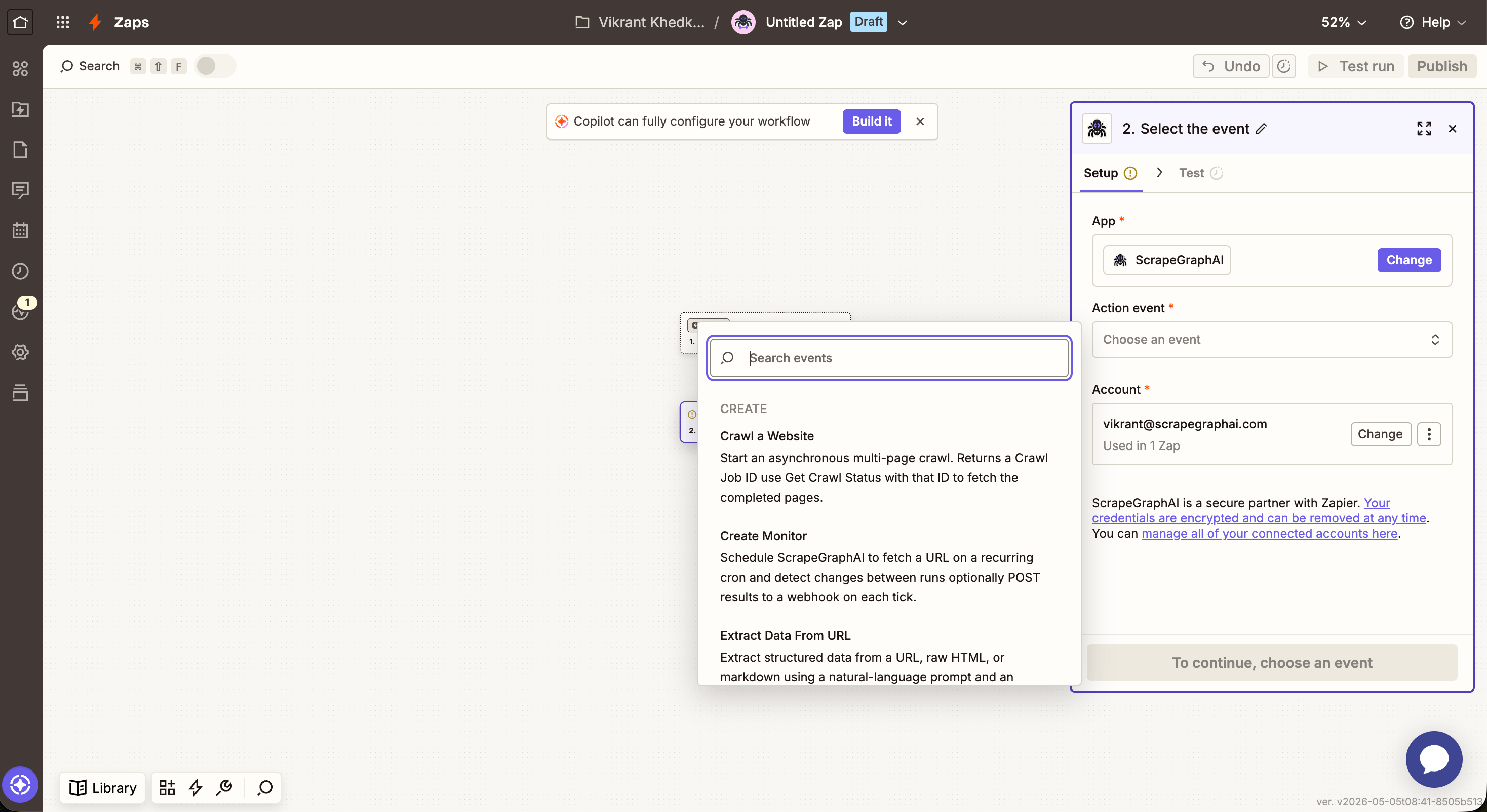
  1. In any Zap, search for ScrapeGraphAI as an action and pick one — for example Scrape a URL.
  2. When prompted, click Sign in → paste your SGAI-APIKEY from the dashboard.
  3. Save the connection — Zapier reuses it across every ScrapeGraphAI step in every Zap.
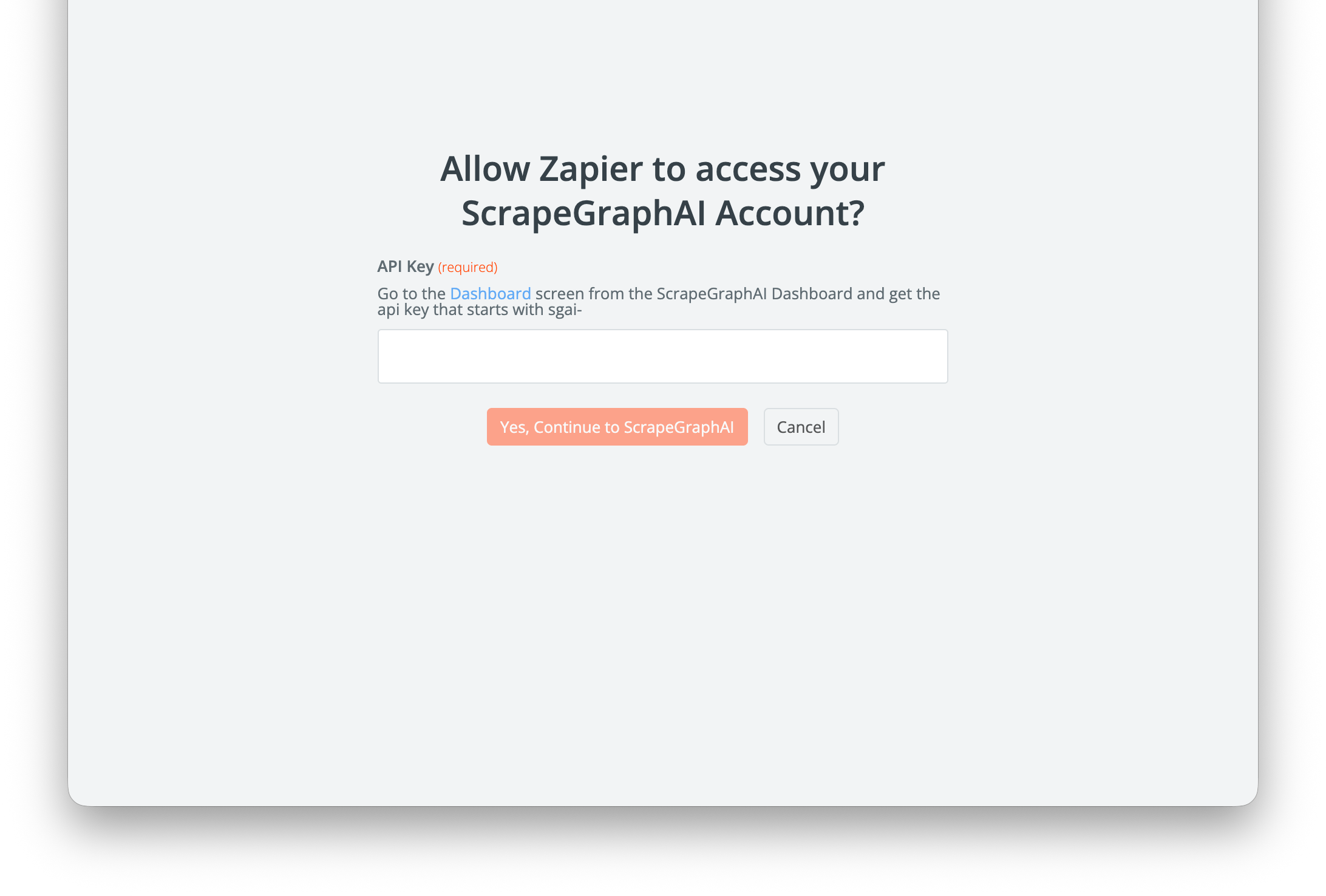
ScrapeGraphAI connection dialog in Zapier with API Key field
Your API key is stored on Zapier’s side and is sent in the SGAI-APIKEY header on each call. Rotate it from the dashboard and update the connection if needed.

What’s in the integration

Zapier action picker showing ScrapeGraphAI actions
ActionWhat it does
Scrape a URLFetch a page in markdown or HTML — single round-trip
Extract Data From URLRun a natural-language prompt over a URL, raw HTML, or markdown — optional JSON schema
Search WebAI web search with inline content; optional rollup prompt across results
Crawl a WebsiteStart an async multi-page crawl from an entry URL — returns a job ID
Get Crawl StatusPoll a crawl job by ID until it returns the pages array
Get a Past ResultFetch any stored job result by id or scrapeRefId
Create MonitorSchedule a recurring fetch on a cron with diff detection and optional webhook
Get Monitor ActivityRead recent ticks from a monitor (changed, diffs, status, createdAt)
Zapier action timeouts cap individual steps at 30–60 seconds (depending on your plan). For larger crawls, use Crawl a Website to start the job, then a Delay + Get Crawl Status to poll — same async pattern as n8n.

Actions

Scrape a URL

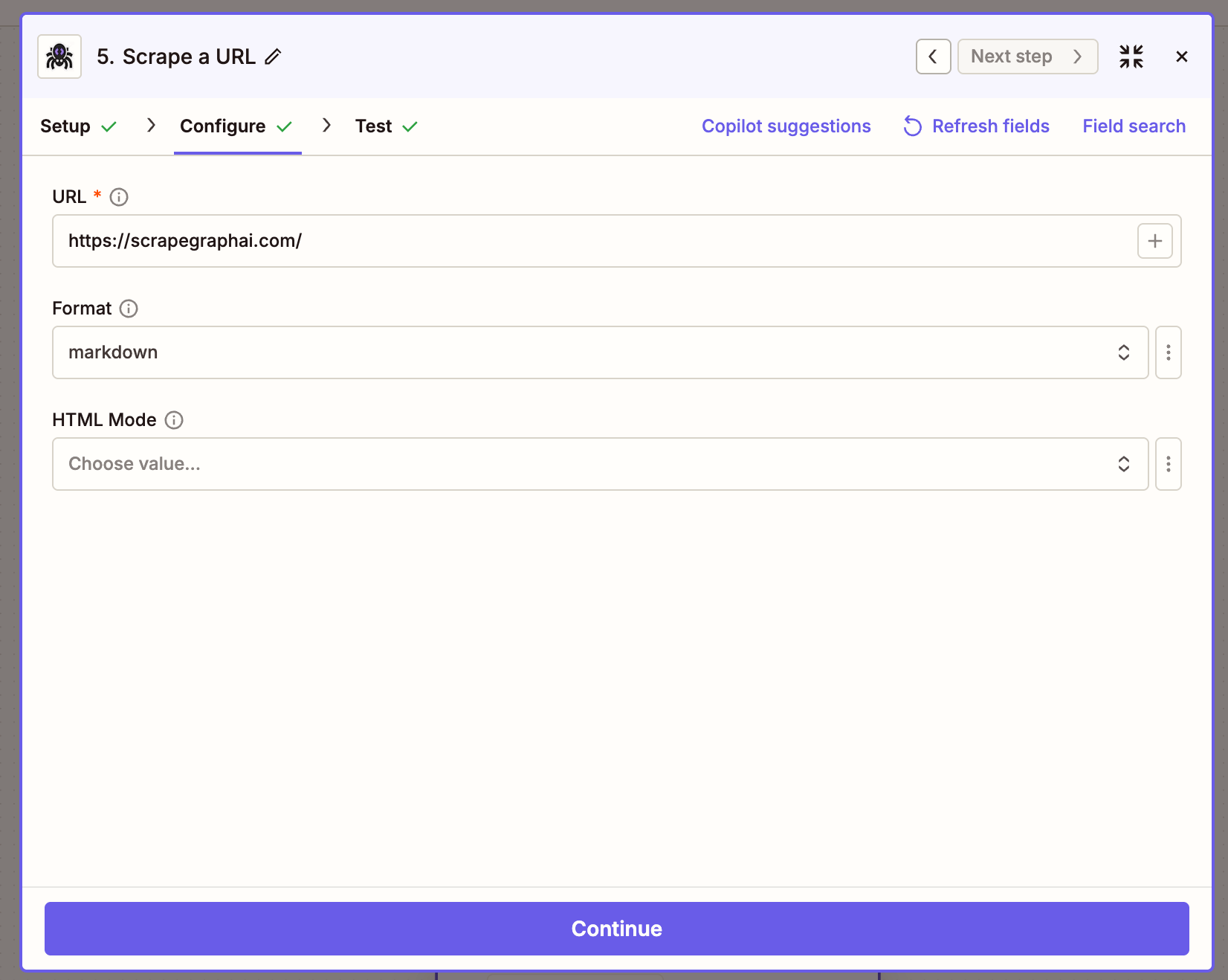
Fetch a page and return its content in a chosen format.
FieldDescription
URLThe page to fetch
FormatOutput format — Markdown or HTML
ModeRendering mode — Normal, Reader, or Prune

Extract Data From URL

Send a URL (or raw HTML / markdown) to ScrapeGraph and get back structured JSON, driven by a natural-language prompt.
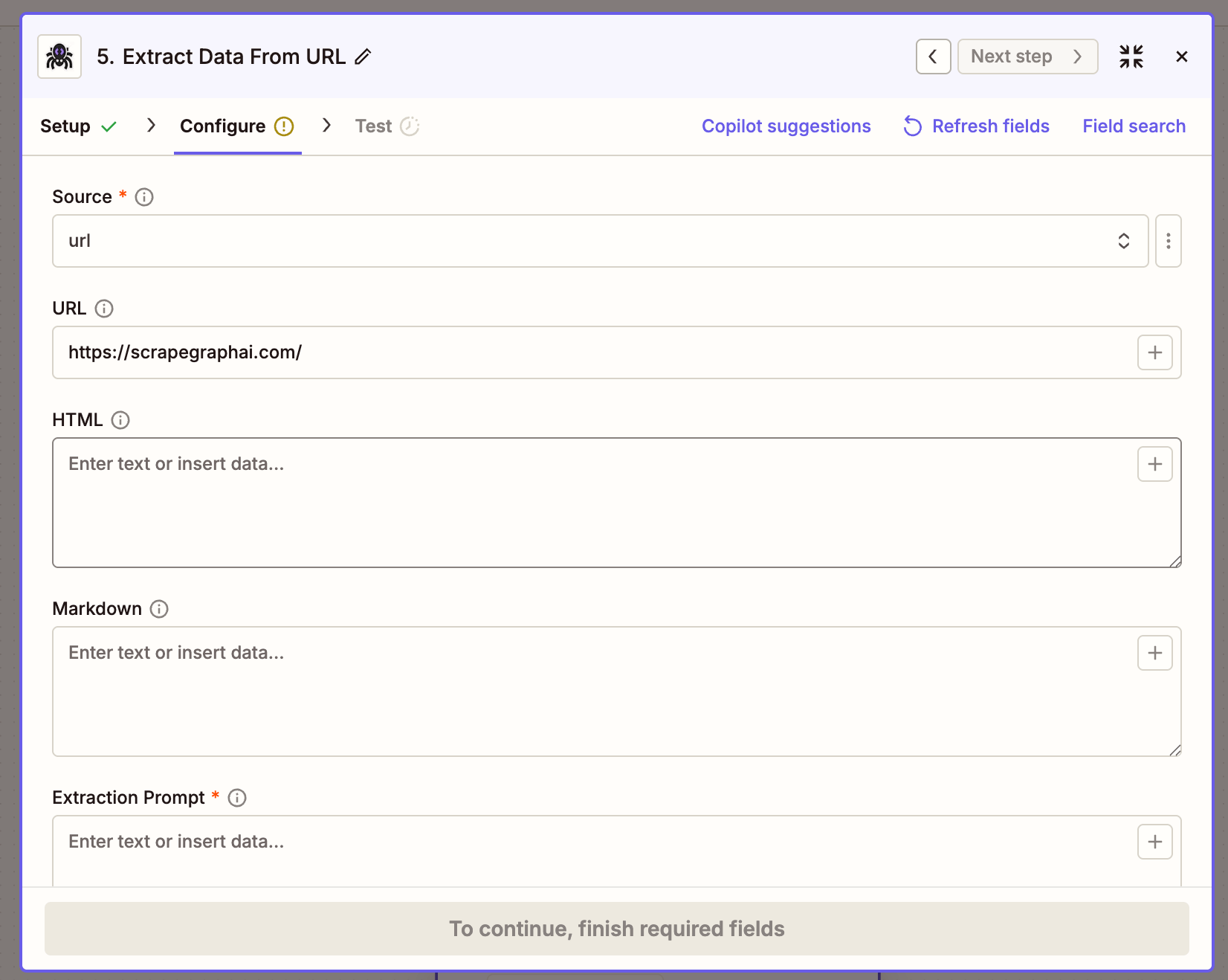
Extract Data From URL action configuration in Zapier
FieldDescription
SourceURL, HTML, or Markdown — picks which input field is used
URLPage to extract from (when Source = URL)
HTMLRaw HTML to extract from (when Source = HTML)
MarkdownMarkdown to extract from (when Source = Markdown)
PromptNatural-language instruction, e.g. Extract product name and price
SchemaOptional JSON schema to enforce output shape
ModeExtraction mode — Auto, Fast, or JS

Search Web

Run a web search and get the top results back inline, optionally with AI extraction applied across them.
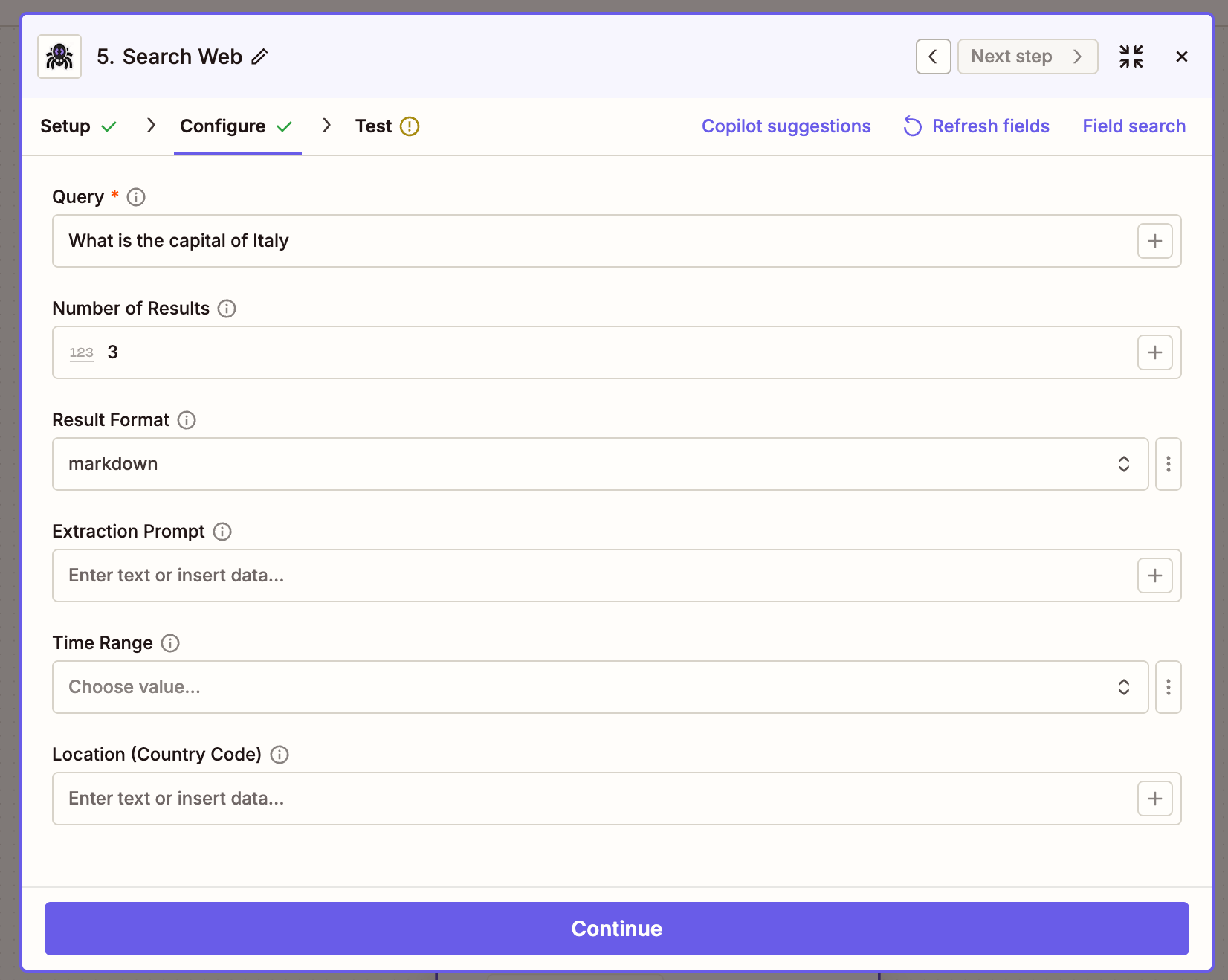
FieldDescription
QuerySearch query string
Number of Results1–20, default 3
FormatContent format for each result (markdown / html)
PromptOptional rollup prompt run across all results
Time RangeFilter to a recent window (past_hour, past_24_hours, past_week, past_month, past_year)
Location (Country Code)Two-letter ISO country code for localized results

Crawl a Website

Start a multi-page crawl from an entry URL. Returns immediately with a job ID — pair with Get Crawl Status to retrieve the pages.
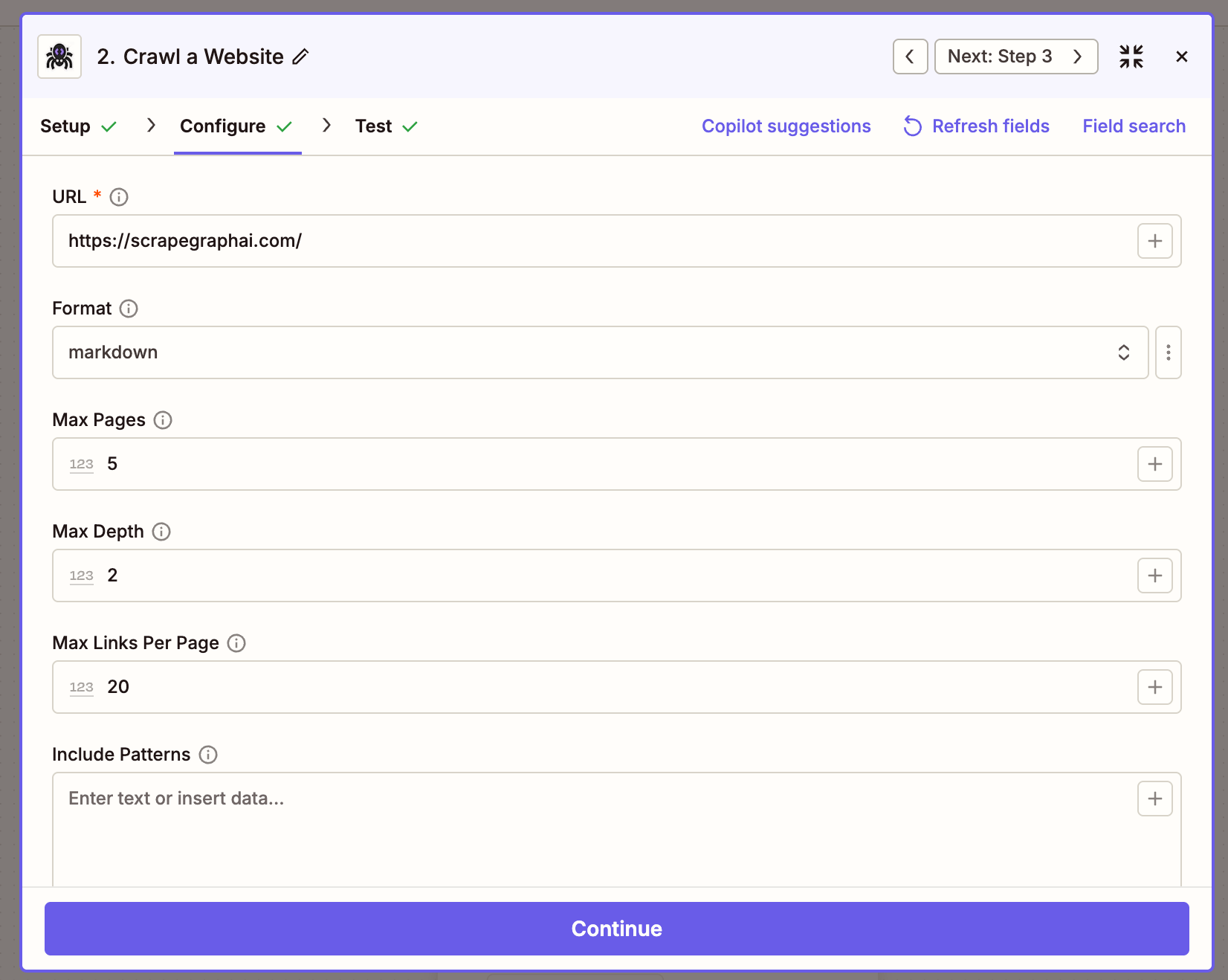
FieldDescription
URLEntry point for the crawl
FormatOutput format per page (markdown / html)
ModeRendering mode — Normal, Reader, or Prune
Max PagesCap on total pages crawled (1–1000)
Max DepthHow many link levels deep to traverse
Max Links Per PageMaximum links to follow per page
Include PatternsNewline-separated URL globs to include (e.g. /blog/*)
Exclude PatternsNewline-separated URL globs to exclude

Get Crawl Status

Poll a crawl job until it completes. When status is completed, the response carries a pages array with a scrapeRefId per page that you can pass to Get a Past Result.
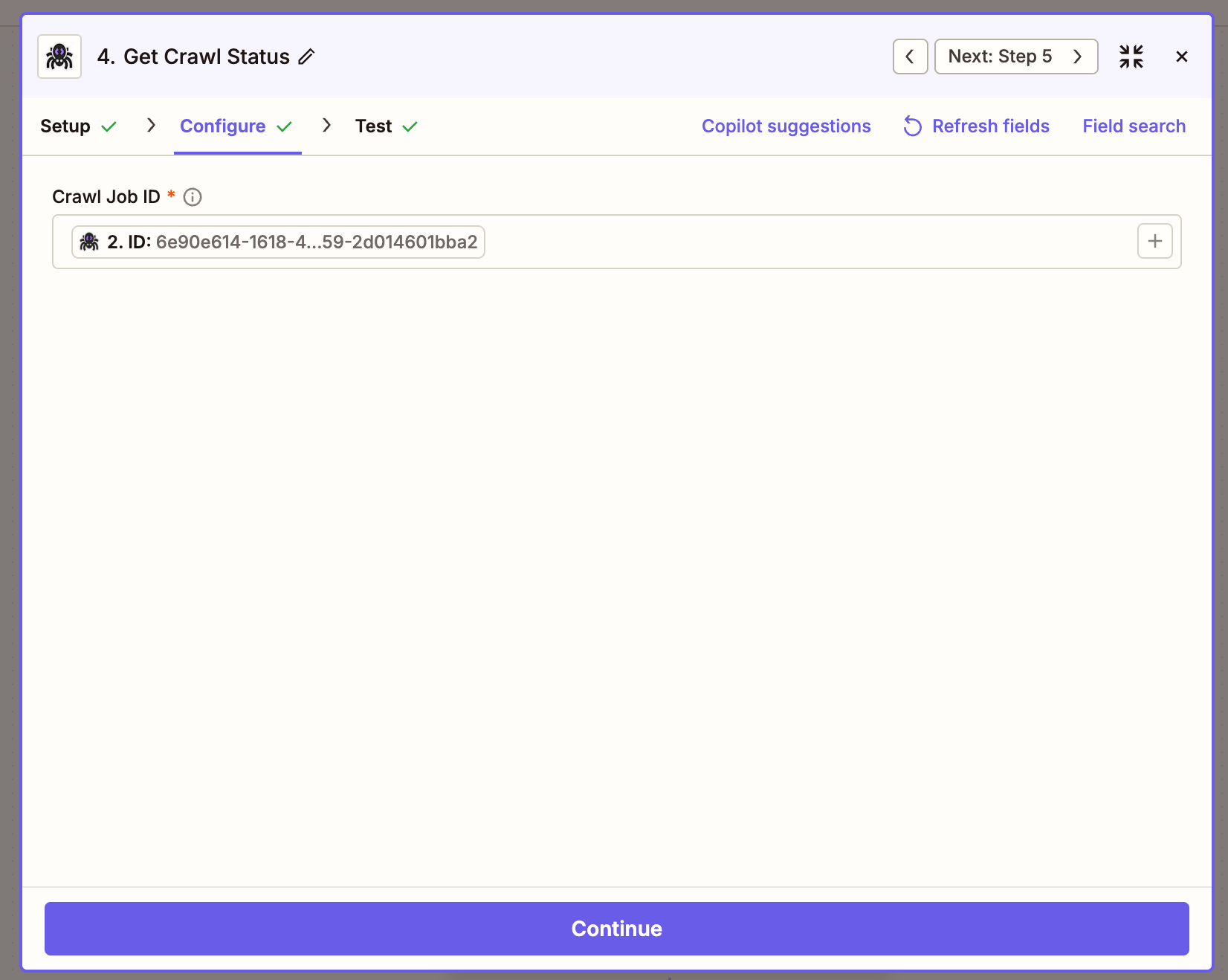
FieldDescription
Crawl IDThe id returned by Crawl a Website
The async pattern looks like this on the canvas — kick off the crawl, wait, then poll:
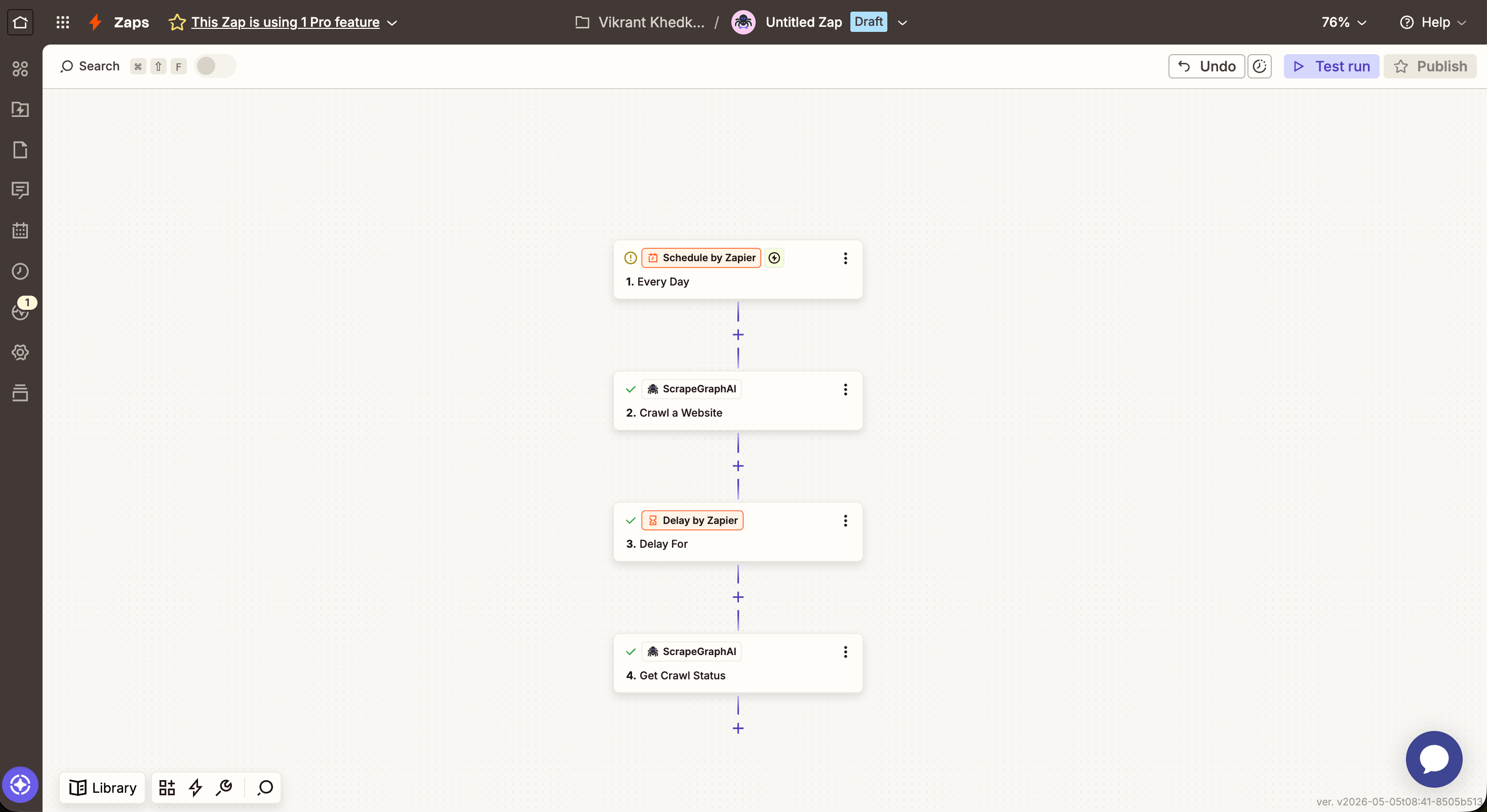
Zap canvas: Schedule → Crawl a Website → Delay → Get Crawl Status

Get a Past Result

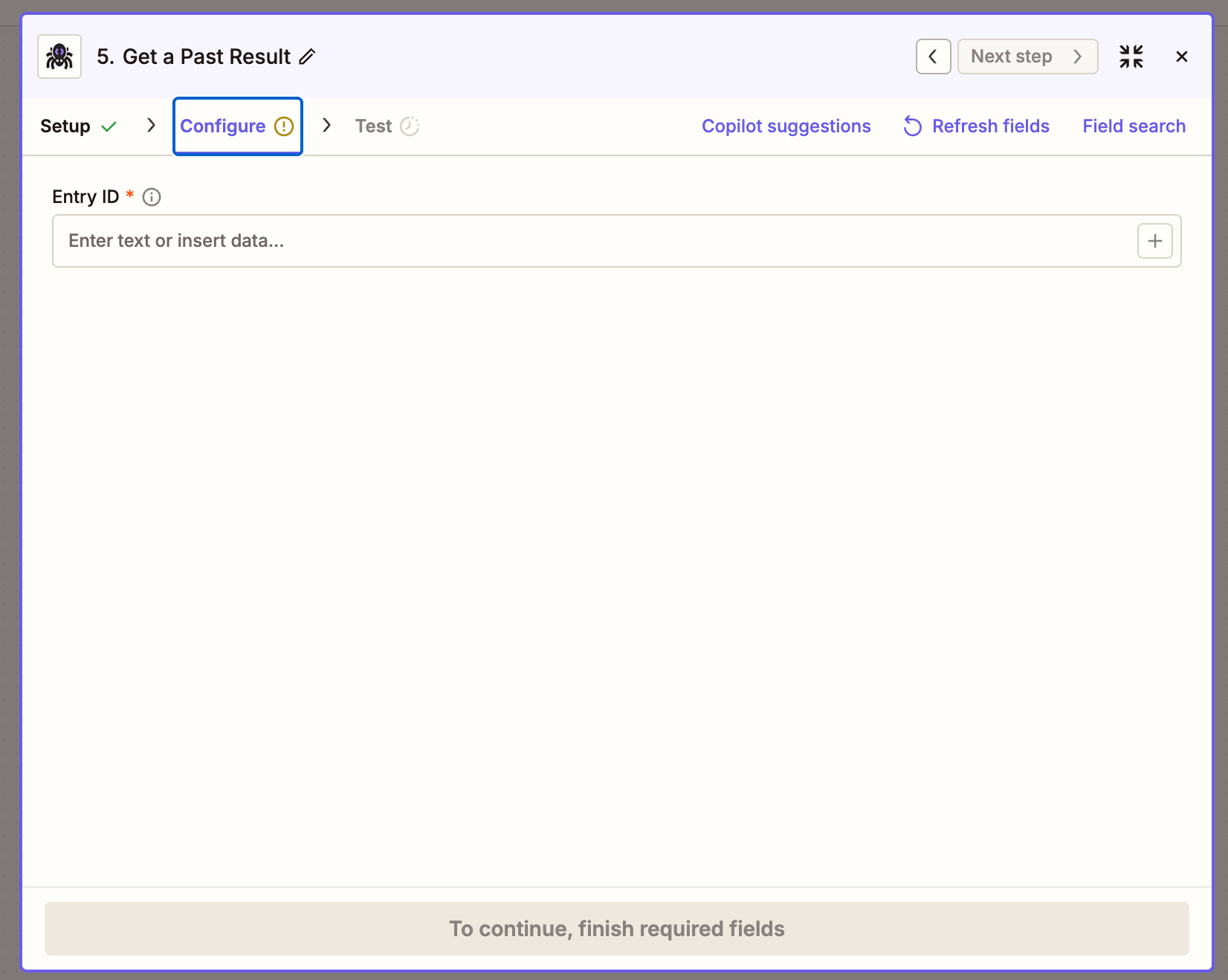
Fetch a stored job result by its ID. Most useful for retrieving the full content of a crawled page using the scrapeRefId from Get Crawl Status.
FieldDescription
Entry IDA job ID or scrapeRefId

Create Monitor

Schedule ScrapeGraph to fetch a URL on a recurring cron and detect changes between runs.
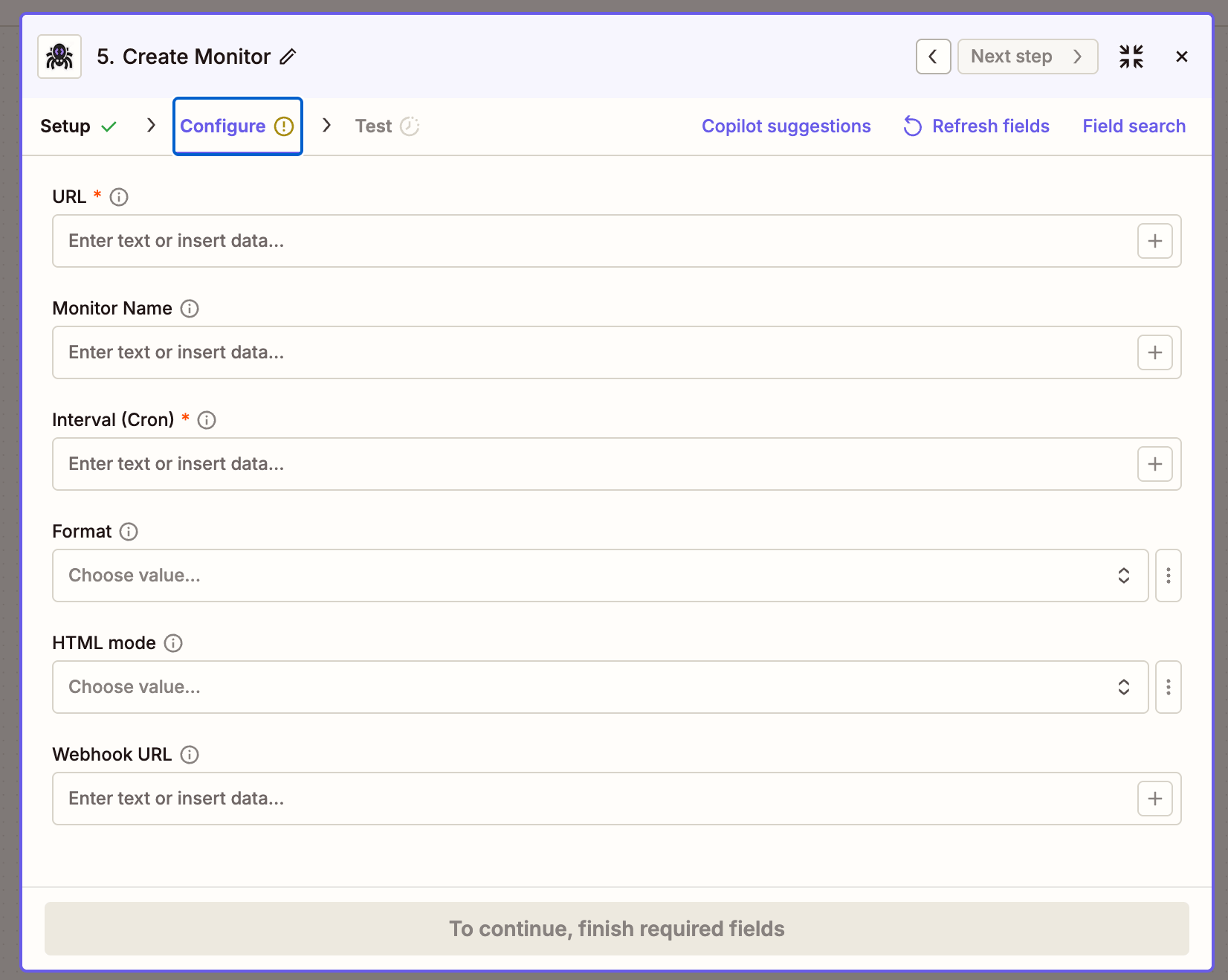
FieldDescription
URLPage to watch
Monitor NameOptional display name
Interval (Cron)5-field cron expression — see table below
FormatContent format captured on each tick (markdown / html / links / summary)
HTML ModeRendering mode — Normal, Reader, or Prune
Webhook URLOptional URL to POST tick payloads to
Common cron expressions
ScheduleCron
Every hour0 * * * *
Every 6 hours0 */6 * * *
Daily at 09:00 UTC0 9 * * *
Weekly on Monday0 9 * * 1

Get Monitor Activity

Fetch the latest activity ticks from an existing monitor.
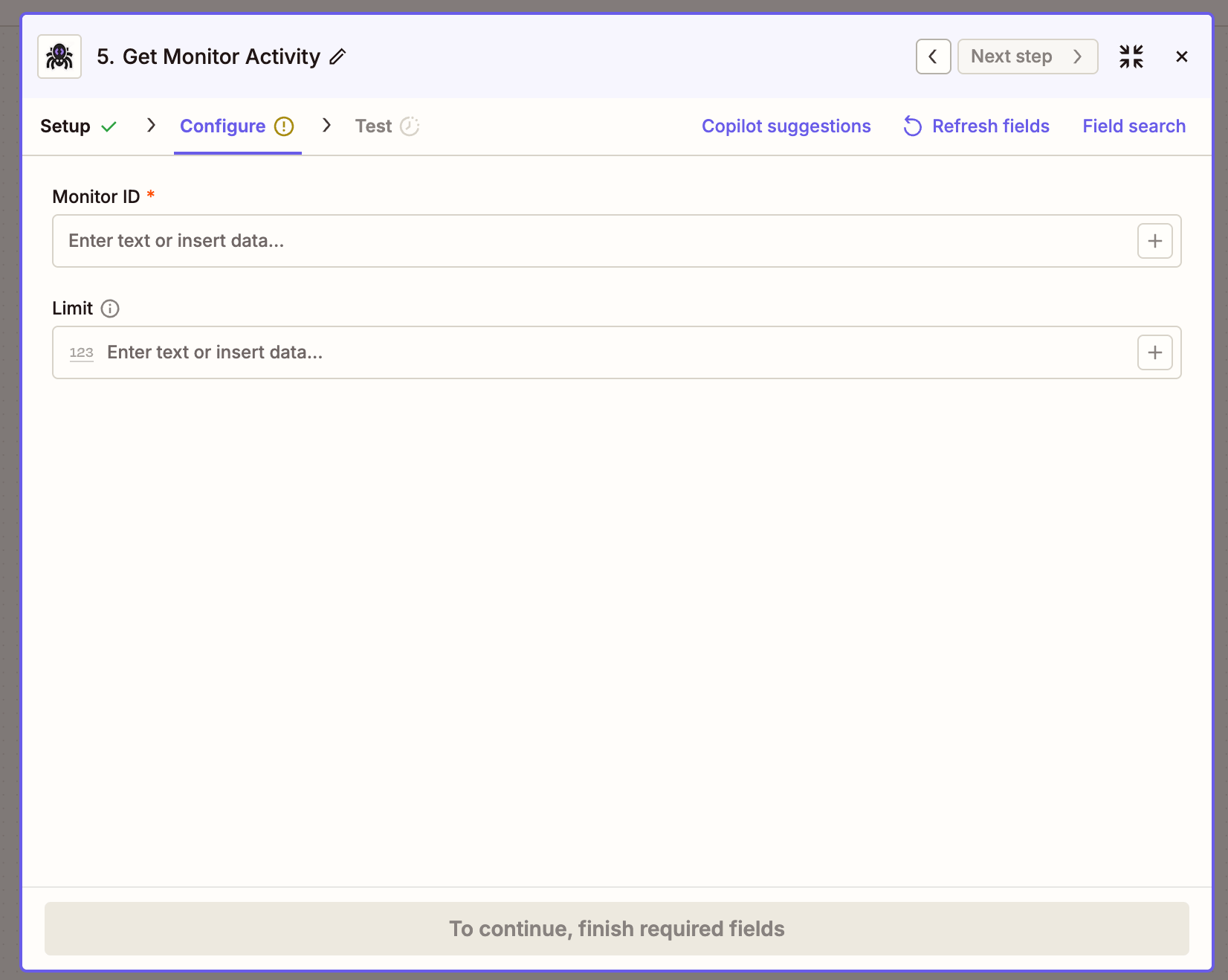
FieldDescription
Monitor IDThe id returned by Create Monitor
LimitNumber of ticks to return (1–100, default 20)
Returns a ticks array where each entry has changed (boolean), diffs, status, and createdAt.

Example Zap: extract product data into Google Sheets

A daily Zap that pulls product data from a listing page and appends each product as a row in Google Sheets.
  1. TriggerSchedule by Zapier → Every day.
  2. Action 1ScrapeGraphAI → Extract Data From URL:
    • Source: URL
    • URL: the product listing page
    • Prompt: Extract all products on the page with their name, price, rating, and number of reviews
    • Schema:
      {
        "type": "object",
        "properties": {
          "products": {
            "type": "array",
            "items": {
              "type": "object",
              "properties": {
                "name": {"type": "string"},
                "price": {"type": "string"},
                "rating": {"type": "number"},
                "reviews": {"type": "number"}
              }
            }
          }
        }
      }
      
  3. Action 2Looping by Zapier → Loop From Line Items, fed from the previous step’s products array. Zapier runs the next action once per item.
  4. Action 3Google Sheets → Create Spreadsheet Row:
    • Name{{loop.name}}
    • Price{{loop.price}}
    • Rating{{loop.rating}}
    • Reviews{{loop.reviews}}
Result: every product on the page gets its own row.

Patterns that carry over

PatternAction(s)Notes
One-shot fetchScrape a URLCheapest path — markdown by default
Structured extractionExtract Data From URLJSON schema is optional but locks the shape
Multi-page archiveCrawl a Website + Get Crawl Status + Get a Past ResultLoop over pages from Get Crawl Status, feed scrapeRefId into Get a Past Result
Recurring fetch with diffCreate Monitor + Get Monitor ActivityOr wire webhookUrl to a Zapier Webhook trigger for instant deltas
AI search rollupSearch Web with PromptSingle call replaces “search → scrape each → summarize”

Troubleshooting

  • Action times out on Crawl a Website — large crawls run longer than Zapier’s per-action limit. Keep Crawl a Website as the start step, then add a Delay + Get Crawl Status to poll until status is completed.
  • Extract returns an empty json — sharpen the prompt, or pin the shape with a JSON Schema. Pages that need rendering may need Mode: JS.
  • Connection test fails — confirm the API key is from the v2 dashboard (scrapegraphai.com/dashboard). v1 keys won’t validate against the v2 API.
  • Get Past Result returns stale datascrapeRefId always points to the latest stored result for that pointer. Trigger a fresh crawl to refresh.

Resources

ScrapeGraphAI on Zapier

Marketplace listing and Zap templates

API Reference

Full v2 endpoint reference — every parameter the actions send

Dashboard

Get an API key and check usage

Zapier docs

How Zaps, triggers, actions, and Looping work